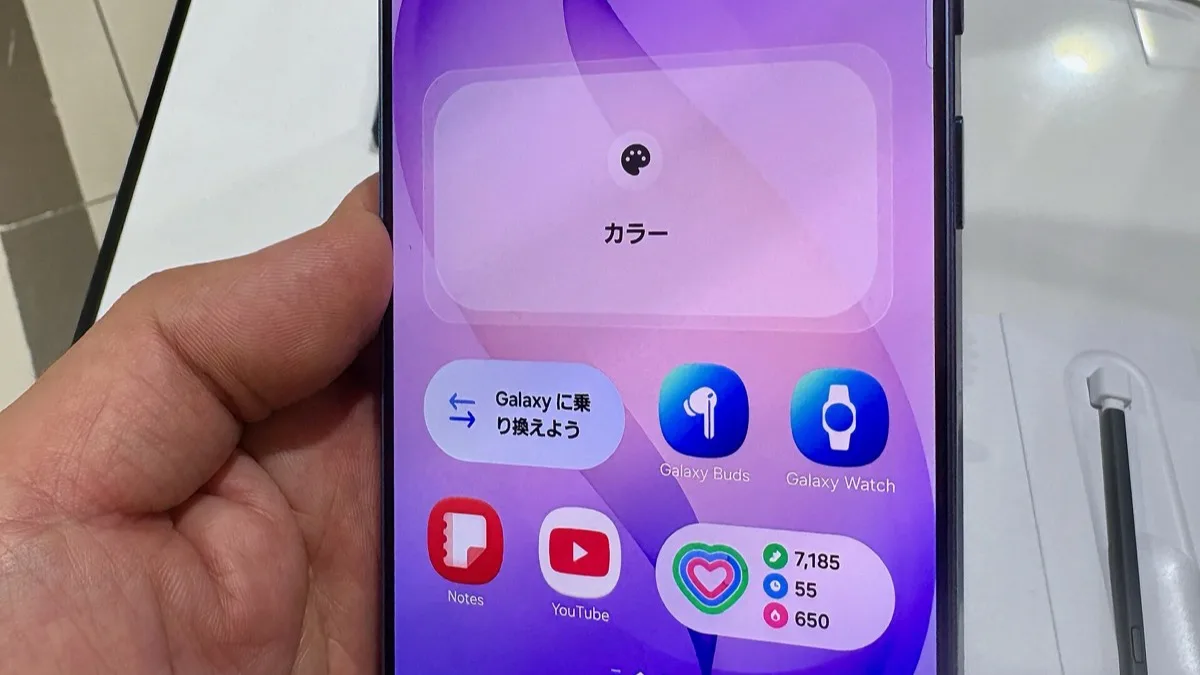
One UI 9 Beta 2 Hits Galaxy S24 at 600MB, Adding Call Brief, My FanCam and Now Nudge
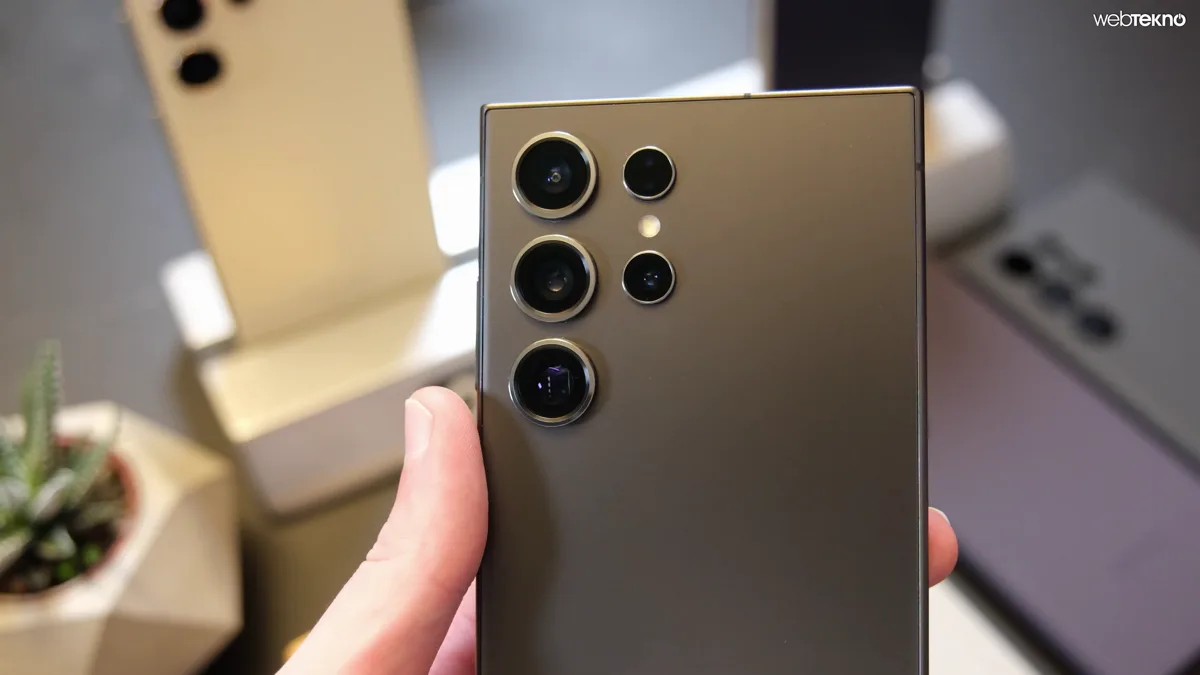
Samsung started rolling out the second One UI 9.0 beta to the Galaxy S24, Galaxy S24+ and Galaxy S24 Ultra on Monday, 14 September. The download is about 600MB, carries build S92xBXXU6ZZI4 in India, and gives 2024's flagships four Galaxy AI features that until now needed a Galaxy S26, Galaxy Z Fold 8 or, since last week, a Galaxy S25.
Anyone already on the first S24 beta can install it now. Everyone else can still enrol in India, South Korea and the United States, the three countries where Samsung runs the S24 programme.
The changelog undersells this one
Samsung's official release notes run to four lines:
- New AI features added
- Translation errors in Bixby Vision fixed
- Temporary crashes in the Contacts app improved
- White balance improved when switching Color optimization on or off
That first line does the heavy lifting, and Samsung doesn't name a single feature in it. Testers who installed the build and went through the menus found four:
- Call Brief puts more context about the caller on the incoming-call screen. International calls, for instance, show the caller's country and their local time.
- My FanCam, which debuted on the Galaxy Z Fold 8 and Z Flip 8, lets you pick one person in a video you already shot and crops the clip so it follows them — a child in a school play, say, or one singer on a crowded stage.
- Custom cards in Now Brief combine Samsung Health data, Samsung Weather and your chosen YouTube video types into a single card, which you can schedule for a set time on set days.
- Now Nudge reads what is on screen and offers relevant shortcuts: a calendar event, an app or Google Maps link, or an autofill prompt.
This is the same four-feature bundle Samsung pushed to the Galaxy S25 beta last week. The S24's Bixby Vision and Contacts fixes also match the S25's beta 2 changelog, which suggests Samsung is keeping both phones on one beta branch rather than making S24 owners wait.
How to check you have the right build
The build number's last two characters tell you which beta you are on. The first S24 beta, released on 2 September, ended in HL. Beta 2 ends in I4.
- Beta 1, India: S92xBXXU6ZZHL, about 3.6GB
- Beta 1, United States: S92xU1UEU6ZZHL
- Beta 1, South Korea: S92xNKSUHZZHL
- Beta 2, India: S92xBXXU6ZZI4, 600.90MB
India is the only country where the build has been confirmed so far. Korea and the US ran the first beta alongside India, so they should get beta 2 soon, but Samsung hasn't given a date. The security patch stays at August 2026. Go to Settings > About phone > Software information to see which build you have.
Which phones are included, and which are not
This build is for the standard Galaxy S24, S24+ and S24 Ultra. The Galaxy S24 FE has its own beta track, which opened in South Korea and then India early this month, but none of the reports so far mention it getting beta 2. If you own an FE, don't expect this build.
Installing it, and the catch
If you're already enrolled, open Settings > Software update > Download and install. To join, install or open the Samsung Members app and sign in with the Samsung account on the phone. Then tap the One UI 9 beta banner and register before checking Software update. Samsung caps beta places in each country and closes sign-ups without notice when they're full.
Leaving is the part to plan for. Unenrolling in Samsung Members stops future beta builds, but it doesn't take you back to stable One UI 8 — that takes a factory reset or a manual firmware flash. Make a full backup before the first install, especially on a phone you rely on every day. For the wider picture of which devices are testing Android 17, see our report on the beta expanding to the Galaxy S25, Z Fold 7 and Z Flip 7.
Samsung hasn't said when the stable One UI 9 update will reach the Galaxy S24 series.
Frequently Asked Questions
What is the One UI 9 beta 2 build number for the Galaxy S24?
In India, the second One UI 9.0 beta for the Galaxy S24, S24+ and S24 Ultra is build S92xBXXU6ZZI4, and the download is 600.90MB. The I4 at the end marks beta 2. First-beta builds end in HL.
What new features does One UI 9 beta 2 bring to the Galaxy S24?
It adds four Galaxy AI features first seen on the Galaxy S26 and Z Fold 8: Call Brief, My FanCam, custom cards in Now Brief, and Now Nudge. Samsung's official changelog only says new AI features were added. It also lists fixes for Bixby Vision translation errors and Contacts app crashes, plus better white balance when Color optimization is switched on or off.
Is One UI 9 beta 2 available for the Galaxy S24 in the US?
The Galaxy S24 beta programme runs in India, South Korea and the United States, and all three countries got the first beta on 2 September. So far beta 2 has only been confirmed in India. Samsung usually releases beta builds country by country, but it hasn't given a date for the US or Korea.
Does the Galaxy S24 FE get One UI 9 beta 2?
Not yet. The Galaxy S24 FE is on its own One UI 9 beta track, which opened in South Korea and India in early September. This second beta is for the Galaxy S24, S24+ and S24 Ultra, and no report so far says the FE has received it.
Can I go back to One UI 8 after installing the Galaxy S24 beta?
Yes, but it isn't a simple rollback. Leaving the programme in Samsung Members only stops you getting more beta builds. Getting back to stable One UI 8 means a factory reset or a manual firmware flash, so back up your phone before you install the beta.