Epic Games Store Free Roguelikes: Free Now? Plus All 57 Since 2018 (Nov 2026)

No roguelike is free on Epic right now (checked Nov 3, 2026). See all 57 given away since 2018, which ones came back, 16 free-to-play picks and the Android steps.
No roguelike is free on Epic right now (checked Nov 3, 2026). See all 57 given away since 2018, which ones came back, 16 free-to-play picks and the Android steps.
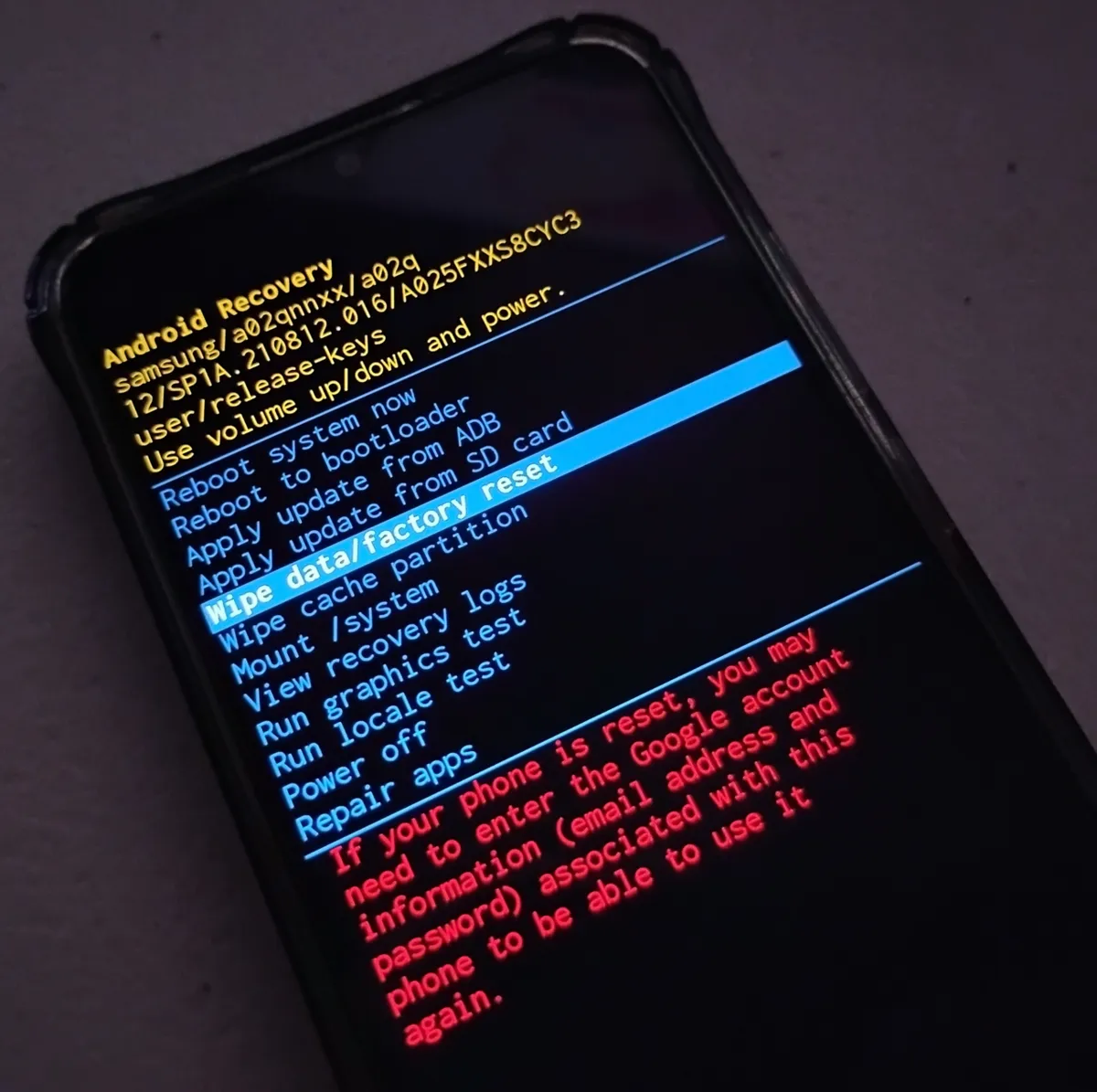
Reset any Android phone from Settings, recovery mode, or Find Hub, plus the 24- and 72-hour password rules that keep you from getting locked out.
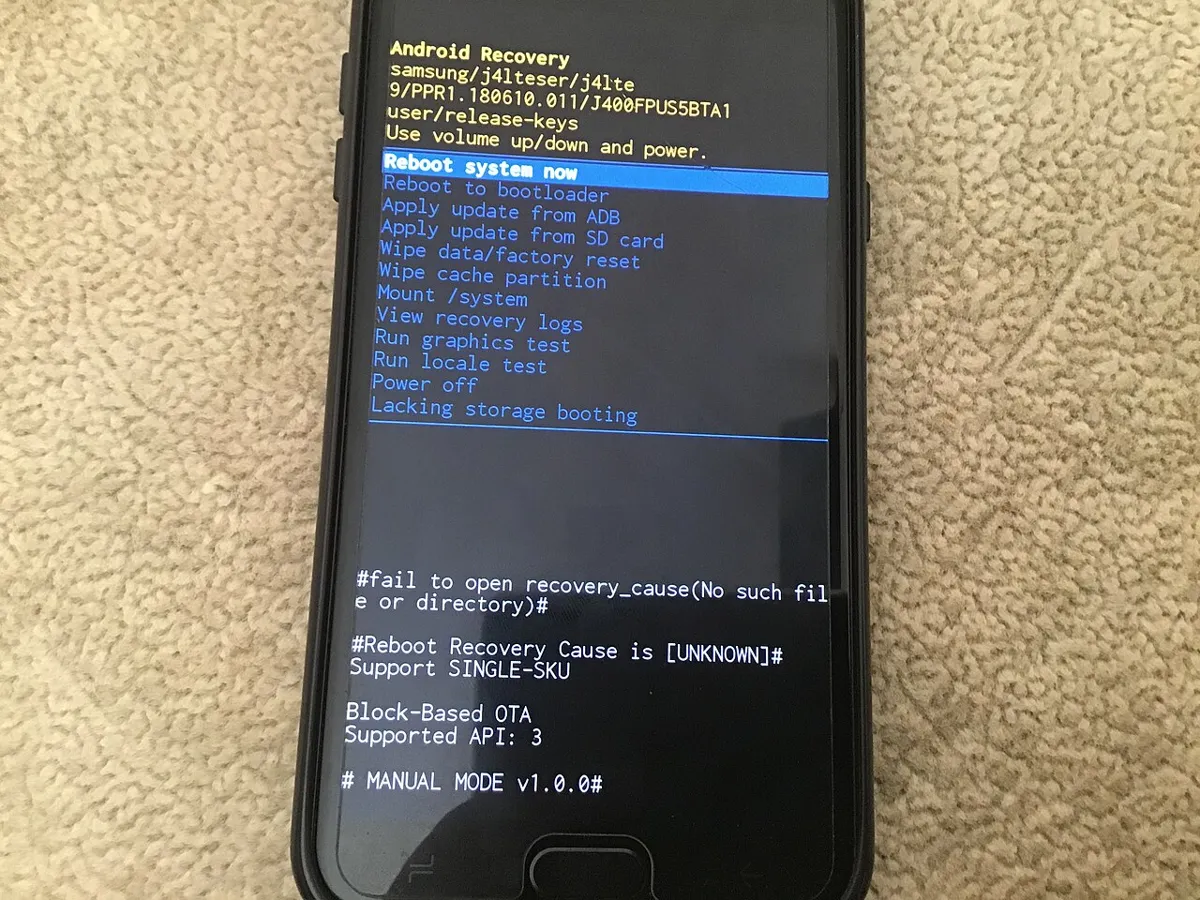
Exit safe mode on a Galaxy or Pixel with the right button combo, fix a phone that keeps booting back into safe mode, and know what changes after you exit.
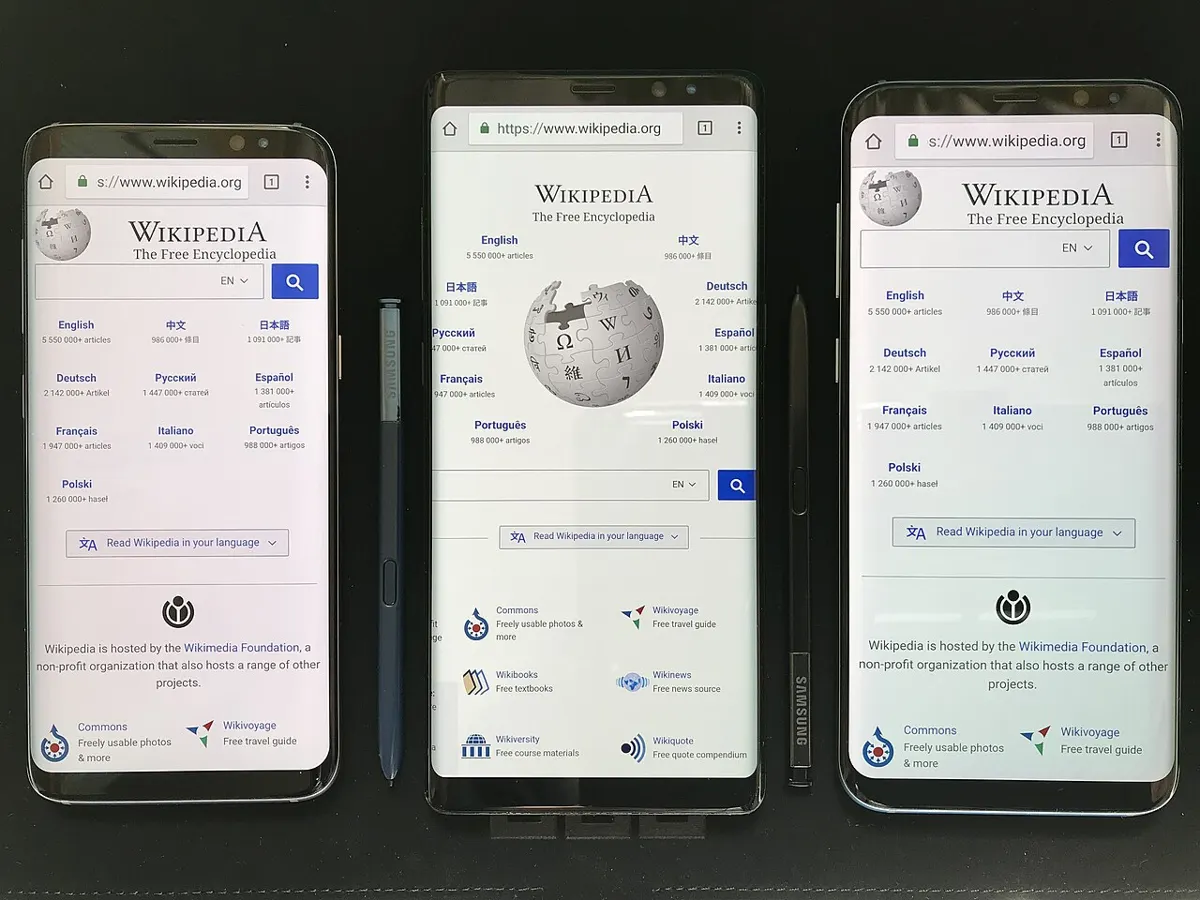
Clear an app's cache in Settings, clear Chrome or Samsung Internet's cache without losing passwords, and learn why Galaxy phones dropped Wipe cache partition.
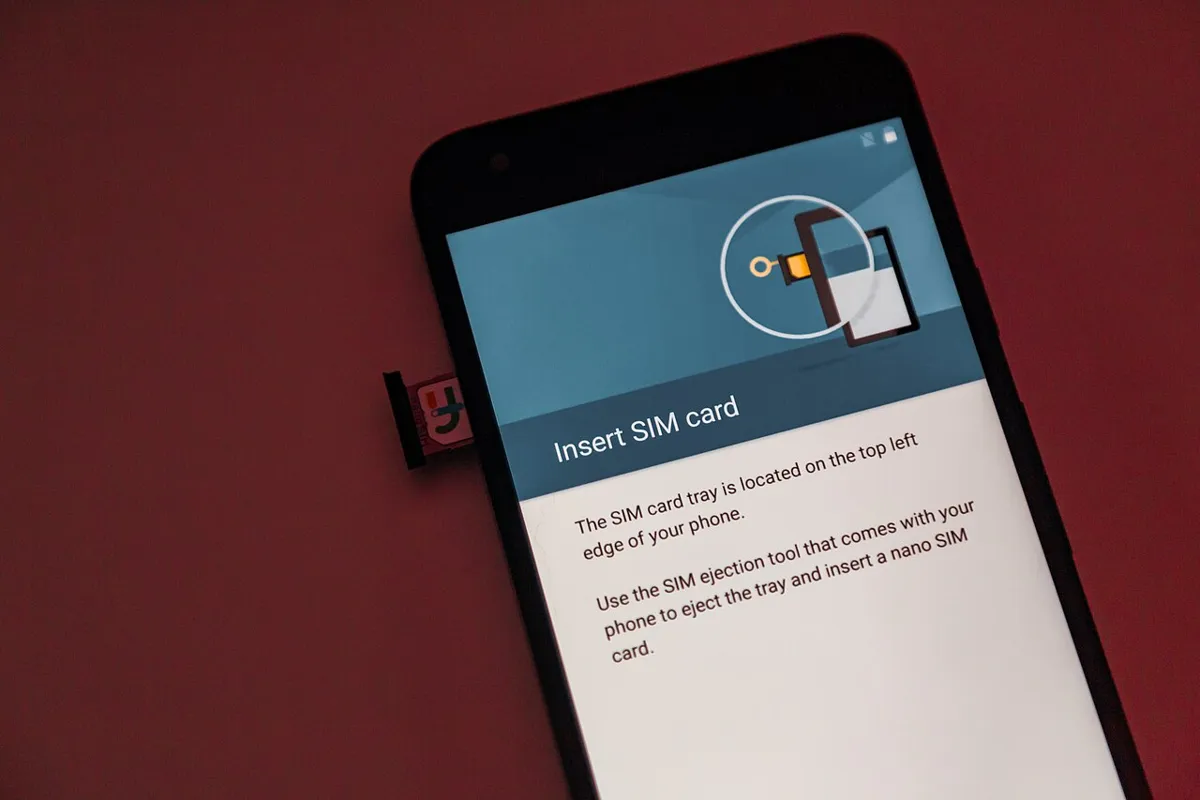
Check if your Android phone is carrier unlocked, see each US carrier's 2026 rules, and request the unlock on Verizon, AT&T, T-Mobile, Cricket, Metro or Boost.
Turn off TalkBack with the volume keys or in Settings using TalkBack gestures, unlock a phone with it on, and switch off the shortcuts that restart it.
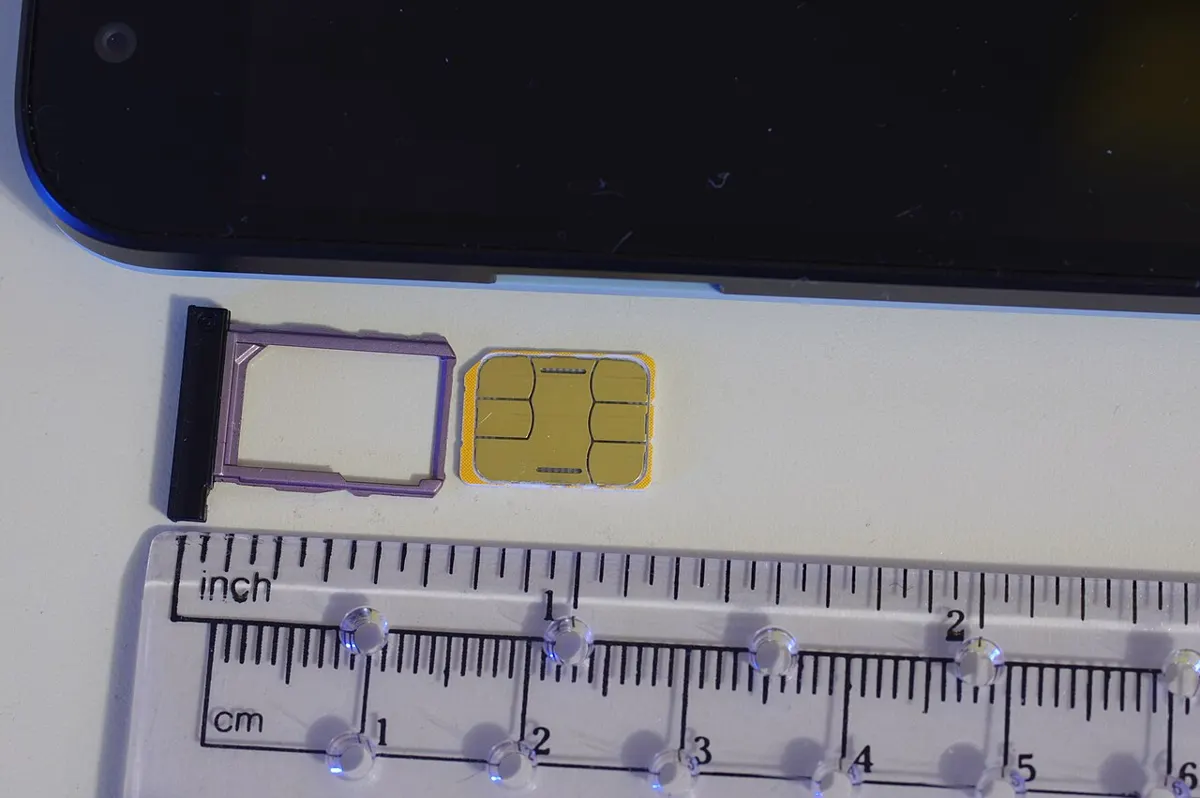
Transfer an eSIM to a new Android phone on a Pixel or Galaxy, with the SIM lock each US carrier makes you turn off and the app to use if transfer fails.
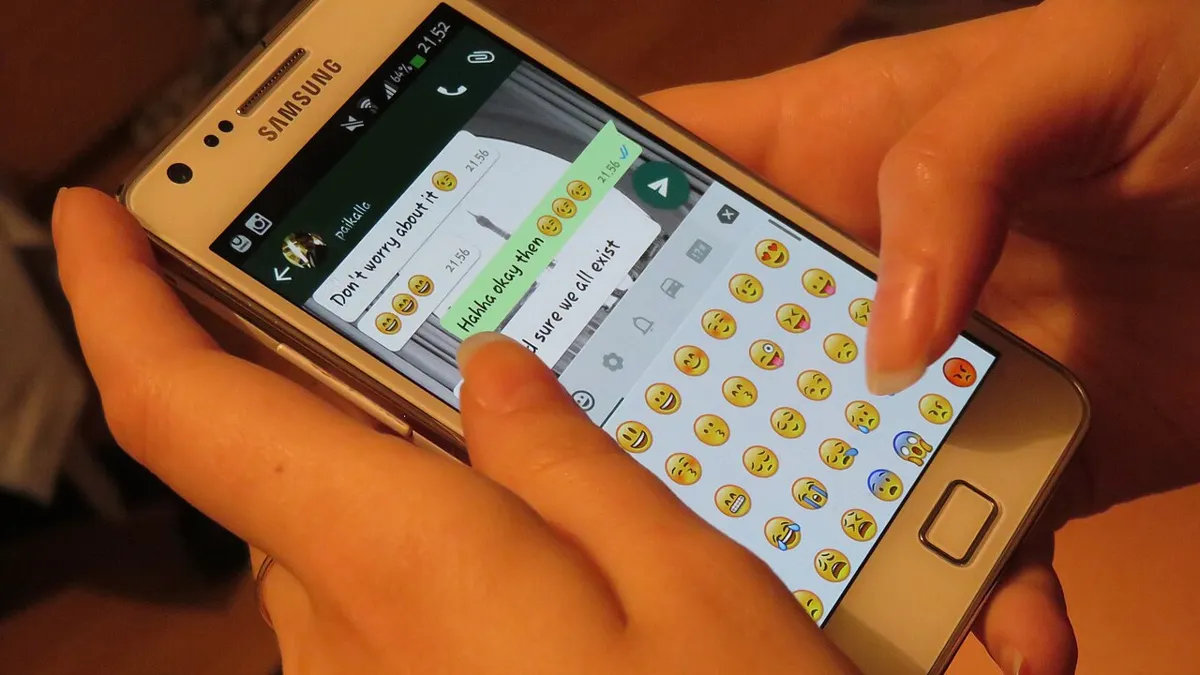
MMS not working on Android? Find why texts send but pictures don't, fix data, APN and Messages settings, and see Verizon, AT&T and T-Mobile size limits.
Servant of the Lake is $4.99 with 4.89 stars and no ads or purchase label. Machinarium was updated September 3, 2026. Grim Fandango did not show up on US Play.

Minecraft Bedrock, Fortnite, TFT, and Age of Empires Mobile share a match with PC. Guild Wars Reforged does too, at a 3.85 Play score. Wild Rift does not join PC League.

Super Auto Pets is the no-timer auto battler. Teamfight Tactics is the live 8-player one, and it matches PC in most countries. Auto Pirates scores 3.68 on the US listing.