iPhone 18 Pro Max Must Run 'Prepare to Ship' Before You Mail It, Draining the Battery Below 20Wh
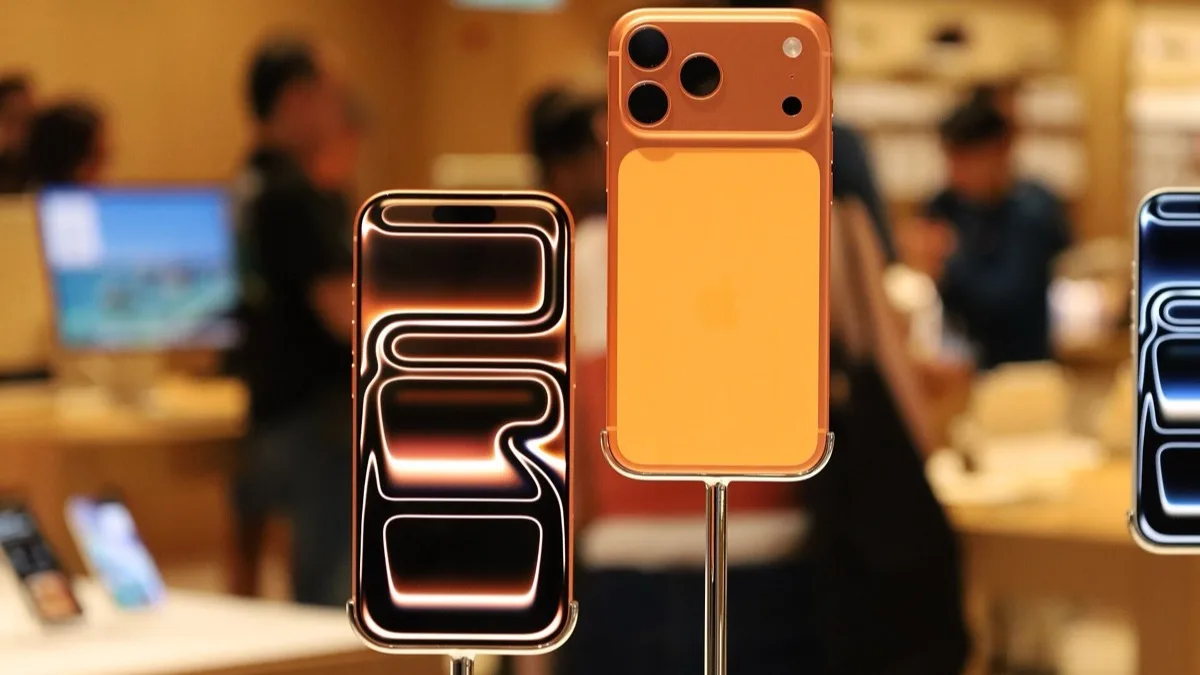
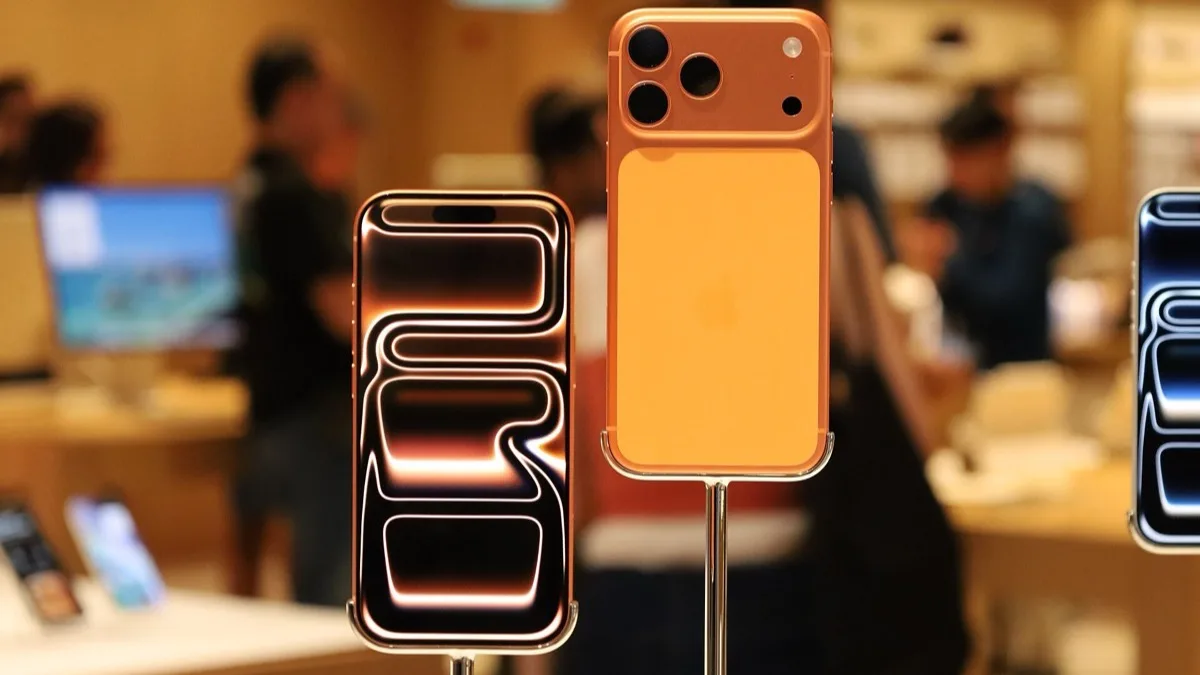
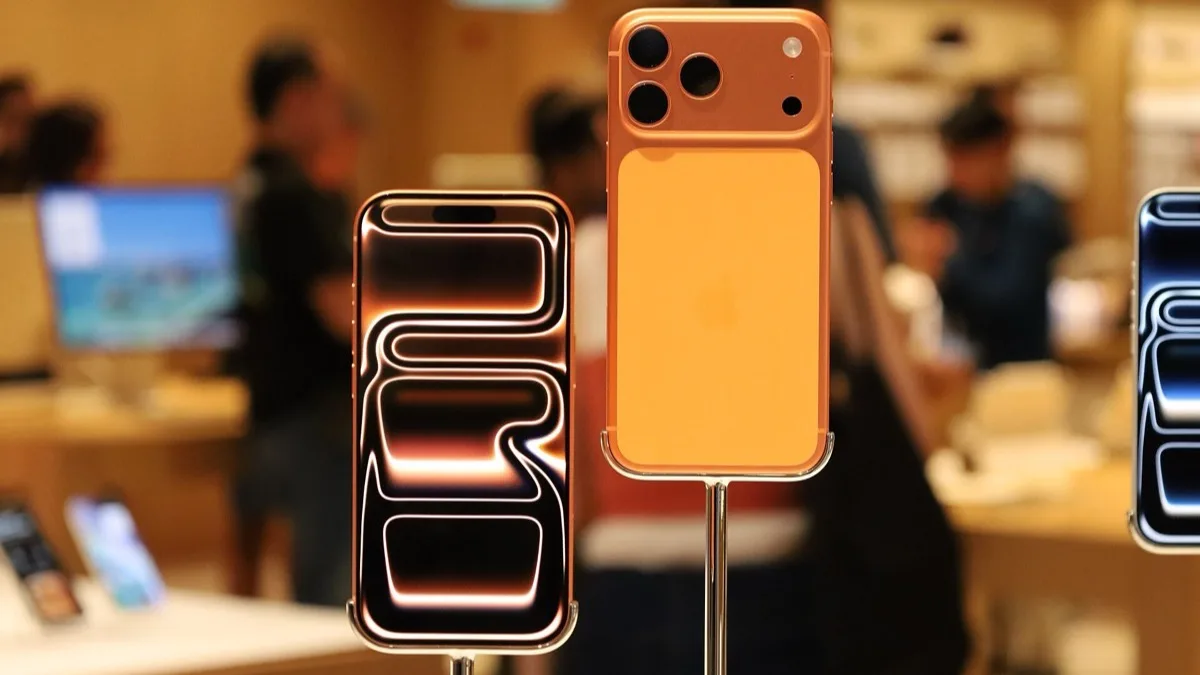
Apple has added a Prepare to Ship setting to iOS 27 for one phone only: the iPhone 18 Pro Max. Its single-cell battery holds more than 20 watt-hours, and most countries apply extra shipping rules above that line, so before the phone goes in a box the setting drains it below 20Wh and locks a charge limit in place.
That matters to anyone in the US mailing a Pro Max back for an AppleCare repair, sending it in for a trade-in, returning it inside the 14-day window, or shipping it to a buyer. Apple set out the process in a new support document titled "Prepare your iPhone 18 Pro Max to ship", and no other iPhone, iPad or Mac is listed.
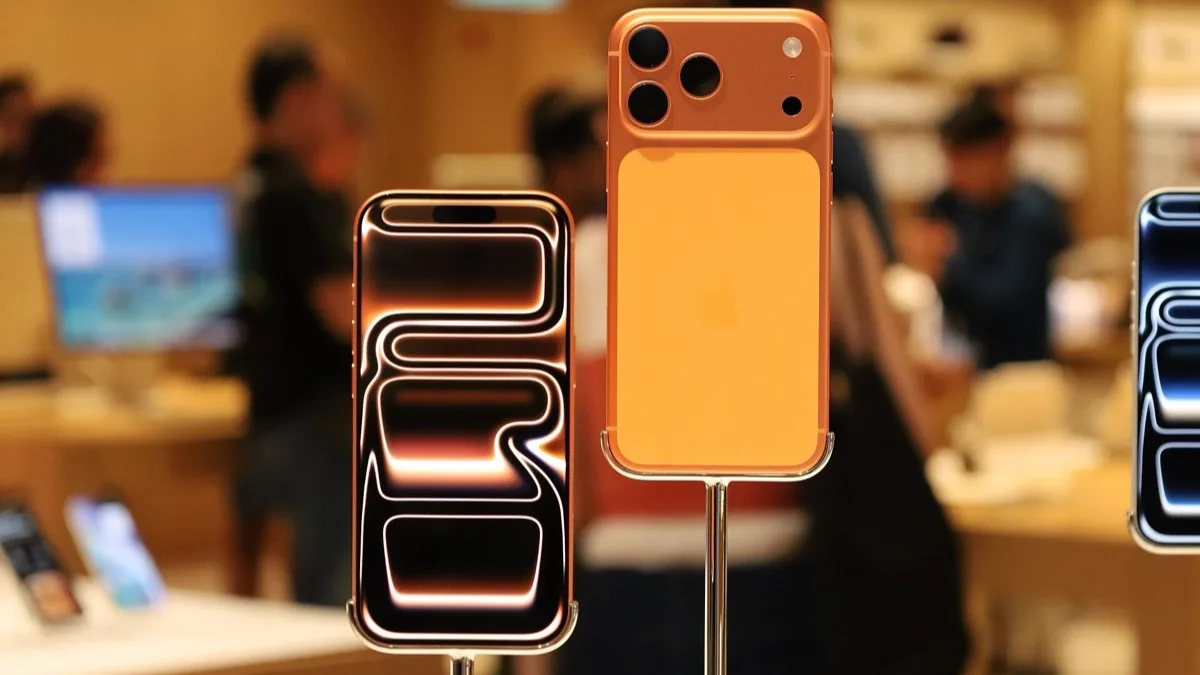
Why only the Pro Max crossed the line
Battery size is the whole story. Apple's EU energy label puts the European iPhone 18 Pro Max at 5,391 mAh, about 12% more than the iPhone 17 Pro Max, and the eSIM-only version sold in the United States has room for a larger cell still because there is no SIM tray. We broke those numbers down in our iPhone 18 Pro battery capacity report.
Apple states the threshold plainly: products with a single-cell battery over 20Wh face additional shipping requirements in most countries. Rather than asking owners to guess their charge level, Apple built the discharge into the phone. The smaller iPhone 18 Pro stays under the limit and does not show the option.
How to use Prepare to Ship
You need the phone itself and a cellular or Wi-Fi connection. Apple recommends unplugging the charger first, because the process is simply the phone burning off charge.
- Open Settings > General > Transfer or Reset iPhone.
- Tap Prepare to Ship and choose why you are shipping: repair, trade-in or return, or another reason such as a sale or gift.
- Leave the phone alone until it finishes. From a low charge this can take a few minutes; from a full battery, Apple says it can take up to a couple of hours.
- Expect the phone to get warm while it discharges. Apple says that is normal.
Plan around that two-hour worst case. If you have a trade-in label printed and a pickup booked, start the process before you back up and erase the phone, not at the post office counter.
The 80% cap and how to undo it
Once the battery is below 20Wh, iOS caps charging so it cannot climb back over the limit in transit. If you picked repair, trade-in or return, the charge limit stays at 80% for 14 days. If you picked another reason, you can switch Prepare to Ship off whenever you like.
To reverse it, go to Settings > General > Transfer or Reset iPhone > Ready to Ship and tap Undo Shipping Preparation. That is the step to remember if you changed your mind about a sale, or if the phone comes back from a repair still refusing to charge past 80%.
What it means for trade-ins and resales
Apple's own support page covers repairs, trade-ins and returns. It says nothing about how carriers or third-party buyback services will check that the step was done, so if you trade in through Verizon, T-Mobile or AT&T, follow the kit's instructions and run Prepare to Ship anyway. It costs nothing and keeps the package inside the rules. Apple raised its own US trade-in values last month, as we reported at the time, so a US trade-in is the most likely reason a Pro Max owner meets this screen.
If you are only moving to a new phone in person at an Apple Store, you do not need it: the setting exists for devices that travel through a courier. The option is part of iOS 27, which the iPhone 18 Pro Max runs out of the box, so there is nothing to download.
Frequently Asked Questions
What is Prepare to Ship on the iPhone 18 Pro Max?
Prepare to Ship is an iOS 27 setting that drains the iPhone 18 Pro Max battery below 20 watt-hours and caps charging so it stays there. Apple added it because the Pro Max's single-cell battery exceeds 20Wh, and most countries have extra shipping rules above that level.
Where do I find Prepare to Ship in Settings?
Open Settings, then General, then Transfer or Reset iPhone, and tap Prepare to Ship. You need a cellular or Wi-Fi connection, and Apple suggests unplugging the charger so the battery discharges faster.
How long does Prepare to Ship take?
Apple says it can take only a few minutes if the battery is already low, but up to a couple of hours if you start from a full charge. The phone may feel warm while it discharges, which Apple says is normal.
Why won't my iPhone 18 Pro Max charge past 80%?
If you ran Prepare to Ship for a repair, trade-in or return, iOS caps the battery at 80% for 14 days. If you chose another reason, you can undo it under Settings, General, Transfer or Reset iPhone, Ready to Ship, Undo Shipping Preparation.
Does the iPhone 18 Pro or iPhone 17 Pro Max need Prepare to Ship?
No. Apple's support document lists only the iPhone 18 Pro Max. The smaller iPhone 18 Pro and older models have batteries under the 20Wh threshold, so they ship without this step.