Use of “Services.dart” Package in the Flutter

We often come at a point where we need some flexibility, in our app UI. so in this blog, I want to share two of the helpful features of Services package in flutter. So let’s start with it.

First: Block the landScape Mode.
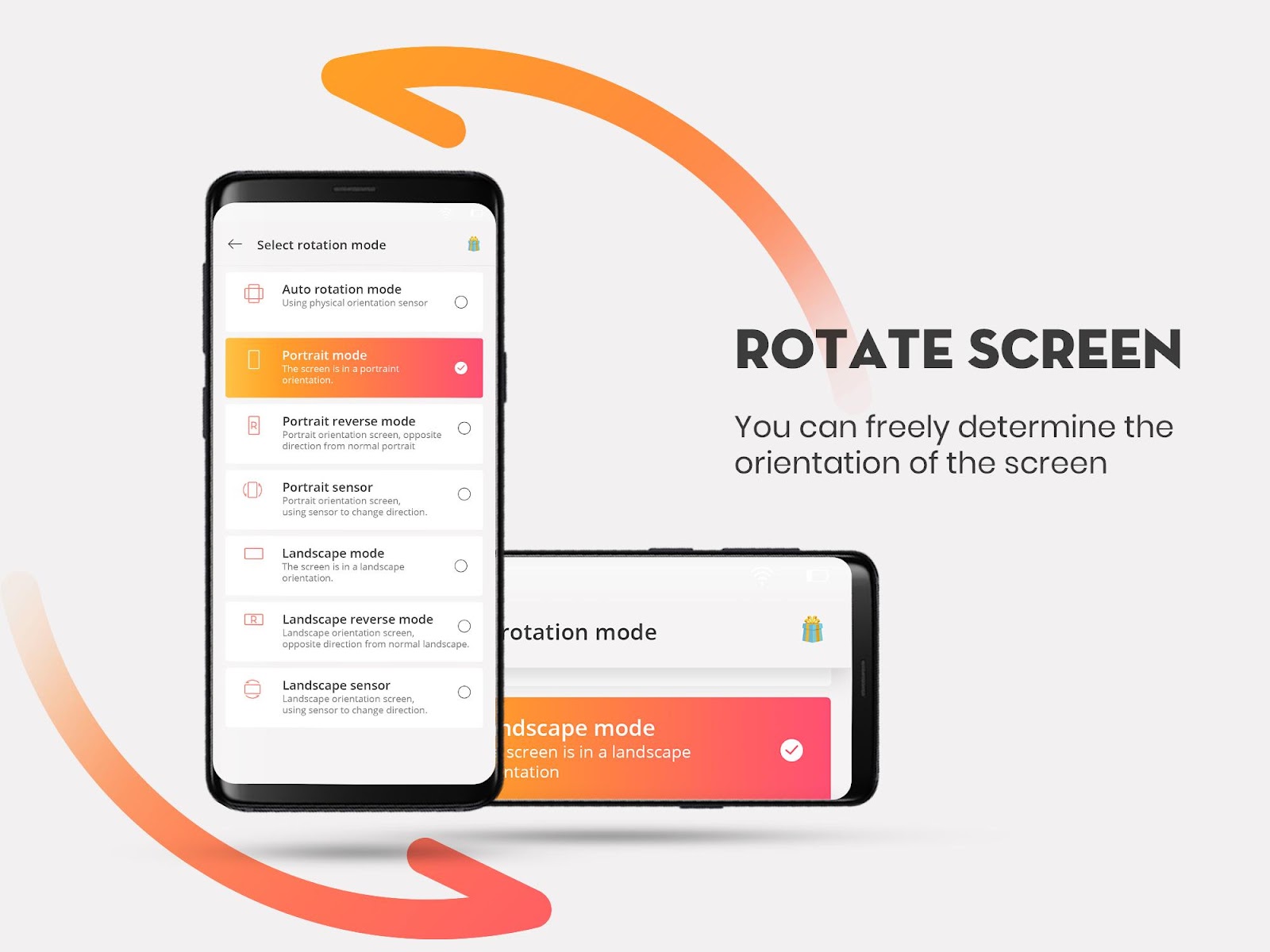
So Some times we don’t need our app to work in LandScape mode but we need to tell it to our system.
Dev: “Hey stop!!! I don’t want my app to work in landscape mode.”
Flutter: “okay!! then use Services.dart package.”
But first, you need to just Import the package:
import 'package:flutter/services.dart';
After importing its time to use features of this package.
@override
 Widget build(BuildContext context) {

   SystemChrome.setPreferredOrientations([
     DeviceOrientation.portraitUp,
     DeviceOrientation.portraitDown,
   ]);
So in the code, above we just only allowed the orientation of the app to work in Portrait mode.
Second: sytemUIOverlayStyle Custom (StatusBar / NavigationBar)

So sometimes you need your App UI to be in your control But StatusBar and NavigationBar have their own Attitude. So to teach them a lesson we can use this simple code to work things out.
@override
 Widget build(BuildContext context) {

   SystemChrome.setSystemUIOverlayStyle(SystemUiOverlayStyle(
     statusBarColor: Color(0xff59AEAC),
     statusBarIconBrightness: Brightness.dark,
     systemNavigationBarColor: Color(0xff59AEAC),
     systemNavigationBarIconBrightness: Brightness.dark,
   ));
In this one, I just played around with the background colour and the icon Colour of the StatusBar and NavigationBar.
So That’s Some of the good features you can use to make your Flutter experience efficient.