Samsung Galaxy Phones on One UI 9 Get Googlebook Cast My Apps and Continue On, Rolling Out Now

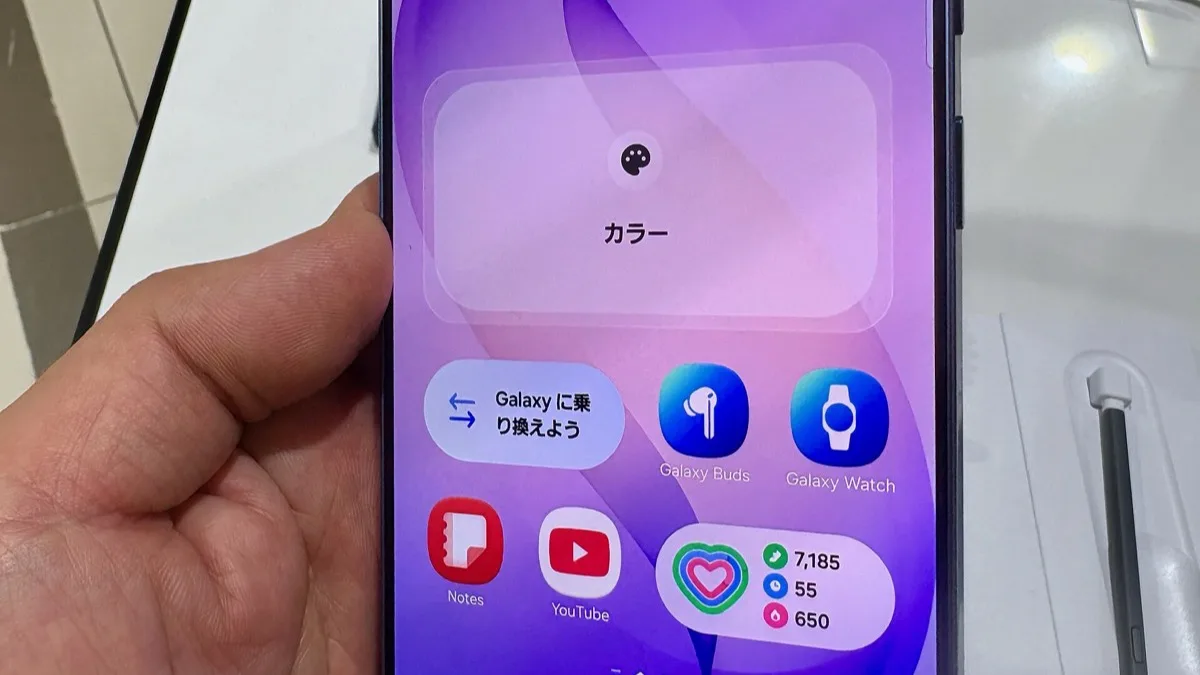
Google began rolling out its Googlebook Better Together features to Samsung Galaxy phones on Saturday, October 10, ending a gap that left Galaxy owners without Continue On, Cast My Apps, Quick Access and Notification Sync. Any Galaxy phone running One UI 9 (Android 17) qualifies, and Google says the update arrives automatically over the next few days.
- Features: Continue On, Cast My Apps, Quick Access, Notification Sync
- Rollout start: Saturday, October 10, finishing "over the next few days" per Google
- Eligible Samsung phones: any Galaxy model running One UI 9.0 (Android 17)
- Delivery: Google Play and background service updates
- Minimum versions: Google Play services 26.37, Cross-device services 1.0.1346
Why Samsung phones were left out of Googlebook
Googlebooks are the new Android-based laptops from Acer, Asus, Dell, HP and Lenovo. Samsung is not one of the launch partners. The laptops' signature trick is working with your phone, yet Galaxy owners found the cross-device features simply did not show up, even on phones already updated to One UI 9.
Earlier in the week, Google said in published statements that support would reach all Android 17 Samsung devices "over the coming weeks." The Saturday notice is shorter: Google now says the features arrive over the next few days, and that the update installs fastest while the phone is on Wi-Fi and charging.
What do the four Better Together features do?
The four Googlebook Better Together features link an Android 17 phone to the laptop:
- Continue On lets you start a task on the phone and pick it up on the Googlebook. Support depends on the app.
- Cast My Apps opens a phone app in a window on the laptop. The app keeps running on the phone, so there is nothing to install on the Googlebook.
- Quick Access lets you find and open files from the phone through the Googlebook's Files app without transferring them first.
- Notification Sync lets you view and manage phone notifications on the Googlebook.
Some early reports listed Instant Hotspot among the features Samsung phones were missing. Google's October 10 notice names only the four features above, so Instant Hotspot support on Galaxy phones is not confirmed yet.
How to get Googlebook features on a Galaxy phone now
If the Better Together features have not appeared on your Samsung Galaxy phone, Google's own setup checklist covers the usual fixes:
- Confirm the phone runs Android 17. On a Galaxy, that means One UI 9.0.
- Sign in to the phone and the Googlebook with the same personal Google Account, with Bluetooth and Wi-Fi on for both.
- Use a private home Wi-Fi network. Hotel, cafe, office and guest networks often isolate devices from each other, which blocks the direct phone-to-laptop link. Pause any VPN or DNS blocker while testing.
- Update Google Play services to version 26.37 or newer: Settings > Apps > See all apps, use More > Show system if it is not listed, open Google Play services, then App details and Update.
- Update Cross-device services to version 1.0.1346 or newer the same way.
- Search Settings for Cross-device services > Continue activity and turn on Tasks, Apps, Notifications and Files & media sharing.
- Restart both the phone and the Googlebook.
| Requirement | Minimum for Better Together |
|---|---|
| Phone software | Android 17 (One UI 9.0 on Samsung Galaxy) |
| Google Play services | 26.37 |
| Cross-device services | 1.0.1346 |
| Account | Same personal Google Account on phone and Googlebook |
| Network | Bluetooth and Wi-Fi on; private Wi-Fi without client isolation |
A separate Google Play services update, also rolling out over the next few days, cuts the steps needed to set up Cross-device services and should help with a timing issue where the setup QR code stays on screen after phone setup is complete.
Which Samsung Galaxy phones have One UI 9 in the US?
One UI 9 is the gate, so a Galaxy phone still on One UI 8 gets nothing from this update. In the US, One UI 9 reached the Galaxy S26 series starting on T-Mobile, and the Galaxy S25, Z Fold7 and Z Flip7 starting on Verizon, with other carriers on their own schedules. Owners of the Galaxy S26 Ultra on One UI 9 can use these Googlebook features once the update lands.
Google says Better Together also works with Pixel phones and other Android 17 phones from Motorola, OnePlus, Sony, Lenovo and more. If you were waiting on Galaxy support before buying a laptop such as the Dell XPS Googlebook, that blocker is now being lifted.
Frequently Asked Questions
Does Googlebook work with Samsung Galaxy phones?
Yes. Google started rolling out Googlebook's Better Together features to Samsung Galaxy phones on October 10, 2026. Continue On, Cast My Apps, Quick Access and Notification Sync work on any Galaxy phone running One UI 9.0 (Android 17), with the rollout finishing over the next few days.
Why is Cast My Apps not working on my Samsung phone?
Your Galaxy phone needs One UI 9.0 (Android 17), Google Play services 26.37 or newer and Cross-device services 1.0.1346 or newer. Both devices must use the same personal Google Account with Bluetooth and Wi-Fi on, and public or office Wi-Fi can block the connection. Google also says to turn on all four Continue activity toggles and restart both devices.
How does the Googlebook update reach Samsung phones?
Google is delivering Googlebook support for Samsung phones through Google Play and background service updates, which install fastest when the phone is on Wi-Fi and charging.
Will Googlebook work with a Galaxy phone on One UI 8?
No. Googlebook's Better Together features require Android 17, which on Samsung Galaxy phones means One UI 9.0. A Galaxy phone still on One UI 8 has to get the One UI 9 update first.
Where is the Continue activity setting on Android?
On an Android 17 phone, search Settings for Cross-device services and open Continue activity. Google says the Tasks, Apps, Notifications and Files & media sharing toggles should all be on for Googlebook's Better Together features to work.