Meta's New Voice Model Adds Fn-Key Dictation to Every Mac App
Meta shipped its first real-time audio model today, and the most immediate result for Mac owners is a system-wide dictation shortcut: hold the Fn key in any app and start talking. The model, called Muse Voice Transcribe, comes from Meta Superintelligence Labs and now powers speech input across Meta AI for Mac and Meta's coding tool Muse Code.
Unlike a typical speech-to-text model that processes a finished recording, Muse Voice Transcribe does three things as audio streams in: it transcribes speech in real time, it tells apart more than 20 speakers in the same recording, and it detects when a person has actually stopped talking rather than just paused. Meta calls that last part endpointing, and pairs it with what it describes as adaptive delay, which adjusts how long the model waits before committing to a transcription based on how confident it is.
What the model can actually do
Meta trained Muse Voice Transcribe across more than 70 languages, with 25 validated for launch, including Chinese, French, Hindi, Japanese, Spanish, and Vietnamese. It handles code-switching, meaning a speaker can move between two languages mid-sentence without the transcription breaking down. The model also processes audio longer than an hour in one pass and includes context biasing, a feature that improves recognition of names and personal keywords the model has seen before.
Meta says the model ranked first on the Artificial Analysis streaming speech-to-text leaderboard as of today's launch, posting a 3.1 percent streaming word error rate and a 17.5 percent diarization error rate. No audio is stored, according to Meta, and only the generated transcript is kept.
How Mac users get it
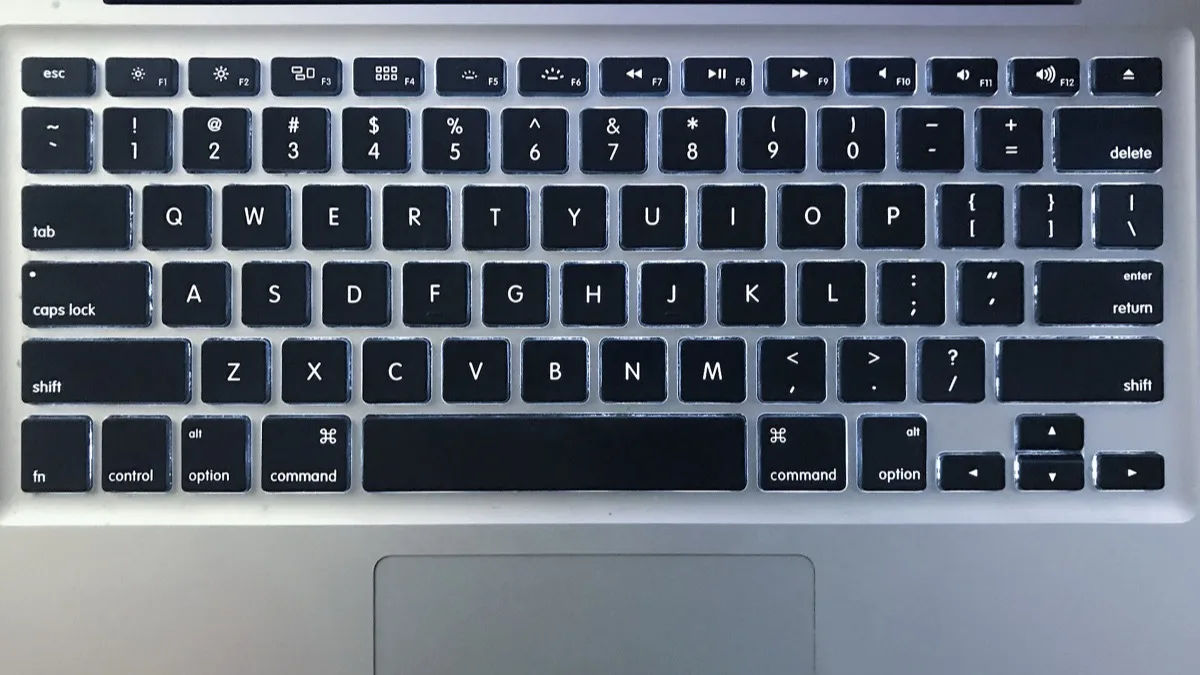
On Mac, Muse Voice Transcribe arrives as an extension of the Meta AI desktop app that launched last month. Holding the Fn key now triggers dictation in any application, not just Meta's own software, letting text messages, documents, or emails be spoken instead of typed. That builds on the app's existing Option-Space quick-invoke shortcut for summoning the assistant itself.
Developers can also call the model directly. Meta is offering it through the Meta Model API at $3 per 1,000 audio-minutes, which works out to roughly $0.18 an hour of transcription, priced for anyone building diarization or live-captioning features rather than just end users dictating text.
Why the speaker separation matters
- Meetings and interviews — distinguishing 20-plus voices in one recording removes a step that previously needed a separate diarization pass after transcription.
- Live captioning — endpointing lets captions commit to a finished sentence instead of guessing when a pause is really the end of a thought.
- Multilingual conversations — code-switching support means a bilingual meeting doesn't need to be split into two transcription jobs.
Meta has not said whether Muse Voice Transcribe is coming to its other platforms, including the Facebook, Instagram, and WhatsApp integrations that already carry Meta AI, or to Windows. For now, the Fn-key shortcut is Mac-only, tied to the same desktop app Meta introduced for creators and small businesses, and it lands the same week Perplexity shipped its own Mac-focused privacy feature.
Frequently Asked Questions
What is Meta's Muse Voice Transcribe?
It's Meta Superintelligence Labs' first real-time audio perception model. It transcribes speech as it happens, separates more than 20 speakers in one recording, and detects when someone has finished talking, all in a single model rather than separate processing steps.
How do I use dictation with Muse Voice Transcribe on Mac?
Hold the Fn key in any app on a Mac running the Meta AI desktop app, and it activates real-time dictation powered by Muse Voice Transcribe. It works across other applications, not just Meta's own software.
How much does Muse Voice Transcribe cost for developers?
Meta prices API access at $3 per 1,000 audio-minutes, or about $0.18 per hour of audio, through the Meta Model API. The Mac dictation feature itself is included with the free Meta AI desktop app.
What languages does Muse Voice Transcribe support?
Meta trained it across more than 70 languages, with 25 validated at launch, including Chinese, French, Hindi, Japanese, Spanish, and Vietnamese. It also supports code-switching, so a speaker can move between two languages mid-sentence.
Does Muse Voice Transcribe store my audio?
Meta says the model does not store audio recordings and keeps only the AI-generated transcript.