Nintendo Switch App 3.5.0 Lets You Delete Uploaded Screenshots and Videos
Nintendo pushed version 3.5.0 of the Nintendo Switch App to the App Store at 01:33 UTC on Wednesday, and the headline change is a delete button. You can now remove screenshots and videos you have uploaded from Nintendo's server, filter and sort what is sitting there, and tell the app to stamp saved files with the moment you captured them rather than the moment you downloaded them. Android users already have it — the same build landed on Google Play on 31 August.
It is the first update to the companion app since March, and it is a maintenance release rather than a feature launch. But the server-deletion option quietly fixes something that has annoyed Switch 2 owners since launch.
What the Nintendo Switch App 3.5.0 update actually changes
Nintendo's patch notes list four items, and three of them are real features:
- Filtering and sorting for screenshots and videos you have uploaded to the server
- Deleting uploaded screenshots and videos from the server, from inside the app
- An optional setting that saves a capture to your phone using its original capture date instead of the download date
- Unspecified bug fixes and small improvements
The wording differs very slightly between stores. Apple's notes describe the capture-date setting as applying to "a screenshot or video"; the Google Play notes mention only screenshots. The feature is off by default on both, and lives in the app's settings rather than in the share sheet.
Why deleting uploads from the server matters
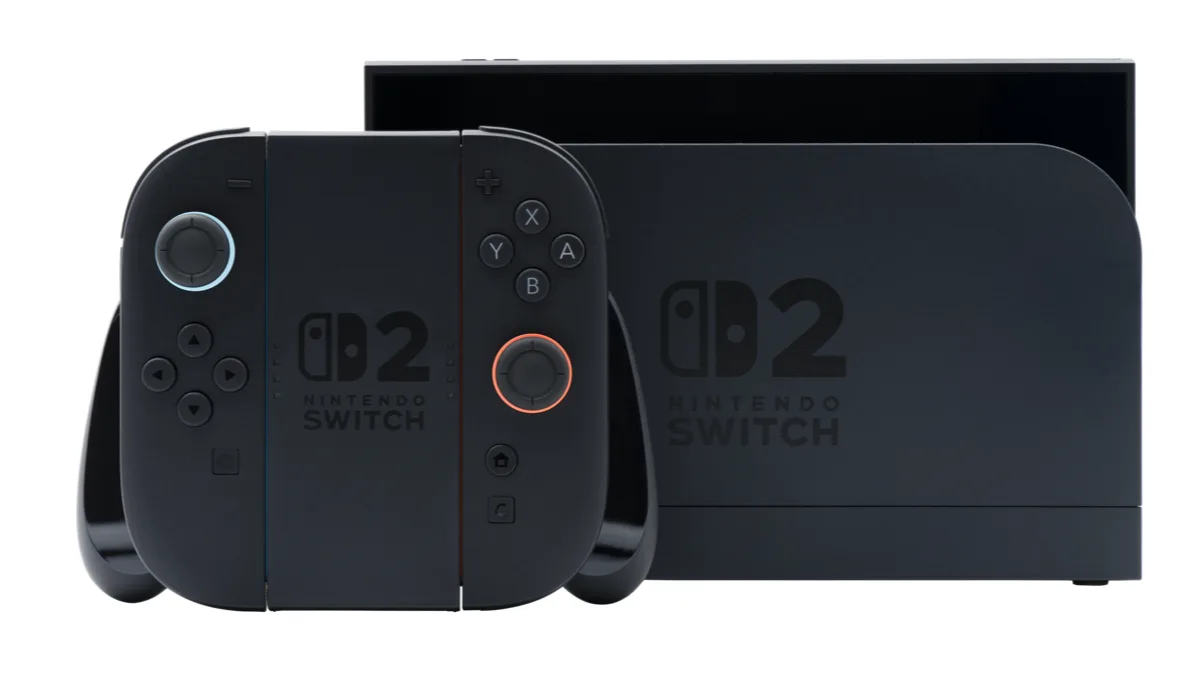
Switch 2 does not hand captures straight to your phone. It uploads them to a server Nintendo runs, and the app pulls them down from there. That server has two hard limits, both documented in Nintendo's own support pages: a file sits there for 30 days before it is deleted automatically, and the pool holds 100 files at a time. Go past 100 and the oldest upload is evicted to make room, whether or not you have saved it yet.
Until now there was no way to clear that pool yourself. If you dumped 90 photo-mode shots up there and then wanted to send one clip to a friend, you were pushing against a queue you could not manage. Version 3.5.0 gives you the delete control, and the filter and sort tools to find what you want to remove. Nothing you delete from the server touches the copies still stored on the console.
Which phones can run it
The iOS build requires iOS 16.0 or later and is a 49MB download. The Android build asks for Android 9.0 or later, which is a low bar in 2026 — almost anything still receiving updates clears it, and plenty of phones that stopped receiving them do too. If you are shopping for a handset that will keep up with this kind of app for years, our roundup of the Android apps worth installing in 2026 is a reasonable starting point for what a modern phone is expected to handle.
The app also carries Nintendo Switch Online features, parental controls and voice chat, none of which changed in this release. Neither did anything on the console side — this is a phone-app update only, and your Switch or Switch 2 system software is unaffected.
A busy week for Nintendo updates
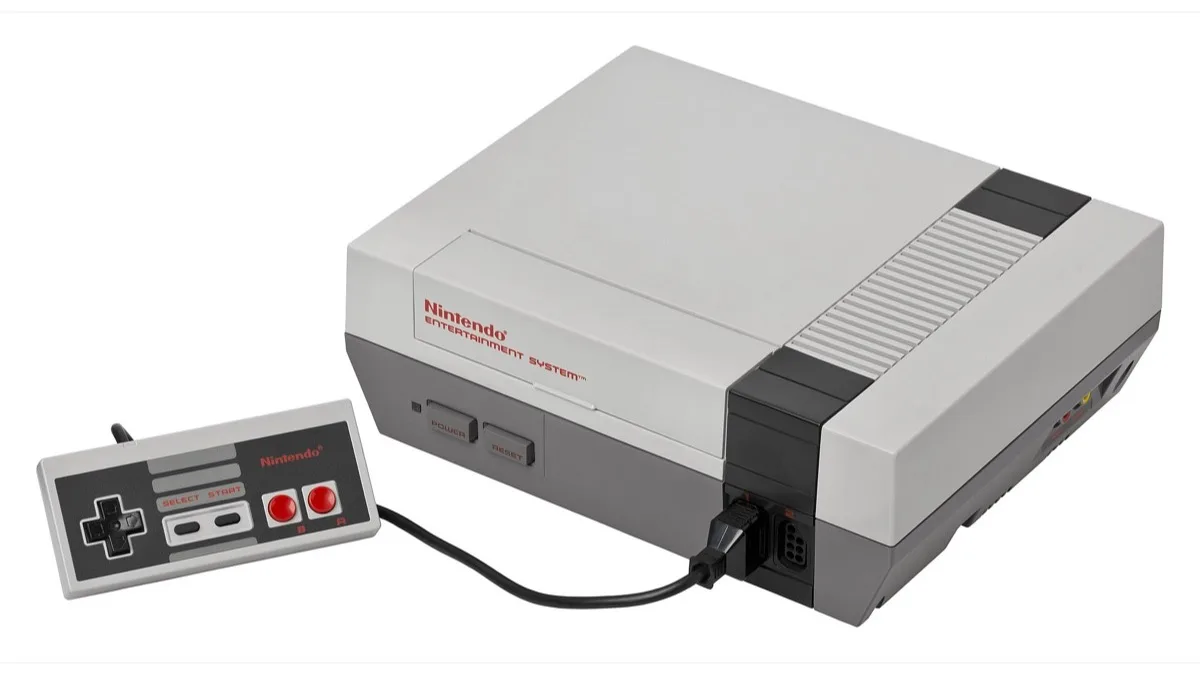
The app patch caps several days of Nintendo releases. Mario Kart 8 Deluxe picked up a free Switch 2 upgrade earlier in the week; the details are in our breakdown of the 8-player split-screen update. Super Smash Bros. Ultimate got a smaller fix, covered in our notes on version 13.0.5 and what it does to old replays. The Switch Online retro library grew too, with three more NES games added to the service.
None of these are connected, and Nintendo has not tied them to any upcoming announcement. The company has not said when the next app update is due either. Given that 3.5.0 arrived roughly six months after the last one, do not expect the cadence to change.
How to get the update
Open the App Store or Google Play, search for the Nintendo Switch App and tap update, or wait for automatic updates to pick it up. If you already have automatic updates on and the app still shows an older version, force-closing it and reopening usually resolves the mismatch. Signing in again is not required, and the update does not reset any of your existing app settings.
If your uploaded captures are already close to the 100-file ceiling, the first useful thing to do after updating is sort by oldest and clear out what you have already saved. Nintendo Switch Online remains a separate subscription and is not needed to upload or download captures.
Frequently Asked Questions
What version is the latest Nintendo Switch App update?
Version 3.5.0 is the current release. It reached the App Store on 3 September 2026 and Google Play on 31 August 2026. It is the first update to the app since March 2026.
How do I delete screenshots I uploaded to the Nintendo Switch App?
Update the app to version 3.5.0, open the uploaded screenshots and videos list, and use the new delete option to remove files from Nintendo's server. Deleting an upload does not remove the original screenshot or video stored on your Switch 2 console.
How long do Switch 2 screenshots stay on Nintendo's server?
Thirty days. After that, the file is deleted from the server automatically, though the copy on your console remains. The server also holds a maximum of 100 files at once, and once you pass that limit the oldest upload is deleted to make room for the newest one.
What Android version do I need for the Nintendo Switch App?
Android 9.0 or later. The iOS build of the same 3.5.0 release requires iOS 16.0 or later and is roughly a 49MB download.
Does update 3.5.0 change anything on the Switch or Switch 2 console?
No. This is an update to the smartphone companion app only. Your console's system software, saved data and stored screenshots are untouched, and no console-side update is required to use the new features.