Best Android POS System for Small Business in 2026

The best Android POS system for small business in 2026 is Square if you want to sell this week with no monthly software fee. Run it on the Android phone or tablet you already own. Loyverse is the best $0 restaurant-style app if you need a kitchen display. Toast is the restaurant tank, but it only runs on Toast's own Android hardware and usually wants a contract. Shopify POS wins if your real store is already online.
Most "best POS" lists are secretly iPad lists. This one is not. Every pick below actually runs on Android, or ships as Android hardware. That is the whole point of the search.
In a hurry? Jump to: quick picks · what "Android POS" means · the 8 systems · 12 we checked · fee math · hardware you can reuse · same-day setup · video · FAQ
Quick picks
| You run | Use | Software fee | Runs on |
|---|---|---|---|
| Retail, markets, services, food truck | Square | $0 (Plus/Premium extra) | Android phone, tablet, Square hardware |
| Cafe / QSR, tiny kitchen | Loyverse | $0 app (reader extra) | Android phone or tablet |
| Full-service restaurant | Toast | $0 Starter Kit (2.99%+15¢) or $69/mo (2.49%+15¢) | Toast Android terminals only |
| Shopify online store + a shop | Shopify POS | Shopify plan + POS tier | Android phone/tablet + Shopify hardware |
| Want processor choice | Clover | From ~$14.95/device (direct) | Clover Android terminals |
| Occasional seller | PayPal / Zettle | $0 app | Android phone or tablet |
| Salon / spa / appointments | Vagaro | Software + processing | Android phone or tablet |
| Interchange-plus nerds | Helcim | $0 software | Android + supported readers |
What "Android POS" actually means
People mash three different products into one search:
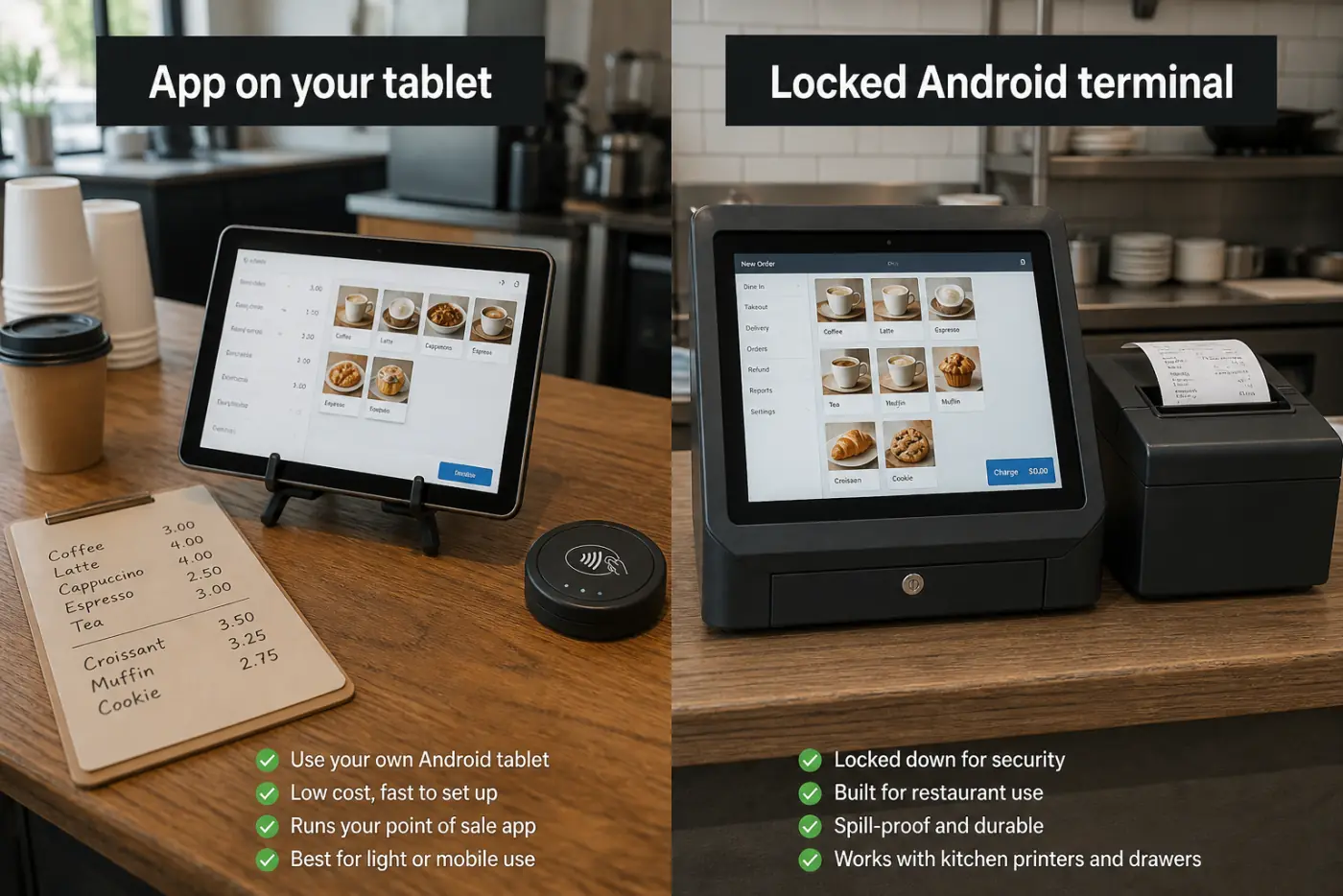
- An app on a normal Android tablet (Square, Loyverse, Shopify POS, PayPal). You bring the device.
- A closed Android terminal (Toast, many Clover devices). You buy their brick. You cannot sideload Instagram on it, and that is the point.
- Tap to Pay on the phone itself (Square and others). The phone is the reader. No dongle on a slow day.
If a review only shows iPads, it is answering a different keyword. Lightspeed Retail is still iPad-first. Do not buy a Galaxy Tab for a POS that only certifies iPad.
12 we checked, 8 we ranked (29 August 2026)
The page that currently owns this keyword reviewed 12 providers and published 5 winners. We opened the same pile. We ranked 8 because Toast and Helcim are real Android answers even if they are not Play Store apps. We left four off on purpose.
| System | Verdict | Play rating (US, 29 Aug 2026) |
|---|---|---|
| Square | Ranked #1 | 4.6 from 259k |
| Loyverse | Ranked #2 | 4.8 from 18k |
| Toast | Ranked #3 (locked hardware) | Not on consumer Play |
| Shopify POS | Ranked #4 | 3.7 from 3.5k |
| Clover | Ranked #5 (buy direct) | Terminal family |
| PayPal / Zettle | Ranked #6 | Reader + app |
| Helcim | Ranked #7 | Interchange-plus |
| Vagaro | Ranked #8 (salons) | 3.6 from 9.7k |
| Lightspeed Retail | Skipped — iPad-first | — |
| SumUp | Skipped — more a reader than a full POS | — |
| SpotOn | Skipped — sales-led restaurant stack | — |
| eHopper | Skipped — thinner Android story | — |
The 8 best Android POS systems for small business
1. Square — best overall for small business
Software: Free plan is a real POS, not a demo. Plus and Premium add retail/restaurant depth. US in-person rate: 2.6% + 15¢ on the Free plan, 2.5% + 15¢ on Plus, 2.4% + 15¢ on Premium, per Square's fee page (checked 29 August 2026). The paid plans buy a lower rate, not just features — that detail is missing from most roundups. Online and invoices are higher (3.3% + 30¢ on Free, 2.9% + 30¢ on Plus/Premium) and keyed-in is 3.5% + 15¢ on every plan. Tap to Pay on Android bills at your plan's card-present rate, not a surcharge.
You can start with a phone in your pocket. Add a reader when the line gets real. No annual contract on the usual path. Hardware is Square's, so if you leave, the reader does not follow you to another processor.
Honest limits: full-service restaurants outgrow it (modifiers, course firing, tip pools). You generally use Square Payments unless you are a high-volume exception. Offline mode exists but is not magic if the tablet dies.
Best for: boutiques, barbers, pop-ups, food trucks, new shops. Square POS.
2. Loyverse — best free Android restaurant-style POS
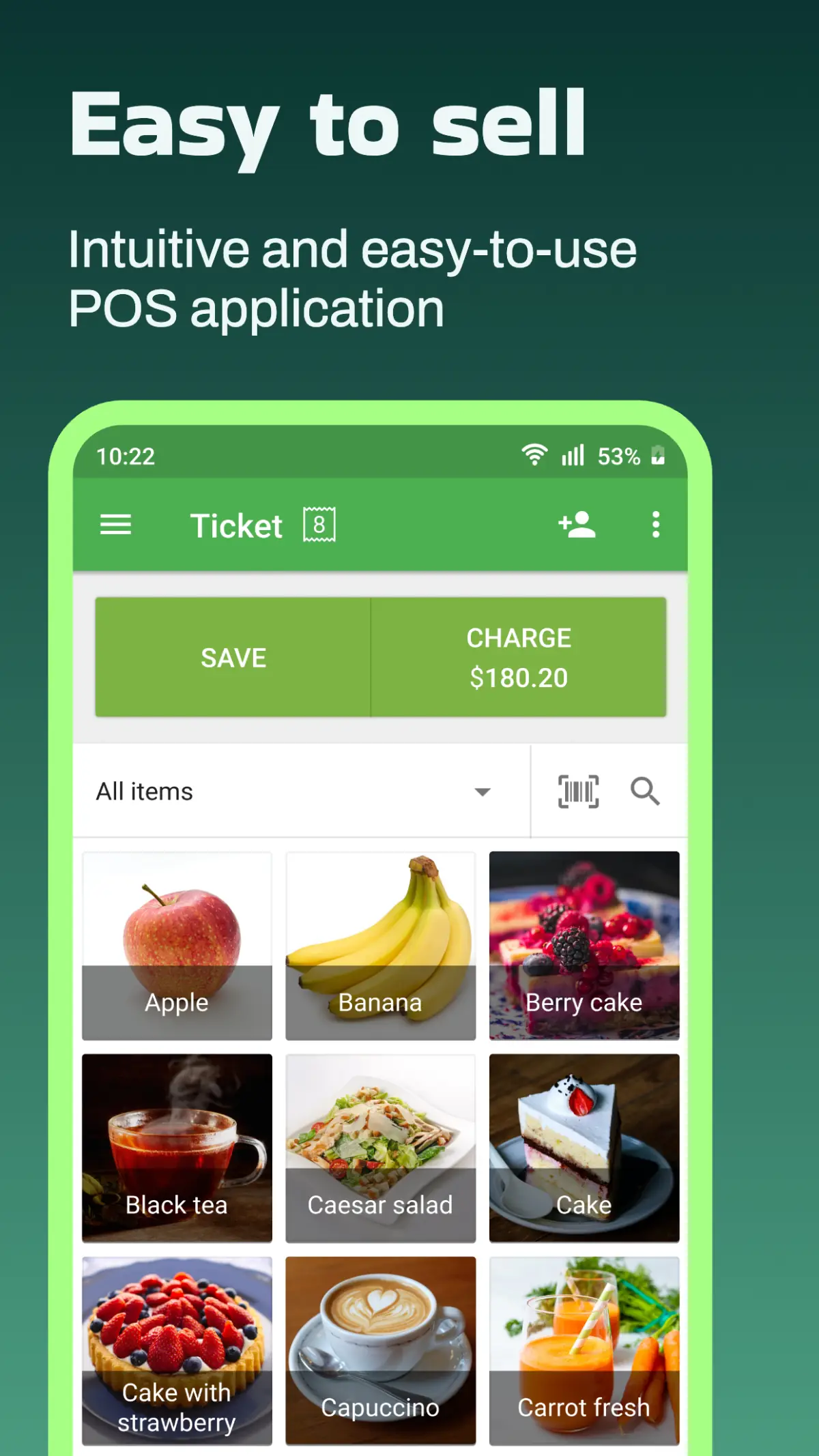
Loyverse is the sleeper. The POS app is free on Android. Receipts, shifts, a basic kitchen display, and loyalty exist without a Square-style all-in-one processor lock. You plug in a separate card reader / processor.
Honest limits: you assemble payments yourself. Support is lighter than Square. It is a QSR tool, not a steakhouse command center.
Best for: cafes that already have a cheap Android tablet and hate monthly POS software bills.
3. Toast — best restaurant POS (closed Android hardware)
Toast runs on purpose-built, spill-resistant Android terminals. Handhelds, kitchen screens, online ordering, and floor maps are why restaurants pick it. Starter kits can look "free." The cost hides in processing, hardware finance, and a 1–3 year agreement.
Honest limits: you cannot put Toast on the Lenovo Tab in the drawer. Cancel fees hurt. Processing is Toast Payments. The “free” Starter Kit buys the hardware with a higher rate — 2.99% + 15¢ — while the paid $69/month Point of Sale plan drops it to 2.49% + 15¢ (Toast's public pricing, 29 August 2026). At $30,000 a month in cards that half-point gap is about $150, so the free kit is not free. Confirm your own quote. It is a marriage, not a fling.
Best for: busy kitchens that need tickets to print in the right room. Skip it for a Saturday market stall.
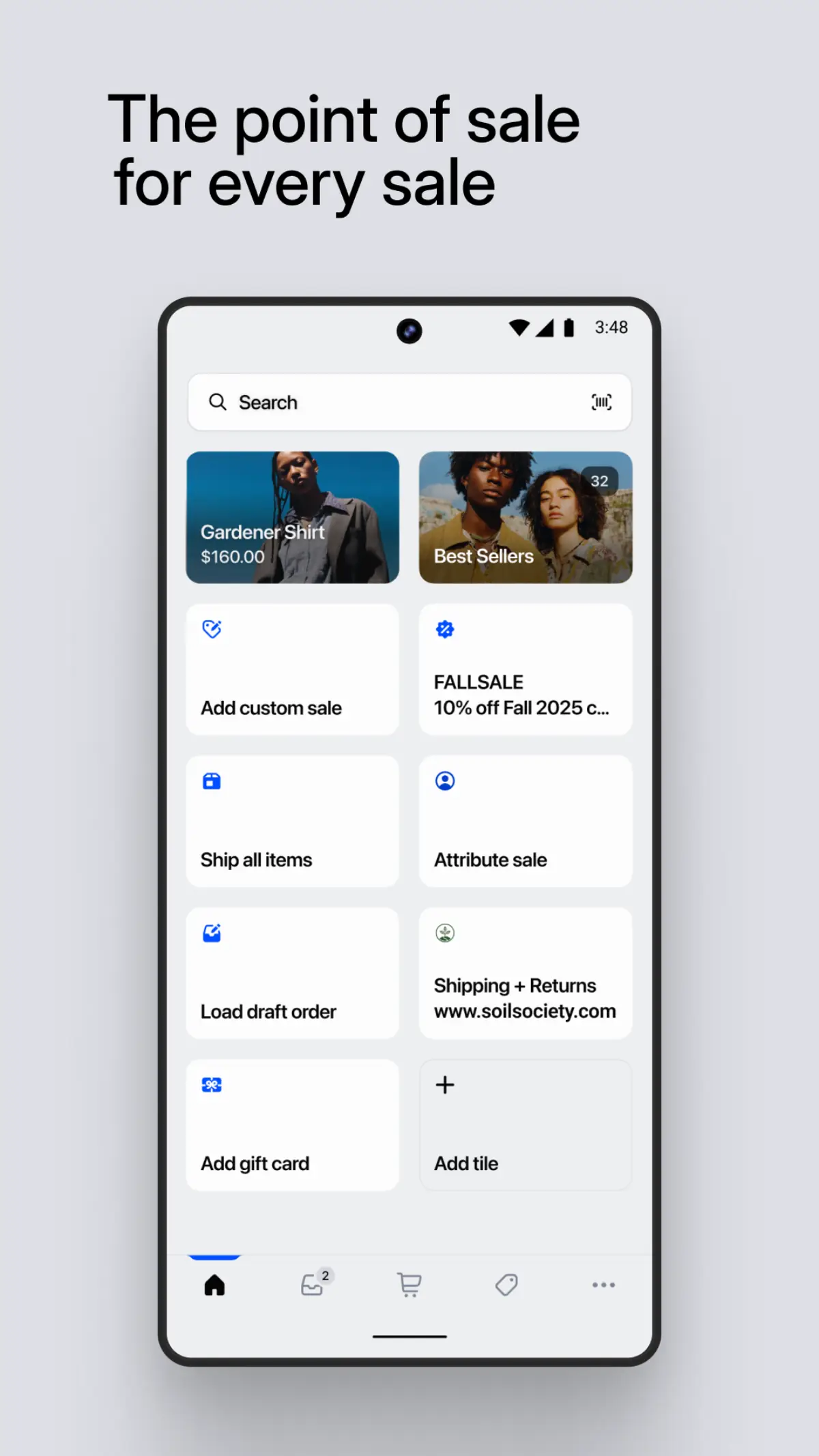
4. Shopify POS — best if you already sell online
One catalog. One customer list. Online orders and the counter stay in sync. That is the feature Square still does not match if Shopify is already your website.
You need a Shopify plan. POS Lite vs Pro changes fees and staff tools. US in-person Shopify Payments is 2.6% + 10¢ on Basic, 2.5% + 10¢ on Grow, and 2.4% + 10¢ on Advanced. Using a third-party processor instead adds an extra percentage on top (2% on Basic, 1% Grow, 0.6% Advanced) — that surcharge, not the card rate, is what usually decides this one. The Android app exists; some accessories still feel iPad-native, so check the current hardware list before you buy a Tab.
Best for: brands that live on Shopify and opened a real door. Not for restaurants.
5. Clover — best Android terminal family (buy direct)
Clover devices are Android under the hood with a huge accessory zoo. Direct from Clover, software can start around $14.95 per device per month. In-person rates on direct deals are often near 2.3% + 10¢ — attractive if volume is high.
The trap: reseller / ISO quotes. Same terminal, wild monthly fees, 36-month leases. If a stranger in a parking lot sells you Clover, read the merchant agreement twice.
Best for: counter-service shops that want a tough terminal and will buy from Clover, not a random fairs booth.
6. PayPal POS (Zettle) — best for occasional Android selling
You already have PayPal. The app plus a reader covers craft fairs and side gigs. Card-present is 2.29% + 9¢, which undercuts Square Free on the percentage and on the fixed fee. Manual keyed entry jumps to 3.49% plus a fixed fee, so do not run phone orders through it. Feature depth is thinner than Square Retail.
Best for: people who sell sometimes, not 80 hours a week.
7. Helcim — best if you hate flat-rate fees
Interchange-plus pricing. $0 software. Android can work with supported readers. Bookkeeping is more DIY. Fine when your average ticket is large and you will look at a statement.
Best for: B2B-ish retail, not a $4 coffee line.
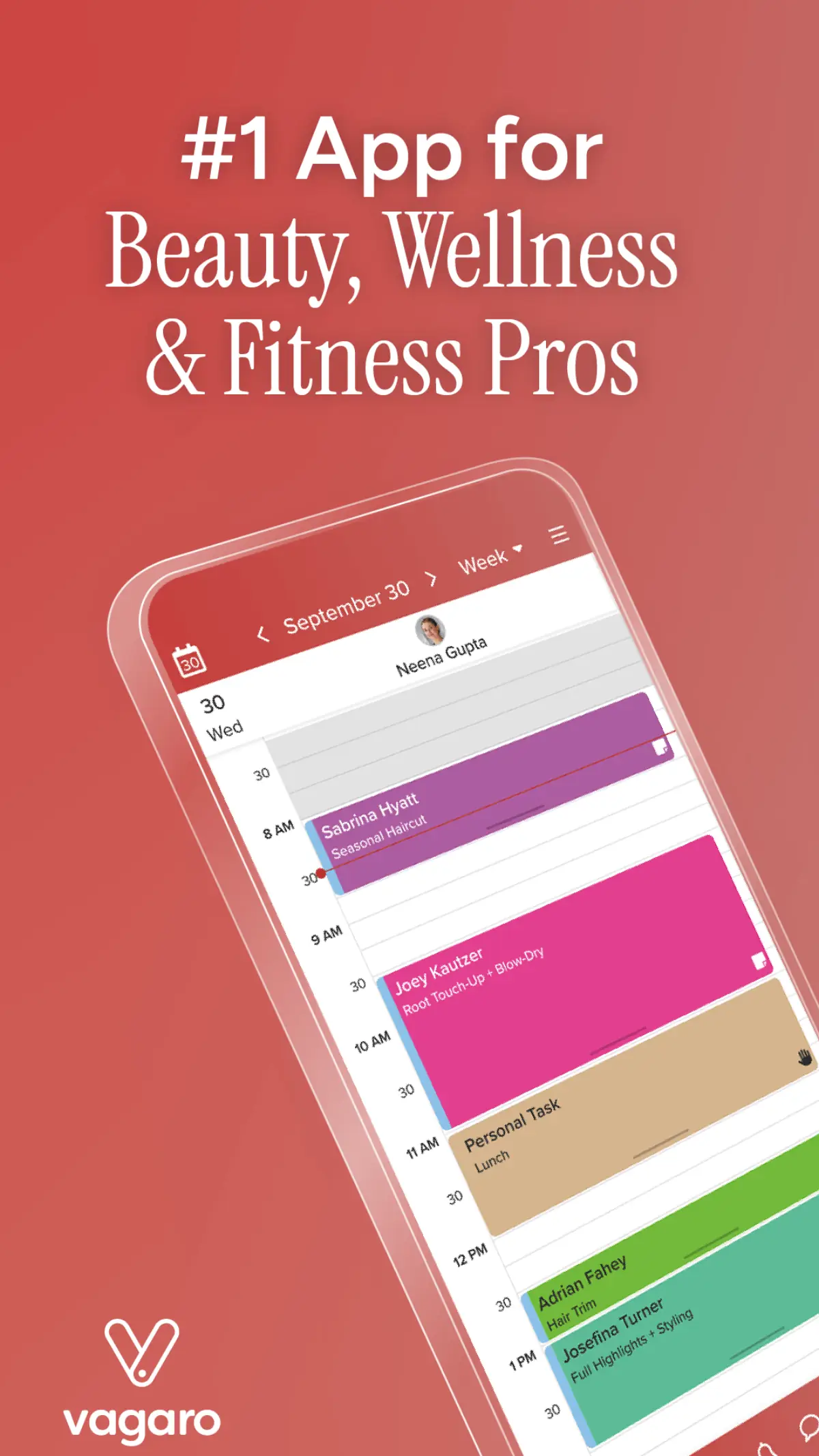
8. Vagaro — best Android POS for salons and appointments
This is the name the current #1 ranking Android POS roundup put in its top 5, and we skipped it in draft one. That was a miss. Vagaro is a booking engine that also takes payment. Hair, nails, spas, some gyms. The Android app is Vagaro Pro (com.semaphore.login).
If your register is really a calendar with a card reader taped on, Square will feel empty. Vagaro already has deposits, no-show texts, and staff books. That is the product.
Honest limits: the US Play listing is 3.6 from 9,691 ratings (29 August 2026). Reviews hammer login and calendar sync. Software is not $0. Processing is Vagaro's. Do not buy it for a grocery counter.
Best for: appointment businesses on Android tablets. Skip it for a Saturday market stall.
Fee math you can do on a napkin
Software fees are loud. Card fees are the rent.
Example: $10,000 a month in-person cards, Square Free at 2.6% + 15¢. If the average ticket is $25, that is 400 charges.
- Percentage: $10,000 × 0.026 = $260
- Per-swipe: 400 × $0.15 = $60
- Total: about $320 / month to process, plus $0 software
A $69/month restaurant POS with a lower rate can win at high volume. A $0 app wins at low volume. Run your own numbers. Do not trust a blog's 2024 rate table without opening the vendor page.
Hardware: reuse vs buy
- Reuse: Android 10+ tablet, 4GB RAM minimum, 8GB is happier, charger that stays on the stand. Screen protector. A case that can take a drop of hot sauce.
- Reader: Square's contactless reader is the usual first buy. Magstripe-only dongles feel ancient in 2026.
- Printer: Ethernet or Bluetooth kitchen/receipt printer. Cheap USB-only printers become a cursed USB hub.
- Do not: use a personal phone as the only register if you also use it for Instagram DMs. One crash loses both.
- Lock it down: put the POS tablet under MDM kiosk mode so staff cannot open Chrome and drain the battery.
Will it work when Wi-Fi dies?
Square and Loyverse can take some sales offline and sync later. Chip-and-PIN / some tap rules still want a live connection. If the shop is a basement, buy a cheap LTE backup or a terminal with its own SIM. "Offline mode" is not a generator.
Watch: Square's own retail walkthrough
This is Square's official getting-started video for the retail POS. The Android app follows the same Charge → tap/dip flow. Pair it with the same-day checklist below.
Same-day setup (Square on Android)
- Create a Square account on a laptop. Confirm the legal name and bank.
- Install Square POS from Google Play on the tablet. Sign in.
- Add 10 products with prices. Skip the 400-SKU import on day one.
- Pair the reader. Run a $1 tap on your own card, then refund it.
- Print or email one receipt. Show one other person how to void.
- Turn on a passcode so the busboy cannot issue a $0 sale to a friend.
You can take real money before lunch. Fancy inventory can wait until Tuesday.
What to avoid
- "Free hardware" with a 36-month lease you cannot read.
- APK POS apps from random sites. Card data plus malware is a career-ending combo.
- iPad-only software after you already bought Android tablets.
- One shared staff login with no PINs. Theft loves that.
How we picked
We asked four questions the iPad megaguides skip:
- Does it run on a normal Android tablet, or only on locked hardware?
- Is the free plan a real register?
- Are US card-present fees published (we used Square's official table for the 2.6% + 15¢ figure)?
- Can a one-location shop go live the same day without a salesperson?
Toast and Clover stay on the list because many "Android POS" searches mean restaurant terminals, not Play Store apps. We label that split so you do not buy the wrong pile.
Bottom line
For most small businesses, the best Android POS system is Square on a tablet you already have. Add Loyverse if you want a free kitchen-style app and will bring your own processor. Choose Toast only when you are a real restaurant and accept locked hardware. Choose Shopify POS when the website is already Shopify. Choose Vagaro if the counter is really a salon book.
Do this next: install Square POS, add ten items, and take one $1 test tap today. Tomorrow, put the tablet in kiosk mode so it stays a register.
Related reading
Frequently Asked Questions
What is the best Android POS system for small business in 2026?
Square is the best overall because the POS app is free, it runs on Android phones and tablets, and US card-present fees are published at 2.6% plus 15 cents on the free plan. Loyverse is the best free restaurant-style app. Toast is best for full-service restaurants but only on Toast's Android hardware. Shopify POS is best if you already sell on Shopify. Vagaro is best if the counter is really an appointment book.
Can I use any Android tablet as a POS?
With Square, Loyverse, Shopify POS, and PayPal, yes, if the app supports your Android version and you add a certified reader. Toast will not install on a random Tab. Clover is its own terminal. Always check the vendor's device list before you buy a tablet for the counter.
Does Square work on Android phones, not just tablets?
Yes. Square POS runs on Android phones and tablets. Tap to Pay on Android can turn the phone into the reader for card-present rates. Use a dedicated device if the phone also runs your life, so a crash does not kill both Instagram and the register.
Is Toast an Android POS?
Yes, under the hood. Toast terminals run a locked-down Android build. You cannot download Toast from Play onto a personal tablet. You buy or finance their hardware, which is why it is a restaurant system, not a pop-up app.
What are Square's US card fees in 2026?
Card-present (tap, dip, or swipe, including Tap to Pay on Android) is 2.6% plus 15 cents on Square Free, 2.5% plus 15 cents on Plus, and 2.4% plus 15 cents on Premium. Online and invoices are 3.3% plus 30 cents on Free and 2.9% plus 30 cents on the paid plans. Keyed-in entry is 3.5% plus 15 cents on every plan. Confirm on Square's official fee page before you budget.
Should a cafe pick Square or Loyverse?
Pick Square if you want payments, hardware, and the app from one company with no monthly software fee. Pick Loyverse if you want a free Android POS with kitchen-display style tools and you will bring your own card processor. Full-service dining with courses and handhelds is still Toast territory.
Is Vagaro a good Android POS for small business?
Yes if you book appointments: salons, spas, some gyms. The Android app is Vagaro Pro. It is not the best general retail POS. Square is cheaper to start and has a much higher Play rating (4.6 vs 3.6). Pick Vagaro when no-shows and staff calendars matter more than a $0 register.