How to Remotely Control an Android Phone from a PC for Business (2026)

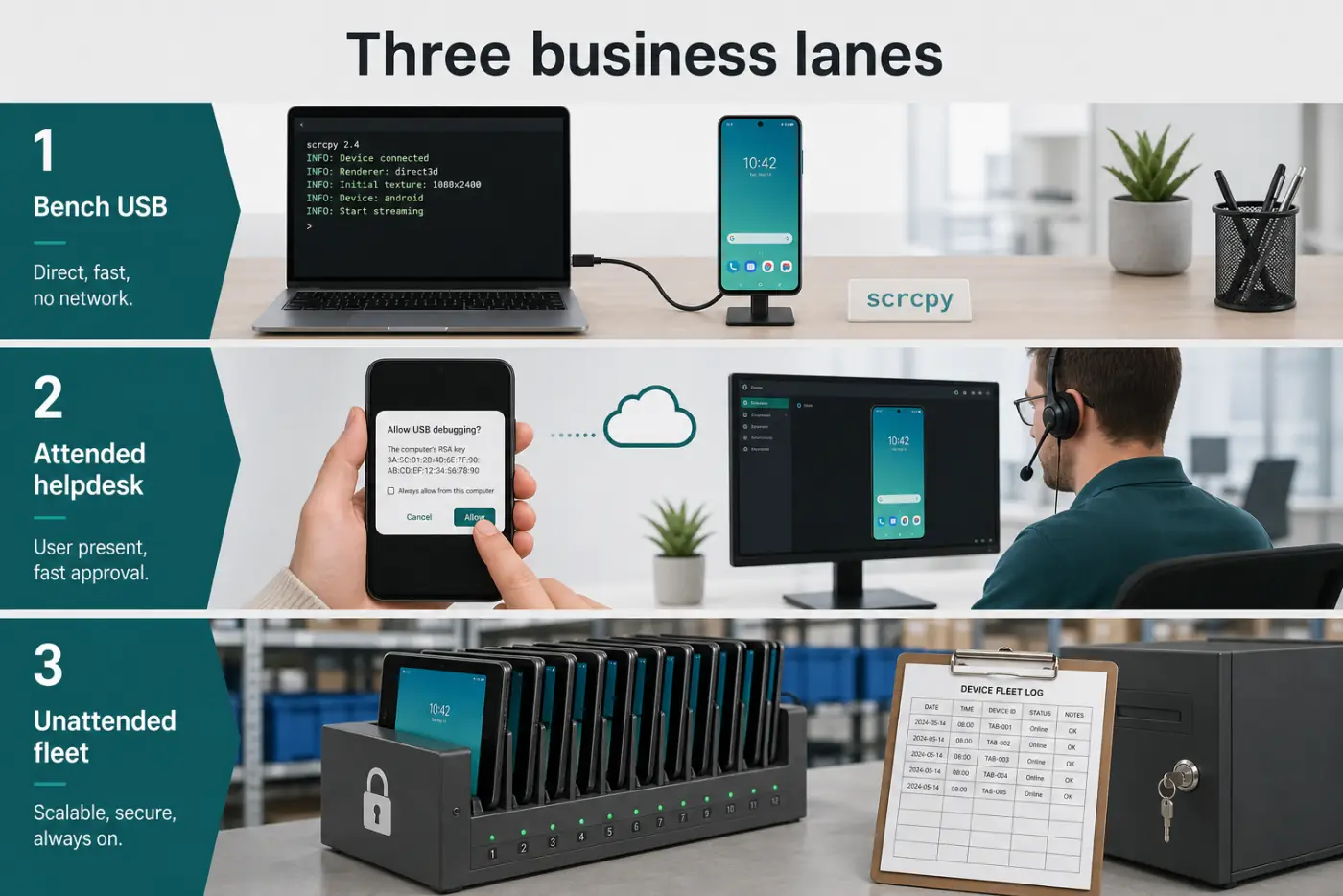
To remotely control an Android phone from a PC for business, pick one of three lanes. Same desk, USB, no cloud: use scrcpy (free, open source). A staff member is on the call and taps Accept: use TeamViewer QuickSupport or Splashtop. A warehouse tablet must be reachable at 2 a.m. with a log: use an MDM remote-control add-on or AirDroid Business, not a free AnyDesk APK.
Mixing those lanes is how companies get a "remote access" tool with no audit trail. Helpdesk, factory kiosk, and a developer bench are not the same job.
In a hurry? Jump to: 3 lanes · scrcpy (USB) · attended support · unattended fleet · named tools · security rules · videos · FAQ
The three lanes (do not mix them)
| Lane | When | Tool | Cloud? |
|---|---|---|---|
| Bench / lab | Phone in your hand, same room | scrcpy | No |
| Attended helpdesk | Staff taps Allow | TeamViewer QS, Splashtop | Yes |
| Unattended fleet | Kiosk / shared tablet, no human | MDM remote or AirDroid Business | Yes, with policies |
Microsoft Phone Link can mirror some phones for convenience. It is not an IT control plane. It needs the phone nearby and signed in. Treat it as personal, not as warehouse remote.
Named tools vs consumer lists
Android Authority lists eight ways. AirDroid's blog lists six. Page one for this exact business query is mostly vendor blogs pushing their own agent. We opened the same pile and tagged every name by lane, including the three that show up on almost every competing list — Zoho Assist, AnyViewer, and Avica — so you are not left wondering why they are missing.
| Tool | Lane | Business? |
|---|---|---|
| scrcpy | Bench USB / lab Wi-Fi | Yes, for IT benches. No audit console. |
| Vysor | Bench, GUI on top of ADB | Useful if someone will not open a terminal. Still not helpdesk. |
| TeamViewer QuickSupport | Attended | Yes. Staff must tap Allow. |
| TeamViewer Host | Unattended (when licensed) | Yes for always-on Android, test a spare first. Not the free QS app. |
| Splashtop | Attended | Yes. Usual QS alternative. |
| Zoho Assist | Attended, some unattended | Yes, and the cheapest real helpdesk console here if you already use Zoho. Android control still needs the add-on and an OEM plugin on some skins. |
| AnyViewer | Attended | Maybe. It is a Windows-first tool that added Android. Fine for a two-person shop, thin on session audit compared with TeamViewer or an MDM. |
| Avica | Attended | Maybe. Newer, cheap, good latency claims. Do not make it the standard for finance or HR devices until you have seen its logging. |
| AirDroid Remote Support | Attended | Yes. The ticket-shaped sibling of AirDroid Business. Different SKU from the consumer app. |
| AirDroid Business | Unattended / kiosk | Yes, paid SKU. Not personal AirDroid. |
| MDM remote view | Unattended fleet | Yes. Same console as enrollment. |
| Microsoft Phone Link | Nearby personal | No. Not a ticket log. |
| Samsung Flow / DeX | Nearby Samsung | No for mixed fleets. |
| Pushbullet, DeskDock | Consumer | No. Notifications, not control plane. |
We did not dump Pushbullet into the picks to pad the count. That is how consumer roundups win on “8 apps” and lose on the keyword.
Lane 1: scrcpy (best for IT benches and developers)
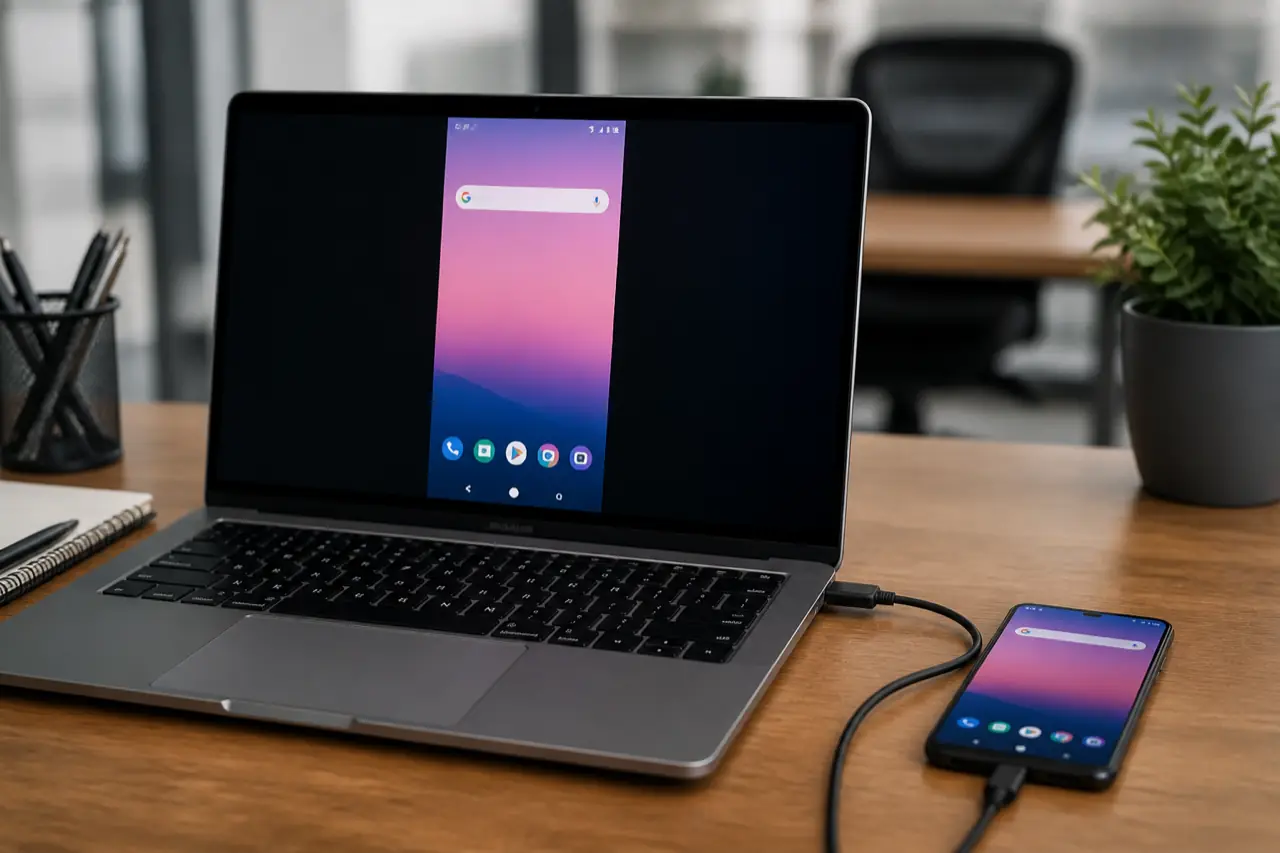
scrcpy mirrors Android to Windows, macOS, or Linux. Mouse and keyboard control the phone. No root. No app you have to leave installed for the cloud. USB first. Wireless ADB later if you must.
Why business teams like it:
- Video and audio (audio needs Android 11 / API 30 or newer) stay on your cable, not a vendor's server.
- You can record the session to a file for a ticket.
- OTG mode drives keyboard and mouse without USB debugging at all — useful on a locked device you only need to type into.
- Virtual display runs an app on a second, invisible screen so the tech is not fighting the user for the phone.
- Camera mirroring and gamepad passthrough are there for QA benches. It supports Android 5.0 (API 21) and up.
- It is the tool Android engineers actually use.
Why it is the wrong helpdesk tool: Grandma will not enable USB debugging. There is no pretty "session ID." There is no SOC 2 console. Do not deploy scrcpy as your company-wide remote support standard.
Set up scrcpy in 10 minutes
- On the phone: Settings → About phone → tap Build number 7 times. Back → Developer options → turn on USB debugging.
- On Windows: install a current platform-tools package so
adbexists. Grab scrcpy from the official GitHub releases, not a random "scrcpy.exe" ad site. - Plug in USB. On the phone tap Allow USB debugging (check Always allow for this computer if it is a company bench PC).
- Open a terminal in the scrcpy folder. Type
scrcpyand press Enter. - Use the PC mouse. Right-click is Back on many setups. Check the project's shortcut list for Copy, Home, and screen-off.
Wireless: same Wi-Fi, adb tcpip 5555 then adb connect PHONE_IP:5555, then scrcpy. Fine in a lab. Risky on guest Wi-Fi. Prefer USB for anything with customer data.
Watch: scrcpy on USB, then TeamViewer for attended tickets
scrcpy has no official product video from Genymobile. This is a clear walkthrough that uses the GitHub build, not a random EXE site.
Android 11+ note: Wireless debugging in Developer options is a different toggle than old TCPIP tricks. Follow the OS screens. If the phone sleeps and drops ADB, keep it awake or use USB.
Lane 2: Attended remote support (TeamViewer and friends)
This is the "my email will not send" ticket. The person must unlock the phone and grant Accessibility / screen-capture permissions. That is normal. Android will not let a random app drive the UI without those grants.
TeamViewer QuickSupport vs Host
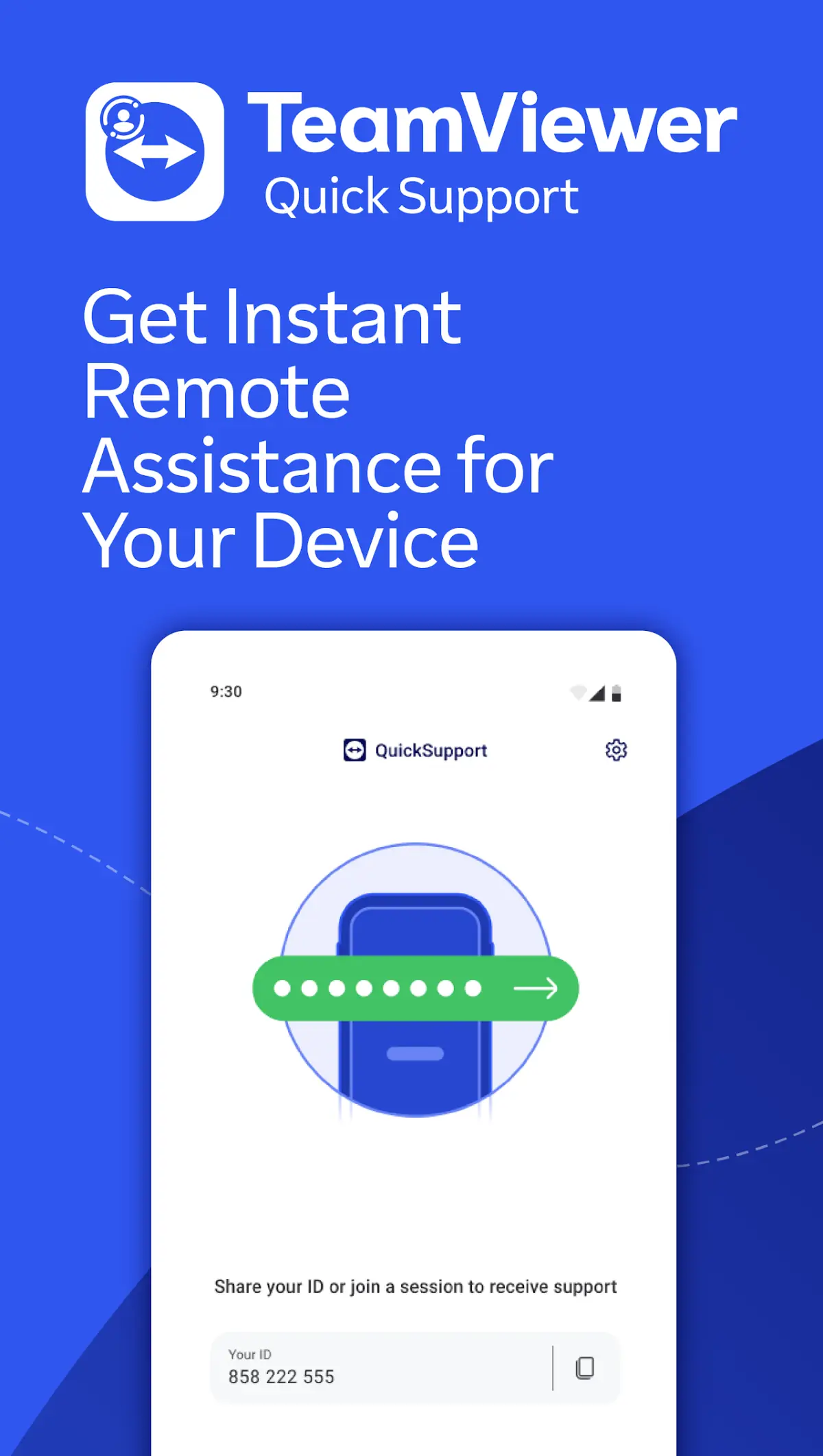
This is the split consumer lists skip. QuickSupport is attended: staff taps Allow every session. Host is the unattended Android SKU when you pay for it. Do not promise 2 a.m. kiosk access on QS.
TeamViewer QuickSupport
- Staff install QuickSupport from Play. You connect with the ID.
- Good for mixed Windows + Android shops that already pay TeamViewer.
- Control depth is weaker than scrcpy. Some OEM skins fight Accessibility.
- Business pricing is not the free weekend-grandma tier. Budget for it.
Splashtop is the usual alternative when you want a cleaner attended flow and SOS-style support apps.
Steps (TeamViewer QS, short):
- Install TeamViewer on the PC from teamviewer.com.
- Install QuickSupport on the phone from Google Play only.
- On the phone, tap the permissions it asks for (Accessibility, display over other apps) while you are on the call.
- Read the ID to the technician. Connect. Talk through every screen. End the session. Revoke Accessibility if this was a one-off vendor.
TeamViewer's own getting-started video (PC module; Android QS uses the same ID + Allow pattern):
Lane 3: Unattended business devices
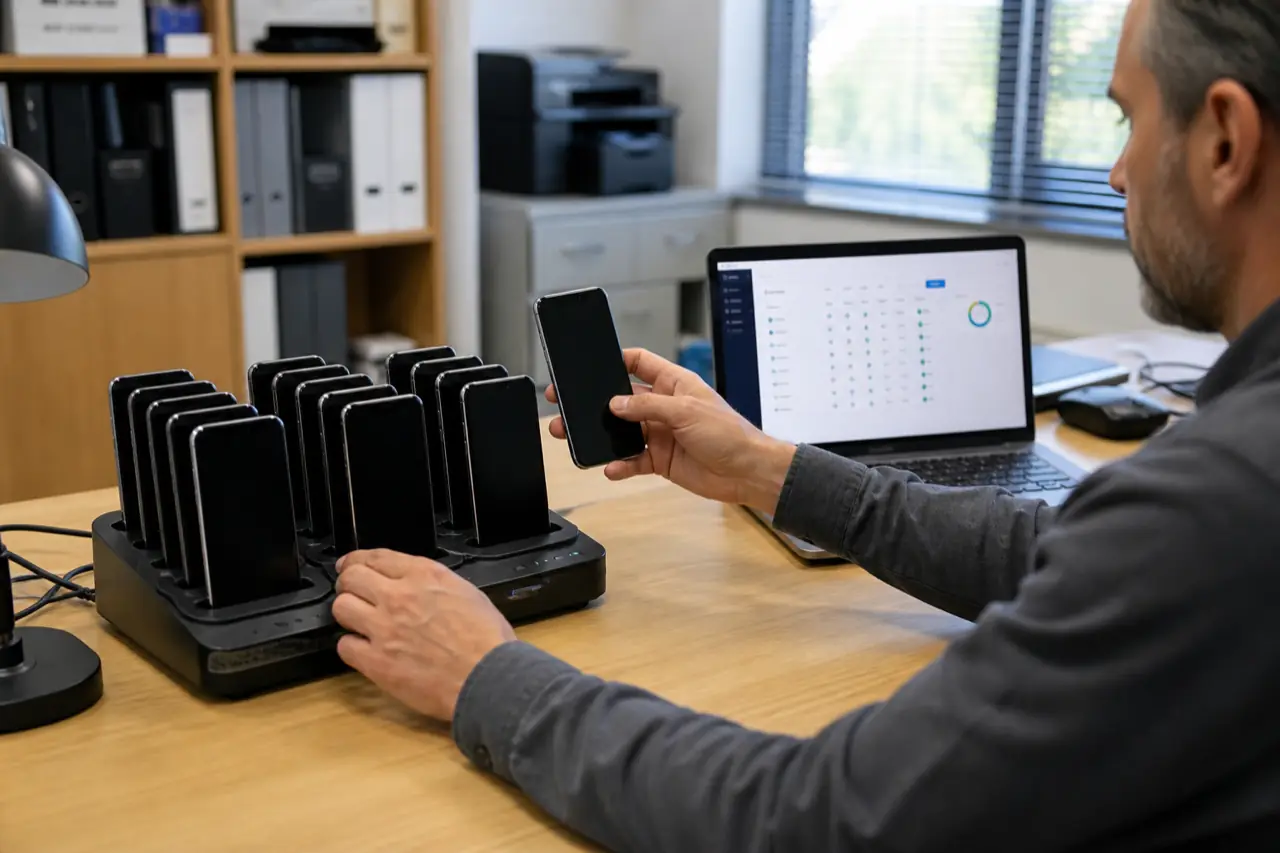
A kiosk in a lobby cannot tap Allow. That is MDM territory.
- MDM remote view/control inside Hexnode, Scalefusion, SOTI, or similar. Same console that already enrolls the device. Logs live with the rest of IT.
- AirDroid Business if you want remote control + file + kiosk without a full UEM. Still a paid business SKU. Personal AirDroid on Play (3.8 from 630k ratings) is the consumer cousin. Do not enroll a warehouse tablet on a personal account.
- Not: personal AirDroid, personal AnyDesk, or "remote APK" from a blog. Those accounts get phished. Those binaries get trojaned.
If the tablet takes payments, remote control is a PCI conversation. Lock the device with MDM first. Remote in second. For POS tablets, see the Android POS guide.
Security rules that keep you employed
- Play Store only for support apps. Sideloaded "TeamViewer pro unlocked" is malware. Period.
- Least privilege. Helpdesk gets attended access. Only kiosk admins get unattended.
- Session logs. If you cannot answer "who watched this phone at 11:04," do not use the tool for HR or finance devices.
- Turn USB debugging off on staff BYOD when they leave the bench. A laptop in a cafe plus ADB is a gift.
- VPN on field Wi-Fi if the remote tool talks over the internet. See our Android VPN list.
- Never ask a user to install Accessibility from a SMS link. That is a classic scam pattern. Use your documented ticket process.
Samsung, Pixel, and work profile gotchas
- Work Profile: the support app may only see work apps. Personal WhatsApp stays out. That is correct. Do not fight it on BYOD.
- Samsung: extra battery killers and "unmonitored apps" can freeze remote tools. Add the support app to never-sleep.
- Pixel: USB debugging authorizations are per-computer. A new bench PC needs a new Allow tap.
- Fully managed devices: push the support app from Managed Play. Do not email an APK.
Tools that are not business remote control
- Android emulators run a fake phone on the PC. They do not control the real handset. If you wanted games on a weak PC, that is our 8GB RAM emulator guide.
- Screen mirroring sticks / Chromecast show video. They do not give you Settings.
- Bluetooth "mouse" dongles move a cursor. They do not pull tickets or wipe a device.
How we picked the lanes
We matched tools to how Android actually grants control in 2026:
- USB debugging + scrcpy for local, high-frame-rate, no-cloud work (project home: Genymobile on GitHub).
- Accessibility + capture for attended vendors (TeamViewer QS pattern).
- Android Enterprise / MDM for devices that must never wait for a human tap.
Consumer blogs list six apps and call it a day. The business failure mode is using lane 2 software for lane 3 devices, then discovering nobody logged the session.
Bottom line
To remotely control an Android phone from a PC for business, use scrcpy on USB at the bench, TeamViewer QuickSupport when a human can tap Allow, and MDM or AirDroid Business when the device is a kiosk. Do not run a personal remote APK on a company fleet.
Do this next: if the phone is in your hand, enable USB debugging and run scrcpy today. If it is in another building, open your MDM console and test remote view on a spare tablet, with logging on.
Related reading
Frequently Asked Questions
How do I remotely control an Android phone from a PC for business?
Use scrcpy over USB when the phone is on your desk. Use TeamViewer QuickSupport or Splashtop when an employee can tap Allow. Use MDM remote control or AirDroid Business for kiosks that have nobody to tap. Do not use a personal AnyDesk APK as company policy.
Is scrcpy safe for work phones?
Yes on a trusted bench PC, because traffic stays on the USB cable and the project is open source. It requires USB debugging, which you should turn off when the phone leaves the lab. It is not a replacement for audited helpdesk software on a 200-person fleet.
Can I control an Android phone from a PC without root?
Yes. scrcpy, TeamViewer QuickSupport, Splashtop, and MDM tools all work without root. Android will ask for USB debugging or Accessibility / screen-capture permissions instead. Root is a security problem on business devices, not a requirement.
Does TeamViewer work for unattended Android tablets?
Attended QuickSupport needs someone to accept. Unattended Android is messy compared with Windows. For always-on kiosks, use your MDM's remote control or a business product built for unattended Android. Test a spare device before you promise 2 a.m. access.
Is Microsoft Phone Link the same as remote control?
No. Phone Link can stream apps from a nearby signed-in phone. It is not USB debugging, it is not a ticket log, and it is not MDM. Fine for a manager's own desk. Wrong for IT support of a field fleet.
Why does remote control fail on Samsung phones?
Battery optimization, "unmonitored apps," and missing Accessibility permission are the usual three. Add the support app to never sleep, grant every permission while on the call, and use a Fully Managed or work-profile install from Managed Play instead of a random APK.
What is the difference between TeamViewer QuickSupport and TeamViewer Host on Android?
QuickSupport is attended: the person with the phone must tap Allow each time. Host is the unattended app for devices that should stay reachable without a human. Kiosks and warehouse tablets need Host or MDM remote control, not QuickSupport. Test a spare device before you promise overnight access.
Is Vysor better than scrcpy for business?
Vysor is a GUI around the same ADB idea. Use it if a technician will not open a terminal. It is still a bench tool. It is not a replacement for TeamViewer QuickSupport tickets or MDM logs on a fleet.