Boost Mobile APN Settings for Android: Which List to Use in 2026

There is no single Boost Mobile APN settings for Android list that fits every SIM. Boost’s own support page still publishes two profiles: ereseller and wireless.dish.com. Pick the wrong one and you get bars with no data, or data with dead picture texts.
Do this first: install Boost Config from Google Play, then restart. Boost says that app reads your SIM and writes the right carrier settings. Manual APNs come after that, not before.
In a hurry? Jump to: why guides conflict · which APN you need · official values · how to enter them · hotspot
Why every Boost APN article disagrees
Boost changed networks more than once. Sprint sold it. Dish built its own 5G. EchoStar then shut that radio network down.
SDxCentral, citing EchoStar’s 10-K, says Boost moved all customer traffic off its own 5G radios onto AT&T on 15 November 2025. Boost still runs its own 5G core. AT&T supplies the towers. EchoStar also said customers keep T-Mobile access as a second layer.
That is why the web is a mess. You will see:
Boost_Mobilewithmm.myboostmobile.com— old Boost branding, still on some phonesereseller— AT&T-side profile on Boost’s own APN pagewireless.dish.com— T-Mobile / Dish-side profile on that same pageboost.data— older T-Mobile-era leftover
Copying one blog’s “2026 APN” without checking your SIM is how people sit for an hour typing values that will never work.
Which Boost APN you actually need
Use this order. Stop when data and MMS both work.
- Boost Config. Install it, reboot, wait two minutes, test data. The app hides from the app drawer. That is normal.
- Match the SIM. Black AT&T-partner SIMs often need
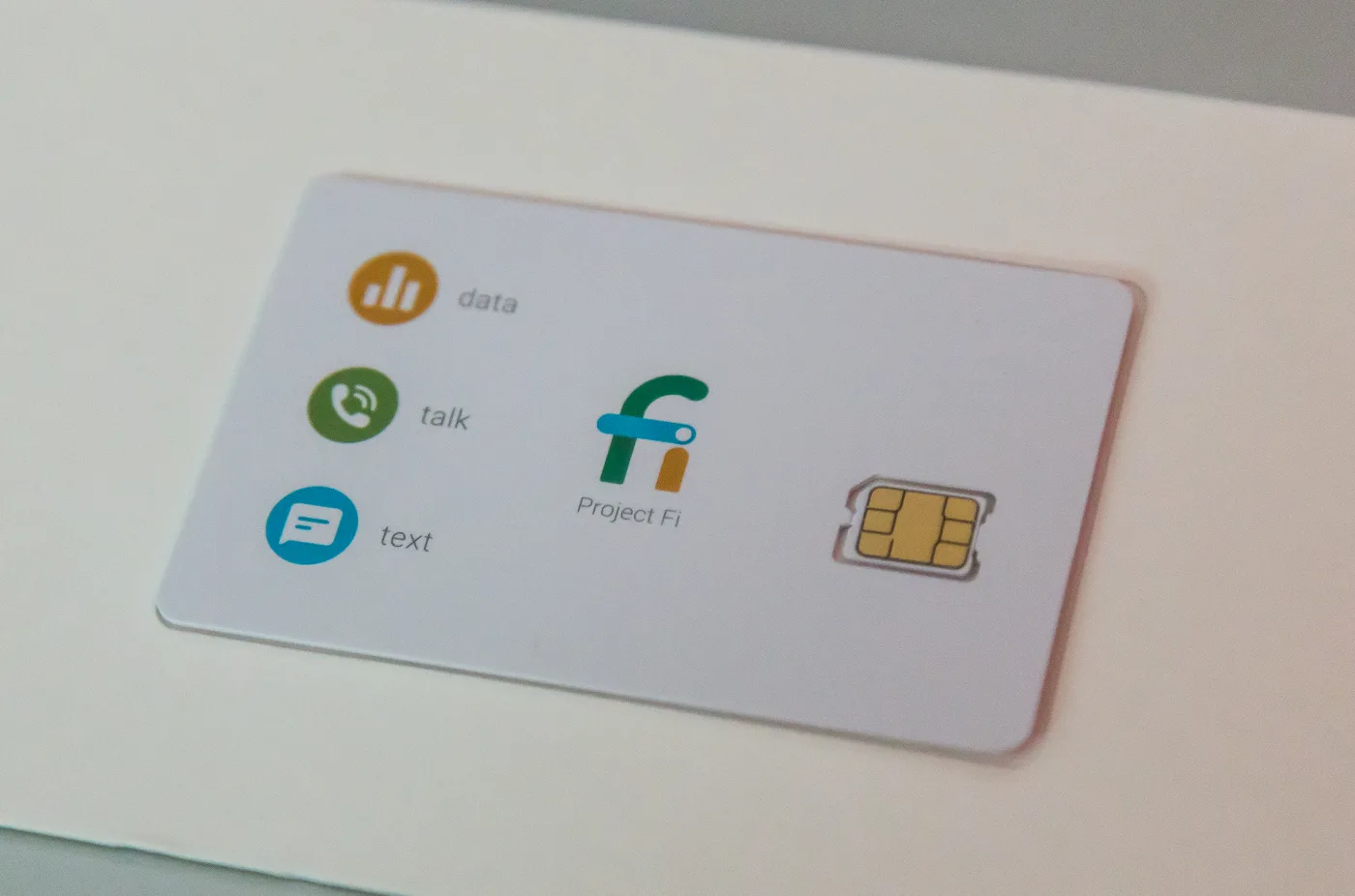
ereseller. White or orange T-Mobile-partner SIMs often needwireless.dish.com. Rainbow SIMs used to camp on Boost’s own radios; after the 2025 move they still may need a Boost-pushed profile, not a guess. - Check ICCID on the SIM tray or under Settings > About phone > SIM status. Numbers starting
8901410or8901280point at AT&T-side.8901260or8901240point at T-Mobile-side. That mapping comes from long-running Boost SIM threads, not from Boost’s public APN page, so treat it as a hint. - If you still have no idea, enter the two official profiles below one at a time. Save, select, reboot, test. Do not mix fields from both.
Also check the Boost app: the line must be active and paid. Boost’s basic troubleshooting puts a past-due account above any APN tweak.
Official Boost APN values (from Boost’s support page)
Boost’s Android APN page tells you to ignore fields it does not list. Leave those blank.
Profile 1 — ereseller (AT&T-side)
| Field | Value |
|---|---|
| Name | boost |
| APN | ereseller |
| MMSC | http://mmsc.mobile.att.net |
| MMS proxy | proxy.mobile.att.net |
| MMS port | 80 |
| APN type | default,mms,supl,fota,xcap |
| APN protocol | IPv4/IPv6 |
| APN roaming protocol | IPv4/IPv6 |
| APN enable | Enabled |
| MVNO type | GID |
Profile 2 — wireless.dish.com (T-Mobile-side)
| Field | Value |
|---|---|
| Name | boost |
| APN | wireless.dish.com |
| MMSC | http://wholesale.mmsmvno.com/mms/wapenc |
| MMS port | 80 |
| APN type | default,mms |
| APN protocol | IPv4/IPv6 |
| MVNO type | GID |
If your phone already shows Boost_Mobile
Some Android phones still auto-fill this older profile. First-page blogs treat it as the only 2026 APN. Boost’s own page does not. Use this table as a leave-it list, not as the first thing you type.
| Field | Boost_Mobile (leave it if it already works) |
|---|---|
| Name | Boost Mobile |
| APN | Boost_Mobile |
| MMSC | http://mm.myboostmobile.com |
| MMS proxy | 68.28.31.7 |
| MMS port | 80 |
| MCC / MNC | 310 / 870 (if your phone filled them) |
| APN type | default,supl,mms |
| APN protocol | IPv4/IPv6 |
If that profile is already selected and data plus MMS work, stop. If it does not work after the 2025 AT&T move, switch to ereseller or wireless.dish.com. Do not mix MMSC from one list with APN from the other.
Last-resort leftovers you may still see on a 2022-era SIM: boost.data (old T-Mobile-side) or cinet.spcs (Sprint-era). Try those only after Config and both official profiles fail, then call Boost. Those names are dying with the old provisioning.
Skip Play Store “APN booster” apps. Boost Config is the only carrier app that belongs here.
How to enter Boost APN settings on Android
- Open Settings.
- Tap Network & internet or Connections.
- Tap Mobile networks. Turn Mobile data on.
- Tap Access Point Names (sometimes under Advanced).
- Tap Add or the plus sign.
- Enter one official profile. Ignore fields Boost does not list.
- Open the three-dot menu. Tap Save.
- Select the new APN on the list.
- Restart the phone, or toggle Airplane Mode for 30 seconds.
Samsung path: Settings > Connections > Mobile networks > Access Point Names. Pixel path: Settings > Network & internet > SIMs > Access Point Names.
After reboot, open a page with Wi-Fi off. Then send yourself a photo text. Data without MMS means the APN name is close but the MMSC line is wrong. MMS without data means you selected the profile that is not for your SIM.
Hotspot still fails after data works
Boost hotspot is a plan feature first. Unlimited+ and Unlimited Premium include it. Other plans need an add-on. Check the Boost app before you touch APNs again. Boost’s hotspot page is clear: hotspot draws from the same high-speed bucket as phone data.
If the plan includes hotspot and the phone still will not share, Boost’s APN page points you to a second hotspot APN. That extra profile is only for tethering. Do not replace the working data APN with it.
Still no service?
- Toggle Airplane Mode for 20 seconds.
- Reseat the SIM. For eSIM, delete and re-download only if Boost support says to.
- Reset APNs to default, then add the matching official profile again.
- Reset network settings last. You will rejoin Wi-Fi.
- Call Boost if both official profiles fail. After the AT&T cutover, some lines need a back-end reset no phone menu can do.
Bringing a phone from Cricket? Use Cricket’s APN, not Boost’s. Our Cricket Wireless APN settings for Android list is different on purpose. If the phone also gets hot or dies on data, check Android overheating fixes before you blame the SIM.
The old Boost_Mobile values (Sprint era)
Most APN sites still publish this list. It is the Sprint-network profile, and it only applies if your SIM or account was activated before the DISH migration and has never been swapped.
| Field | Legacy value |
|---|---|
| APN | Boost_Mobile |
| MMSC | http://mm.myboostmobile.com |
| MMS proxy | 68.28.31.7 |
| MMS port | 80 |
| MCC / MNC | 310 / 120 |
| APN type | default,mms,supl,hipri,fota |
Case matters. Boost_Mobile works; BOOST_MOBILE does not. If you were moved to a new SIM in 2024 or later, delete this profile. It will sit there and silently win over the correct one.
Still no data? Quick checklist
- Reset to default on the APN screen, restart, and let Boost Config rebuild the profile before typing anything.
- Make sure the new APN is selected (radio button), not just saved.
- Preferred network type set to 5G/LTE auto; network selection Automatic.
- Phone is unlocked. A carrier-locked phone gets bars, no data, and no error.
- Two SIMs? Set Boost as the mobile data SIM, not just calls.
Boost on iPhone
iPhone has no editable APN screen for Boost. Update to the latest iOS, accept the carrier settings prompt under Settings > General > About, then Reset Network Settings. Boost’s profile installs itself.
Related reading
Bottom line
Install Boost Config. Then match ereseller or wireless.dish.com to your SIM. Do not mash both lists together. Boost’s own 5G radios are gone as of November 2025, but the old APN names did not all vanish with them.
Next step: turn Wi-Fi off, load a page, send a picture text. If one of those fails, change only the profile, not ten fields at once.
Frequently Asked Questions
What are the Boost Mobile APN settings for Android?
Boost publishes two Android profiles. The AT&T-side profile uses APN ereseller, MMSC http://mmsc.mobile.att.net, and APN type default,mms,supl,fota,xcap. The T-Mobile-side profile uses APN wireless.dish.com and MMSC http://wholesale.mmsmvno.com/mms/wapenc. Install the Boost Config app first so the phone can pick for you.
Why does my APN say Boost_Mobile instead of ereseller?
Boost_Mobile is an older profile many Android phones still auto-fill, with MMSC mm.myboostmobile.com. If data and MMS already work, leave it. If they do not, switch to the official ereseller or wireless.dish.com profile that matches your SIM instead of mixing the two.
What network does Boost Mobile use in 2026?
EchoStar moved Boost customer traffic off Boost's own 5G radios onto AT&T on 15 November 2025, as reported from EchoStar's 10-K. Boost still runs its 5G core. AT&T supplies most towers. T-Mobile remains a secondary path for some lines, which is why two APNs still exist.
Should I install the Boost Config app?
Yes, if you brought your own Android phone. Boost's carrier-settings help page says Boost Config detects the SIM and writes the right values. It needs Android 7 or newer, runs in the background, and often does not show an app icon. Restart after you install it.
Why is my Boost hotspot not working?
Hotspot is a plan feature. Unlimited+ and Unlimited Premium include it; other plans need an add-on. If the plan allows hotspot and phone data already works, add Boost's separate hotspot APN. Do not overwrite the working data APN.
Can I use Cricket APN settings on Boost?
No. Cricket uses APN endo on AT&T as a different MVNO. Boost's official Android values are ereseller and wireless.dish.com. Mixing them usually leaves you with no data or no MMS.
Should I type Boost_Mobile or ereseller in 2026?
Install Boost Config first. If the phone already shows Boost_Mobile and data plus MMS work, leave it. If they do not, use ereseller for an AT&T-side SIM or wireless.dish.com for a T-Mobile-side SIM. Those two are what Boost's own Android APN page still publishes.
Are Play Store APN apps safe for Boost?
Only Boost Config from DISH Wireless. Random APN setter apps are not from Boost and often ask for carrier permissions you should not grant. Type the official table if Config does not land the profile.
Should I still use the Boost_Mobile APN?
Only if your SIM predates the DISH migration and was never replaced. New SIMs use ereseller or wireless.dish.com. Delete the Boost_Mobile profile on a new SIM or it can silently take over.
How do I set Boost Mobile APN on iPhone?
You cannot edit it. Accept the carrier settings update under Settings > General > About and reset network settings. iOS installs the Boost profile automatically.