How to Fix Bluetooth Not Connecting on Android (2026)

If Bluetooth is not connecting on Android, toggle Bluetooth off and on, restart the phone and the earbuds or car, then forget the device and pair it again. That is also where Google’s Android Bluetooth help starts.
If it pairs, then drops a minute later, the usual 2026 cause is battery saving. Android puts the Bluetooth app to sleep. Set that app to Unrestricted before you factory reset anything.
In a hurry? Jump to: quick toggle · forget and re-pair · Unrestricted battery · companion apps · Pixel diagnostics · car stereo
Fix 1: The 60-second basics
Do these before you hunt menus. They clear half of “it just will not connect” nights.
- Turn Bluetooth off. Wait 10 seconds. Turn it on.
- Restart the phone.
- Restart the earbuds, watch, speaker, or car head unit. For buds, put them in the case, close it, wait 10 seconds, open it.
- Stand close. Fast Pair needs about 0.5 m (1.6 ft). Google says so on the same help page. Across the room is too far for a first pair.
- Charge both sides. A dying bud or a 5% phone will drop the radio to save power.
Put the accessory in pairing mode. That is usually a long press until a light flashes. If it is already “connected” to an old phone in the next room, it will not show up as new.
Fix 2: Forget the device, then pair clean
A half-dead pairing looks like a hardware fault. Clear it on the phone.
- Open Settings > Connected devices (Samsung: Connections > Bluetooth).
- Tap the gear next to the device, then Forget or Unpair.
- Forget old headphones you do not own anymore. A long list of dead pairings can fight the new one.
- Put the accessory back in pairing mode.
- Tap Pair new device and pick it from the list.
- If it asks for a PIN and you do not have one, Google says try 0000 or 1234.
Google Find Hub can still list old Fast Pair buds after you forget them here. That list is separate. See how to remove old Bluetooth gear from Find Hub.
Fix 3: Stop Android from killing Bluetooth to save battery
This is the fix most generic lists skip. On Android 14 and newer, the system often puts Bluetooth to sleep. Music then dies when the screen locks. How-To Geek documented the same path.
- Open Settings > Apps.
- Tap the three-dot menu. Turn on Show system apps (or See system apps).
- Tap Bluetooth. If you also see Bluetooth MIDI or Bluetooth Share, open those too.
- Tap Battery. Set it to Unrestricted (not Optimized).
Samsung extra step: Settings > Battery > Background usage limits. Take Bluetooth out of the sleeping apps list. Samsung is aggressive here. Car Bluetooth that dies after two songs is often this, not a bad stereo.
Unrestricted uses a little more battery. For daily earbuds or a car, that trade is worth it.
Fix 3b: Companion apps and Nearby Devices
Buds and watches often need their own app. The app is not a “Bluetooth fixer.” It is the brand tool that finishes pairing and firmware.
| Gear | App to use |
|---|---|
| Samsung Galaxy Buds / Watch | Galaxy Wearable / Galaxy Buds |
| Pixel Buds / Pixel Watch | Pixel Buds or the Pixel Watch app |
| Sony headphones | Sony Sound Connect (old name: Headphones Connect) |
| Bose / JBL | Bose Music / JBL Headphones |
| Beats | Beats app — if it grabs Nearby Devices, other speakers can fail. Deny the permission or uninstall if you do not need it. |
On Android 12 and newer, open Settings > Apps > the companion app > Permissions > Nearby devices and allow it. Without that, the app cannot see the buds. Skip random Play Store “Bluetooth repair” APKs. They do not replace Google’s toggle and forget steps.
Fix 3c: Pixel Bluetooth diagnostics
On Pixel 6 and newer, Google built a test screen. Open Settings > Connected devices > Bluetooth diagnostics. Run the media, calling, and hardware checks. Pixel Help documents this. Samsung and others do not have the same menu. Use Safe Mode there instead.
Fix 4: Clear Bluetooth cache
Corrupt cache makes the same device fail over and over. This does not wipe your photos.
- Settings > Apps > Show system apps > Bluetooth.
- Storage (or Storage & cache) > Clear cache.
- If it still fails, Clear storage / Clear data on that system app, then reboot and pair again. You will re-pair every accessory.
Fix 5: Car stereo will not pair
Google’s car steps are strict. You must clear the phone and the car.
- On the phone, forget the car under Connected devices.
- On the car, delete the phone from its Bluetooth list. Use the car manual if the menu is buried.
- Make the car discoverable.
- Pair from one side only. Some cars want you to start on the head unit. Some want the phone. Starting on both at once causes a PIN fight.
- When Android asks, allow contacts and call history if you want caller ID in the dash.
Android Auto is a different stack than plain Bluetooth audio. If the phone pairs for calls but Auto keeps dropping, see Google’s Android Auto 17.4 disconnect fix.
Fix 6: Connected, but no music or no calls
The device can be paired and still have the wrong profile off. Google splits this on purpose.
- Settings > Connected devices > the device gear.
- Turn Media audio on for music.
- Turn Phone audio on for calls.
- Raise volume on the phone and the earbuds or car. Android can be unmuted while the bud is at zero.
- Disconnect other headphones. Two sinks will steal the stream.
Not every car plays music over Bluetooth. Some only do calls. The car manual wins that argument.
Fix 7: 2.4 GHz Wi-Fi and a crowded list
Bluetooth shares the 2.4 GHz band with old Wi-Fi. A router blasting 2.4 GHz next to the desk can stutter buds. Put the phone on 5 GHz or 6 GHz Wi-Fi when you can. Move a few feet from the microwave and the USB 3 hub.
Prune paired devices you never use. Ten forgotten speakers make auto-connect messy.
Fix 8: Reset Bluetooth networks (last software step)
Settings > System > Reset options > Reset Wi-Fi, mobile & Bluetooth. Confirm. Rejoin Wi-Fi. Pair accessories again. This does not erase photos. Factory reset is after this, not instead of it.
Before a network reset, try Safe Mode: hold Power, press and hold Power off, then reboot to Safe Mode. If Bluetooth holds there, a downloaded app is the thief. Uninstall the newest overlay, cleaner, or headphone app after a normal reboot. Then test the same accessory on a second phone. If it fails on two phones, the buds or the car are the problem.
Also install the system update. Bluetooth bugs ship in patches. Play Store updates for Google Play Services help Fast Pair.
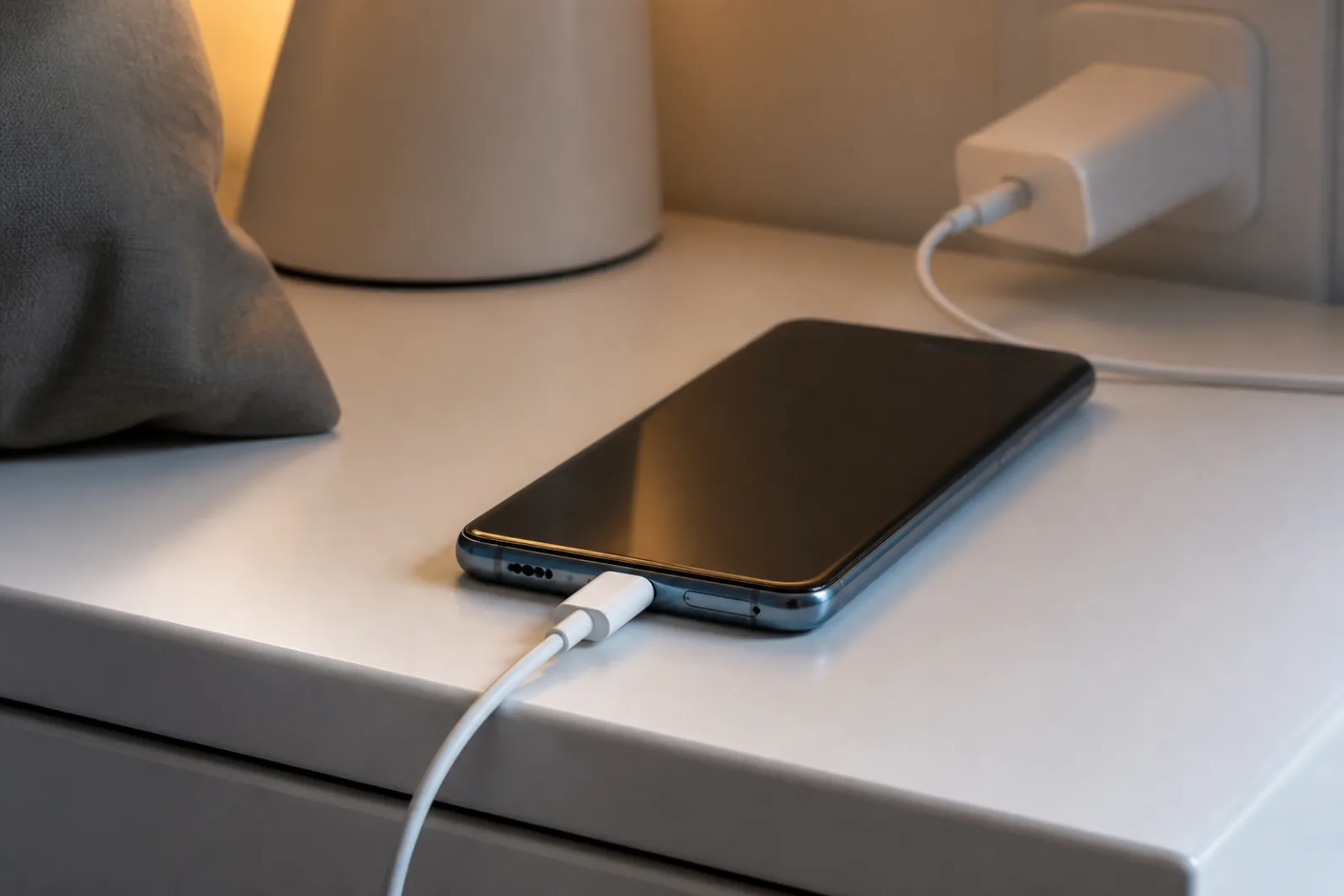
If Bluetooth died the same week the phone started overheating, heat throttling can drop the radio. Use the overheating steps first. A phone that also will not charge while you debug buds may just have a dying cable — that path is in Android phone not charging.
Fix 9: Turn off Absolute Volume (stutter, low volume, no sound)
- Open Settings > About phone, tap Build number seven times to unlock Developer options.
- Go to Settings > System > Developer options, scroll to Networking.
- Switch on Disable absolute volume. Reconnect the accessory.
Absolute Volume ties the phone and headset volume together. Older speakers and some car stereos handle that badly: sound cuts out, plays at a whisper, or the connection drops when you change volume. Turning it off gives each side its own volume control.
Fix 10: Media audio is off for that one device
Android stores a per-device profile. Tap the gear next to the accessory under Connected devices and make sure Media audio (and Phone calls if you want them) is switched on. A device that connects and then plays nothing usually has this toggle off after a cache clear or update.
Fix 11: Update the accessory, not just the phone
Earbuds, watches, and car head units run their own Bluetooth firmware. Open the companion app (Galaxy Wearable, Pixel Buds, Sony Headphones Connect, the car maker’s app) and check for an update. Pairing bugs between a 2026 Android build and a 2022 earbud firmware are common and only the accessory update fixes them.
Fix 12: Safe mode test
Long-press Power off on the power menu until Reboot to safe mode appears. Pair in safe mode. If it works there, a third-party app (audio equalizers, VPNs, battery managers, Tasker-style automations) is interfering. Uninstall recent ones until pairing survives a normal boot.
Related reading
Bottom line
Toggle, restart, forget, re-pair. Then set the Bluetooth system app to Unrestricted. Cars need a forget on both ends. Music vs calls is a toggle, not a new pair of buds. Reset network settings only after those.
Next step: forget the device, set Bluetooth to Unrestricted, and pair from one foot away. If it holds through a screen lock, you are done. If it still dies in Safe Mode with no extra apps, the accessory or the phone radio needs a shop, not another settings pass.
Frequently Asked Questions
Why is Bluetooth not connecting on my Android phone?
The usual causes are a stale pairing, the accessory still tied to another phone, or Android putting Bluetooth to sleep to save battery. Toggle Bluetooth, restart both devices, forget and re-pair, then set the Bluetooth system app to Unrestricted. Google's Android help starts with the same toggle and restart steps.
How do I stop Android Bluetooth from disconnecting?
Open Settings, Apps, show system apps, tap Bluetooth, then Battery, and choose Unrestricted. On Samsung, also remove Bluetooth from sleeping apps under Battery, Background usage limits. That stops the phone from killing the link when the screen locks.
Why will my car not pair with Android?
You have to forget the car on the phone and delete the phone from the car's Bluetooth list, then pair from only one side. Pairing from both at once causes PIN mismatches. Allow contacts if you want caller ID. Not every car plays music over Bluetooth.
Bluetooth is connected but there is no sound. Why?
Open the device gear under Connected devices and turn Media audio on for music and Phone audio on for calls. Raise volume on the phone and the accessory. Disconnect other headphones that may be stealing the stream.
What PIN should I use if Android asks for a Bluetooth passcode?
Google's Android help says to try 0000 or 1234 when the accessory needs a code and you do not have the printed one. If those fail, the accessory manual is the next place to look, not a factory reset.
Will resetting network settings delete my photos?
No. Reset Wi-Fi, mobile and Bluetooth clears saved networks and Bluetooth pairings only. You will rejoin Wi-Fi and re-pair earbuds and the car. Photos and accounts stay on the phone.
How close do I need to be for Fast Pair?
Google says the phone needs to be within about 0.5 meters or 1.6 feet of Fast Pair accessories, with Bluetooth and Location on, plus Wi-Fi or mobile data. If no pop-up appears, pair from Settings, Connected devices, Pair new device.
Where is Bluetooth diagnostics on a Pixel?
On Pixel 6 and newer, including Fold, open Settings, Connected devices, Bluetooth diagnostics. The tool tests media audio, calling, and hardware. Other Android brands do not get this menu. Use forget-and-re-pair plus Unrestricted battery instead.
Do I need a Bluetooth fixer app from the Play Store?
No. Use the brand companion app only: Galaxy Wearable, Pixel Buds, Sony Sound Connect, Bose Music, or JBL Headphones. Grant Nearby devices. Random Bluetooth repair APKs do not replace Google's toggle, forget, and Unrestricted steps, and they are a common malware vector.
What does Disable absolute volume do on Android?
It stops the phone and accessory from sharing one volume level. Turn it on in Developer options if Bluetooth audio stutters, is very quiet, or disconnects when you change volume, especially on older speakers and car stereos.
Bluetooth connects but no sound plays. Why?
Open the gear next to the device under Connected devices and switch Media audio on. Also try Disable absolute volume in Developer options and update the accessory firmware in its companion app.