Find Hub Can Now Delete Old Bluetooth Headphones and Earbuds From Your List

Google's Find Hub app has quietly gained a Remove from Find Hub option for Bluetooth audio gear, letting you clear out headphones, earbuds and speakers you no longer own. The change surfaced over the weekend of 26 July 2026 and appears to be widely available now, delivered silently rather than through any announcement.
It closes a gap that had been open since the app was still called Find My Device. Phones and watches drop off the list once they are factory reset, and Bluetooth tracker tags have always had their own removal button — but Fast Pair audio devices simply accumulated, with no way to get rid of them.
Why the list got so cluttered
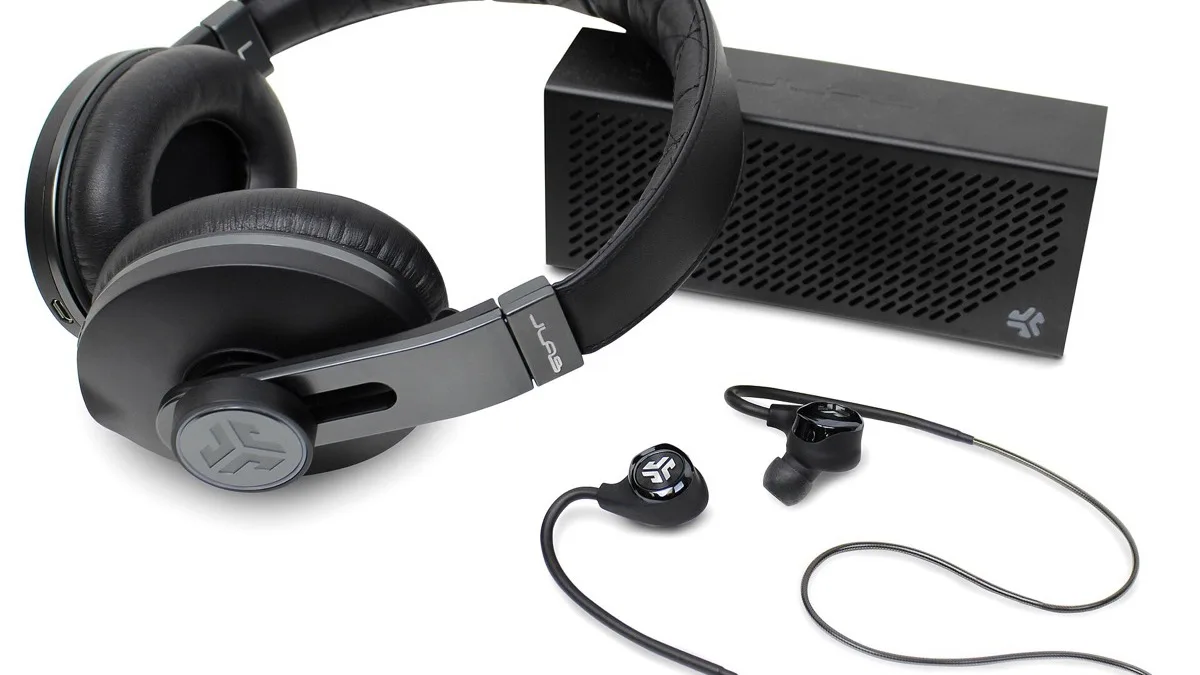
Anything you pair through Google's Fast Pair system registers itself against your account so Find Hub can show its last known location. That is genuinely useful for earbuds left in a taxi. The problem is that a pair sold, broken or thrown away years ago stayed on the list forever, pushing the gear you actually still use further down the screen.
People who replace earbuds every couple of years, or who test a lot of hardware, ended up scrolling past a graveyard of dead devices before reaching anything current. The new option finally lets you prune it.
How to remove a device
- Open the Find Hub app on your Android phone.
- Tap the headphones, earbuds or speaker you want gone.
- Look for Remove from Find Hub — either directly on the device screen, or behind the settings (gear) icon at the bottom.
- Confirm, then pull down to refresh the device list.
The awkward part is that the placement is not consistent. On one recent pair of Sony over-ear headphones the shortcut sits behind a settings icon at the bottom of the device screen, while on an older pair of Sony earbuds it appears on the first screen. There is no obvious pattern to it, so if you do not see the option immediately, check inside the gear menu before assuming your device is unsupported.
Which devices it works on
Removal has been seen working across a broad mix of brands, including Google's own Pixel Buds, Sony headphones and earbuds, Nothing earbuds, JBL speakers and OnePlus Buds — so this is not restricted to Google hardware. It is aimed squarely at the Fast Pair audio category.
Reports on other device types are more mixed. At least one person found they still could not remove an old Pixel phone from the list, which suggests the change is targeted at audio accessories rather than a universal delete button for everything in your account. If a phone or tablet is the thing cluttering your list, a factory reset of that device remains the reliable way to clear it.
What removal actually does
This is a list-level cleanup, not a security action. Removing an entry stops Find Hub tracking and displaying that accessory — it does not wipe the device, and it does not unpair it from your phone. If the earbuds are still physically paired, unpairing is a separate step under Settings > Connected devices on Android.
The practical benefit is a shorter, more honest list. When you are standing in a car park trying to make a pair of earbuds ring, having six entries instead of twenty matters. Find Hub also picked up location notifications earlier in 2026, and this fits the same pattern of small, overdue usability fixes rather than headline features.
If you do not see it yet
Because this arrived without an app update note, there is no version number to chase. Updating Find Hub and Google Play services from the Play Store, then force-stopping and reopening the app, is the most you can usefully do. Beyond that it is a matter of waiting for the change to reach your account.
Worth doing at the same time: a quick audit of what is still on your list. If you are new to Google's tracking tools, our guide to finding an iPhone from an Android device covers the cross-platform side, and our Pixel tips roundup has more of these small settings worth knowing.
If your phone goes missing, see our guide to finding a lost Android phone.
Related reading
Frequently Asked Questions
How do I remove old headphones from Find Hub?
Open the Find Hub app, tap the headphones, earbuds or speaker you want gone, then choose Remove from Find Hub. The option is sometimes on the device screen itself and sometimes behind the settings gear icon at the bottom, so check both before giving up.
Why did Find Hub not let me delete devices before?
Phones and watches disappear from the list after a factory reset, and Bluetooth tracker tags have always had a removal button, but Fast Pair audio accessories had no equivalent. They stayed attached to your Google account indefinitely, which is exactly what this change fixes.
Does removing a device from Find Hub unpair it?
No. Removal only takes the accessory off your Find Hub list and stops it being tracked there. If the earbuds or headphones are still paired to your phone, you need to unpair them separately under Settings, then Connected devices.
Which brands does this work with?
It has been seen working across Pixel Buds, Sony headphones and earbuds, Nothing earbuds, JBL speakers and OnePlus Buds, so it is not limited to Google hardware. Any Fast Pair audio device on your list is a reasonable candidate.
Can I remove an old phone from Find Hub the same way?
Not reliably. At least one user reported still being unable to remove an older Pixel phone, which suggests the option is aimed at audio accessories. Factory resetting the phone remains the dependable way to clear it from the list.