How to Automate FastCash Phone Games on Android (And Why Bots Never Get Paid)

Here is the honest answer up front. Android absolutely can automate taps — auto-clickers, MacroDroid and ADB will happily press your screen for hours. But on FastCash-style reward games, automating the taps almost never gets you paid. The money in those apps does not come from your taps. It comes from advertisers, and advertisers only pay for engagement their software believes was human.

So the bot runs, the coin counter goes up, and then the payout screen quietly fails. That is the part nobody explains, and it is what this guide is really about: how the automation tools work, why reward apps detect them, what actually happens to your balance, and what to do instead. We also run the real maths on what these games pay per hour — the number surprised us.
Quick Answer
- Can you automate the taps? Yes — auto-clickers, MacroDroid, Tasker and ADB all work on Android without root.
- Will it get you paid? Almost never. Reward apps are funded by verified human ad engagement, which a bot cannot produce.
- Will you be detected? Usually at cash-out, not while you play. That is why the balance keeps rising right up until it is voided.
- What happens: throttled rewards, then reward reversal, then a failed payout, then an account and device ban.
- Does the emulator plus Chimpeon method work? No. Reward apps check for emulators first and many refuse to launch.
- The real number: a $20 minimum cashout reached in about 40 hours is roughly $0.50 an hour. Automation does not raise that ceiling.
In a hurry? Jump to: which FastCash app do you have? · how these apps actually pay · the automation tools people use · 6 reasons bots fail · what happens when you're caught · the real hourly rate · faster ways that actually work
First: Which "FastCash" App Do You Actually Have?
This trips people up constantly, and it matters because the payout rules are different in each one. "FastCash" is not a single app. At least four unrelated apps use the name or a near-identical one on Android:
| App | What it is | Typical payout model |
|---|---|---|
| FastCash: Earn Cash Reward | Play games and complete offers | PayPal, commonly a $20 minimum |
| Fastcash: Earn Money & Rewards | A web app wrapped in an APK | Points to gift cards |
| Fast Cash | Separate app, same name | Varies by region |
| SpeedCash / My Cash / MONEY CASH | Same category, different publishers | Playtime points |
Do this before anything else: open the Play Store listing for the app you installed and check the developer name and the package ID. Then read that specific app's payout terms. Advice written for one of these apps can be flatly wrong for another, and "FastCash didn't pay me" threads are usually two people talking about two different apps.
One pattern holds across all of them, though: the higher the minimum cashout, the less likely you are to reach it. That is not an accident, and it is covered in the maths section below.
How FastCash-Style Games Actually Pay You
You need this to understand everything else. The chain looks like this:
- An advertiser pays an ad network to show you an ad or get you to install something.
- The ad network verifies the ad was really seen and really interacted with by a person.
- Only after that does the network pay the game publisher.
- The publisher keeps most of it and passes a slice to you as coins or points.
- You hit a minimum — often $20 — and request a PayPal or gift-card payout.
Notice where you sit. You are step four in a five-step chain, and every step above you has fraud detection because ad fraud costs the industry billions a year.
This is the key insight: your taps are not the product. Verified human attention is the product. A bot produces taps but no verified human attention, so no money enters the chain at step two — and there is nothing to pay you at step four.
The Automation Tools People Actually Use on Android
These are real, they are on the Play Store, and there is nothing shady about the tools themselves. Plenty of people use them for legitimate repetitive tasks.
1. Auto-clicker apps (Accessibility-based)
You set a target point on screen and an interval, and the app taps it. It works through Android's Accessibility Service, the same system screen readers use. No root needed.
Can do: repeat a single tap or a short sequence.
Cannot do: react to what is on screen. If a pop-up appears, it keeps tapping empty space.
2. MacroDroid and Tasker
Proper automation apps. They can chain actions, respond to triggers such as "when this app opens," add delays, and run loops.
Can do: multi-step routines with randomised timing.
Cannot do: read game state reliably, or hide from an app that checks which Accessibility services are running.
3. ADB input commands
Over USB or wireless debugging you can send taps and swipes straight from a computer with commands like input tap. It bypasses Accessibility entirely.
Can do: the most "invisible" input at the OS level.
Cannot do: hide the fact that Developer options and USB debugging are on, which is itself a flag many reward apps check for.
4. Emulator plus a Windows auto-clicker (the Chimpeon method)
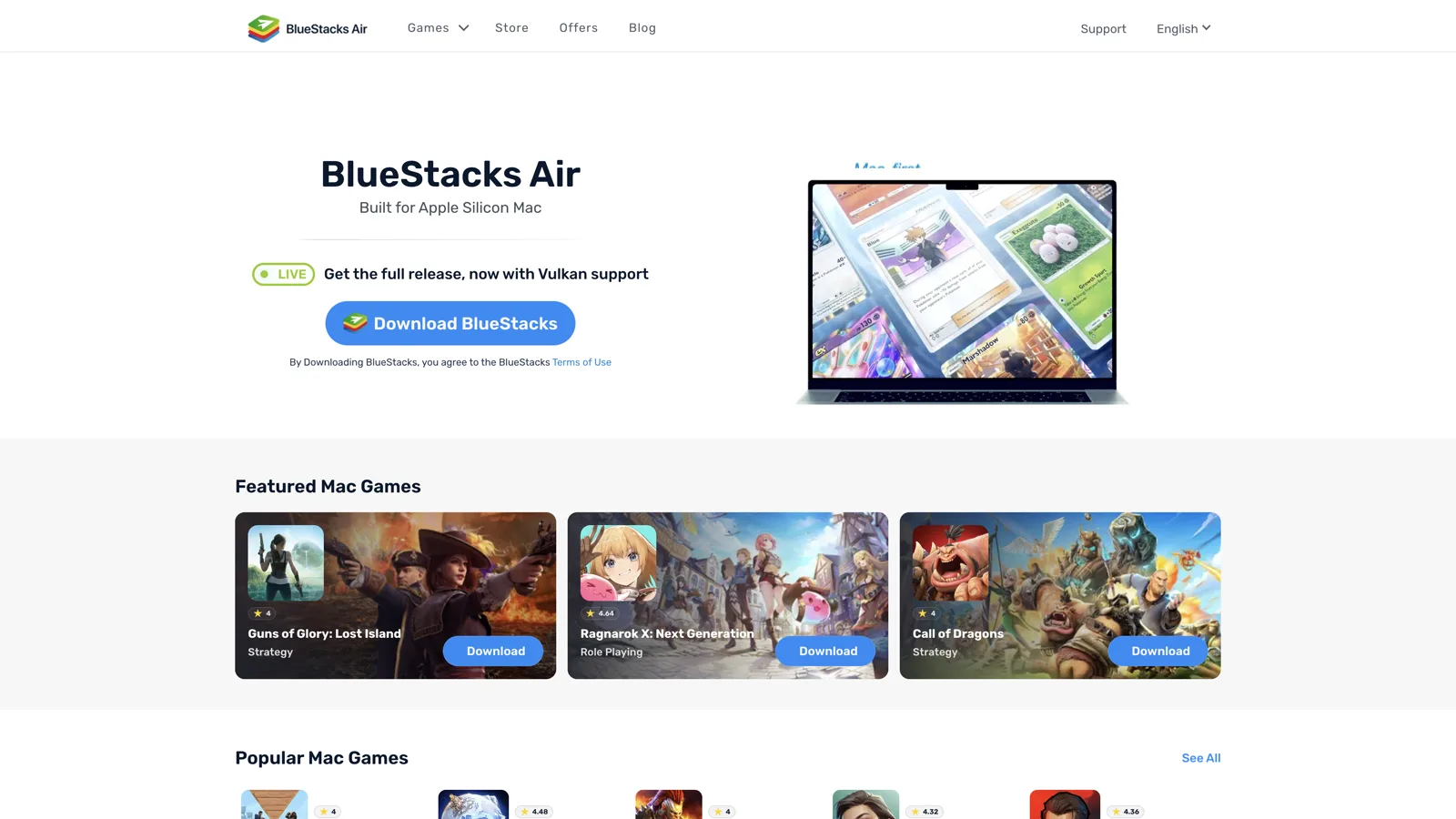
This is the method that dominates search results for automating Android games: run the game inside an emulator such as BlueStacks or Nox on a PC, then point a Windows key-sender and auto-clicker like Chimpeon at it. The tool can watch for a pixel colour to appear and click when it does, so it reacts to the screen rather than blindly tapping.
It is a genuinely clever setup, and it works well on the games those guides were written for — offline idle and clicker games with no payout attached.
Can do: long unattended runs with pixel-triggered logic.
Cannot do: get past emulator detection. Reward apps check for a virtual device before they check anything else, and many refuse to launch at all. Even when the game runs, the ad SDK sees a desktop-class environment with no touchscreen telemetry. Our Android emulator guide explains how that detection works.
In other words: the top-ranking automation tutorials are not wrong, they are just written about a different kind of game.
6 Reasons Automation Fails on Cash-Reward Games
This is the part missing from every "auto-clicker money" tutorial online.
- 1. Ad viewability checks. Ad SDKs measure whether the ad was actually on screen, for how long, and how the interaction happened. A tap with no scroll, no pause and no eye-level dwell time fails the check. No verified view, no revenue.
- 2. Timing fingerprints. Humans are inconsistent. Bots are not. Taps spaced at exactly 1,000ms, forever, are the loudest possible signal. Even randomised delays cluster differently from real behaviour.
- 3. Touch telemetry. Real touches have a contact area, a slight drift, a pressure curve and a duration. Injected taps are a single perfect point. This is trivially detectable.
- 4. Accessibility service auditing. An app can list which Accessibility services are enabled on your device. Auto-clickers announce themselves by design.
- 5. Device integrity checks. Google's Play Integrity API tells an app whether it is running on a genuine, unmodified device. Emulators, rooted phones and modified builds fail it.
- 6. Payout-time review. This is the wall almost everyone hits. Balances accumulate freely — the review happens when you cash out. That is where identity verification, device history and behaviour logs get checked at once, and where a month of botted coins gets voided in one click.
That last one is worth repeating. These apps let the number go up. A rising balance is not evidence your bot is working. It is evidence you have not been checked yet.
What Actually Happens If You Get Caught
| Stage | What you see | Can you recover? |
|---|---|---|
| Silent throttling | Rewards shrink; ads stop loading; "no offers available" | Sometimes, if you stop |
| Reward reversal | Balance drops with no explanation | Rarely |
| Payout denial | Cash-out fails or sits "pending" forever | Almost never |
| Account ban | Login blocked, balance gone | No |
| Device / IP ban | New accounts are blocked too | No |
Two things to be clear about:
- You will not get a warning. These systems are built to protect the ad spend, not to coach you.
- Automating for payout breaks the terms you agreed to, and depending on where you live, obtaining money by faking ad engagement is not just a policy problem. Google's own Device and Network Abuse policy treats automated ad interaction as abuse.
The Maths Nobody Runs: What Is Your Time Worth Here?
Let's take the automation question seriously and just do the arithmetic. Use your own app's numbers — this is a worked example, not a promise.
Suppose a reward game pays out at a rate that gets you to a $20 minimum cashout after roughly 40 hours of play, which is on the optimistic side of what most users report for this category.
- $20 ÷ 40 hours = $0.50 per hour.
- Automating it does not raise the rate. It only removes your attention from the equation — and it is exactly what triggers the review that voids the $20.
- So the realistic outcome of botting is not "$0.50/hour without effort." It is $0 and a dead account.
Now flip it. If your goal is money, almost anything else you could do with 40 hours pays more. If your goal is entertainment, you do not want a bot playing for you — that is just watching a number go up.
That is the real conclusion here: automation does not fix these apps, because the payout ceiling is the problem, not the effort.
Where Android Automation Is Genuinely Useful
To be fair to the tools: auto-clickers and macros are great for plenty of things. Use them where there is no money and no anti-cheat on the other side.
- Offline idle and clicker games with no real-money payout and no online leaderboard.
- Repetitive phone chores — clearing notifications, batch-renaming, filling repeated forms.
- App testing if you build Android apps yourself.
- Accessibility — the original reason the API exists.
A quick, safe MacroDroid setup for an offline idle game:
- Install MacroDroid and grant Accessibility access.
- Create a macro. Trigger: Application Launched → your game.
- Action: UI Interaction → Click at coordinates. Pick your tap point.
- Add a random wait (e.g. 800–1,400ms) rather than a fixed one, and loop it.
- Stop trigger: Application Closed → your game, so it never runs loose in the background.
Battery tip: a looping macro will cook your battery and heat the phone. Cap the run time, and if things get warm, our Android overheating fixes apply here too.
5 Faster Ways to Actually Earn From Phone Games
- Pick apps that pay per completed offer, not per minute played. Offer-based rewards are larger and clear faster than passive playtime coins.
- Complete the whole offer chain. Most unpaid rewards come from users quitting at level 8 of a level-12 requirement. Read the requirement first.
- Verify your identity early. Do it on day one, not at payout. The single most common "they didn't pay me" story is a failed verification after the balance was earned.
- Pick the lowest minimum cashout you can find. A $5 threshold you reach beats a $50 threshold you never do. Cash out the moment you are eligible.
- Track it like income. Log hours and payouts for two weeks and you will know within a fortnight whether the app is worth it. One of our budget tracking apps for Android handles this in about a minute a day.
How to Spot a Reward App That Will Never Pay You
Before you invest 40 hours, run this checklist:
- Filter the Play Store reviews to 1-star and sort by newest. If recent reviews say "won't cash out," believe them over the 5-star wall.
- Find the minimum payout before installing. If it is not stated anywhere, that is the answer.
- Check whether rewards fall off a cliff. Fast early coins then a sudden slowdown is a deliberate design to keep you just short of the threshold.
- Look for a real company name and support email. No named entity, no recourse.
- Beware sideloaded "mod" versions. Modded reward apps are a common malware vector, and they fail integrity checks instantly. Stick to the Play Store — and if it is ads you are trying to escape, our guide to blocking ads in Android games is the safer route.
Bottom Line
You can automate the taps. You cannot automate the thing you are actually being paid for, which is verified human attention. Every layer between you and the money — ad viewability, touch telemetry, device integrity, payout review — exists specifically to catch what a bot produces.
Balances that keep climbing feel like proof it works. They are not. The check happens at cash-out, and that is where botted accounts die.
Your next step: before you spend another evening on a cash game, run the red-flag checklist above and do the hourly maths on your own app. If it comes out under a dollar an hour — and it usually does — spend the evening on a game with no ads instead, and keep the automation tools for the offline idle games where nobody loses.
Frequently Asked Questions
Which FastCash app is this, and does it matter?
It matters a lot. FastCash is not a single app. At least four unrelated Android apps use the name or a near-identical one, including FastCash: Earn Cash Reward, Fastcash: Earn Money and Rewards, Fast Cash, and lookalikes such as SpeedCash and My Cash. Payout models and minimums differ between them, so check the developer name and package ID on the Play Store listing before following any advice about payouts.
Can you automate FastCash phone games on Android?
You can automate the taps using auto-clicker apps, MacroDroid, Tasker or ADB commands, and the in-game balance will keep rising. What you cannot automate is the thing the app is actually paid for, which is verified human ad engagement. Automated accounts typically pass unnoticed until cash-out, where the balance is voided and the account is banned.
Do auto-clickers get detected by money-earning game apps?
Yes, usually. Reward apps can list which Accessibility services are enabled, so an auto-clicker announces itself. They also analyse tap timing, contact area and duration, all of which look different for injected taps than real fingers. Google's Play Integrity API additionally flags emulators, rooted devices and modified app builds.
What happens if you use a bot on a cash reward game?
The usual progression is silent throttling where rewards shrink and offers stop loading, then reward reversal where your balance drops, then payout denial where the cash-out fails or stays pending forever, then an account ban, and finally a device or IP ban that blocks new accounts too. You rarely get a warning first.
Why does my balance go up if the app detected my bot?
Because the review happens at payout, not while you play. Letting the counter rise costs the publisher nothing, and checking every session would be expensive. Identity verification, device history and behaviour logs are all examined when you request a cash-out, which is why weeks of automated coins can vanish in a single moment.
Is using an auto-clicker on Android illegal?
The tools themselves are legal and available on the Play Store, and they have legitimate uses in accessibility, app testing and offline idle games. Using one to claim real money by faking ad engagement is a different matter: it breaks the app's terms of service, breaches Google Play's Device and Network Abuse policy, and depending on your country may raise fraud issues.
How much do cash reward games actually pay per hour?
Far less than most people expect. As a worked example, reaching a common 20 dollar minimum cashout after around 40 hours of play works out at roughly 50 cents an hour. Automation does not raise that rate, it only removes your attention, and it is the specific behaviour that triggers the review which voids the balance.
What is a safe way to use MacroDroid on Android games?
Use it only on offline games with no real-money payout and no online leaderboard. Set the trigger to Application Launched for that game, use a randomised wait between taps rather than a fixed interval, and add an Application Closed stop trigger so the macro never runs loose in the background. Cap the run time, because looping macros drain battery and heat the phone.
How do I tell if a cash game app will actually pay out?
Filter the Play Store reviews to one star and sort by newest, since recent complaints about failed cash-outs are the most reliable signal. Find the minimum payout before installing, and be wary if it is not stated. Watch for rewards that slow sharply once you approach the threshold, check that a real company name and support email exist, and never install a modded version from outside the Play Store.
Does the emulator and Chimpeon method work on cash reward games?
No. Running the game in BlueStacks or Nox and driving it with a Windows auto-clicker like Chimpeon works well on offline idle games, which is what those tutorials were written about. Cash reward apps check for a virtual device before anything else and many refuse to launch, and even when the game runs the ad SDK sees a desktop environment with no touchscreen telemetry.