Best GameCube and Wii Games on Dolphin for Android (2026)

The best GameCube and Wii games on Dolphin for Android are the ones your thumbs can play. On GameCube, start with Super Smash Bros. Melee, Mario Kart: Double Dash!!, Metroid Prime, Paper Mario: The Thousand-Year Door, and The Wind Waker. On Wii, start with Mario Kart Wii, Super Smash Bros. Brawl, Xenoblade Chronicles, and Super Mario Galaxy. Install Dolphin 2606a from Google Play (org.dolphinemu.dolphinemu). It is the only real GameCube and Wii emulator on Android. Then switch on one setting most lists never mention: Bloom Blurred. It fixes how 50+ of these games look.
Here is what other lists get wrong. They rank these games by how hard they are to run. That was the 2016 problem. On a 2026 phone, speed is mostly handled. Controls are not.
A Wii game that needs you to point a remote at a TV does not become good on a phone. It becomes a chore. So this page sorts games by how they play in your hands first, and by frame rate second.
In a hurry? Jump to: the one rule · how we checked · quick picks · best GameCube games · best Wii games · the two-version trick · what people actually play · the Bloom Blurred setting · per-game settings · what ranking pages get wrong · games to skip · will your phone run it · how to set up · FAQ
The one rule: controls pick the list, not your chip
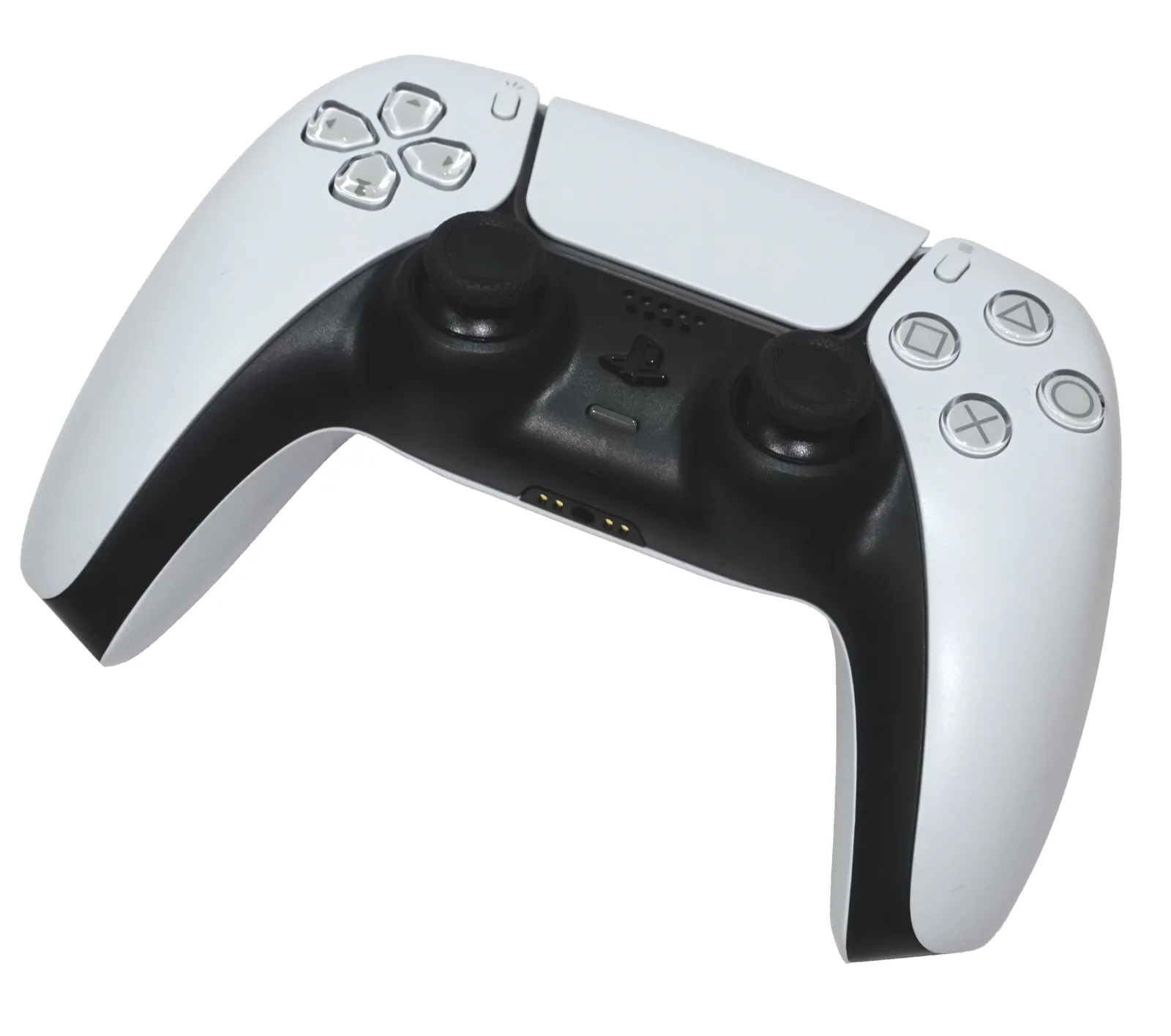
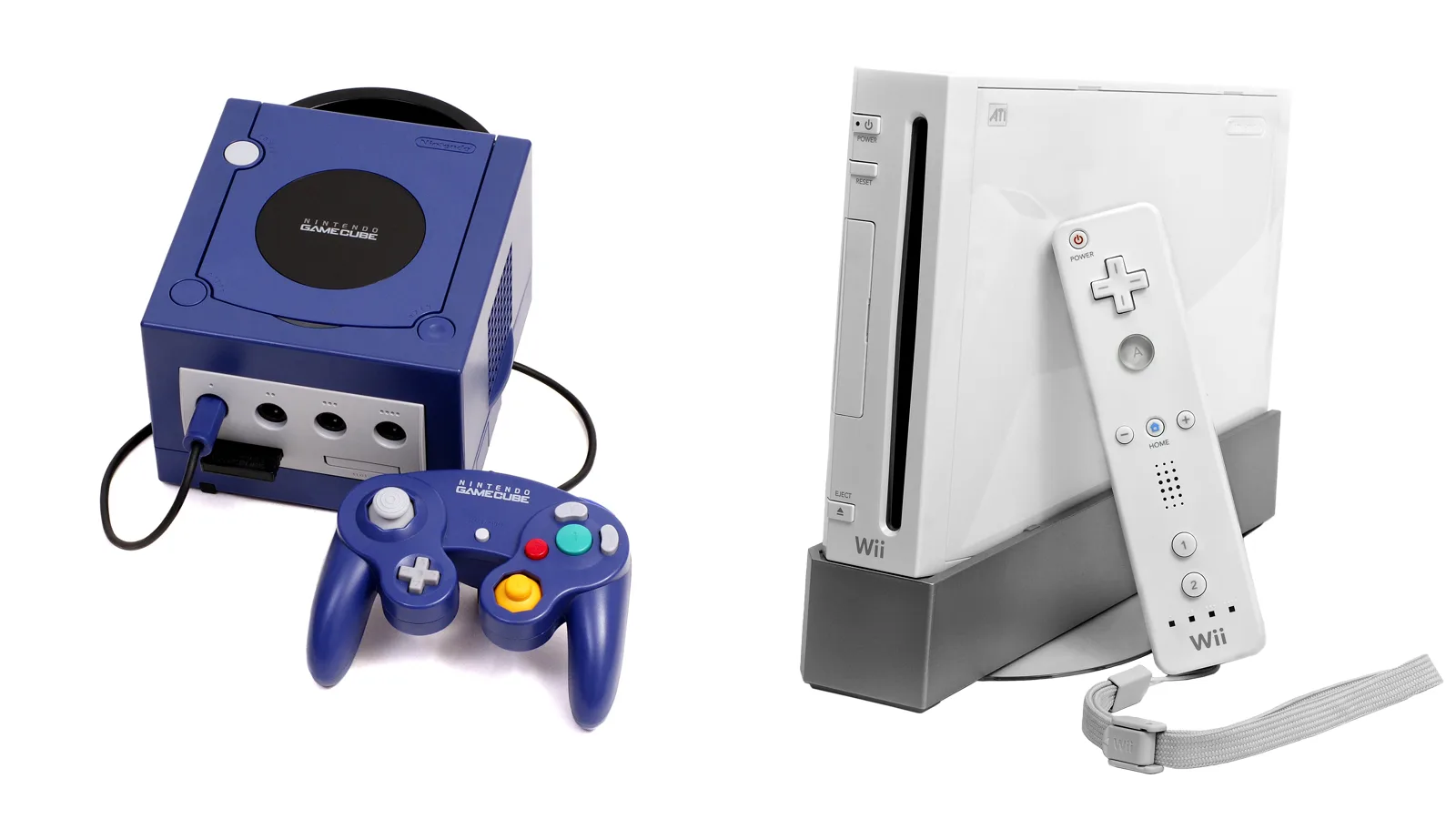
The GameCube had a normal controller. Two sticks, face buttons, two triggers. Your Android gamepad has all of that.
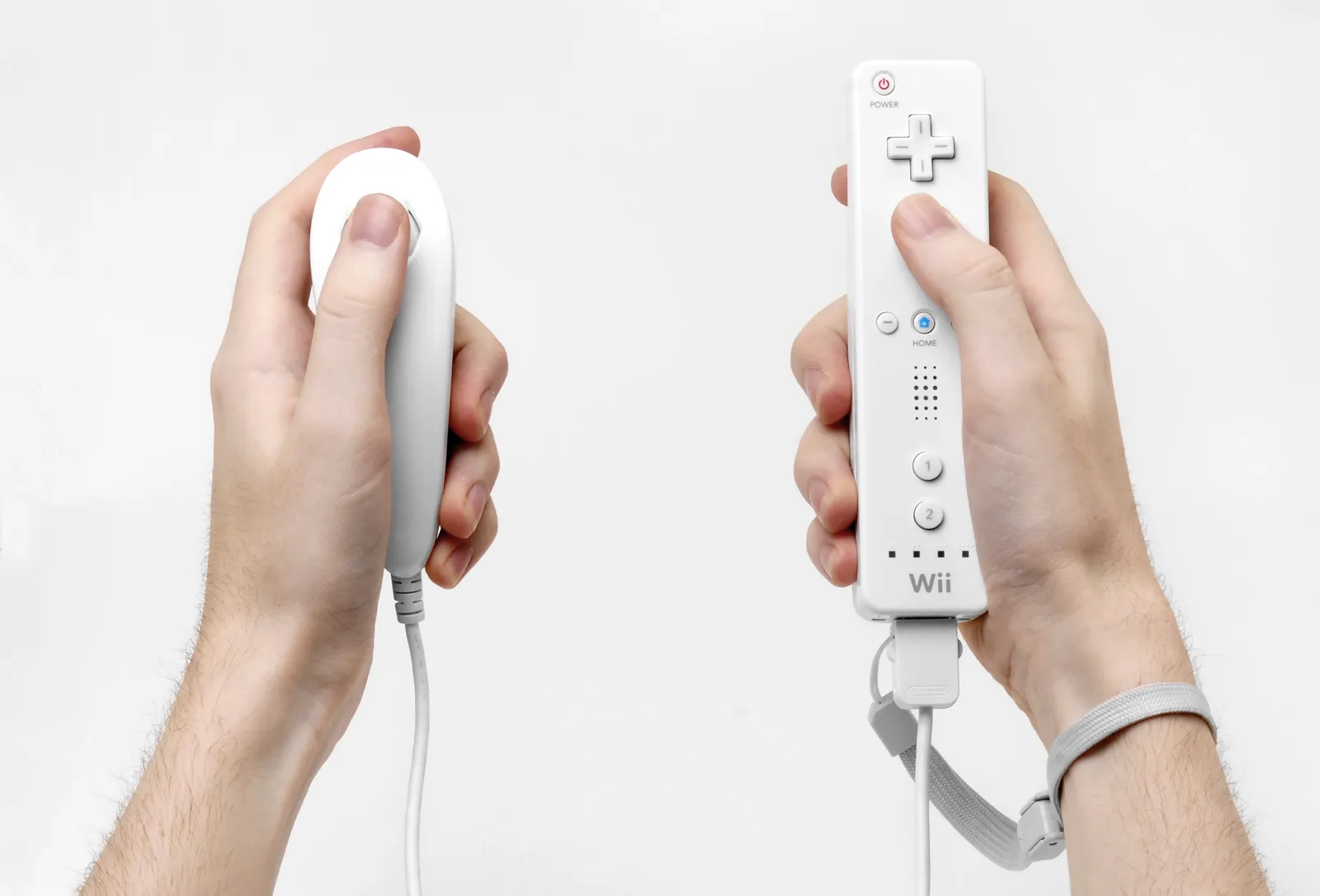
The Wii had a remote you waved and pointed. Your phone has none of that.
So the split looks like this:
- Every GameCube game maps 1:1. If it runs, it plays right.
- Wii games that support a Classic Controller or GameCube pad map 1:1 too. These are the easy Wii wins.
- Wii games that only use waggle need you to map “shake” to a shoulder button. Workable. Slightly odd.
- Wii games built around the pointer (aiming at a screen) are the rough ones. A right stick is not a laser pointer.
- Wii games that need the Balance Board are out. Dolphin’s own docs say the Balance Board cannot be emulated. Only a real board over Bluetooth works.
Keep that ladder in your head and the whole library sorts itself.
How we checked this (16 September 2026)
Aditya Singh wrote this for Android Hire. The question we wanted to answer: which of these games are actually worth your evening on a phone or an Android handheld?
- Who. Android Hire covers Android games and emulators. We do not sell or link game files, discs, or ISOs.
- How. We opened the live Dolphin Play listing (2606a, updated 11 August 2026, 4.1 stars from about 108,000 reviews). We read the Dolphin 2606 Progress Report line by line, plus the official controller docs, Dolphin’s own per-game INI files on GitHub, the MMJR2-VBI fork repo, and the RetroAchievements emulator table. We pulled the Wii player-count numbers below straight from the stats the RetroAchievements team shared with the Dolphin project. We compared the pages currently ranking for this query.
- Why. Most “best Dolphin games” pages are just Wii top-10 lists with the word Android bolted on. They never say which games fight a gamepad. That gap is the whole point of this page.
We will not paste made-up frame rates. If a number is not on a Play listing, in a Dolphin release note, in a config file, or on a page we opened, it is not here.
Quick picks by what you want tonight
| You want | Play this | Why it works on Android |
|---|---|---|
| Couch fighting with friends | Super Smash Bros. Melee (GC) | Pure gamepad game. No motion. Four pads over Bluetooth. |
| A kart racer | Mario Kart: Double Dash!! (GC) | No waggle at all. Mario Kart Wii needs a D-pad workaround for tricks. |
| A long RPG on a handheld | Xenoblade Chronicles (Wii) | Built for the Classic Controller. Maps cleanly. |
| The best-looking thing on your screen | Super Mario Galaxy (Wii) | Turn on Bloom Blurred. Star bits go on the right stick. |
| A first-person shooter | Metroid Prime (GC), not Prime Trilogy | The GameCube version locks on. Trilogy wants a pointer. |
| Zelda | The Wind Waker (GC), then Twilight Princess (GC) | Skip the Wii Twilight Princess. Turn on the Hyrule Field speed hack. |
| Something cozy and turn-based | Paper Mario: The Thousand-Year Door (GC) | Light on the GPU. Avoid save states in this one. |
| Achievements and leaderboards | Any GameCube or Wii game | RetroAchievements works on Android Dolphin. See the data below. |
| Local multiplayer on one screen | Super Monkey Ball 2 (GC) | 2606 added custom cropping, so you can zoom into your own quadrant. |
| Anything with a Balance Board | Nothing. Go outside. | Dolphin cannot emulate the Balance Board. Real hardware only. |
Best GameCube games on Dolphin for Android
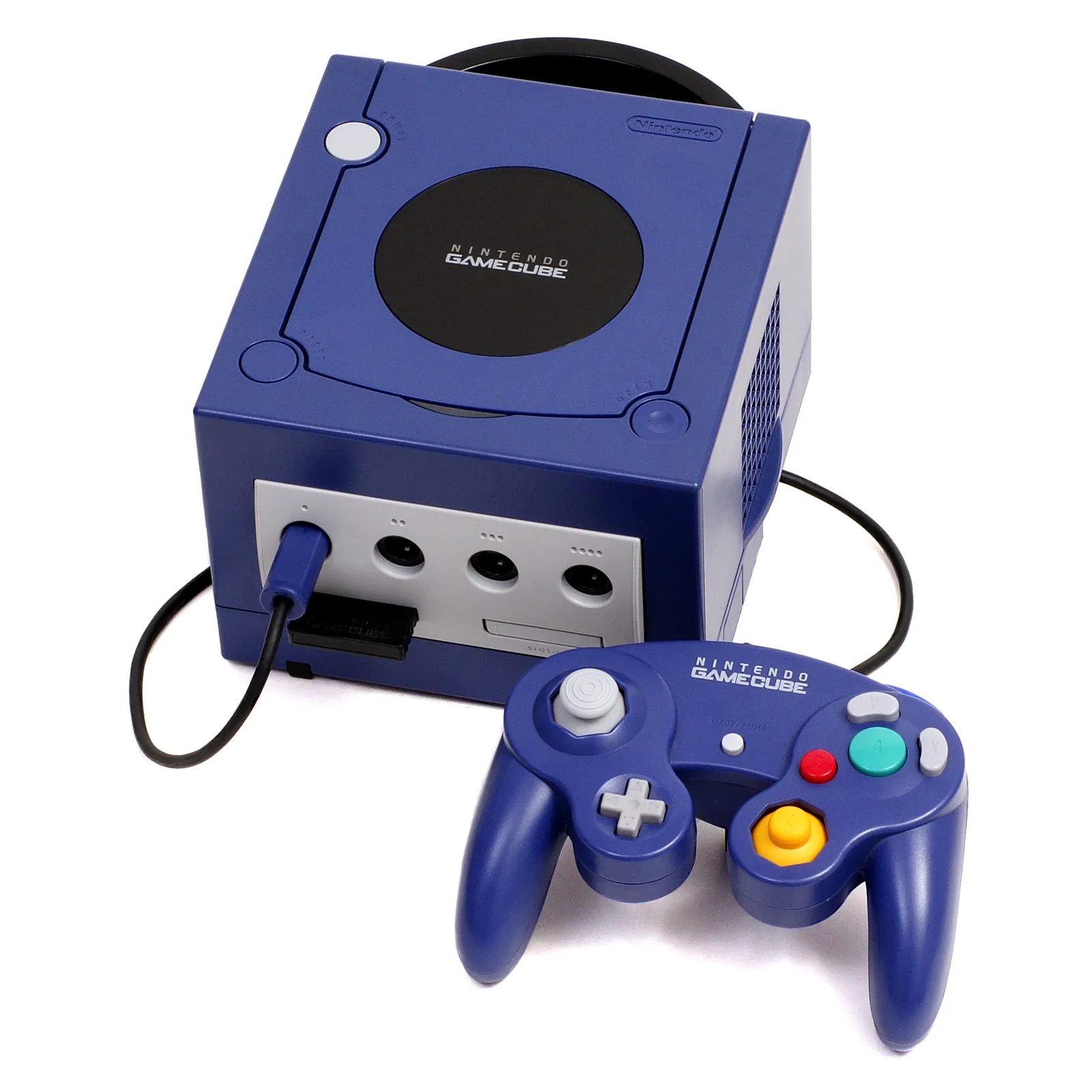
Start here. Every game below uses a standard pad, so nothing feels translated.
The safe first five
- Super Smash Bros. Melee. The reason a lot of people install Dolphin at all. No motion, no pointer, no tricks.
- Mario Kart: Double Dash!! Two characters per kart. Still the cleanest Mario Kart for a handheld.
- Metroid Prime. Lock-on aiming means a right stick is plenty. Read the two-version trick before you grab Trilogy instead.
- Paper Mario: The Thousand-Year Door. Easy on the chip. Use in-game saves, not save states.
- The Legend of Zelda: The Wind Waker. Cel-shaded art holds up at high resolution better than almost anything on the disc era.
Next five once you are set up
- Super Mario Sunshine. There are widescreen and 60 FPS Gecko codes for this one built into Dolphin’s cheat list.
- The Legend of Zelda: Twilight Princess. The GameCube version. Turn on the Hyrule Field speed hack or the open field will crawl.
- Luigi’s Mansion. Short, weird, perfect for a handheld session.
- Super Monkey Ball 2. Party modes plus the new cropping trick. More on that below.
- F-Zero GX. Fast and brutal. This one needs a setting change, and Dolphin ships it turned off. See the cheat sheet.
Best for: anyone with a Bluetooth pad. Skip if: you only have a touchscreen and no controller — GameCube games want two sticks and two triggers.
Best Wii games on Dolphin for Android
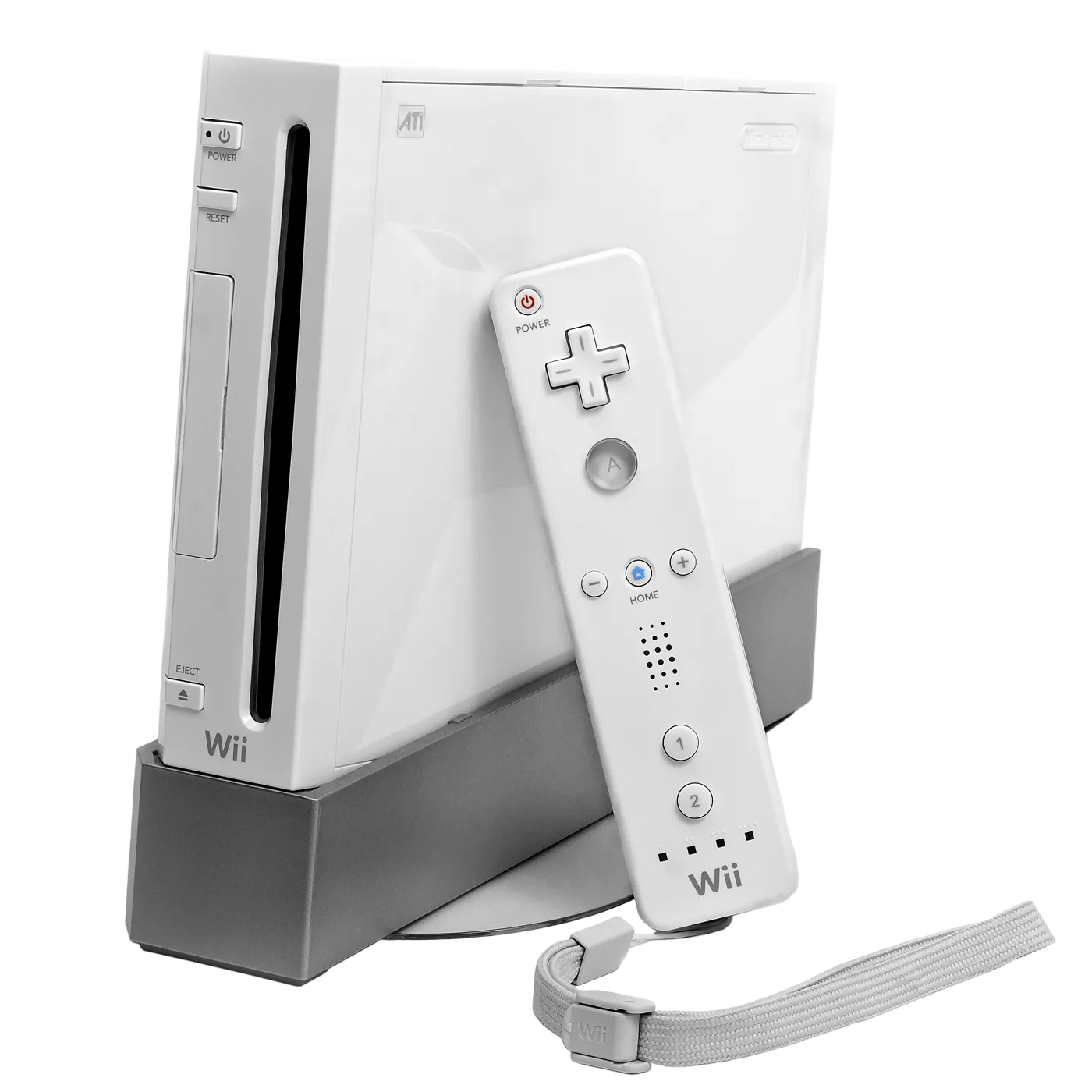
Wii games fall into three buckets. Pick from the first bucket and you will have a good night.
Bucket 1: plays like a normal game
These support a Classic Controller or a GameCube pad, so Dolphin maps them straight to your gamepad.
- Super Smash Bros. Brawl. Full GameCube controller support. The single best Wii pick on a handheld.
- Xenoblade Chronicles. Classic Controller game. Huge, and it fits a handheld perfectly.
- Fire Emblem: Radiant Dawn. Turn-based, Classic Controller, zero motion.
- Monster Hunter Tri. Built with the Classic Controller Pro in mind.
- The Last Story. Another late-Wii RPG that works with a pad.
- Mario Kart Wii. Supports the GameCube controller. One catch, in the next section.
Bucket 2: fine after you map one button
These use waggle. In Dolphin you map Shake X/Y/Z to a trigger and the shake becomes a button press.
- Super Mario Galaxy and Galaxy 2. Right stick points at star bits, one trigger is the spin. This is the setup most people land on.
- New Super Mario Bros. Wii. Remote-only game, so tick Sideways Wii Remote in Dolphin’s Wii Remote settings. Dolphin’s own docs name this exact game as the reason that option exists.
- Donkey Kong Country Returns. The roll is a shake. Map it and move on.
- Sonic Colors. Same idea for the boost.
- Kirby’s Return to Dream Land. Sideways remote again.
- Punch-Out!! This one has a hidden gift: Nintendo shipped a classic NES-style control option using the remote held sideways. No punching the air required.
- Rhythm Heaven Fever. Sideways remote, two buttons. Great on a phone.
Bucket 3: the pointer games
These aim at the screen. On Android you have two choices, and neither is great:
- Right stick as the pointer. Map Point up/down/left/right to the right stick and tick Relative Input. Fine for menus and Galaxy’s star bits. Bad for shooting.
- Touch IR Pointer. Dolphin can let your finger be the pointer, in Follow mode (cursor sits under your finger) or Drag mode (cursor moves as you swipe). Good on a phone. Awkward on a handheld with a grip in each hand.
If a Wii game is all pointer, check whether a GameCube version exists first.
The two-version trick: pick GameCube, not Wii
This is the tip that changes people’s minds about Dolphin on Android. Several games shipped twice. The GameCube version almost always plays better on a gamepad.
| Game | Wii version | GameCube version | Pick |
|---|---|---|---|
| Twilight Princess | Pointer aim, waggle sword, world is mirrored | Normal stick and buttons | GameCube |
| Metroid Prime 1 and 2 | Prime Trilogy: free pointer aiming | Lock-on aiming | GameCube on a handheld |
| Resident Evil 4 | Wii Edition: pointer aiming | Stick aiming | GameCube |
| Mario Kart | Mario Kart Wii: tilt or D-pad tricks | Double Dash!!: no motion at all | Double Dash!! to start |
One honest note on Mario Kart Wii. Nintendo’s own fact sheet warned that Classic Controller and GameCube controller players “cannot perform certain moves.” In practice you do air tricks with the D-pad instead of a flick. Plenty of players prefer that. Just know it before you blame the emulator.
What Wii players are actually playing (real numbers)
Most “best games” lists are one person’s taste. Here is some actual behaviour instead.
RetroAchievements added Wii support on 19 March 2026 with more than 180 achievement sets on day one. Three months later, the RetroAchievements team shared player counts with the Dolphin project. These are the ten most-played Wii games in that window:
| # | Game | Players | Good on Android? |
|---|---|---|---|
| 1 | Super Mario Galaxy | 5,408 | Yes, with shake on a trigger |
| 2 | New Super Mario Bros. Wii | 4,052 | Yes, tick Sideways Wii Remote |
| 3 | Mario Kart Wii | 3,744 | Yes, D-pad tricks |
| 4 | Super Smash Bros. Brawl | 3,445 | Yes, best-in-class |
| 5 | Animal Crossing: City Folk | 2,132 | Yes, but it is a pointer-heavy menu game |
| 6 | Who Wants to Be a Millionaire: 1st Edition | 2,034 | Yes. Short sets. Achievement farming. |
| 7 | Super Mario Galaxy 2 | 1,816 | Yes |
| 8 | Learning with the PooYoos: Episode 1 | 1,805 | Yes. This is a toddler game. |
| 9 | Rhythm Heaven Fever | 1,772 | Yes, two buttons |
| 10 | Kirby’s Return to Dream Land | 1,769 | Yes |
Two things jump out.
- Eight of the top ten are gamepad-friendly. The market already voted for our rule.
- Three of them are quiz and kids’ games. PooYoos and Millionaire are not there because they are great. They are there because they are quick to 100%. If you want mastery badges fast, that is your cheat code.
Achievements on Android: the part people get wrong
Some guides still say RetroAchievements on Android Dolphin is experimental. It is not.
- GameCube achievements landed in the Android build in v2509-503, on 22 November 2025.
- Wii and WiiWare arrived with the 19 March 2026 rollout.
- Hardcore mode needs Dolphin 2603a or 2603-81 or newer. You are past that on 2606a.
- RetroAchievements lists the Play Store Android build as both endorsed and recommended.
Hardcore mode blocks save states and cheats. That means no 60 FPS Gecko code and no widescreen hack while you are hunting. Pick one or the other per session.
Turn on Bloom Blurred. It changes 50+ games.
This is the best thing in Dolphin 2606 and almost nobody has written about it for Android players.
Here is the story in plain terms.
- The GameCube and Wii could not do real HDR lighting. So artists faked the glow around bright objects by hand.
- They hand-tuned that glow for a 480p screen, using a fixed blur value baked into the game’s code.
- When you raise the resolution in Dolphin, the glow does not get blurrier with it. The layers separate. You see ghost copies of every light.
- For about a decade, your options were “play at 1x” or “live with it.”
In 2606, Dolphin developer iwubcode shipped a graphics mod called Bloom Blurred. It makes Dolphin do its own blur, sized for whatever resolution you picked. The glow finally looks right at high resolution.
Dolphin already has bloom definitions for over fifty games. The named ones include:
- The Legend of Zelda: Twilight Princess
- Metroid Prime 3 and Metroid Prime Trilogy
- Xenoblade Chronicles
- Super Mario Galaxy 1 and 2
- Okami
- Sonic Colors
- The Last Story
- Donkey Kong Country Returns
- Shadow the Hedgehog
- Star Wars: Rogue Squadron III
How to switch it on (Android)
- Enable Graphics Mods in Dolphin’s graphics settings.
- Long press the game in your list to open its properties.
- Look under Cheats. Yes, Cheats. Dolphin’s own release note admits this is a weird place for it and says they should probably move it.
- Enable Bloom Blurred.
If you have ever raised the resolution on Galaxy and thought “why do the lights look doubled,” this is the answer. It took ten years.
The per-game settings cheat sheet
A handful of these games need one switch flipped. This is where the actual playing happens.
| Game | Do this | Why |
|---|---|---|
| Twilight Princess | Enable the Hyrule Field speed hack cheat | The open field slows down without it on basically any device. |
| F-Zero GX | Turn Dual Core on for this game only | Dolphin ships it off for F-Zero. It needs it to run well. Expect more crashes as the trade. |
| Super Mario Sunshine | Enable the widescreen + 60 FPS Gecko codes, then force 16:9 | Both codes are in Dolphin’s cheat list already. |
| Metroid Prime 3 / Trilogy | Turn Enable Speaker Data off | Dolphin’s docs name Prime 3 as a game with lag when speaker data is on. |
| Paper Mario: TTYD | Use in-game saves, not save states | A long-standing bug where loading a state can stop you saving in-game. |
| Beyond Good & Evil | Use the new custom crop in Graphics → Advanced | It renders 16:9 inside a 4:3 frame, so you normally get black bars twice. |
| Super Monkey Ball 2 | Custom crop into your own quadrant | New in 2606. Split-screen without seeing your friend’s screen. |
| New Super Mario Bros. Wii | Tick Sideways Wii Remote | It supports no other controller. None. |
| Any game running badly | Try VBI Skip per-game, never globally | It is a speed hack. It helps some games and breaks others. |
| Rogue Squadron II / III | Leave Dolphin’s defaults alone | Dolphin's config already sets MMU on, Dual Core off (it freezes before the menu), and CPU culling on. |
Two more global habits worth building:
- Turn on “Compile Shaders Before Starting.” It trades a loading wait for far less stutter mid-level.
- Use RVZ, not ISO. Same game, much smaller file, no performance cost. Dolphin and RetroAchievements both read it.
What ranking pages still get wrong
We read the pages currently ranking for this query. These mistakes keep showing up.
| Claim you will see | What is actually true |
|---|---|
| Use MMJR2 or Dolphin MMJR for better speed | MMJR, MMJR2 and MMJR3 are deprecated. The one maintained fork, MMJR2-VBI, sits on Dolphin’s July 2024 code. Its own README says new users should use official Dolphin. |
| The forks have every feature official Dolphin has | MMJR2-VBI lists its own gaps: no custom GPU driver support, no Android input overhaul, no gamma correction. It also predates Bloom Blurred, custom cropping, Wii achievements, and the 2606a security patches. |
| Save states carry between Dolphin builds | They do not. MMJR2-VBI states are incompatible with official Dolphin and with other forks. In-game saves are the portable ones. |
| Wii achievements do not work on Android yet | They do. GameCube since November 2025, Wii since March 2026. Hardcore needs 2603a or newer. |
| Just enable the Widescreen Hack in Enhancements | Dolphin’s own UI tells you not to. Use the per-game widescreen Gecko code plus Force 16:9 instead. |
| Rogue Squadron III is playable now after the 2603 speed-up | On desktop, yes, and it was a big jump. Every published benchmark for that change is x86. No ARM numbers exist, and Dolphin’s docs note its ARM64 compiler is historically weakest on exactly these games. |
| You can finally play Pokémon in Dolphin | That was a joke in Dolphin’s own April Fools post about Game Boy Player support. Dolphin calls it “a curiosity,” needs the Start-Up Disc, and tells you to use a real Game Boy emulator. |
| Dolphin works great on any Android TV box | The Play listing names only Nvidia Shield TV models as known-compatible Android TV devices. |
| Any Android 5 or 6 device can run it | Not since 2606. Minimum is now Android 7 Nougat. Dolphin’s own analytics showed this affected 0.0003% of its Android users. |
| Here are 25 must-play Dolphin games | Half of those lists include Wii Sports, Wii Play, and Wii Fit. Two need a pointer to be any fun and one needs hardware Dolphin cannot emulate. |
Games to skip on Android (and why)
- Wii Fit and Wii Fit Plus. Balance Board only. Dolphin cannot emulate it. Full stop.
- Wii Sports and Wii Sports Resort. Half pointer, half real swinging. A thumbstick makes bowling a wobbly mess.
- Wii Play. It is a pointer demo disc.
- Light-gun style shooters (the House of the Dead ports, Link’s Crossbow Training). Wii Zapper games. Precision pointing is the entire game.
- Star Wars: Rogue Squadron II and III. Dolphin calls Rogue Squadron III its heaviest game. Even on a desktop it needs top-end hardware.
- Any APK that already has games inside. Real emulators ship empty.
- “Dolphin Gold” / “Dolphin Pro” / “Dolphin 60FPS” store clones. There is one Dolphin. Its package is
org.dolphinemu.dolphinemu. - The Wii Remote speaker mixer. New in 2606, but desktop only. Do not go hunting for it on Android.
Will your phone or handheld run these?
Use this as a floor, not a promise. Heat matters more than the chip name.
| Your device | GameCube | Wii |
|---|---|---|
| Snapdragon 8 Gen 3 / 8 Elite (and handhelds built on them) | Most of the library, with upscaling | Most of the library, with upscaling |
| Snapdragon 8 Gen 1 / 8+ Gen 1 / 888 | Very comfortable | Comfortable. Heavy scenes dip. |
| Snapdragon 845 / 855 / 865 | Good at 1x–2x | Playable. Stay near native resolution. |
| Mid-range 7-series / Dimensity 7000-class | Lighter 3D at 1x | Hit and miss. Try 2D-ish games first. |
| Budget Unisoc, RK3566, H700 boards | Do not bother | No |
| Android TV box that is not an Nvidia Shield | Unsupported by the listing | Unsupported by the listing |
Three practical notes:
- Android 7 Nougat is the hard minimum as of 2606. Older phones are out.
- HD texture packs are picky. The common DDS packs mostly want an Adreno GPU, which is to say a Snapdragon device. And only turn on “Prefetch Custom Textures” if you have 8 GB of RAM or more.
- Thermals are the real limit. Twenty minutes into Galaxy in a thick case is not the same phone as the one in a benchmark. Our overheating fixes apply here: case off, shorter sessions.
Shopping for a device to do this properly? Dolphin is the exact workload Android handhelds are built for. We track the market in our coverage of the Retroid Pocket Nova and Anbernic RG SP.
How to set up Dolphin on Android the right way
- Install Dolphin from Google Play. Package
org.dolphinemu.dolphinemu. You want 2606a or newer. The Play version updates itself, which matters because 2606a was a security release. - Dump a disc you own to RVZ. Put GameCube games in one folder and Wii games in another. Then use Add Games on each tab. Skipping this step is why frontends like Daijisho show an empty list later.
- Set the backend to Vulkan and turn on Compile Shaders Before Starting. Leave the resolution at 1x for your first launch.
- Map your GameCube pad and save it as a profile. Then map the Wii Remote, set Point to the right stick, tick Relative Input, put Shake X/Y/Z on a trigger, and save that as a second profile.
- Launch one game and hide the touch overlay. In-game menu → Overlay Controls → Toggle all.
- Now add the per-game bits. Long press a game for its properties. Turn on Bloom Blurred, a widescreen code, or the Hyrule Field hack — one at a time, so you know what broke if something does.
- Raise the resolution last. Go to 2x, play ten minutes, watch the heat. Then decide.
- Save in-game before you change anything. Save states do not survive version and fork changes. In-game saves do.
Want a pad that just works? See our notes on Android games with gamepad support and connecting a DualSense.
Discs, dumps, and the line we will not cross
Dolphin is legal. Your file collection is the question. The Play listing says it plainly: the app does not come with games, and you must buy and dump your own.
- Dump a GameCube or Wii disc you own. RVZ is the format to use.
- Some Wii games want a Mii, which means installing the Wii System Menu through Dolphin’s own updater. That is a legitimate path.
- We will not name a disc site, a keys pack, or a “Wii ROM vault.”
- One real reason to care: 2606a patched several heap overflow bugs triggered by malformed GCZ files, plus a memory disclosure bug in malformed DOL files. A bad file from a stranger is not just a legal problem. It is an attack surface.
Dolphin also swapped its disc-verification lookups to the new Redump.info site, so the Verify tab works more often than it did last year. Use it to confirm your dump is clean.
Bottom line
The best GameCube and Wii games on Dolphin for Android are the gamepad games. Melee, Double Dash!!, Metroid Prime, Wind Waker, and TTYD on GameCube. Brawl, Xenoblade, Galaxy, and Mario Kart Wii on the Wii side. Install Dolphin 2606a from Google Play and ignore the MMJR forks. Where a game exists on both systems, take the GameCube one.
Do this next: install Dolphin from the official Play listing, dump one disc you own to RVZ, map a controller and save the profile, then long press Super Mario Galaxy and switch on Bloom Blurred. Bump the resolution to 2x and look at the lights. That one setting is the fastest way to see why this is worth doing at all.
Wrong console? Our PS2 guide, DS and 3DS guide, and PSP list are all lighter on your battery.
Related reading
Frequently Asked Questions
What are the best GameCube and Wii games on Dolphin for Android?
On GameCube: Super Smash Bros. Melee, Mario Kart: Double Dash!!, Metroid Prime, Paper Mario: The Thousand-Year Door, and The Wind Waker. On Wii: Super Smash Bros. Brawl, Xenoblade Chronicles, Super Mario Galaxy, Mario Kart Wii, and Fire Emblem: Radiant Dawn. All of these work with a normal gamepad, which is the real filter on Android — not raw speed.
Which Dolphin build should I install on Android in 2026?
Official Dolphin from Google Play, package org.dolphinemu.dolphinemu. The Play version is 2606a, updated 11 August 2026, rated about 4.1 from roughly 108,000 reviews. 2606a was a security release, so an app that auto-updates is genuinely safer here. Skip MMJR, MMJR2 and MMJR3 — they are deprecated.
Is MMJR2 better than official Dolphin on Android?
No, not in 2026. MMJR, MMJR2 and MMJR3 are deprecated. The one semi-maintained fork, MMJR2-VBI, is built on Dolphin's July 2024 code and its own README tells new users to install official Dolphin instead. It is missing custom GPU driver support, the Android input overhaul, and gamma correction, and it predates Bloom Blurred, custom cropping, Wii achievements, and the 2606a security fixes.
What is Bloom Blurred and why should I turn it on?
It is a graphics mod added in Dolphin 2606. GameCube and Wii games faked their glow effects with a blur value hand-tuned for 480p, so raising the resolution in Dolphin used to show ghost copies of every light. Bloom Blurred makes Dolphin redo the blur at your chosen resolution. Dolphin has definitions for over 50 games, including Super Mario Galaxy, Twilight Princess, Xenoblade Chronicles, Metroid Prime 3, Okami, and Sonic Colors. On Android: enable Graphics Mods, long press the game, then look under Cheats.
Can you play Wii games on Android without a Wii Remote?
Yes, but it depends on the game. Wii games that support a Classic Controller or GameCube pad map perfectly to a Bluetooth gamepad. Waggle games work once you map Shake X/Y/Z to a trigger. Pointer-heavy games are the weak spot: you can use the right stick with Relative Input, or Dolphin's Touch IR Pointer in Follow or Drag mode. Balance Board games cannot be emulated at all.
Should I play Twilight Princess on GameCube or Wii in Dolphin?
GameCube, on a handheld. The Wii version uses pointer aiming, waggle sword swings, and a mirrored world. The GameCube version uses a normal stick and buttons. Either way, turn on the Hyrule Field speed hack cheat or the open field will slow down.
Does RetroAchievements work with Dolphin on Android?
Yes. GameCube achievements came to the Android build in v2509-503 on 22 November 2025, and Wii plus WiiWare support launched on 19 March 2026 with more than 180 sets. Hardcore mode requires Dolphin 2603a or 2603-81 or newer, so 2606a qualifies. Hardcore blocks save states and cheats, so you cannot run a 60 FPS or widescreen code while hunting.
What are the most played Wii games on Dolphin?
Using the player counts RetroAchievements shared with the Dolphin project for the first three months of Wii support: Super Mario Galaxy (5,408), New Super Mario Bros. Wii (4,052), Mario Kart Wii (3,744), Super Smash Bros. Brawl (3,445), Animal Crossing: City Folk (2,132), Who Wants to Be a Millionaire: 1st Edition (2,034), Super Mario Galaxy 2 (1,816), Learning with the PooYoos: Episode 1 (1,805), Rhythm Heaven Fever (1,772), and Kirby's Return to Dream Land (1,769).
Which Wii games should I avoid on Android?
Wii Fit and Wii Fit Plus, because Dolphin cannot emulate the Balance Board and only supports a real one over Bluetooth. Wii Sports, Wii Sports Resort and Wii Play, because they are built on pointing and real arm motion. Wii Zapper and light-gun games for the same reason. Also skip Star Wars: Rogue Squadron II and III — Dolphin calls Rogue Squadron III its heaviest game.
What are the minimum requirements for Dolphin on Android?
Android 7 Nougat and a 64-bit device, as of the 2606 release. Dolphin's own analytics showed the bump affected 0.0003% of its Android users. In practice a Snapdragon 845 or newer is a sane floor for GameCube, and an 8-series chip is where Wii gets comfortable. Budget Unisoc and RK3566 boards are not worth it. For Android TV, the Play listing names only Nvidia Shield TV models as known-compatible.
Why does my game look stretched or have double black bars?
Some late GameCube games, like Beyond Good & Evil, render a 16:9 image inside a 4:3 frame, so you get black bars twice. Dolphin 2606 added a custom crop option in Graphics then Advanced, on Android as well as desktop. The old setting was renamed Crop to Aspect Ratio. For widescreen generally, use the per-game widescreen Gecko code plus Force 16:9 — not the Widescreen Hack in Enhancements, which Dolphin's own UI warns against.
Should I use RVZ or ISO for Dolphin on Android?
RVZ. It is Dolphin's own compressed format, gives much smaller files, and costs you nothing in performance. RetroAchievements reads RVZ too. Keep an ISO only if you plan to patch a rom hack or apply a mod that needs one.
Can Dolphin on Android play Game Boy games now?
Technically, through the new Game Boy Player support in 2606, but you should not plan on it. Dolphin emulates the GameCube accessory, not a Game Boy, so you also need the Game Boy Player Start-Up Disc or Game Boy Interface homebrew. Dolphin's own release note calls it a curiosity and recommends a dedicated Game Boy emulator instead. For GBA on Android, see our GBA guide.
Why did my save states stop working after updating?
Save states are tied to the build that made them. They do not transfer between official Dolphin and forks like MMJR2-VBI, and often not between fork versions either. In-game saves are the portable ones, so save in-game before any update. Dolphin 2606a also fixed a bug where loading a save state could fail in Wii games that had files open.