Best PS2 Emulator for Android 2026: NetherSX2 vs ARMSX2 vs Play!

The best PS2 emulator for Android in 2026 is NetherSX2. Get it from Trixarian’s GitHub. There is no official Google Play listing. Classic build 3668 is the pick on Mali and weaker chips. The 4248 patch is the pick on Adreno. ARMSX2 2.6.9 is next on a Snapdragon 865 or Dimensity 8300 handheld. Play! is the Play Store app if you will not dump a BIOS. None of them ship games. You dump a disc you own.
Install one of these three:
- NetherSX2 — default for phones. GitHub only.
- ARMSX2 2.6.9 — cooled handhelds, and fighters if input lag bothers you.
- Play! — no BIOS file. Lighter 3D. Real Play Store app.
Skip AetherSX2 for a new install. Skip DamonPS2. Skip any APK that already has games inside.
In a hurry? Jump to: what it is · how we checked · quick picks · what ranking pages get wrong · comparison table · NetherSX2 · Turnip (Adreno) · ARMSX2 · Play! · God of War and other games · what to skip · will my phone run it · how to set up · FAQ
What is a PS2 emulator for Android?
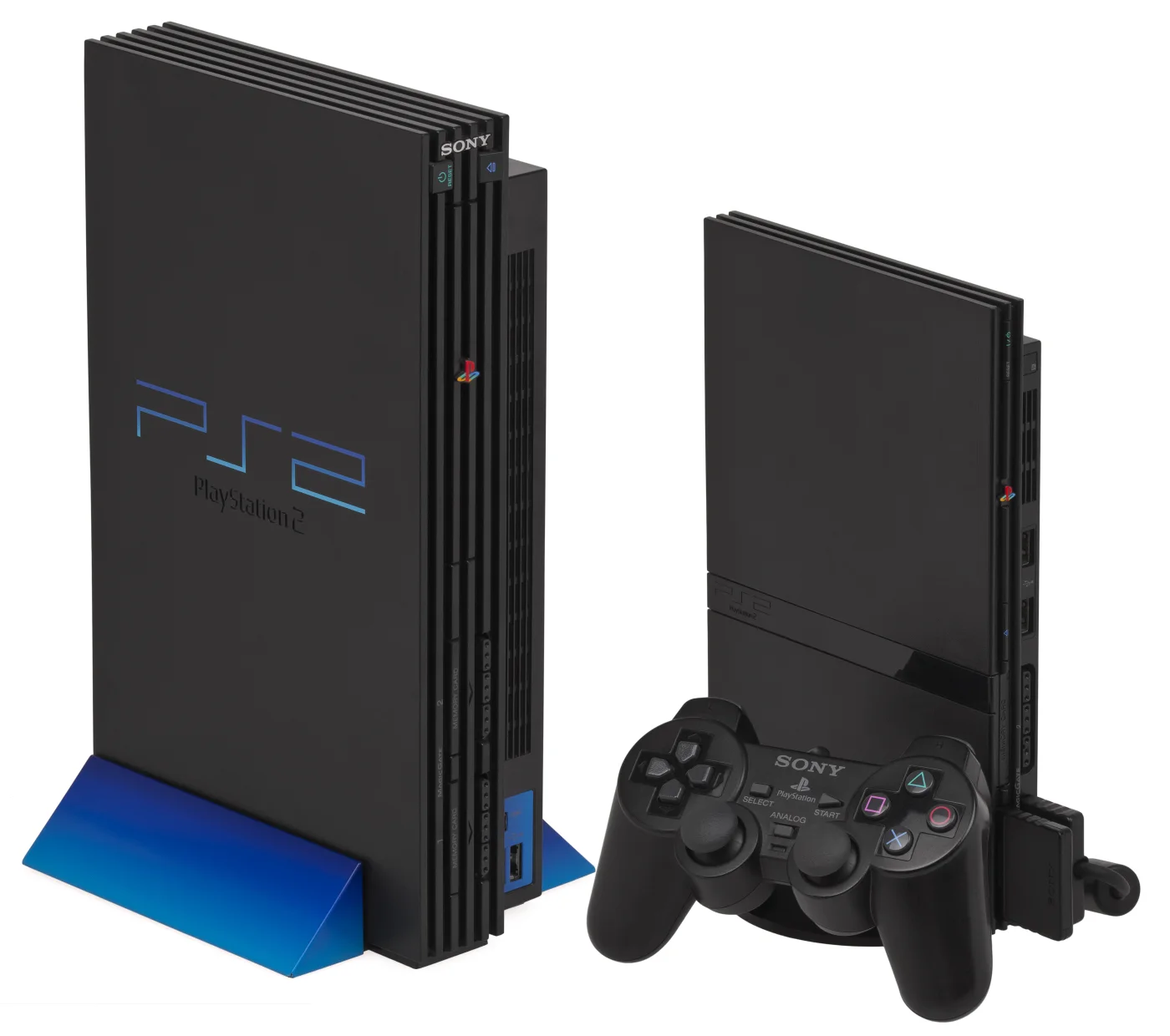
A PS2 emulator for Android is an app that runs PlayStation 2 software on a phone or Android handheld. It does not include games. You supply a dump of a disc you own. NetherSX2 and ARMSX2 also need a BIOS dumped from a PlayStation 2 you own. Play! uses a built-in high-level BIOS, so it skips that dump.
This page stays on Android. On a Windows handheld, use PCSX2. That is a different product. Mixing the two is how thin “best PS2 emulator” lists dodge the actual query.
How we checked this (14 September 2026)
Aditya Singh wrote this for Android Hire. The page exists to answer one job: which Android PS2 emulator should you install today, and from where.
- Who. Android Hire covers Android games and emulators. We do not sell APKs, BIOS files, or game dumps.
- How. We read Trixarian’s NetherSX2 GitHub, nckstwrt’s Turnip releases, ARMSX2 2.6.9 notes, Play!’s README, Google Play listings, the PCSX2 BIOS guide, XDA on AetherSX2, and the PCSX2 team statement on DamonPS2. We compared the articles currently ranking for this query. ARMSX2 millisecond figures below are from that project’s own 22-scene set, clocks pinned. We did not run a 40-phone lab.
- Why. Ranking pages still send new users to AetherSX2 or DamonPS2, invent 60 fps God of War scores, and treat desktop PCSX2 as an Android answer. Google’s people-first guidance asks for original analysis and a clear who/how/why. That is this section.
We will not paste fake fps to look “tested.” If a number is not in a project note, it is not here.
Quick picks: the best PS2 emulator for Android by job
| You have | Install this | Why |
|---|---|---|
| A normal phone, Adreno GPU | NetherSX2 4248 | Most compatible. Best documented. Safe default. |
| A Mali phone, or a weak chip | NetherSX2 Classic 3668 | The project itself says 3668 is faster on Mali and weaker devices. |
| Adreno, and 4248 already works | Optional NetherSX2-Turnip v0.7 | Separate APK with built-in Turnip drivers. Installs beside Trixarian. Not the official app. |
| Retroid Pocket 5 / Mini, or Anbernic RG557 / RG477M | ARMSX2 2.6.9 | That release was timed on Snapdragon 865 and Dimensity 8300 handhelds. |
| Tekken or another fighter, and lag bothers you | Try ARMSX2 next to NetherSX2 | ARMSX2’s own Tekken thread reports lower input lag than NetherSX2. |
| No BIOS dump, and you want Play Store | Play! | Built-in HLE BIOS. Official README: an external BIOS is not needed and not possible. |
| NASCAR or Colin McRae Rally | NetherSX2 3668 | 4248 has known graphics bugs on those two. Classic does not. |
| God of War on a phone in a case | Stay on NetherSX2 first | ARMSX2’s 2026 gains were timed on cooled handhelds, not a throttling Galaxy. |
The 30-second picker
Do not install four APKs and hope. Start with one.
- I just want it to work. NetherSX2 from GitHub. 4248 if your GPU says Adreno. 3668 if it says Mali.
- I searched Google Play for NetherSX2. Stop. Trixarian has no Play listing. Any store app with that name is unofficial. See the community PSA.
- I own a 2024–2026 Android handheld. Try ARMSX2 2.6.9 next to NetherSX2. Keep the one that holds 30 fps in a scene you know, after shaders rebuild.
- I will not dump a BIOS. Play! from Google Play or purei.org. Expect lighter games. God of War is not the test.
- My chip is Unisoc, Rockchip RK3566, or Allwinner H700. Stop. Play PSP on PPSSPP or GBA instead.
What ranking “best PS2 emulator” pages still get wrong
We compared this query’s current ranking pages on 14 September 2026. These errors keep showing up. They are why a BIOS-download site can rank and still fail you.
| Claim you will see | What is actually true |
|---|---|
| AetherSX2 is still the most compatible pick for new users | Tahlreth stopped it in January 2023. Google pulled Play around 10–11 March 2024. New installs should use NetherSX2. |
| NetherSX2 is on Google Play (some pages even name a package) | Trixarian has no official website and no Play listing. GitHub only. |
| “NetherSX2 Turnip” is Trixarian’s April 2026 update | Official stable is still v2.1 (24 Sep 2025). Turnip is a separate project by nckstwrt, latest v0.7 on 6 June 2026. |
| PPSSPP is a PS2 emulator | PPSSPP is PSP. It is not PS2. If a list includes it here, close the tab. |
| 98% compatibility on Android | That figure is a desktop PCSX2 talking point, not an Android test set. |
| God of War at 60 fps 1080p with no heat | Not in any project release note we checked. We will not copy it. |
| Play! is not on Google Play | It is: com.virtualapplications.play. The site build (0.72, 23 Jan 2026) can be newer than Play. |
| ARMSX2 is still v1.0.8 / 2.6.6, or “Mali never works” | Current GitHub build is 2.6.9 (9 Sep 2026). Notes include large Dimensity 8300 (Mali-G615) gains on handhelds. |
| DamonPS2 belongs in a 2026 shortlist | Closed source, ads, and a long PCSX2 GPL/DMCA fight. We do not recommend it. |
Stay on the Android apps. A page that ranks PCSX2 for Windows, an iOS build, and NetherSX2 in one list is chasing three intents at once. Yours is the phone in your hand.
NetherSX2 vs ARMSX2 vs Play!: 2026 comparison
| NetherSX2 | ARMSX2 | Play! | |
|---|---|---|---|
| What it is | Community patch of AetherSX2 (stopped 2023) | Native ARM64 fork of PCSX2 2.7 | Separate open-source emulator by Jean-Philip Desjardins |
| Checked on | v2.1 stable (24 Sep 2025). Dev v2.2n (25 Dec 2025) | 2.6.9 (9 Sep 2026) | 0.72 on purei.org (23 Jan 2026). Play Store often lags |
| Google Play | No. GitHub only | Yes, as ARMSX2 Refresh (come.nanodata.armsx2). GitHub is newer | Yes (com.virtualapplications.play) |
| BIOS file | Required. Dump from a PS2 you own | Required. Same rule | Not used. Built-in HLE BIOS |
| Best on | Phones. Two APKs by GPU. Optional Turnip beside it | ARM handhelds that stay cool | Easy setup. Lighter 3D |
| Updates | Slow, careful patches | Days apart in late 2026 | Steady, smaller steps |
| Ads | Removed in the patch | No | No |
For Android apps that run on a PC, see our Android emulator for PC roundup. That is the other direction.
AetherSX2 is dead. Do not hunt it for a new install.
Tahlreth stopped AetherSX2 in January 2023. He cited impersonators, complaints, and death threats. XDA covered the shutdown. Google pulled the Play listing around 10–11 March 2024.
Old APKs still float around. So do fake “Tahlreth” accounts. The January 2023 note said anyone claiming to be him is a scam. NetherSX2 is the continuation people actually use. ARMSX2 is a new tree, not a renamed AetherSX2. If a 2026 list still ranks AetherSX2 as pick #1 for new phones, the list is stale.
NetherSX2: the default PS2 emulator for Android
NetherSX2 is a patched AetherSX2. Trixarian maintains it. The 4248 build is the current patch line. Classic is the older 3668 line. They are not the same app with a skin.
The official FAQ is blunt:
- Classic 3668 — faster on Mali and weaker devices. Some games (NASCAR, Colin McRae Rally) only behave here.
- Patch 4248 — extra graphics fixes. The pick for stronger Adreno phones.
- Save states do not move between 3668 and 4248. Use the memory card / in-game save if you switch.
That last line is the one almost every list skips. Switching APKs can look like a wiped save. It is not. You used the wrong state file.
Where to get NetherSX2 (and nowhere else)
- Patch 4248: github.com/Trixarian/NetherSX2-patch
- Classic 3668: github.com/Trixarian/NetherSX2-classic
- Stable file:
NetherSX2-v2.1-4248.apk(about 20.3 MB). - Dev file:
NetherSX2-v2.2n-4248.apk(25 Dec 2025). Adds experimental online. Use 2.1 if you want boring and stable.
There is no official nethersx2.com, .org, or Play Store page. The README says Trixarian resigns the APK to reduce Play Protect flags. You can still see a warning because you sideloaded it. That is not the same as a random APK blog. Only install the GitHub asset.
NetherSX2 settings that actually move the needle
From the project FAQ, not a Discord paste:
- Leave Optimal / Safe on first.
- GPU renderer: Vulkan.
- Hardware Download Mode: Disable Readbacks.
- On 3668 only: turn on Threaded Presentation with Vulkan.
- Old Mali can crash on Vulkan in a few games (Dark Cloud 2 is the named example). Switch to OpenGL for that scene, then back.
v2.1 (24 September 2025) also patched Jak shadows on Vulkan, GTA: San Andreas speed, and MGS3 camouflage slowdown. If a 2024 blog still says those are broken, the blog is stale.
NetherSX2-Turnip: the Adreno extra, not the official app
This is the 2026 gap most ranking pages either skip or mix up. NetherSX2-Turnip is not Trixarian. It is a separate project by nckstwrt. It patches Trixarian’s 2.2n-4248 build with built-in Turnip / libadrenotools drivers. The package name is different, so it can sit beside the official APK.
- Latest we checked: v0.7 (6 June 2026)
- v0.7 defaults: 2× native resolution, Hardware Download Mode set to Disabled Readbacks
- Driver notes in that line: Snapdragon 6 Gen 3 / 4, Snapdragon 778G, work on SD888 and SD845, fixes for Snapdragon 8s Gen 4 / Adreno 825
- There is also a Classic 3668 Turnip APK for people who need that core
When to use it: you already have stock NetherSX2 running on an Adreno phone, and you want to try a Turnip driver without swapping files by hand.
When to skip it: Mali phones, first-time setup, or anything that already holds 30 fps. Do not call Trixarian v2.2n “the Turnip build.” That mix-up is how one 2026 roundup sent people to the wrong APK.
ARMSX2: fast on handhelds, noisy on phones
ARMSX2 is a native ARM64 recompiler on the PCSX2 2.7 core. It turns PS2 code into phone code directly. NetherSX2 still sits on the old AetherSX2 tree. That is why ARMSX2 can ship PCSX2 fixes in days, and why it can also break a game that NetherSX2 has run for years.
Get it from GitHub Releases or armsx2.net/download. The Play listing (come.nanodata.armsx2) trails GitHub. If you care about 2.6.9, sideload.
Pick the right APK or it will not install
2.6.9 ships four Android files. Install the highest one your phone accepts:
a15-armv8.2-sdk35— Android 15+a13-armv8.2-sdk33— Android 13+a11-armv8.2-sdk30— Android 11+legacy-armv8.0-sdk26— Android 8+, old 64-bit chips. Use this if the v8.2 builds crash on boot.
Each file is about 88 MB. That is four times NetherSX2. Plan storage.
The 2.6.9 numbers — and why your phone may not match them
ARMSX2 2.6.9 landed 9 September 2026. The notes say a month of Graphics Synthesizer work aimed at ARM handhelds. They timed 22 replay scenes, clocks pinned, limiter off, shader compile excluded.
On Snapdragon 865 (Adreno 650, Turnip):
- Xenosaga median frame time: 39.5 ms → 24.4 ms (-38%).
- Most other scenes: about -6% to -27%.
- Titles inside their worst-case budget: 20 of 22, up from 19 of 22.
- Vulkan stream rings were halved: 128 MiB less resident memory on that chip.
On Dimensity 8300 (Mali-G615):
- Xenosaga: 105.3 ms → 16.6 ms (-84%).
- Armored Core 3: -68%. Stuntman: -64%.
- Worst-case budget: 22 of 22, up from 16 of 22.
- Vulkan is now the automatic pick on that Mali part, with in-tile framebuffer fetch on.
Those chips sit in devices like the Retroid Pocket 5 / Mini (865) and Anbernic RG557 / RG477M (8300). A phone with the same SoC still shares heat with the modem, the 120 Hz panel, and a plastic case. After ten minutes, Android throttles. The replay bench does not. If ARMSX2 feels worse than NetherSX2 on your S24, that is often heat, not the core. Our overheating fixes apply here: take the case off, drop the refresh rate, short sessions.
Three ARMSX2 gotchas
- First launch after 2.6.9 stutters. Shader cache jumped from version 108 to 114. Each game rebuilds shaders once. Do not judge fps in the first ten minutes.
- Frame generation is not a free 60 fps. It reads interpolation shaders from your own Lossless Scaling
Lossless.dll. Most phones will never set this up. Skip it. - Per-game fixes in 2.6.9: Jak X no longer softlocks on “Saving Data.” Ridge Racer V reflections. God of War II haze wants High blending and AA1. Syphon Filter: Logan’s Shadow half-pixel offset.
Fighters: an ARMSX2 Tekken report says input lag is clearly lower than NetherSX2, even when NetherSX2 still looks cleaner. If Tekken is the whole point, try both. Keep ARMSX2 if the pad feels honest.
Play!: the BIOS-free Play Store pick
Play! is its own emulator. It is not a PCSX2 fork. Jean-Philip Desjardins has shipped it for Windows, macOS, Linux, Android, iOS, and even the browser.
The line that matters is in the official README:
Play! uses a built-in high-level emulation BIOS. Using an external BIOS file is not necessary or possible.
That is the honest reason to install it. NetherSX2 and ARMSX2 will sit on a black screen until you feed them a BIOS from a PS2 you own. Play! will not. HLE fakes the BIOS jobs. Compatibility is the tax. Heavy 3D is where you feel it.
- Install from Google Play if you want store updates. Some 2026 roundups still say Play! is not on Play. They are wrong.
- Install from purei.org/downloads.php if you want the current stable. 0.72 is in the stable folder dated 23 January 2026. The Play listing has lagged before (0.70 sat there after 0.72 was on the site).
- Check the compatibility tracker before you dump a huge RPG.
Play! is the right first install if you are testing the idea, you do not have a BIOS yet, or you only care about lighter titles. It is the wrong install if your whole plan is Shadow of the Colossus at 2× on a mid-range Mali phone.
Can you play God of War, FFX, GTA, or Tekken on Android?
People type the game, not the emulator. Here is the honest version. No invented fps.
- God of War / God of War II. Start on NetherSX2 at native resolution. ARMSX2 2.6.9 tells you GoW II haze wants High blending and AA1. Do not chase 1080p 60 fps on a phone in a case. We have no lab number that supports those listicle claims.
- Final Fantasy X / X-2. Start NetherSX2. Long sessions need in-game saves, not only states. 3668 vs 4248 still cannot share states.
- Grand Theft Auto: San Andreas. NetherSX2 v2.1 specifically patched this title’s speed. Try that first before you swap emulators.
- Tekken 4 / 5 / Tag. Try ARMSX2 if the pad feels late on NetherSX2. The project’s Tekken thread is about lag, not prettier textures.
- Shadow of the Colossus. Heavy. Flagship chip, native res, short sessions. Play! is the wrong tool.
- Ace Combat and a few others. Community reports are mixed: some fly better on ARMSX2, some Mali phones still prefer NetherSX2. Keep both APKs if you have the space. Judge the mission, not a screenshot.
A 200 MB “God of War ISO” is a fake. A dual-layer DVD holds 8.5 GB. The file should look like a disc, not a tweet.
Skip these in 2026
- Any APK with games inside. Real emulators ship empty.
- DamonPS2 and clones. The PCSX2 team said the app matched PCSX2 internals, violated the GPL by staying closed, and offered them money to stay silent. PCSX2 filed a DMCA. DamonPS2 denied theft. We are not a court. We still will not recommend a closed, ad-supported PS2 app in 2026.
- AetherSX2 from a random mirror. The developer left. Impersonators stayed.
- Google Play search for “NetherSX2.” Trixarian is not there. GitHub only.
- “NetherSX2 Gold with ROMs.” There is no Gold. There are two Trixarian APKs, plus an optional Turnip APK from someone else.
- PPSSPP as a PS2 emulator. It is PSP. Use it when PS2 is too heavy, not as a substitute core.
- RetroArch as your first PS2 app. Extra cores, extra menus, same BIOS rules. Start with NetherSX2. Add RetroArch later if you already live there.
- Texture packs dumped on a 2024+ PCSX2 PC build. NetherSX2 2.1 warns those names do not match. The pack loads as missing textures, not as HD.
Will your phone run a PS2 emulator?
PS2 is not PSP. PPSSPP is cheap. PS2 is not. Use this as a floor, not a promise:
| Chip class | What to expect | First emulator |
|---|---|---|
| Snapdragon 8 Gen 2 / Gen 3 / 8 Elite | Most 3D at 1× or 2× if it stays cool | NetherSX2 4248. Optional Turnip. Try ARMSX2 if you like tinkering |
| Snapdragon 865 / 870 / 8 Gen 1 | Most games at native. Heavy scenes dip | NetherSX2 4248. ARMSX2 if it is a handheld |
| Dimensity 8300 (handheld) | 2.6.9 was timed on this Mali | ARMSX2, then NetherSX2 3668 as backup |
| Snapdragon 7-series / Dimensity 7200 | Turn-based and older 3D. Skip upscale | NetherSX2 3668, native res |
| Adreno 610 / cheap 6xx | ARMSX2’s own 2.6.9 note: only 4 to 6 of 22 test scenes fit budget | NetherSX2 3668. Play! for light games |
| Unisoc / RK3566 / H700 | Not a PS2 machine | Do not bother |
RAM: 6 GB is a squeeze. 8 GB is the real floor. 12 GB is comfort. A DualShock-style pad helps more than another 2 GB. Pair a DualSense with Create + PS, then use USB-C if sticks feel late. See Android games with gamepad support for native titles when emulation is the wrong tool.
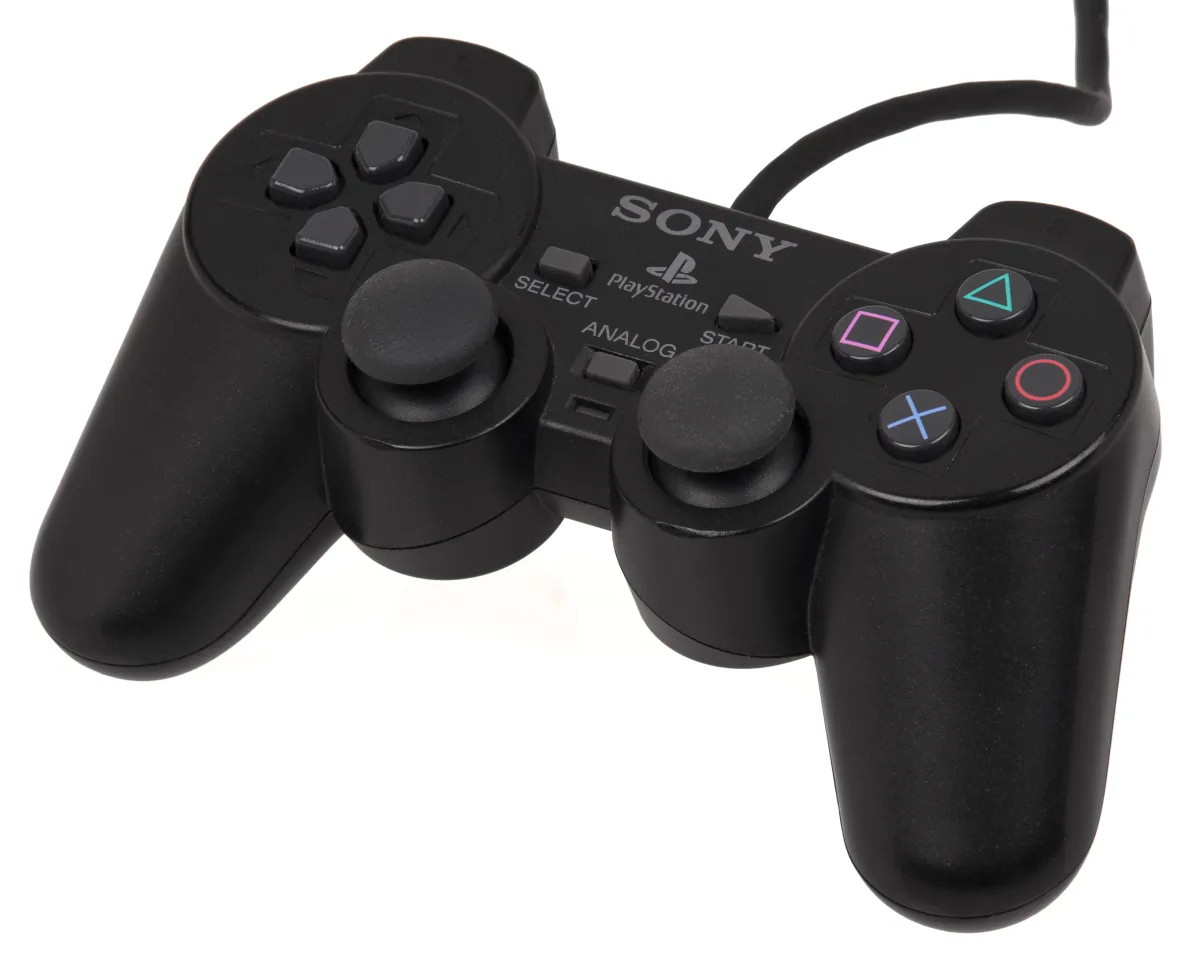
One settings recipe, then stop fiddling
- Native resolution first. 1× is the real PS2 pixel grid. 2× is a bonus on a cool flagship. 3× is how you cook the SoC.
- Vulkan, unless it crashes. Then OpenGL for that one game.
- Disable readbacks in NetherSX2 if the game crawls.
- Threaded Presentation on NetherSX2 3668 + Vulkan.
- Do not stack frame gen, FSR, and 3×. Pick one extra. On a phone, pick none until 1× is locked.
- In-game saves for anything you care about. States are extra lives, not your only copy. Especially if you might swap 3668 and 4248.
BIOS, discs, and the line we will not cross
The emulator is legal. The files are the line. US courts treated emulation software as lawful in cases like Sony v. Connectix (2000). That does not make a folder of other people’s games lawful.
BIOS (NetherSX2 and ARMSX2): dump it from a PlayStation 2 you own. PCSX2 documents the tools and steps in its BIOS setup guide. We will not host a BIOS. We will not name a “BIOS download” site. Play! skips this step on purpose.
Games: dump a disc you own. CHD is fine in NetherSX2 if you build it the way the project allows. Their 2.1 notes say createdvd dumps need -c zlib, and createcd files are often smaller.
We link no ROM site. Apps that ship “5000 PS2 games” are malware with extra steps.
30 September 2026: the sideload clock
NetherSX2 is GitHub-only. ARMSX2’s newest builds are GitHub-first. Google’s developer verification starts 30 September 2026 in Brazil, Indonesia, Singapore, and Thailand, then spreads. The advanced sideload flow can add a Developer-options toggle and a 24-hour wait the first time you install an unverified app. We walk through that in Android’s sideloading advanced flow.
If you live in those countries and you want PS2 this month, install the GitHub APK before the night you need it. ADB is not in that 24-hour bucket. Play! on Google Play is the path that avoids the wait.
How to set up NetherSX2 on Android
- Read your GPU. Settings > About phone, or CPU-Z. Adreno → 4248. Mali or older → 3668.
- Download only from Trixarian’s GitHub. Do not use Play Store search. Patch repo for 4248. Classic repo for 3668. Stable is v2.1 unless you want the 2.2n online experiment.
- Allow the install. Settings > Apps > Special app access > Install unknown apps > your browser or Files. A Play Protect warning on a sideload is common. A random APK site is not the same thing.
- Add the BIOS from a PS2 you own. Play! if you refuse this step.
- Copy a dump you own (ISO, BIN/CUE, or a valid CHD). Point NetherSX2 at that folder.
- Set Vulkan, native res, Optimal/Safe. Disable readbacks if it crawls. Threaded Presentation on 3668.
- Pair a controller. DualSense: Create + PS, then USB-C for less delay. Test with a short game before a 40-hour RPG.
- Optional, Adreno only: if 4248 already runs, you can add NetherSX2-Turnip v0.7 beside it. Do not replace your working install on day one.
Want PSP or GBA after this? Those are easier: PPSSPP and Pizza Boy for GBA. Sega classics: Lemuroid and Flycast.
Bottom line
The best PS2 emulator for Android in 2026 is still NetherSX2 for most phones: 4248 on Adreno, 3668 on Mali, GitHub only. Optional Turnip v0.7 sits beside it on Snapdragon. ARMSX2 2.6.9 is the handheld chase build, with real ms drops on Snapdragon 865 and Dimensity 8300 in the project’s own 22-scene set. Play! is the BIOS-free Play Store door. Do not install AetherSX2, DamonPS2, a Play Store “NetherSX2,” or a “games included” APK.
Do this next: check Adreno vs Mali, download the matching NetherSX2 v2.1 APK from Trixarian’s GitHub, and dump a BIOS from a PS2 you own. If you have no BIOS, install Play! tonight and try one light game. If you own a Pocket 5 or RG557, add ARMSX2 2.6.9 and keep whichever holds 30 fps after the shader cache rebuilds.
Related reading
Frequently Asked Questions
What is the best PS2 emulator for Android in 2026?
NetherSX2 for most phones. Use Classic build 3668 on Mali or weaker chips, and the 4248 patch on Adreno flagships. Download it from Trixarian's GitHub only. ARMSX2 2.6.9 is the one to try on a Snapdragon 865 or Dimensity 8300 handheld. Play! is the Play Store option if you will not dump a BIOS. None of them include games.
Is NetherSX2 on Google Play? Is it safe?
There is no official NetherSX2 listing on Google Play and no official website. Trixarian ships the APK on GitHub. Sideload that file. Play Protect can still warn because the app is not from Play. That is not the same as a random APK blog or a store impersonator. Skip any Play app named NetherSX2.
Is NetherSX2 better than ARMSX2?
On a normal phone, start with NetherSX2. It is older, more documented, and you pick 3668 or 4248 by GPU. ARMSX2 is where new PCSX2 work lands. Its 2.6.9 benches were run on cooled handhelds, not a phone in a case. Fighters may feel tighter on ARMSX2. If NetherSX2 already holds 30 fps, you do not have to move.
What is NetherSX2-Turnip?
A separate Adreno project by nckstwrt, not Trixarian. It patches NetherSX2 2.2n with built-in Turnip drivers and can sit beside the official APK. Latest we checked was v0.7 on 6 June 2026. Use it after stock 4248 already works. Do not treat Trixarian's 2.2n file as the Turnip build.
Do I need a PS2 BIOS file?
Yes for NetherSX2 and ARMSX2. Dump it from a PlayStation 2 you own. PCSX2 documents that process. Play! uses a built-in high-level BIOS, and its README says an external BIOS file is not necessary or possible. We do not link BIOS downloads.
Is it legal to play PS2 games on Android?
The emulator app is legal. Game files and BIOS files are legal when they come from hardware you own. Downloading someone else's discs is copyright infringement in most countries. Apps that bundle thousands of games are not a shortcut. They are a malware risk.
Should I use NetherSX2 3668 or 4248?
3668 (Classic) on Mali and weaker devices, and for NASCAR or Colin McRae Rally. 4248 on stronger Adreno phones for extra graphics fixes. Save states are not compatible between the two. Use in-game / memory-card saves if you switch APKs.
Is DamonPS2 safe? Is it still the best?
No, it is not a 2026 recommendation. PCSX2 documented GPL concerns, filed a DMCA, and said the developers offered money to stay silent. DamonPS2 denied using PCSX2 code. The app is closed source and ad-supported. Use NetherSX2, ARMSX2, or Play! instead.
Can I play God of War on Android?
You can try it on a strong phone or handheld with NetherSX2 at native resolution, using a dump of a disc you own. ARMSX2 2.6.9 notes God of War II haze wants High blending and AA1. Ranking pages that promise 60 fps 1080p with no heat are not citing project notes. We will not copy those numbers.
Do PS2 emulators work on budget phones?
Usually not for 3D. A Snapdragon 865-class chip is the honest floor for native 3D. Snapdragon 7-series and similar can do turn-based or older 3D at 1x on NetherSX2 3668. Unisoc, RK3566, and H700 will not. Play PSP or GBA on those chips instead.
Why is ARMSX2 slow right after I update?
Version 2.6.9 bumped the shader cache from 108 to 114, so each game rebuilds shaders on first launch. That stutter is a one-time cost, not a bad APK. The project's own benches exclude the compile loop. Play a level, then judge speed.
Is AetherSX2 still the best PS2 emulator for Android?
No. Development stopped in January 2023 and Google removed the Play listing in March 2024. NetherSX2 is the maintained patch of that codebase. Do not download AetherSX2 from a random mirror. Impersonators stayed after the developer left.