Mobile Gaming Lag Fix (2026): Ping vs FPS vs Sticky Aim

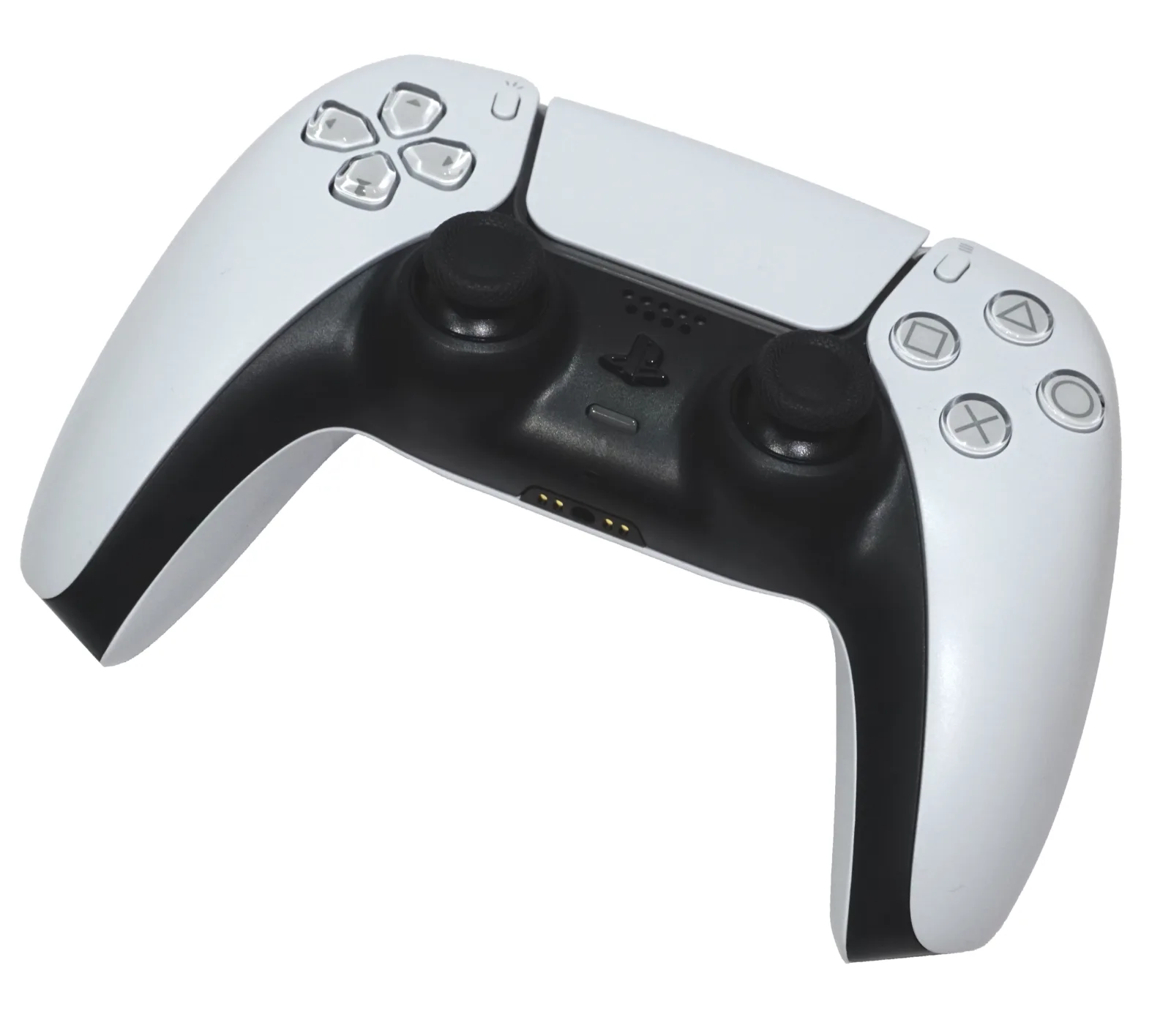
Fix mobile gaming lag by naming the lag first: high ping, low FPS, or sticky aim at 20 ms. Ping is the path to the game server. FPS is heat on the chip. Sticky aim is Bluetooth, a 60 Hz panel, or an accessibility overlay. Then: sit on 5 GHz or 6 GHz Wi-Fi, pause the 4K upload in the house, skip the VPN, and ignore “gaming DNS” ads. DNS does not lower in-match ping after the server IP is known. Bufferbloat is why ping is 18 ms idle and 200 ms when someone starts Netflix. Device-priority QoS is not the same as SQM. Ping-booster apps are ads. If the HUD already shows 25 ms and 60 fps, plug a DualSense in USB-C. Controller lag steps. Autocomplete is BGMI, Free Fire, COD, FC Mobile, eFootball, Roblox. Packet loss is not ping. Jitter is not ping. Battery optimization can freeze the match when the screen dims. Fix the named lag, not a booster app.
Jump to: 3 lags · 5-minute fix · Wi-Fi · bufferbloat · VPN and DNS · cellular · input delay · skip these · BGMI Free Fire COD Roblox · packet loss vs jitter · checklist · FAQ
US home Wi-Fi and US mobile data. Updated 21 September 2026. This page does not sell a booster APK. Frame drops belong on the FPS boost guide.
The three lags (pick one)
| HUD clue | Feel | Fix lives here? | |
|---|---|---|---|
| Network lag | Ping 80–300 ms, packet loss, rubber-band | You shoot first. They already moved. | Yes. |
| FPS drop | Fps counter falls, phone hot | Whole picture hitching | No. FPS guide. |
| Input delay | Ping 20–40 ms, fps stable | Aim mushy, jumps late | Yes, last third of this page. |
Open the in-game network HUD. COD Mobile, Fortnite, and Genshin all show ping. Write the number. Guessing is how you buy a VPN.
Five-minute fix (most living rooms)
- Stand near the router. Join the 5 GHz or 6 GHz name, not the 2.4 GHz “IoT” or “legacy” SSID. 2.4 GHz shares the band with Bluetooth, microwaves, and baby monitors.
- Pause the house download. A console update, a camera backup, or Zoom on the same cable fills the buffer. Ask for a 20-minute truce.
- Turn the VPN off. A US game server plus a VPN hop is extra miles. Privacy VPNs are not a ping tool. “Gaming VPN” apps are usually worse.
- Pick the closest server in the game menu. US East vs West is not a flex. It is math.
- If ping is already 25 ms, stop touching Wi-Fi. Jump to input delay.
Wi-Fi that does not spike
- Same floor as the router, line of sight if you can. Drywall is fine. Mirrors, fish tanks, and brick are not.
- Do not use the guest network if it is bandwidth-limited.
- Mesh backhaul: if nodes talk over 2.4 GHz, your phone can look like full bars and still jitter. A wired node is the adult fix.
- Bluetooth pads on 2.4 GHz Wi-Fi fight each other. Move the phone to 5/6 GHz or use USB-C for the pad.
- Wi-Fi calling plus a game can hitch the radio. If ping only spikes during calls, that is the clue.
A cheap USB Ethernet adapter plus a dock is the apartment nuke option. Phones that support USB-C Ethernet skip Wi-Fi entirely for ranked night. Rare. Worth it if you already sit at a desk.
If your phone shows Wi-Fi as connected but games and apps can't reach the internet at all, that's a different problem from lag. See our Android Wi-Fi connected but no internet guide for that one.
Bufferbloat (idle ping lies)
Idle ping of 18 ms and in-game ping of 180 ms when a sibling hits Netflix is classic bufferbloat. The router queues a pile of packets. Your game waits in line.
The fix is SQM (smart queue management) with CAKE or fq_codel, shaping to about 85–95% of the speed you actually measure. That keeps the queue short. Bufferbloat.net on CoDel is the background. A loaded latency test (Waveform, Cloudflare speed test’s unloaded vs loaded) is the proof.
What is not SQM:
- “Device priority” / gamer QoS that only stars your phone. It can move delay onto someone else and still leave a fat queue. Test loaded ping. If it did not fall, the label lied.
- Some stock Wi-Fi 7 QoS toggles that make bloat worse. If a toggle raises loaded latency, turn it off. OpenWrt SQM or a router that names CAKE is the real box.
You cannot SQM a carrier modem you do not control. Then the practical fix is: do not saturate the line during the match. Pause iCloud/Google Photos backup. Pause the PC Steam download.
VPN and DNS (the two ads)
A VPN usually adds lag to a US game already on a US ISP. Use a VPN when you need privacy on public Wi-Fi, not to “boost ping.” The only time a VPN helps is a broken ISP route, and you prove it with a before/after HUD number, not a splash screen.
DNS does not lower in-game ping. 1.1.1.1 or 8.8.8.8 can make the name lookup faster when you first connect. After the game is on the server IP, packets do not ask DNS again. Cloudflare says the same thing in plain language on 1.1.1.1: it is a resolver, not a shortcut through the backbone. If a TikTok said “change DNS for 10 ms,” close it.
Playing on LTE / 5G
- 5G that is unstable hunts towers and spikes. A solid LTE bar can beat a flickering 5G bar. Try “LTE only” for one match if 5G is the only change from last month. Heat is a cousin of that hunt: overheating.
- A crowded stadium will lag. That is RF, not your settings.
- Hotspot from a phone to another phone adds a hop. Play on the phone that has the SIM.
Input delay (the lag that is not ping)
HUD: 22 ms ping, 60 fps, and you still flick late. Work this list.
- Force 90/120 Hz on the panel. A 120 fps game on a 60 Hz screen feels sticky.
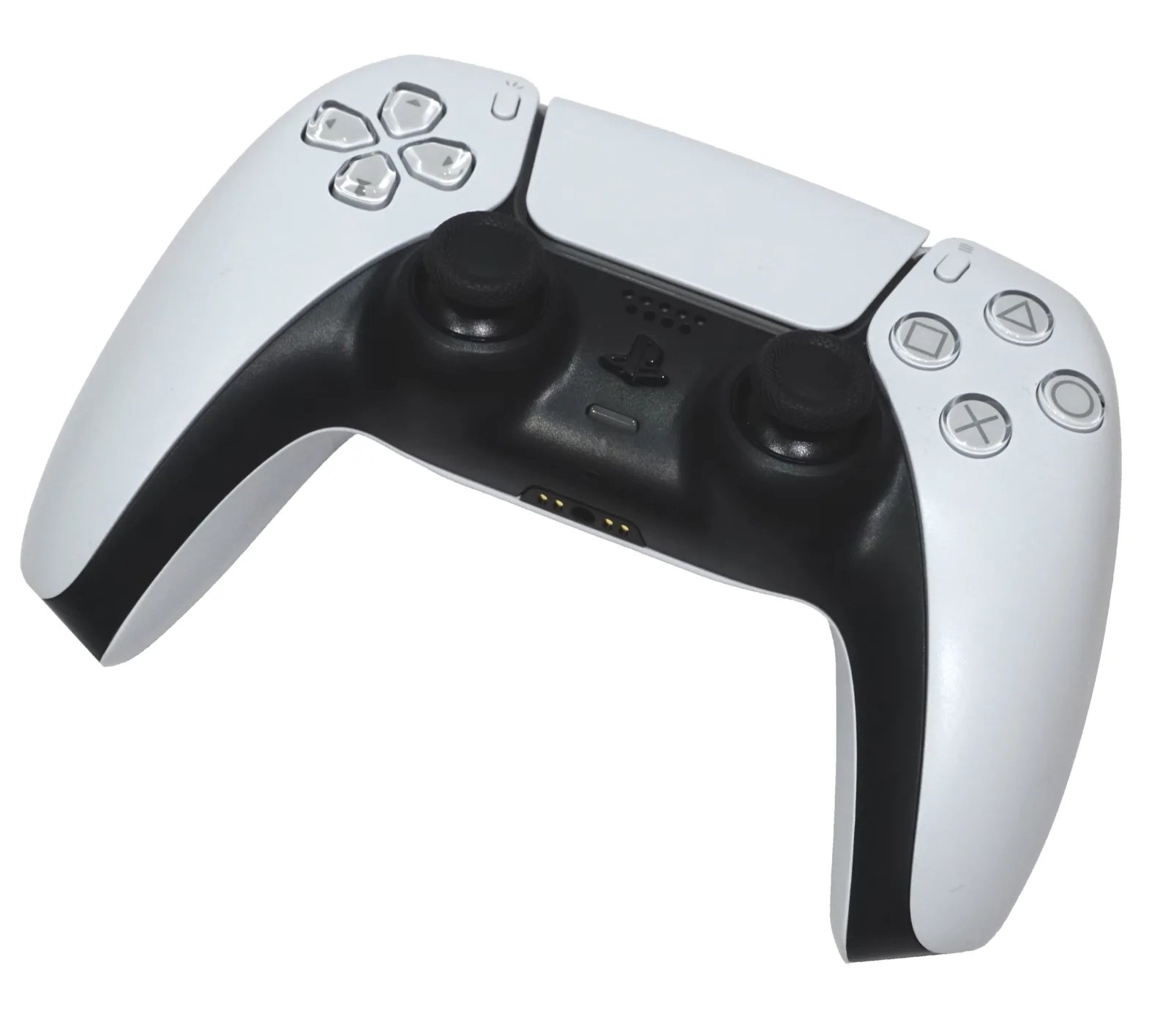
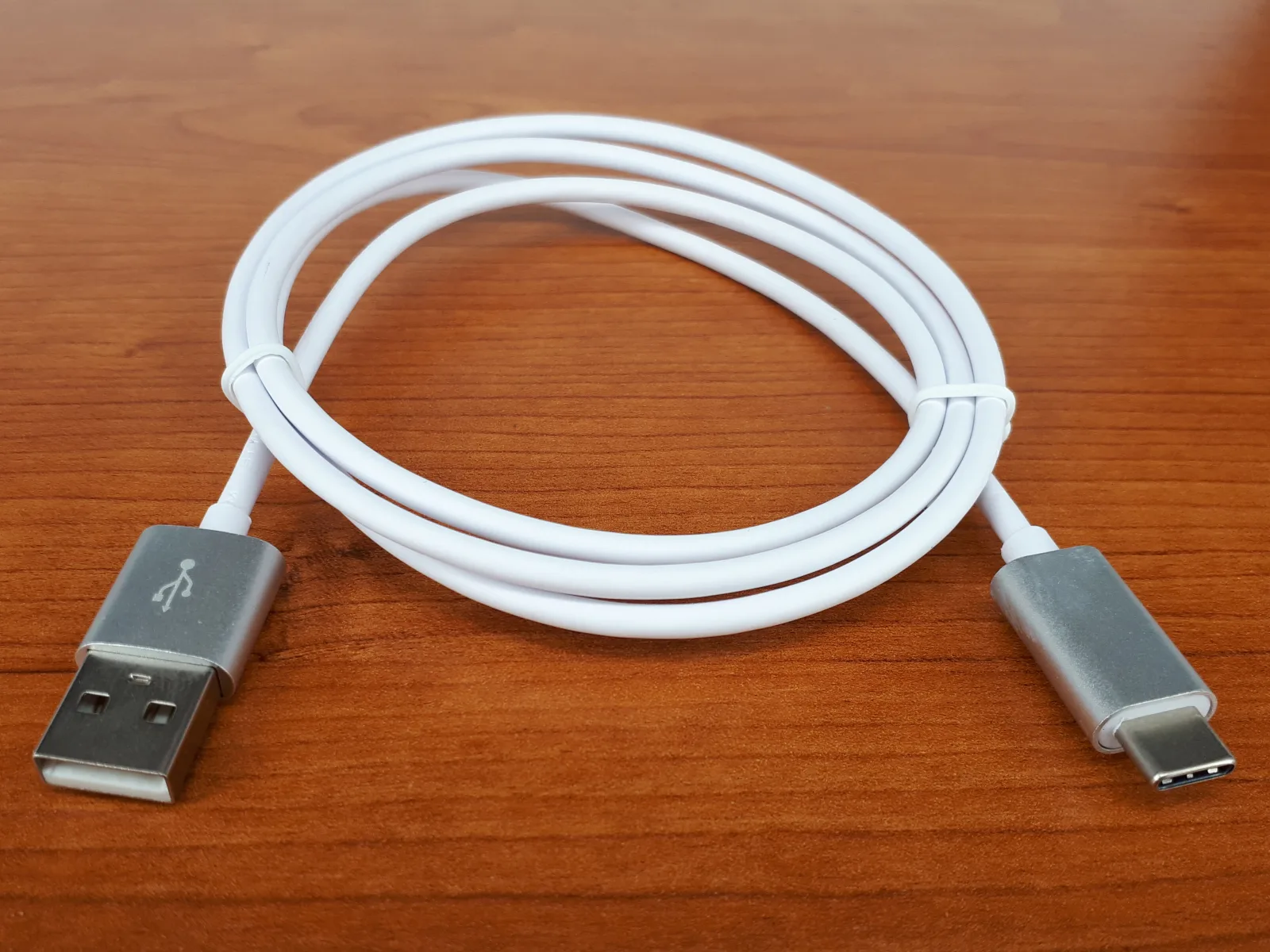
- USB-C for DualSense / Xbox pads. Bluetooth HID is a hop. Charge-only cables fake you out. Full steps: PS5 controller on Android.
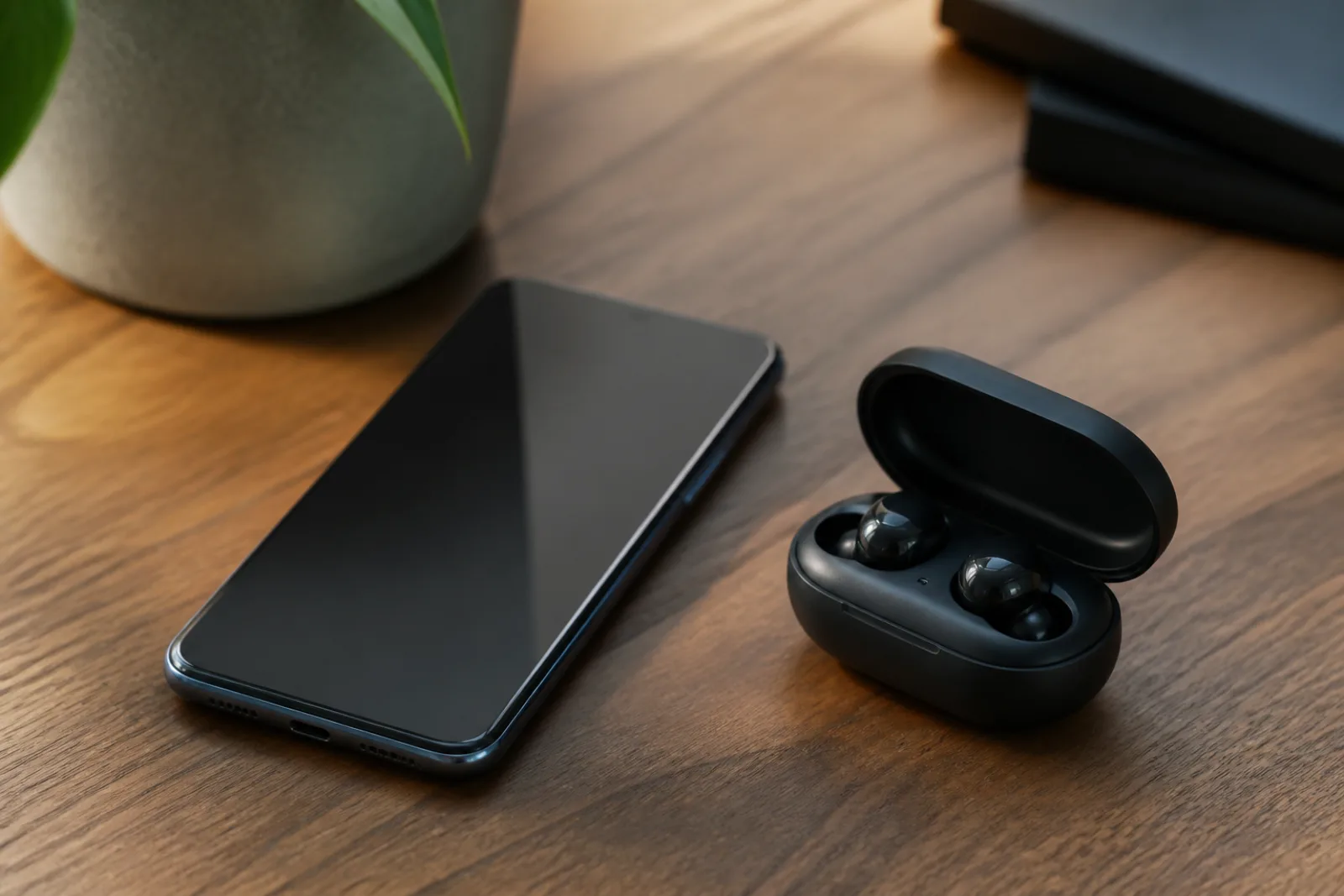
- One Bluetooth sink. Earbuds plus a pad on 2.4 GHz is a circus.
- Settings > Accessibility: turn off extra Magnification, auto-clickers, and fake game boosters for the session. They filter every tap.
- Game Mode so the OS does not nap the radio. Same overlay as the FPS page, different job.
Skip these
- Ping booster / “reduce lag” Play Store apps. They cannot move your house closer to a COD data center. Many want VPN permission and then sell ads.
- Changing DNS to “fix ping.” Wrong tool.
- A VPN because a streamer used one in another country. You are in the US. The server is in the US. Extra hop.
- Closing “RAM” with a cleaner to fix rubber-banding. That is not a network stack.
- Blaming the phone when the HUD says 180 ms. Buy a closer seat to the router, not a new chip. Hardware for frames: gaming phones.
Lag checklist (10 minutes)
- Read ping and fps in the HUD. Write both.
- If fps is the number that falls, go to the FPS guide. Stop here.
- Join 5 GHz / 6 GHz. Stand closer. Pause house downloads. VPN off.
- One match. If ping dropped, you are done.
- If idle ping is low and match ping explodes when Wi-Fi is busy, you have bufferbloat. Pause uploads. If you own the router, turn on SQM/CAKE, not a star on your phone.
- If ping stayed ~25 ms, fix input: high refresh, USB-C pad, extra accessibility off.
How we wrote this
- Split ping / fps / input because that is the search mix Google still lumps together.
- SQM vs device-priority QoS is the gap most mobile lists miss. They copy “QoS on.”
- DNS and VPN claims are tested against how packets actually work, not app store screenshots.
Who / how / why: Aditya Singh, AndroidHire. A setting we missed on your router brand? Tell us.
Packet loss vs jitter vs ping (the three numbers people mix)
People also ask “high ping vs packet loss.” They are not one slider.
- Ping / latency: time to the game server and back. 40 ms is fine. 120 ms is late nades. 250 ms is a different sport.
- Jitter: ping that jumps. 30 ms, then 180 ms, then 40 ms. This is why you “rubber band” on 2.4 GHz Wi-Fi or a loaded upload. Bufferbloat is jitter with a polite idle ping.
- Packet loss: a slice of the match never arrives. You shoot a ghost. Wi-Fi interference, a bad mesh hop, or a cellular handoff. A VPN can add loss. DNS cannot fix loss.
Test: idle ping 18 ms and in-match 200 ms with someone on Netflix is bufferbloat. Idle ping 80 ms on LTE at 8 pm is a tower. Idle ping 25 ms and shots still late is input. Use the matching section. Do not install a ping booster for all three.
High ping in BGMI, Free Fire, COD Mobile, FC Mobile, eFootball, and Roblox
The network path is the same. The server picker is not.
- BGMI / PUBG Mobile: pick the nearest region and stay on it. Do not hop to Europe for a friend at 4 am. 5 GHz Wi-Fi, not 2.4. Close uploads. Unrestricted battery for the game (see below). If the net graph shows loss, move closer to the router before you blame the anti-cheat.
- Free Fire: same Wi-Fi rules. The lighter client still dies on a 2.4 GHz hop through a microwave. Peak-hour cellular (after school, 7–10 pm) is a tower problem. A VPN to “Brazil servers” from Ohio adds ping. Do not.
- COD Mobile: the HUD ping is the number. If it is 28 ms and you still lose gunfights, read FPS and input, not this page’s Wi-Fi block. If it is 90+ on home Wi-Fi, pause the 4K TV, skip VPN, try 5 GHz.
- FC Mobile / eFootball: these matches hate jitter more than a 50 ms baseline. A stable 45 ms beats a 22 ms line that spikes. Wired mesh node in the room. Not a gaming DNS.
- Roblox: each experience is a different host. A tycoon on a quiet server is not a shooter with 20 people. Lower graphics if the hitch is fps. Switch Wi-Fi if the character rubber-bands and fps is fine.
Battery optimization: Android can deep-sleep the game when you glance at a notification. Set the title to Unrestricted (Settings → Apps → [game] → Battery). That is not a fps boost. It stops the OS from freezing the socket. Then turn Battery Saver off during the match so the radio does not nap.
Peak hours: 7–11 pm local is when home Wi-Fi and LTE both sag. Test at 10 am before you buy a new router. If morning ping is 25 and evening ping is 140 on the same chair, the path is crowded. QoS on the router helps only if it is SQM/CAKE, not a “game device priority” checkbox that does nothing to bufferbloat.
Related reading
Bottom line
Read the HUD. Fix 5 GHz, uploads, and no VPN for real ping. Fix SQM if idle ping lies. Fix USB-C and 120 Hz if ping is already low. Leave DNS and booster apps in 2019.
Do this next: one ranked match on 5 GHz with the VPN off and the TV update paused. If ping did not move and fps is fine, plug the pad in USB-C. If fps is the thing that fell, open the FPS checklist instead.
Frequently Asked Questions
How do I fix lag in mobile games?
Read the in-game HUD first. If ping is high, use 5 GHz or 6 GHz Wi-Fi, stand closer to the router, pause other downloads, turn the VPN off, and pick a nearby server. If ping is low and the picture hitching, that is FPS: use the FPS boost guide. If ping and FPS look fine, fix input delay with a high refresh rate and USB-C for a controller.
Does changing DNS reduce game ping?
No. DNS only speeds up the name lookup when you first connect. After the game has the server IP, packets do not use DNS. 1.1.1.1 or 8.8.8.8 will not lower in-match ping. If rubber-banding happens during a match, look at Wi-Fi band, bufferbloat, or the server region instead.
Should I use a VPN to reduce mobile game lag?
Usually no. A VPN adds a hop. For a US player on a US server, that extra hop is extra delay. Use a VPN on public Wi-Fi for privacy, not as a ping booster. The rare exception is a broken ISP route, and you prove it with a before-and-after HUD number.
Why is my ping low in a speed test but high in-game?
Speed tests often measure idle latency. Games suffer when the line is busy: that is bufferbloat. Pause uploads and console updates. If you control the router, enable SQM with CAKE or fq_codel at about 85–95% of measured speed. Starring your phone in device-priority QoS is not the same thing.
Is 2.4 GHz or 5 GHz better for mobile gaming?
5 GHz or 6 GHz, if you are close enough. 2.4 GHz reaches farther but shares the band with Bluetooth and household noise, which shows up as jitter. If 5 GHz is weak two rooms away, move closer or use a wired mesh node. Do not stay on 2.4 GHz just because the bars look fuller.
Why does my game feel laggy at 20 ms ping?
That is often input delay, not network lag. Force 90 or 120 Hz, use a USB-C cable for a DualSense or Xbox pad, disconnect extra Bluetooth devices, and turn off extra accessibility overlays. A 60 Hz panel cannot show a 120 fps lock cleanly.
Do ping booster apps work?
No. They cannot move you closer to a game server. Many request VPN permission and then show ads. Uninstall them. Fix Wi-Fi, uploads, server region, and input delay instead.
Does a gaming phone fix lag?
A gaming phone can fix FPS drops from heat. It does not shorten the path to a Call of Duty data center. If the HUD says 180 ms, buy a better seat to the router or wait out a crowded cell tower, not a fan.
What is the difference between ping, jitter, and packet loss?
Ping is the round trip to the server. Jitter is ping that jumps. Packet loss is data that never arrives. Boosters and DNS ads treat them as one number. They are three fixes: closer Wi-Fi or region for ping, SQM/5 GHz for jitter, a cleaner hop for loss.
How do I fix high ping in BGMI, Free Fire, or COD Mobile?
Use 5 GHz or 6 GHz Wi-Fi, pick the nearest region, pause uploads in the house, skip the VPN, and set the game battery to Unrestricted. If HUD ping is already 25 ms, you do not have a ping problem. Check FPS and controller delay.
Should I turn off battery optimization for mobile games?
Yes for the one game you are playing. Unrestricted battery keeps Android from sleeping the network socket. Turn Battery Saver off during the match. This does not add fps. It stops random freezes that look like lag.
Does a gaming DNS or ping booster reduce in-match ping?
No. DNS is used before the server IP is known. After the match starts, the path is already set. Ping-booster apps are ads, often with a VPN permission. Use 5 GHz Wi-Fi and skip the VPN instead.