Google Says Android Auto 17.4 Fixes Random Disconnects and Freezes

Google says a new version of Android Auto should stop the random disconnects and freezes that have hit drivers over the past month or two. A Google Community Specialist confirmed on the company's support forum that updating to Android Auto 17.4 or later resolves the bug, which has been dropping connections and freezing the display every few minutes for some users.
The issue was not tied to one phone brand or one car. Reports piled up across a wide mix of Android phones and head units, both wired and wireless, making it one of the more disruptive Android Auto bugs since Google widened Immersive Navigation and the in-car speedometer earlier this year.
What was actually happening
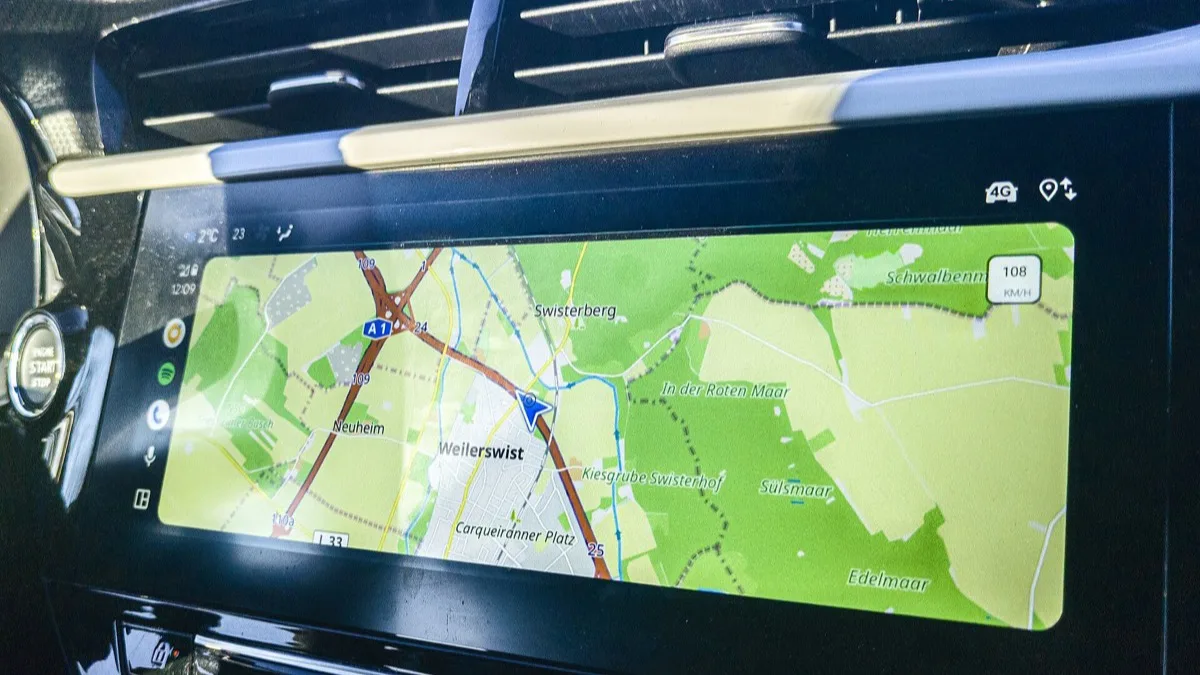
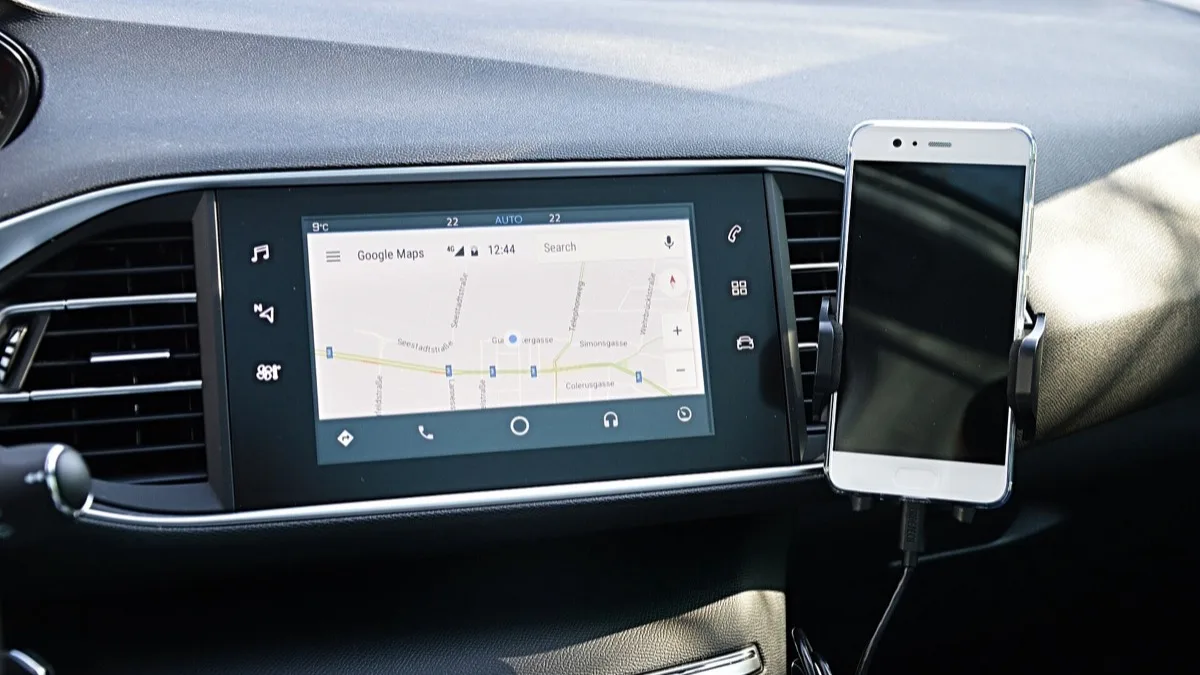
Drivers described the display going black mid-drive, sometimes with icons still visible while the map itself vanished, and sometimes cutting out entirely. On wired setups, unplugging and replugging the USB cable sometimes brought the session back, though occasionally only part of the interface would return before the rest caught up. On wireless connections, the app would simply drop and need to reconnect from scratch.
Google has not published a root cause in a formal changelog, but the company's support reply frames 17.4 as the fix: Please update your Android Auto app to the latest version (17.4 or above), which should solve the problem.
How to get the fix
- Open the Google Play Store on your phone.
- Search for Android Auto, or check My apps & games for a pending update.
- Install version 17.4 or newer. A 17.5 build is already available to users on the beta channel, so beta testers should already be covered.
- Restart your phone after updating, then reconnect to your car, wired or wireless, before assuming the fix hasn't worked.
If you are still seeing problems
Drivers on Google's support forum and elsewhere have kept reporting side issues even as the core disconnect bug gets patched, including notification audio that stops working and Maps occasionally losing the traffic overlay after an update. If updating to 17.4 doesn't stop the freezing, clearing the Android Auto app's cache and storage from Android's app settings, then reconnecting, is the next step Google support typically recommends before a full reinstall.
Availability of the 17.4 build rolls out gradually through the Play Store rather than landing for everyone at once, so a small number of users may need to wait a day or two before the update appears for their device.
Why this matters
Android Auto runs on hundreds of car and phone combinations, which makes connectivity bugs like this one hard to isolate and even harder to avoid entirely. A fix that Google explicitly points to by version number gives affected drivers something concrete to check for, rather than waiting on a silent server-side patch with no visible confirmation. It also comes as Google keeps expanding what Android Auto can do, including the Gemini in Chrome rollout that added Auto Browse support for US Android users this month.
Related reading
Frequently Asked Questions
What version of Android Auto fixes the disconnect and freezing bug?
Google says updating to Android Auto 17.4 or later resolves the random disconnects and freezes. A newer 17.5 build is also available to users on the beta channel.
How do I update Android Auto?
Open the Google Play Store, search for Android Auto or check My apps & games for a pending update, and install version 17.4 or above. Restarting your phone afterward before reconnecting to your car is worth doing too.
Does this bug affect both wired and wireless Android Auto?
Yes. Drivers reported the freeze and disconnect issue on both USB-connected and wireless Android Auto setups, across a wide range of phone and car combinations.
What should I do if updating doesn't fix the disconnects?
Clear the Android Auto app's cache and storage in your phone's app settings, then reconnect to your car. If the problem persists, a full reinstall of the app is the next step Google support typically suggests.
Is the Android Auto disconnect bug caused by a specific phone or car brand?
No single brand appears responsible. Reports came in across a broad mix of Android phones and vehicle head units, which is part of why the bug was difficult for Google to isolate quickly.