Google Photos Bug Locks Share, Edit and Trash After a Crop on Pixel 8 to Pixel 11, No Fix Yet

A Google Photos bug on Google Pixel phones is freezing the Share, Edit, Add to and Trash buttons as soon as a photo has been cropped or rotated, according to owner reports published on Friday, September 25, 2026. Owners of the Pixel 8, Pixel 9, Pixel 10 and Pixel 11 series say the edited picture is stuck in the app, and as of Friday evening Google had not shipped a fix.
- What breaks: Share, Edit, Add to and Trash stop responding on a photo after a crop or rotate
- Extra symptom: some owners say Google Photos saves a copy of the image they never asked for
- Phones named in reports: Pixel 8 Pro, Pixel 9 Pro, Pixel 11 Pro and Pixel 11 Pro XL, with owners across the Pixel 8 to Pixel 11 series
- Fix status: no fix released; Google support's standard advice has not helped the owners who tried it
- Unaffected: photos that have not been edited, according to the reports
What goes wrong in Google Photos after a crop
The trigger is the most ordinary edit in the app. An owner opens a picture in Google Photos, crops or rotates it, saves, and returns to the photo view. From that point the four action buttons along the bottom no longer respond to taps, so the edited image cannot be sent to another app, edited again, added to an album or moved to the trash.
Some Pixel owners describe a second fault on top of the frozen buttons: Google Photos saves an extra copy of the edited image even when they did not ask for one. With Trash among the buttons that stop responding, those duplicates can be awkward to clear.
Which Google Pixel phones have the Google Photos bug?
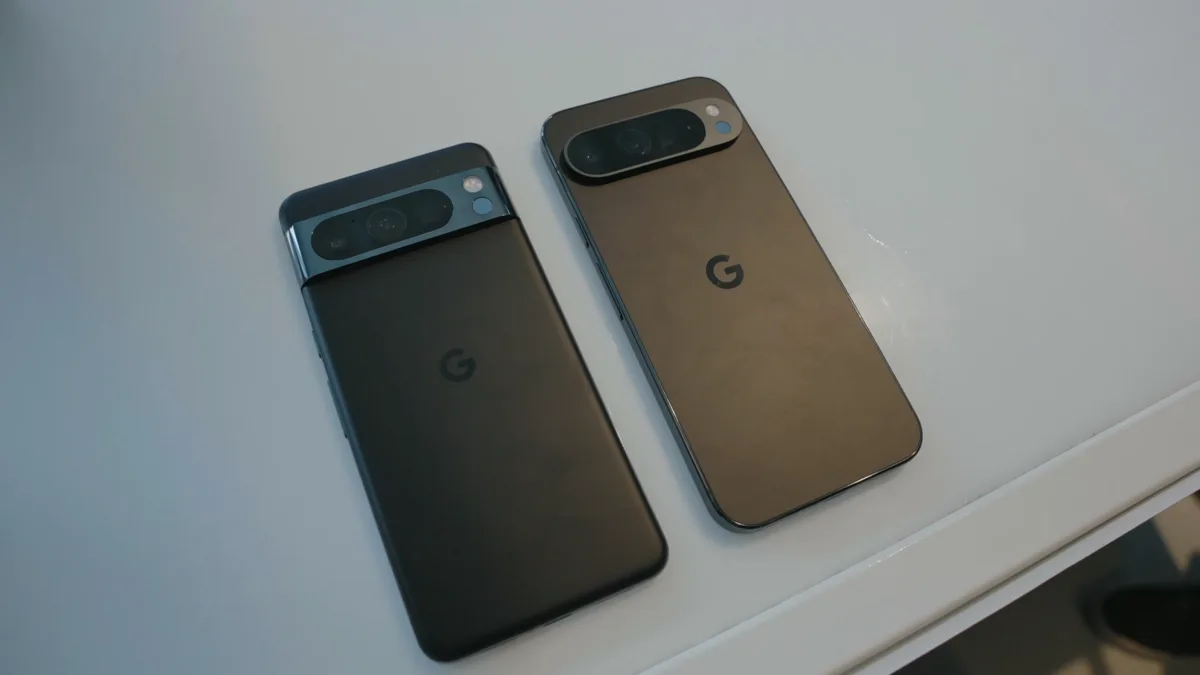
Reports so far cover four generations of Google Pixel phones, but the two main write-ups of the problem do not list the same models. The table below reconciles them. Neither says whether Samsung Galaxy or other Android phones running Google Photos are affected, and no report names the Google Photos app version involved.
| Pixel series | Models named by owners | Where it came from |
|---|---|---|
| Pixel 8 series | Pixel 8 Pro | Owner comment; series also named in a second report |
| Pixel 9 series | Pixel 9 Pro | Owner report; series also named in a second report |
| Pixel 10 series | No specific model named | Series listed in one report only |
| Pixel 11 series | Pixel 11 Pro, Pixel 11 Pro XL | Owner reports; series also named in a second report |
If you own a Google Pixel 10 Pro or another Pixel 10 model, the evidence is thinner than for the Pixel 9 and Pixel 11: the series appears in one report, but no owner has been quoted by model.
Has Google fixed the Google Photos editing bug?
No. As of Friday, September 25, 2026, Google has not announced a fix or published a Google Photos update that addresses it. A Google support representative who responded to affected owners suggested three steps: clearing the Google Photos cache, uninstalling and reinstalling the app, and restarting the Pixel in safe mode. Owners who tried them said none of the three stopped the buttons from freezing.
Safe mode is still worth knowing for other Pixel faults, and our guide to an Android phone that keeps restarting walks through how to boot into it. For this bug, though, owners report it does not help.
How to avoid getting stuck until Google ships a fix
The reports agree that the Share, Edit, Add to and Trash buttons keep working on photos that have not been edited. That points to a simple holding pattern for Pixel owners while the fault is open:
- Share or back up a photo before you crop or rotate it, not after.
- Put a picture into an album before editing it, so you are not relying on Add to afterwards.
- Check your library for unexpected duplicates after any edit, and clear them once Trash works again.
Keep in mind that anything you do delete goes to the Google Photos trash, which now holds items for 30 days rather than 60 after a change covered in our report on the shorter recovery window. Samsung Galaxy owners who recently switched their Gallery to sync with Google Photos have not been named in any report of this bug so far.
Frequently Asked Questions
Why can't I share a photo in Google Photos after cropping it on my Pixel?
A Google Photos bug reported on September 25, 2026 freezes the Share, Edit, Add to and Trash buttons after a photo is cropped or rotated on Google Pixel phones. Owners of the Pixel 8, Pixel 9, Pixel 10 and Pixel 11 series have reported it. Photos that have not been edited are not affected, according to the reports.
Has Google fixed the Google Photos share and delete bug?
Not yet. As of September 25, 2026, Google had not released a fix or a Google Photos update that addresses the frozen buttons after an edit. Owners say the steps Google support suggested have not solved it.
Does clearing the Google Photos cache fix the frozen buttons?
Owners who tried it say no. A Google support representative suggested clearing the Google Photos cache, reinstalling the app and restarting the Pixel in safe mode, but affected owners reported that none of those steps stopped the Share, Edit, Add to and Trash buttons from freezing after a crop or rotate.
Why is Google Photos saving extra copies of my edited photos?
Some Pixel owners affected by the September 2026 Google Photos editing bug say the app keeps an extra copy of an edited image even when they did not ask for one. Because the Trash button can also stop working after an edit, those duplicates may have to wait until Google ships a fix.
Which phones are affected by the Google Photos editing bug?
Reports name the Google Pixel 8 Pro, Pixel 9 Pro, Pixel 11 Pro and Pixel 11 Pro XL, and list the Pixel 8, 9, 10 and 11 series overall. It is not known whether Samsung Galaxy or other Android phones running Google Photos are affected.