Google Maps Traffic Colors Vanish on Android Auto, No Fix Yet

Google Maps has stopped drawing color-coded traffic lines on Android Auto for a growing number of drivers, and Google has not said anything about a fix. Reports of the missing green, yellow, orange, and red road overlays started trickling in roughly two weeks ago and picked up sharply in the last few days.
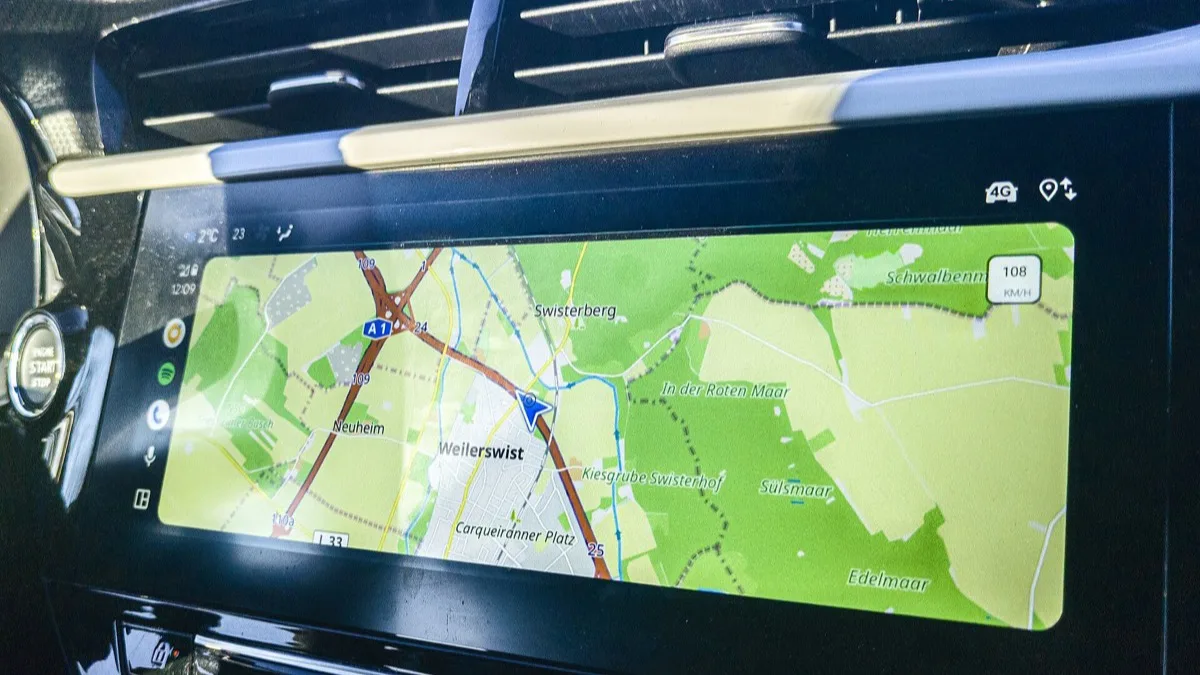
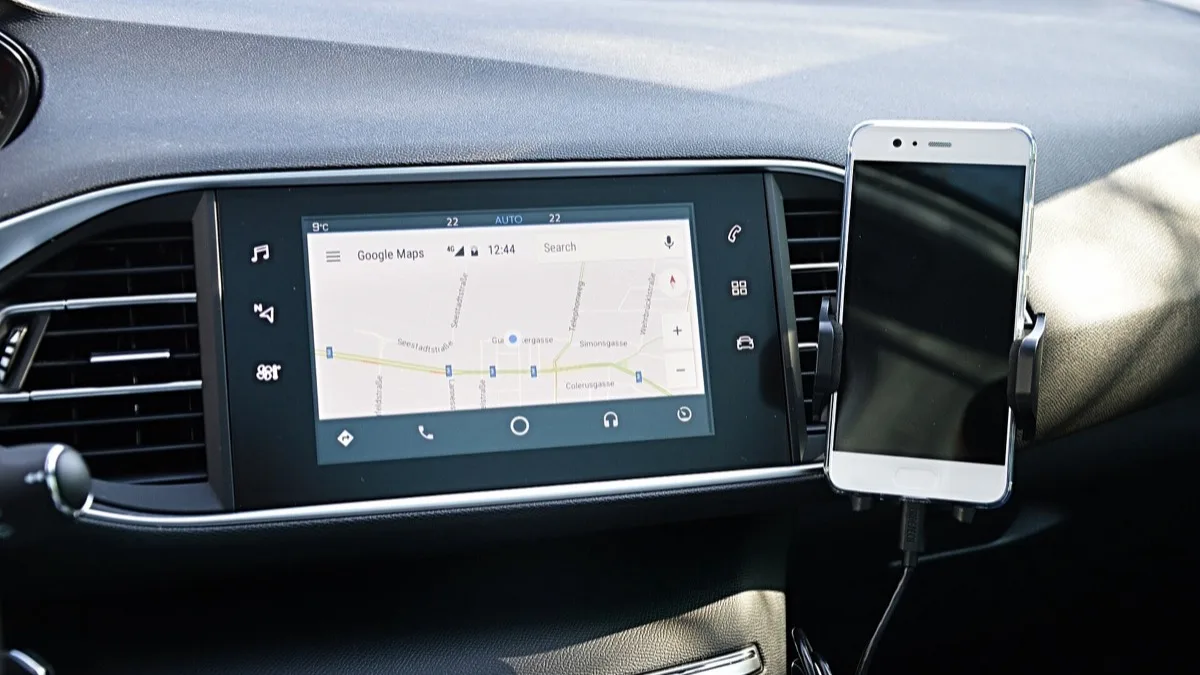
The bug is specific to the in-car display. Drivers checking the same route on their phone still see full traffic coloring, but the moment they connect to Android Auto, the road lines flatten out to a single plain color regardless of how congested the route actually is.
What's actually broken
Traffic coloring is how Google Maps tells drivers, at a glance, whether a route is clear or jammed without them having to read a time estimate. With the overlay gone, Android Auto still calculates the fastest route and still adjusts arrival times behind the scenes, but the visual warning that used to flag a slowdown ahead is missing from the map itself.
Affected drivers are running current builds on both sides: Android Auto around version 17.5 and Google Maps around version 26.33. The timing lines up with the wider rollout of Google Maps' Immersive Navigation interface, which began reaching more Android Auto users last month and reworked how the driving view renders roads and buildings. A number of affected drivers have pointed to that redesign as the likely trigger, though Google has not confirmed a connection.
Not the first time this has happened
This isn't the app's first traffic-data outage this year. A similar disappearance hit Google Maps in July, and Google resolved it without much public explanation. The current bug has the same symptom but has already run longer without acknowledgment, and it's unclear whether the two issues share a root cause.
What you can do while you wait
There's no official fix yet, but a few workarounds are giving drivers partial relief:
- Switch to Overview mode. Some drivers report that pulling out to the wider overview view restores traffic coloring on major roads, even though it disappears again once you return to the closer turn-by-turn view.
- Roll back the Google Maps update. Uninstalling the latest Maps update and turning off auto-updates has fixed the problem for some users, but it means giving up whatever features shipped in that update until Google pushes a real patch.
- Check your phone directly. If you need to gauge traffic before a drive, pulling up the route on your phone's Maps app first will still show accurate coloring, even if Android Auto won't.
None of these are a permanent solution, and none work for every driver — reports are inconsistent enough that some people see no issue at all. If you rely on Android Auto for daily commutes through variable traffic, it's worth keeping the phone app open as a backup for now, the same way it's worth knowing the fixes behind other recent Android Auto stability issues.
What to watch for
Google typically resolves server-side rendering bugs like this with a quiet backend fix rather than an app update, which is what happened in July. Until that happens, there's no in-app setting that forces the traffic overlay back on. AndroidHire will update this story if Google issues a statement or a fix lands.
Related reading
Frequently Asked Questions
Why isn't Google Maps showing traffic colors on Android Auto?
A bug affecting Android Auto around version 17.5 and Google Maps around version 26.33 has removed the green, yellow, orange, and red traffic overlay from the in-car map. The app still routes around congestion, but the visual color-coding is missing. Google has not confirmed the cause or a fix date.
Does this traffic bug affect Google Maps on my phone too?
No. Reports so far describe the missing traffic coloring as limited to Android Auto's display. Drivers checking the same route directly on their phone's Google Maps app still see full traffic colors.
Is this related to Google Maps Immersive Navigation?
Possibly. The bug reports increased alongside the wider rollout of Immersive Navigation to Android Auto, and some affected drivers suspect the redesigned driving view is involved. Google has not officially linked the two.
How do I fix missing traffic lines on Android Auto?
There's no official fix yet. Switching to the Overview map mode restores traffic coloring on major roads for some drivers, and uninstalling the latest Google Maps update has worked for others, though that sacrifices newer app features until Google patches the bug properly.
Has Google Maps had this problem before?
Yes. A similar traffic-data outage hit Google Maps in July 2026 and was resolved without a detailed public explanation. It isn't confirmed whether this new bug shares the same root cause.