Google Pixel September Update Bug Rejects PINs and Patterns at the Lock Screen, No Fix Yet

Some Google Pixel owners cannot get past their lock screen after installing the September 2026 update, because the phone rejects a PIN or pattern before they finish entering it. Reports published September 25, 2026 name the Google Pixel 10 Pro XL, Pixel 8a and Pixel 8 Pro. Google is contacting affected owners but has not released a fix.
- Update involved: the September 2026 Pixel update, which for the Pixel 6 through Pixel 10a is Android 17 QPR1 (global build CP3A.260905.009), rolling out since September 15
- Symptom: patterns reset partway through, PINs are judged wrong after a single digit, and repeated "failed" attempts trigger a lockout timer
- Models named in reports: Pixel 10 Pro XL, Pixel 8a, Pixel 8 Pro
- Fix status: no patch and no public statement from Google as of September 26
What is going wrong on the Pixel lock screen?
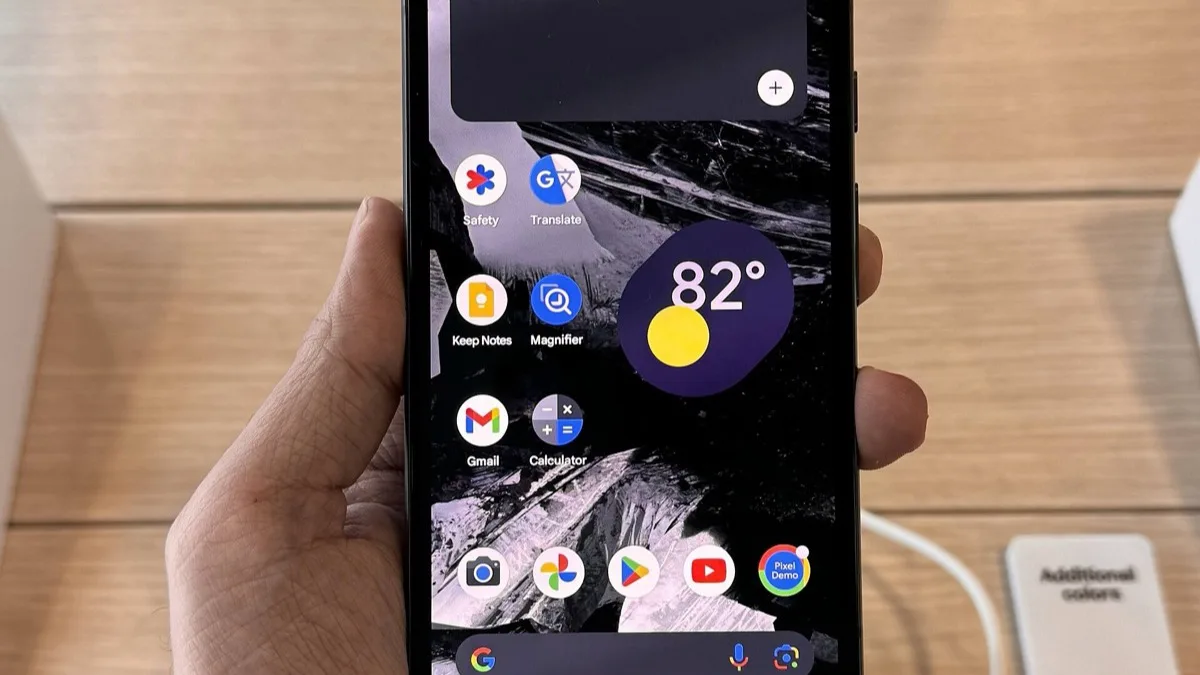
The Pixel lock screen appears to accept input too early. On a Pixel 10 Pro XL, owners say a pattern stops registering before it is fully drawn; one owner posting on September 22 described it resetting after two dots. On a Pixel 8a, a PIN is treated as submitted after the first digit, and the phone answers with an incorrect-PIN error.
That matters because each false attempt counts toward the "Too many attempts" limit. Owners caught in the loop end up waiting out a timer, or worse. One owner said booting into safe mode, restarting, cleaning the display and even plugging in a mouse through an adapter did nothing.
Which Pixel phones are affected?
Reports so far are scattered, not universal. Here is how the evidence lines up across the reports published this week:
| Model | What owners report |
|---|---|
| Google Pixel 10 Pro XL | Pattern not recognized; lockouts |
| Google Pixel 8a | PIN rejected after one digit |
| Google Pixel 8 Pro | Lock screen lockouts reported |
| Google Pixel 6a | No problem on one reviewer's updated phone |
Some owners across the Pixel 6 to Pixel 10 generations also describe general lag since the update, but the lockout reports centre on the three models above. Pattern users seem hit hardest, though at least one PIN user has the same problem. If you have a Pixel 10 Pro XL and have not updated yet, it is reasonable to hold off on tapping Restart now until Google responds.
Has Google fixed the Pixel lock screen bug?
No. Google's PixelCommunity account, which is run by the company's support team, has been reaching out to affected owners in community threads, but Google has not announced a fix or an update. The published September changelog lists 20 Pixel fixes, including one for notifications cut off on the lock screen, and none covers PIN or pattern entry.
For background on what the September release was supposed to bring, see our September Android Drop coverage. Pixel 11 owners got an early September build of their own first, covered in our look at the Pixel 11 B1 update.
How to get back into a locked Pixel
These steps come from owner reports and Google's own Pixel help pages. Try them in order; only the last one erases data.
- Force a restart. Google's help page says a frozen Pixel restarts if you hold the power button for about 30 seconds. One Pixel 10 Pro XL owner got in after a hard restart using Power and Volume Down, but it did not work for everyone.
- Wait out the timer. The lockout clears after its countdown and gives you another try; enter the code deliberately.
- Switch lock type once you are in. Swapping a pattern for a PIN, or a PIN for a pattern, is one of the workarounds circulating among affected owners. On a Pixel, open Settings, tap Security & privacy, then Device unlock, then Screen lock, and pick a different option.
- Factory reset as a last resort. It works, but it wipes everything not backed up.
If your Pixel keeps rebooting or freezing on top of the lock screen trouble, our guide to an Android phone that keeps restarting covers the next checks.
Frequently Asked Questions
Why won't my Pixel accept my PIN or pattern after the September update?
Some Google Pixel owners report that after the September 2026 update the lock screen registers input too early, resetting a pattern before it is finished or treating a PIN as entered after one digit. Reports published September 25, 2026 name the Pixel 10 Pro XL, Pixel 8a and Pixel 8 Pro. Google has not explained the cause.
Has Google fixed the Pixel lock screen PIN and pattern bug?
Not as of September 26, 2026. Google's PixelCommunity support account has been contacting affected owners, but Google has not issued a public statement or released an update that fixes the lock screen problem.
How do I unlock a Pixel that keeps rejecting my pattern?
Start with a forced restart: Google says holding the power button for about 30 seconds restarts a frozen Pixel, and one Pixel 10 Pro XL owner got in after a hard restart with Power and Volume Down. You can also wait out the attempts timer and enter the pattern slowly. A factory reset works but erases all data that is not backed up.
Should I install the September 2026 Pixel update?
The lockout reports after the September 2026 update, which is Android 17 QPR1 on the Pixel 6 through Pixel 10a, are limited to a few models so far, and one reviewer's updated Pixel 6a showed no problem. If you own a Pixel 10 Pro XL, Pixel 8a or Pixel 8 Pro and have not installed it, waiting for Google to respond to the lockout reports is a cautious choice.
How do I change my Pixel screen lock from pattern to PIN?
On a Google Pixel, open Settings, tap Security & privacy, then Device unlock, then Screen lock. Enter your current lock, then choose PIN, Pattern or Password and follow the prompts. Switching lock type is one of the workarounds suggested for the September 2026 lock screen bug.