Pixel 11 Gets a Second September Update: Build B1, 96MB, Still No QPR1

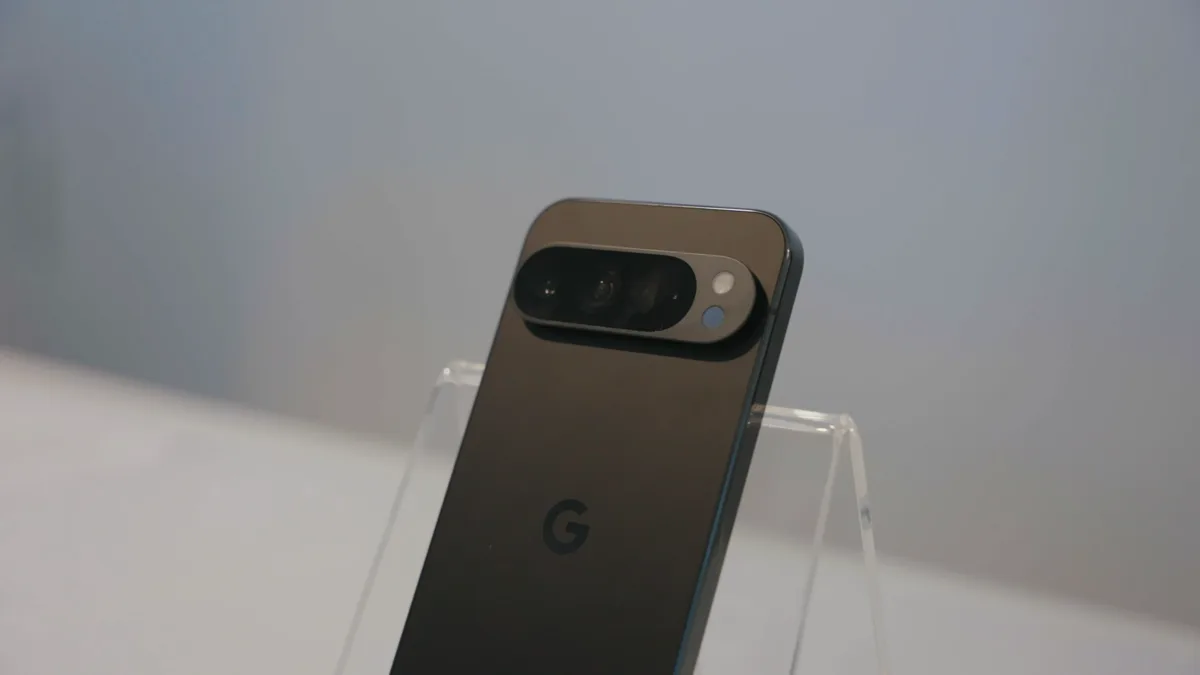
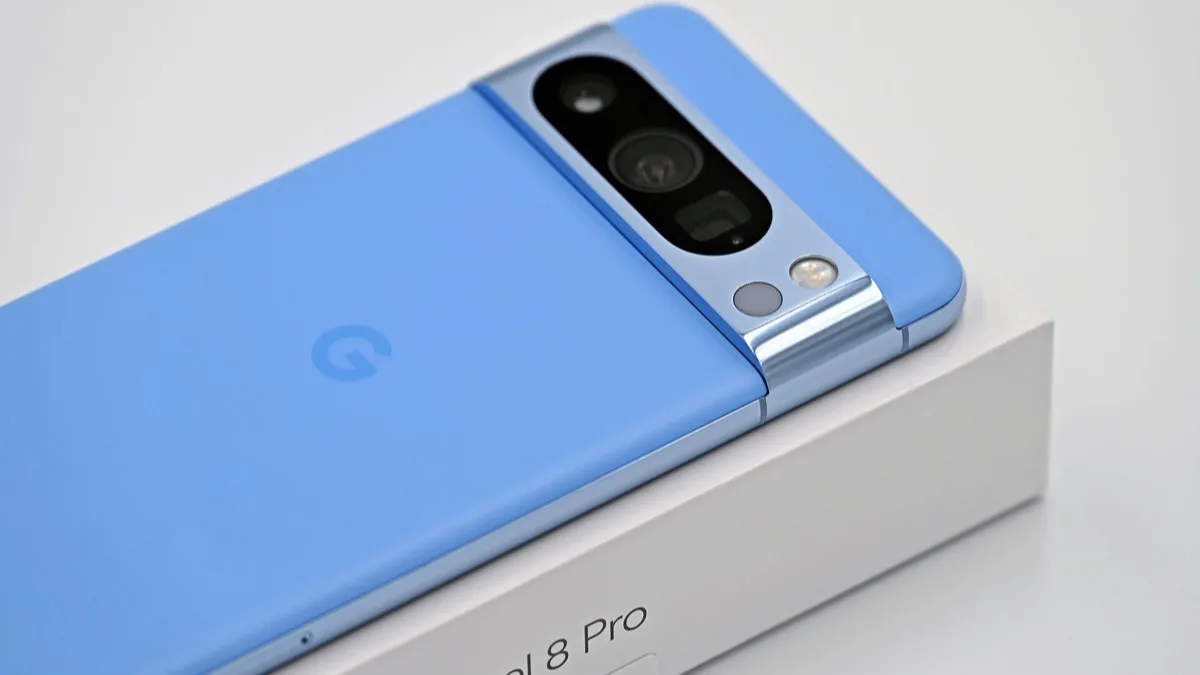
Google has started pushing a second software update to the Pixel 11 series this month, and it is a 96MB maintenance build rather than the feature drop owners have been waiting for. The release carries the build number CD1A.260905.001.B1 and an early September 2026 security patch level, and it is landing on the Pixel 11, Pixel 11 Pro, Pixel 11 Pro XL and Pixel 11 Pro Fold.
What the release notes actually say
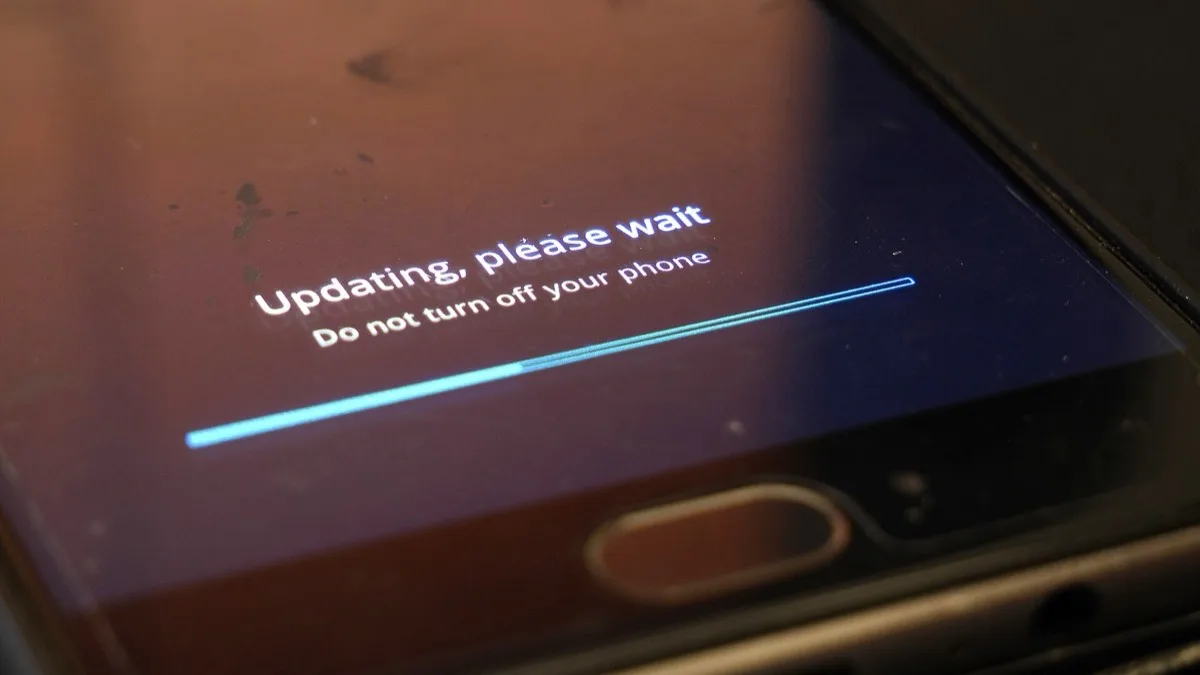
Very little. Google's notes for the build read only that it "fixes critical bugs and improves the performance and stability of your device" — the boilerplate the company uses when it does not want to enumerate what changed. There is no new feature, no redesigned setting and no visible difference after the reboot.
Download sizes reported by owners run between 96MB and 98MB depending on model. That is small even by hot-patch standards, which points at a narrow set of framework or firmware fixes rather than a broad platform update.
Why this is the second update in ten days
Google rolled out an A1 build, CD1A.260905.001.A1, to Pixel 11 phones at the start of September. That release appears to have been pulled shortly afterwards. B1 is the replacement, which explains the unusually short gap between the two.
If you already installed A1, you are not excluded: the B1 package is being offered to those devices as well, so everyone in the Pixel 11 family lands on the same build. Anyone who never saw A1 goes straight to B1.
This is not the September Android Drop
The distinction matters, because the two are being confused. Google announced the September Android Drop at the beginning of the month, but the OTA carrying those features has not started for the Pixel 11 series. Neither A1 nor B1 contains any of it.
Android 17 QPR1 is also still outstanding for these phones, and for older Pixels. The Pixel 11 line was instead offered a place in the Android 17 QPR2 beta earlier this month, skipping QPR1 entirely on the beta track — a reminder that the beta and stable channels are running on different clocks right now.
Does it fix the bugs people are complaining about?
Unclear, and worth saying plainly rather than guessing. Pixel 11 owners have posted about a crackling artefact in recorded video, touchscreen freezes and reboots when the display switches off. Google has not tied the B1 build to any of them.
The company has separately confirmed a fix is coming for static audio in Video Boost on the Pixel 11 Pro, but it has not said that fix ships here. Treat this build as unlabelled housekeeping until owners report otherwise.
How to get it
Pixel OTAs go out in stages worldwide, so the notification may take several days to reach you even though the build is live. Three options, in order of how much effort they take:
- Check manually. Settings > System > Software updates > System update, then tap Check for update.
- Wait. Staged rollouts usually complete inside a week for unlocked models; carrier-branded units can trail behind.
- Sideload. Google has posted the full OTA packages on its developer OTA images site, so you can flash the build yourself. Match the package to your exact model, and be aware that sideloading requires ADB and a cable.
There is no reason to rush. With no user-facing changes, the only real argument for chasing B1 early is the security patch it carries. If your phone is already on A1, the practical difference between the two builds is invisible — and if you want the actual new features, the wait continues.
Related reading
Frequently Asked Questions
What is the Pixel 11 CD1A.260905.001.B1 update?
It is a small maintenance release for the Pixel 11, Pixel 11 Pro, Pixel 11 Pro XL and Pixel 11 Pro Fold, weighing 96MB to 98MB. Google's release notes say only that it fixes critical bugs and improves performance and stability. It carries an early September 2026 security patch level and adds no new features.
Why did the Pixel 11 get two updates in September 2026?
Google shipped an A1 build at the start of the month and then appears to have pulled it. The B1 build is the replacement, which is why the two arrived so close together. Phones that already installed A1 are still offered B1.
Does this update bring Android 17 QPR1 or the September Android Drop?
No. Neither the A1 nor the B1 build contains the September Android Drop features, and Android 17 QPR1 has not reached the Pixel 11 series either. Those are separate rollouts that had not started at the time of writing.
Does the B1 build fix the Pixel 11 video crackling bug?
Google has not said so. Owners have reported a crackling artefact in recorded video, along with touchscreen freezes and reboots when the screen turns off, but the release notes do not name any specific fix. Google has separately confirmed a fix is coming for static audio in Video Boost on the Pixel 11 Pro without tying it to this build.
How do I install the Pixel 11 September update now?
Open Settings, then System, then Software updates and System update, and tap Check for update. If nothing appears, the staged rollout has not reached your device yet. Google has published the full OTA packages on its developer site, so you can also sideload the build manually using ADB if you match the package to your exact model.