September Android Drop: Find Hub Now Remembers Where You Put Things
Google shipped its September 2026 Android Feature Drop on Tuesday, and the headline change lets Find Hub remember where you put things that don't have a tracker attached. Four other features landed alongside it, covering Gemini Live, Google Messages, and in-car motion sickness.
Find Hub can now remember untagged items
Until now, Find Hub could only track items wearing a physical tag, like a Chipolo or a pair of Pixel Buds. The new Remembered tab drops that requirement. Say "Hey Google, remember in Find Hub that I put my passport in my bedroom drawer," and Gemini logs the location, with the option to attach a photo for confirmation.
Retrieving an item works the same way in reverse: ask Gemini where you put something, or open the Remembered tab in the Find Hub app directly. Google says the feature is rolling out to Android 16 and newer devices in countries where both Gemini and Find Hub are already supported, though it has not published a country list or a completion date.
Motion Assist targets car sickness on Android 17
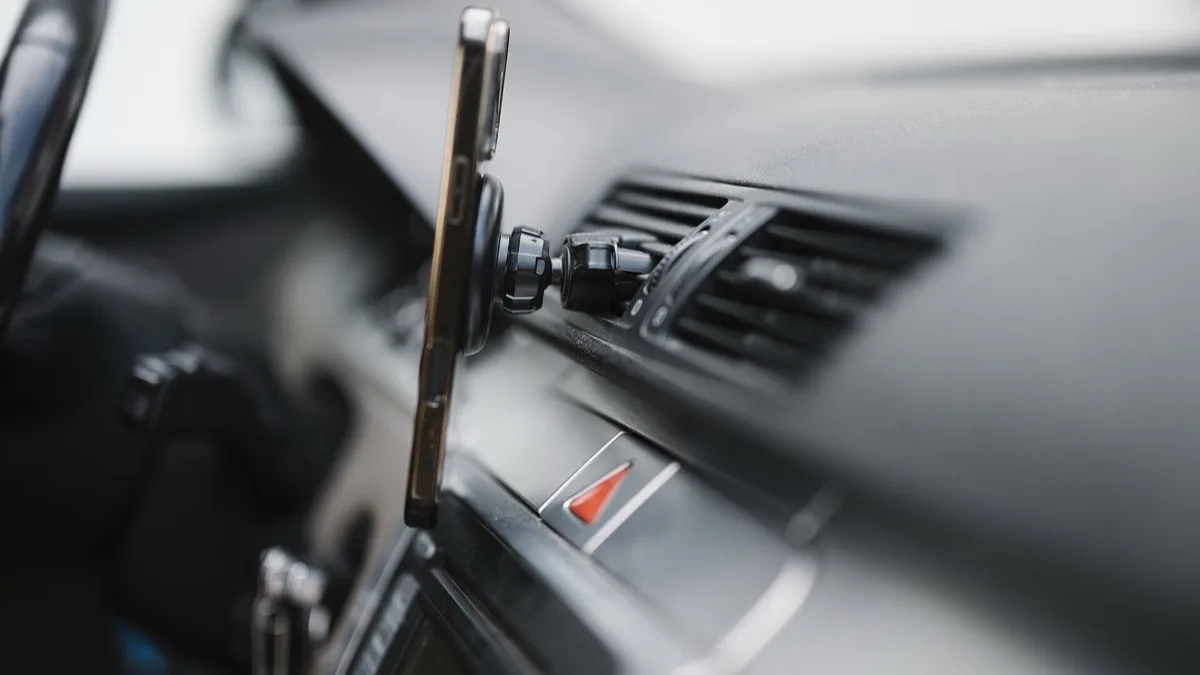
Motion Assist adds a translucent bubble overlay that shifts position in sync with the vehicle you're riding in, aiming to close the gap between what your eyes see on the screen and what your inner ear feels on the road. Google first introduced the feature in late August for a limited set of phones; this update makes it available to Android 17 devices broadly, with a toggle in Quick Settings and options to change the bubble's color, shape, and opacity.
Guided Vision brings live audio description to Gemini
A new accessibility feature called Guided Vision lets Gemini Live describe what a phone's camera sees in real time, guiding blind and low-vision users through their surroundings with spoken feedback as they move the camera. It works on Android 9 and later in regions where Gemini is available, and can be added as a shortcut through Accessibility settings, the TalkBack menu, or Gemini's own app settings. Google labels it “coming soon” and includes a disclaimer that it is not a substitute for a cane, a guide dog, or professional navigation tools, and that Gemini can make mistakes.
Google Messages adds shared notes and chat themes
Two changes land in Google Messages starting today. A Keep integration lets you create, share, and collaboratively edit a note or checklist without leaving a conversation, accessible from the same plus icon used for photos and files. Separately, chat theme customization lets you set a distinct background, wallpaper, or bubble color for an individual conversation rather than applying one look across the whole app.
Who gets what, and when
- Find Hub Remembered: Android 16+, where Gemini and Find Hub are both supported
- Motion Assist: Android 17 devices, live now
- Guided Vision: Android 9+ where Gemini is available, rolling out soon
- Keep in Messages: all Google Messages users, live today
- Chat themes: all Google Messages users, live now
As with past feature drops, none of these require a full OS update. They arrive through server-side toggles and Play Store updates to the Gemini and Messages apps, so the fastest way to check is to force-close and reopen those two apps, or restart your phone if a feature still isn't showing after a day or two.
This continues a pattern of incremental updates to Find Hub and Motion Assist rather than one-off launches. Find Hub's last update let users delete old Bluetooth trackers from their list, and Motion Assist debuted with a rollout that skipped several Pixel models. Google Messages has also been iterating quickly, following a redesigned long-press menu that began testing in beta.
Frequently Asked Questions
How do I use Find Hub's new Remembered feature?
Say "Hey Google, remember in Find Hub that I put [item] in [location]" and Gemini saves the spot, with an option to add a photo. You can retrieve it later by asking Gemini or opening the Remembered tab inside the Find Hub app.
Which phones support Motion Assist?
Motion Assist requires Android 17. It appears as a toggle in Quick Settings, where you can also adjust the color, shape, and opacity of the on-screen bubble.
Do I need to update my phone's software to get these features?
No. Find Hub, Motion Assist, Guided Vision, and the Google Messages changes all roll out through server-side switches and Play Store app updates rather than a full Android system update.
What is Guided Vision in Gemini Live?
Guided Vision lets Gemini Live describe your surroundings out loud in real time using your phone's camera, aimed at blind and low-vision users. Google says it is coming soon to Android 9 and later where Gemini is available, and stresses it is not a replacement for a cane, guide dog, or dedicated navigation tool.
Can I customize individual conversations in Google Messages?
Yes. The new chat theme option lets you set a distinct background, wallpaper, or bubble color for one conversation at a time, separate from the app's overall theme.