Waze Hides Your ETA on Android Auto in Full-Screen, and 17.5 Is Getting the Blame
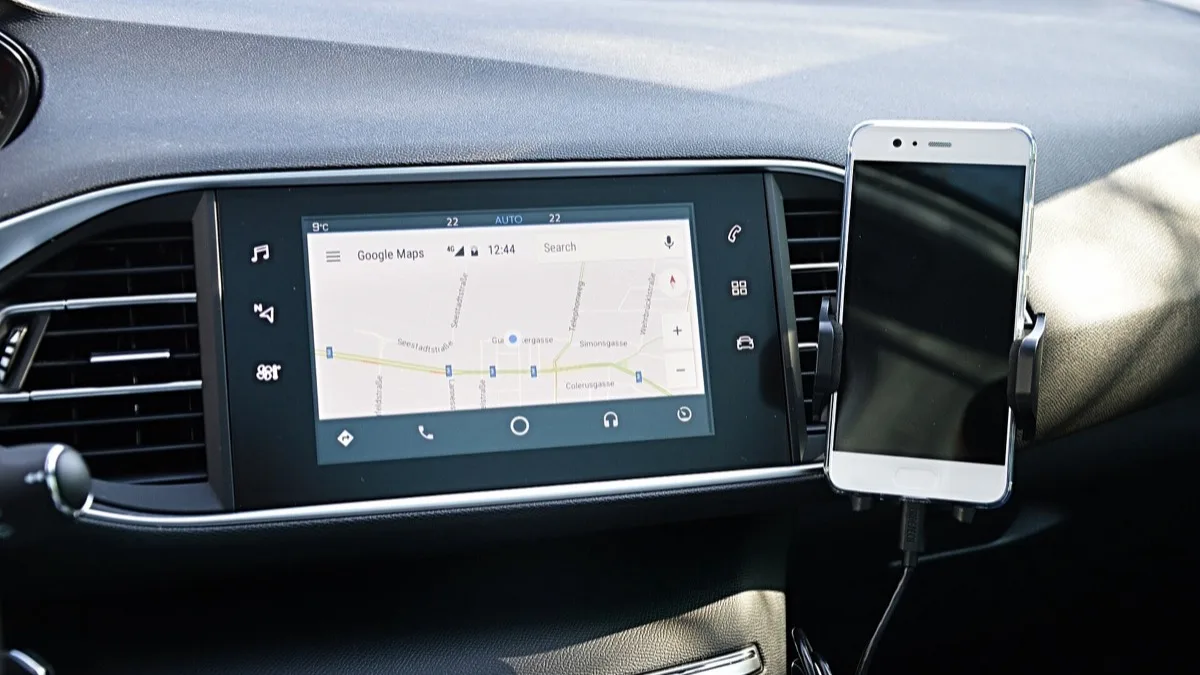
Waze drivers using Android Auto are losing the journey information box in full-screen mode, taking the ETA, arrival time, remaining distance and the next turn instruction off the car screen while navigation is still running. Reports piled onto Google's Android Auto support forums through 8 September, and most of them point at Android Auto 17.5, the staged Play Store release that shipped without a changelog.
What actually disappears
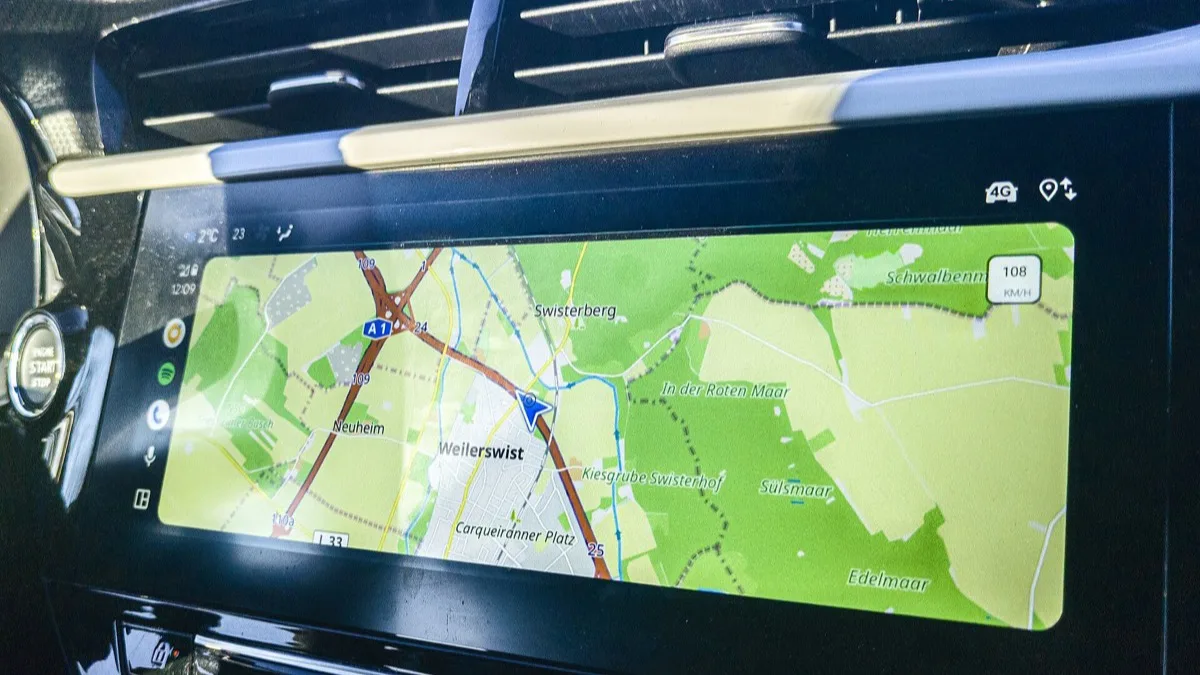
The map still draws, the blue route line is still there, and voice guidance keeps talking. What vanishes is the panel that carries the numbers: estimated time of arrival, clock arrival time, distance left, and the upcoming manoeuvre. On a motorway that is survivable. On an unfamiliar junction it is not, because the next-instruction card is exactly the thing you glance at.
Drivers describe one telling behaviour. The panel flashes back when Waze throws an alert — a police report, a hazard, a speed camera — then disappears again the moment that alert clears. That points to a rendering or layout problem rather than a setting that has quietly switched itself off, since the data is plainly still being calculated.
Full-screen mode is where the reports concentrate. A smaller number of drivers say they see it in the split-screen Coolwalk layout too, alongside a map that will not stay centred on the car.
Which builds are involved
Nothing is confirmed. Google has not published an acknowledgement, and Waze has not issued a statement. What exists is a pattern in the complaints, and it is worth being precise about how strong that evidence is:
- Android Auto 17.5 — the version named most often. It rolled out in stages through the Play Store as builds 17.5.6632 (stable) and 17.5.1632 (beta), and Google published no release notes for it.
- A recent Waze update — also blamed, since Waze ships app updates on its own schedule and either side of the pairing could be at fault.
- Neither has been ruled out. Because both apps update automatically, most affected drivers cannot say which one changed first on their phone.
A community specialist on Google's forums has asked affected users for more detail, which usually means the problem has been logged internally. That is not the same as a confirmed bug or a promised fix.
What you can do today
There is no toggle that restores the panel. These are the options drivers actually have, in the order most people should try them:
- Switch to split-screen. Coolwalk's dual-pane layout keeps the journey card visible for most people reporting the issue, so it is the quickest workaround that costs nothing.
- Use Google Maps for now. Maps is not showing this behaviour on the same head units, so it is a clean fallback for a drive you cannot afford to guess your way through.
- Roll back the app. Some drivers have gone back to an earlier Android Auto or Waze build using APK installers, then turned off automatic updates for that app in the Play Store so the newer version does not reinstall itself. Sideloading carries its own risks, and you lose any security fixes the newer build carried.
- File a report. Send feedback from Android Auto's settings on your phone and include your car make, head unit, Android Auto version and Waze version. That version detail is what Google is currently asking for.
Where this sits in a bad run for Android Auto
This is the third visible in-car navigation problem in a few weeks. Google shipped a fix for random disconnects and freezes with Android Auto 17.4 in August, and separately, colour-coded traffic lines stopped rendering in Google Maps on Android Auto with no fix at the time. The pattern in all three is the same: a silent staged rollout, no changelog, and drivers working out the symptoms among themselves.
Checking your version is worth two minutes. Open Android Auto's settings on your phone, scroll to the bottom and read the version string — if it starts with 17.5 and your ETA card is gone in full-screen, you are seeing the same thing everyone else is.
Until Google or Waze says something, treat this as an active bug with no fix date. Split-screen is the workaround that costs you the least.
Frequently Asked Questions
Why has my ETA disappeared in Waze on Android Auto?
Drivers running Waze in full-screen mode on Android Auto are losing the journey information panel, which carries the ETA, arrival time, remaining distance and the next turn instruction. The map and voice guidance keep working, so only the numbers vanish. Neither Google nor Waze has confirmed a cause, but reports concentrated on 8 September 2026 and most point at the Android Auto 17.5 update.
Is Android Auto 17.5 causing the Waze ETA bug?
It is the version blamed most often, but nothing is confirmed. Android Auto 17.5 rolled out in stages through the Play Store as builds 17.5.6632 stable and 17.5.1632 beta, with no changelog from Google. A recent Waze app update is also a suspect, and because both apps update automatically most drivers cannot tell which one changed first.
How do I get the Waze journey information box back?
There is no setting that restores it. Switching from full-screen to the split-screen Coolwalk layout brings the panel back for most affected drivers and is the fastest fix. Using Google Maps instead also works, since Maps is not showing the same behaviour on the same head units.
Can I roll back Android Auto to an older version?
Yes, by uninstalling updates or sideloading an earlier APK, then turning off automatic updates for Android Auto in the Play Store so the newer build does not reinstall. Some drivers have done this successfully with both Android Auto and Waze. Be aware that sideloading carries its own risk and you give up any security fixes included in the newer release.
Does this affect Google Maps on Android Auto too?
No. Google Maps is displaying its navigation details normally on the same cars where Waze is losing the panel, which is why Maps is the recommended fallback. A separate Android Auto problem in August did affect Maps, when colour-coded traffic lines stopped rendering, but that is a different issue.