Google Messages Error 3100: Why RCS Breaks After Smart Switch on New Galaxy Phones

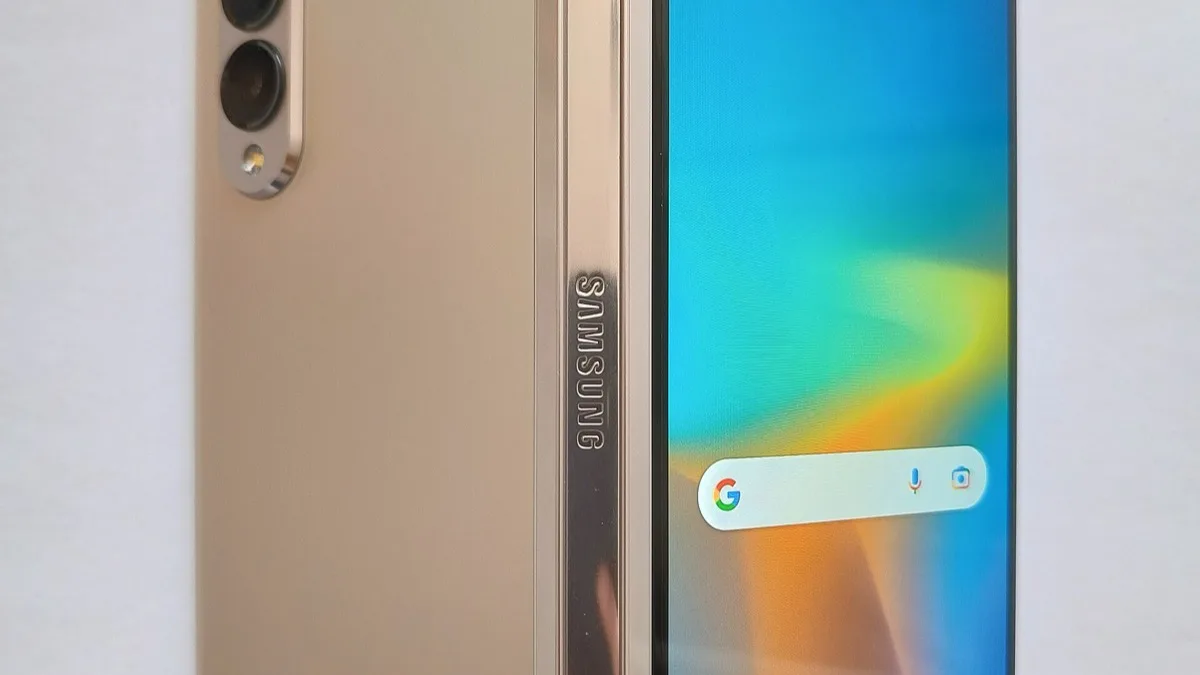
Owners who just moved to a new Samsung Galaxy phone are running into a specific RCS failure in Google Messages: error 3100, which reads "Trouble connecting. Awaiting retry." Google's support team has told affected users the cause is corrupted cache files carried over by Samsung's Smart Switch transfer tool, and the problem is showing up most on people who just upgraded to a Galaxy Z Fold 8 or moved to a new carrier.
What error 3100 actually means
Error 3100 is Google Messages telling you the app cannot establish an RCS session with Google's servers, so the conversation falls back to plain SMS. It is distinct from carrier-disabled RCS, which shows a different message and points you to your carrier instead. Reports describing the exact code have piled up since porting numbers and upgrading Galaxy hardware, with the pattern strong enough that both Google's own support channel and independent outlets have now documented it on the same day.
Smart Switch is the common thread
The people hitting this error almost all share one step: they used Samsung's Smart Switch app to move data onto a new phone, rather than setting the device up from scratch. A Google account representative said Smart Switch appears to carry over corrupted cache files tied to RCS registration, and those stale files then block the new phone from completing the handshake with Google's messaging servers. Number porting and carrier switches make the failure more likely, but a straight device upgrade on the same carrier can trigger it too.
Google's official fix
Google's recommended sequence is short and worth trying first, in this exact order:
- Update Google Messages to the latest version from the Play Store.
- Open Settings, turn RCS chats off.
- Go to Settings > Apps > Carrier Services and clear the app's data.
- Restart the phone.
- Reopen Google Messages and turn RCS chats back on.
For most people who hit the error after a straightforward upgrade, that sequence clears it. It does not always work for everyone who transferred data through Smart Switch, since the corrupted cache Google describes can survive a simple toggle.
What to do if the official fix doesn't stick
Users still stuck after the steps above have reported two further options, in rough order of how disruptive they are:
- Turn off RCS on the old phone before you finish setting up the new one, so no active RCS session gets pulled across during the Smart Switch transfer.
- As a last resort, a factory reset of the new Galaxy phone has fixed the error for people the toggle-and-clear-cache steps did not help. Back up your data first, since Smart Switch is exactly the tool that caused the problem in the first place.
If you have not yet moved to a new Galaxy phone and want to avoid the issue outright, the safest path is to set the device up manually rather than through Smart Switch, or to disable RCS on your old phone before you start the transfer.
Who is affected
The reports are concentrated on Samsung Galaxy devices, with the Galaxy Z Fold 8 named specifically as a recent trigger, but the underlying cause is not phone-specific. Anyone who used Smart Switch to move onto a new Android phone, changed carriers, or ported a number is a candidate for the same failure. Google has not said how many accounts are affected or given a timeline for a permanent server-side fix, so the manual troubleshooting steps above remain the only route back to working RCS for now.
Related reading
Frequently Asked Questions
What does Google Messages error 3100 mean?
Error 3100 shows as "Trouble connecting. Awaiting retry" and means Google Messages cannot complete an RCS connection to Google's servers. The conversation falls back to standard SMS until the connection succeeds.
Why does RCS break after using Samsung Smart Switch?
Google's support team says Smart Switch can carry over corrupted cache files tied to RCS registration when you transfer data to a new phone. Those stale files block the new device from finishing the RCS handshake, producing error 3100.
How do I fix Google Messages error 3100?
Update Google Messages, turn RCS chats off, clear the data for the Carrier Services app in your phone's app settings, restart the phone, then turn RCS chats back on. This is Google's official recommended sequence and resolves the error for most users.
What if the official fix doesn't work?
Turn off RCS on your old phone before finishing setup on the new one, or as a last resort, factory reset the new Galaxy phone after backing up your data. Some users only regained RCS after a full reset.
Is error 3100 limited to Samsung Galaxy phones?
Reports are concentrated on Galaxy devices, including the Galaxy Z Fold 8, but the root cause is tied to Smart Switch transfers and carrier or number changes rather than to Samsung hardware specifically, so any Android phone set up the same way could be affected.