News

Gemini Gems Become Skills on November 17: What Happens to Your Gems

Updated
Advertisement

Google will automatically convert your Gemini Gems into skills starting November 17, 2026, and skills are free. You do not need Google AI Pro or Ultra: Google's help page now says skills work in Gemini chat without a Google AI subscription for anyone 18 or older on a personal Google Account. The date that matters more is October 13, 2026, when Google's own transition guide says you can no longer create or edit Gems on a personal account.

Updated October 3, 2026: Google confirmed the switch in a September 30 blog post and dropped the paid-plan requirement that applied when this story first ran.

In a hurry? Jump to key dates, what happens to your Gems, what to do before November 17 or Gems vs skills.

QuestionShort answer
When do Gems become skills?Auto-migration starts November 17, 2026 for personal Google Accounts
Last day to create or edit a GemOctober 12, 2026; editing stops October 13 (personal accounts)
Do I lose my Gems?No. Google converts them to skills, with supported knowledge files
Do skills cost money?No. Free in Gemini chat; 18+, personal account, Keep Activity on
Work and school accountsGems end March 2027 (Workspace business) and June 2027 (education)
What does not carry over yetCreate video, Create music, Canvas, Deep Research and Guided Learning as default tools; GitHub files
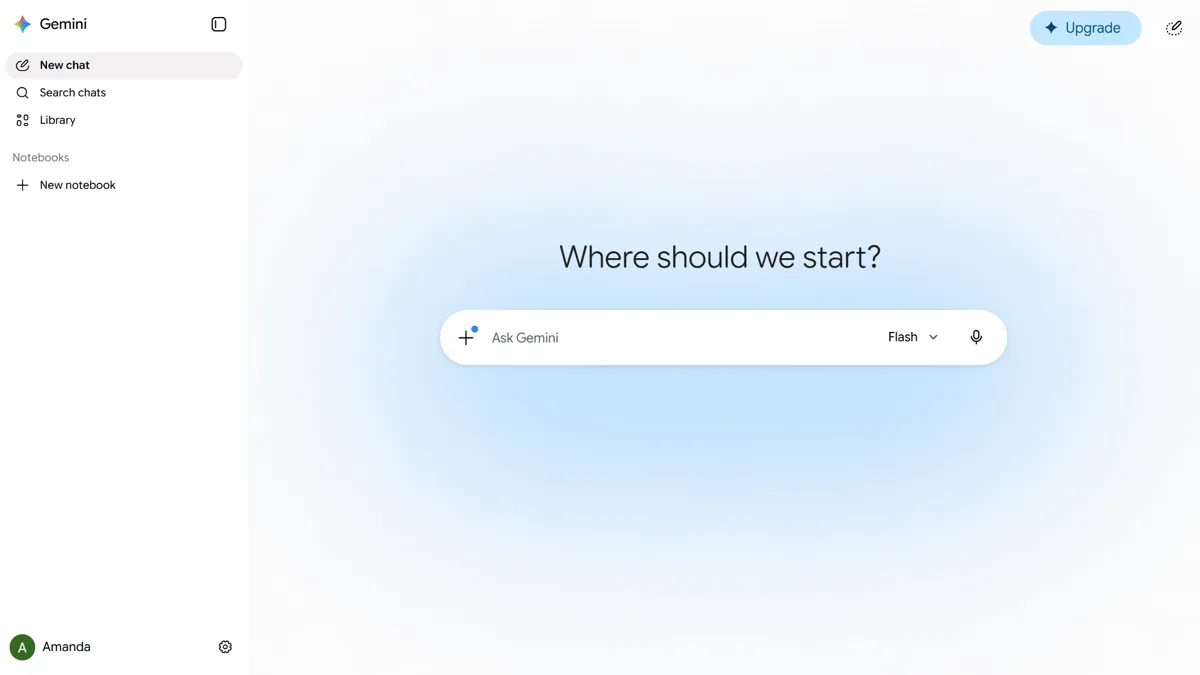
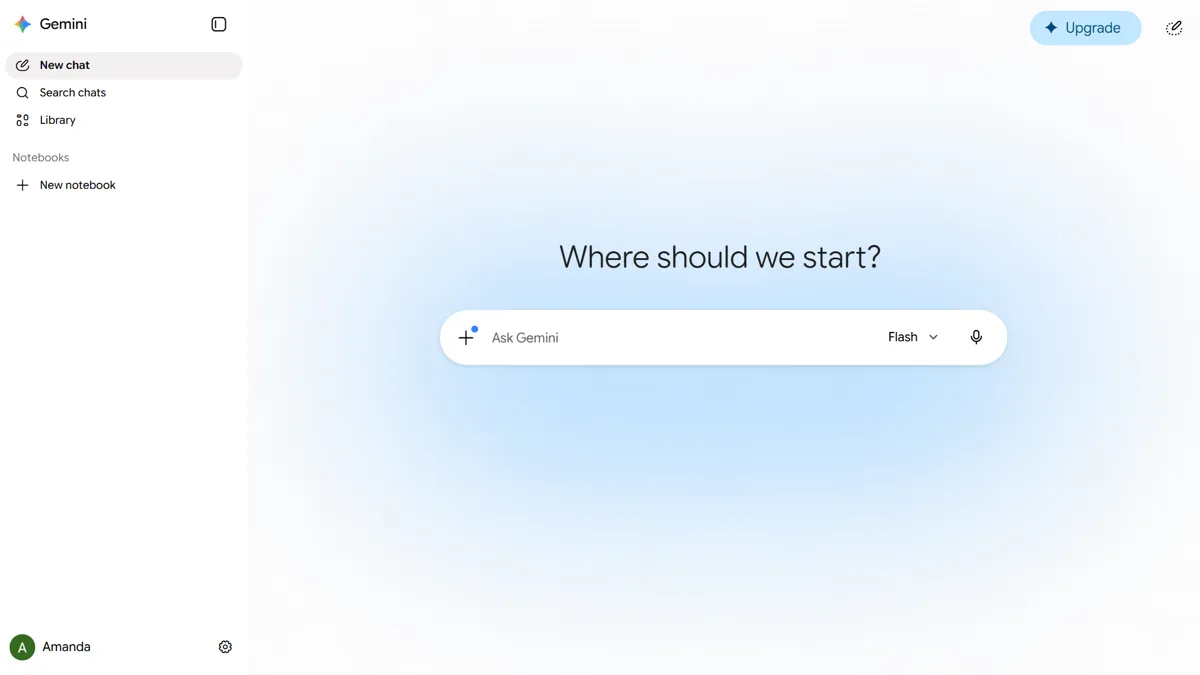
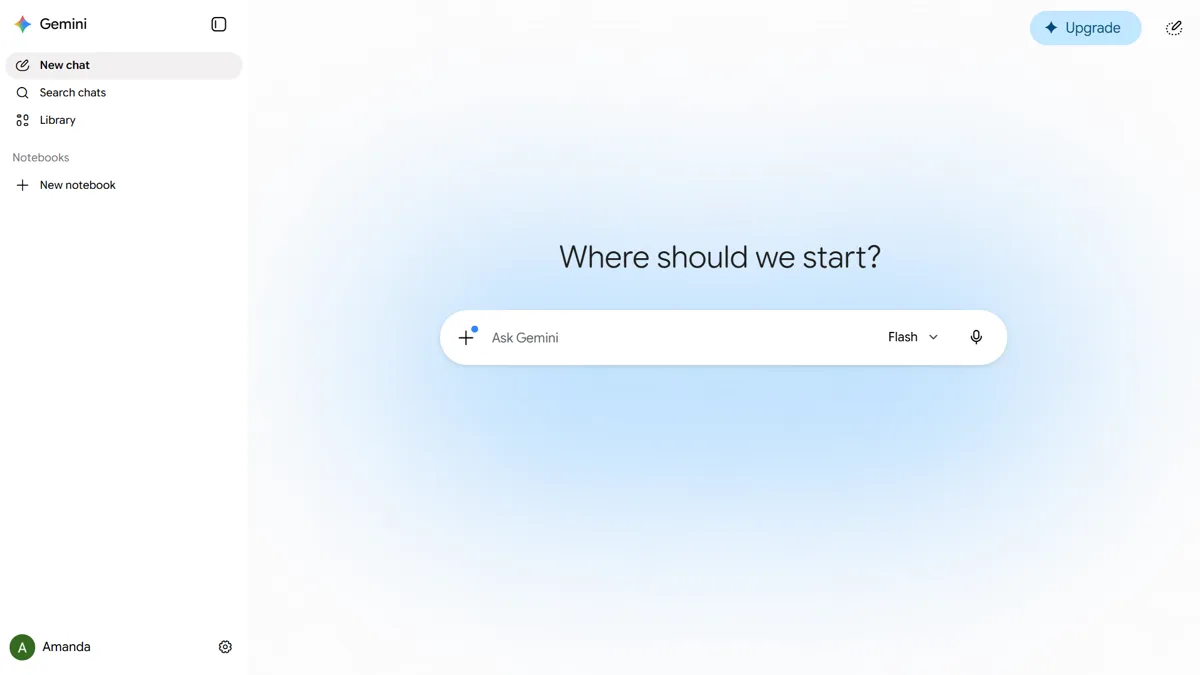
The Google Gemini web app home screen with the Ask Gemini prompt box and chat sidebar
The Gemini web app, where Gems live today and where skills are managed under Settings, then Skills. Image: Wikimedia Commons (public domain)
Advertisement

Gemini Gems to skills: the key dates

Google's Gems and Skills Transition Guide (a PDF published by Google) and its Gemini help pages give this timeline for personal Google Accounts:

  • September 30, 2026: skills roll out in Gemini chat, and Google announces that Gems are going away.
  • October 13, 2026: you can no longer create or edit Gems in a personal Google Account. Existing Gems keep working.
  • November 17, 2026: Gems start migrating to skills automatically. Google's help page says support for Gems on personal accounts ends in November 2026.

Work and school accounts get longer. Google lists March 2027 for Workspace business, enterprise and nonprofit accounts and June 2027 for Workspace education accounts. Opal, Google's mini-app experiment, and Gems by Google Labs also go away in November alongside personal Gems.

What happens to my Gems?

Your Gems are not deleted. Google says it will "automatically transition your Gems to skills" when Gems go away, including any supported knowledge files attached to them. Here is what to expect, based on Google's help page and transition guide:

  • They arrive as draft skills. Google's guide says migrated Gems become draft skills that you review and activate before they work in chats.
  • Your old chats stay. Past conversations with a Gem remain in your main Gemini chat history.
  • Some default tools drop off. Gems set to use Create video, Create music, Canvas, Deep Research or Guided Learning will lose that default, because those tools do not yet work with skills.
  • GitHub files do not move. Google says GitHub files aren't supported in skills for now.
  • Sharing comes later. Shared Gem links have no skill equivalent yet. Google says sharing and adding files from Google Drive will come to skills "in the coming weeks."

Do Gemini skills cost money?

No. When skills first appeared inside Gemini Spark, they needed a Google AI Pro or Ultra plan, and this article originally reported that requirement. Google's current help page says "Skills are available without a Google AI subscription and can be used in your chats." The requirements are now:

  • Be 18 or older (Google says under-18 access is coming).
  • Sign in with a personal Google Account. Work and school accounts are not supported yet.
  • Have Keep Activity turned on.
  • Use the Gemini mobile app, the Gemini app on Mac or gemini.google.com.

Gemini Spark itself, with tasks and schedules, still needs a paid Google AI plan that includes Spark. Skills used in a normal chat do not. Google says it is rolling skills out gradually, so a free account may still show Gems with no Skills page for a while.

Advertisement

What to do before November 17

You do not have to do anything. If you rely on a Gem, these steps keep you safe:

  1. Make any last edits before October 13. After that date, Gems on personal accounts are read-only.
  2. Copy each important Gem's name, description and instructions into a note. It takes a minute and protects you if a migration goes wrong.
  3. Download its knowledge files. On gemini.google.com, open the sidebar, choose Gems, click Edit next to the Gem and download each file under "Knowledge."
  4. Note which Gems use Canvas, Deep Research or media tools. You will need to switch those tools on yourself after the move.
  5. Optional: recreate it as a skill now. On gemini.google.com, go to Settings, then Skills, then Create manually. Paste the name, description and instructions, then click Create.

To add knowledge files to a skill you made by hand, Google's steps are: download the skill as a .zip, put its SKILL.md file in a folder with your Gem files (the folder name must match the skill name, all lowercase with hyphens), then choose Replace skill and upload that folder. Uploads are limited to 100 MB, and Word or Excel files are not supported, so save those as PDF or plain text first.

Gemini skills vs Gems: what is different

Both let you save custom instructions, but a Gem is a separate chatbot you open, while a skill is a tool you pull into any chat.

FeatureGemsSkills
How you use itOpen the Gem from the Gems managerType / (Google says this will become @) in any chat
More than one at a timeNoYes, skills can be stacked
Runs automaticallyNoYes, when an active skill fits your prompt
Where you create itGems manager onlyAny chat, or Settings, then Skills
LimitNone statedUnlimited skills, 100 active at once
Export and importShare linkDownload as .zip; import SKILL.md files from other platforms
Sharing and Drive filesYesComing "in the coming weeks"
Canvas and Deep ResearchYes, as default toolsNot yet
Chat historyRecent chats listed on the GemChats appear in your normal chat list

The biggest practical gain is stacking. You can, for example, combine a writing-style skill with a formatting skill in the same request, which a single Gem could not do. The SKILL.md format also means a skill you upload can come from another AI tool, and Google says Gemini will import it.

How to create a Gemini skill on Android

  1. Open the Gemini app, or go to gemini.google.com in Chrome.
  2. Tap Menu, then Settings, then Skills.
  3. Tap Add skill, then Create with Gemini and describe what you want. You can also just ask Gemini in any chat to "create a skill" from your instructions.
  4. To use it, type / in the prompt box and pick the skill.

Google lists two known bugs: manually created skills currently won't save in the Gemini mobile app, and skills with uploaded files can't be edited in the mobile app. Uploading a SKILL.md or folder only works on the web. For those jobs, use gemini.google.com in a browser. Deleting a skill can't be undone, so download a copy first via More, then Download.

Advertisement

How we verified this

Every date and requirement here was checked on October 3, 2026 against Google's own sources: the Gemini Apps Help pages "About the transition from Gems to skills" and "Create & manage skills for Gemini Apps" (computer and Android versions), Google's September 30 skills announcement on its blog, and Google's Gemini Gems and Skills Transition Guide PDF. The October 13 cutoff comes from that guide's timeline. Google has not said whether its premade Gems, such as its built-in coding or brainstorming Gems, become skills; the Skills page offers its own recommended templates instead.

Bottom line

Nothing you built is being lost, and nobody has to pay for skills. Finish any Gem edits before October 13, save the instructions and files of Gems you depend on, and expect them to show up as draft skills from November 17. Gems that lean on Canvas or Deep Research are the ones to watch, since those tools don't work with skills yet.

Google has retired familiar assistant features on fixed dates before; see the Google Assistant phase-out on September 4 and whether you can still switch back to Google Assistant from Gemini. Spark itself remains a paid feature on the new Gemini desktop app for Windows.

Frequently Asked Questions

Are Gemini Gems going away?

Yes. Google is replacing Gems with skills. For personal Google Accounts, Gems stop being editable on October 13, 2026 and start migrating to skills automatically on November 17, 2026. Workspace business, enterprise and nonprofit accounts keep Gems until March 2027, and education accounts until June 2027.

What happens to my Gems on November 17?

Google converts them into skills for you, along with supported knowledge files. According to Google's transition guide they arrive as draft skills that you review and activate. Your past Gem chats stay in your normal Gemini chat history. Default tools such as Canvas, Deep Research, Create video and Create music don't work with skills yet.

Do I need Google AI Pro to use Gemini skills?

No. Google's help page says skills are available without a Google AI subscription and can be used in your chats. You need to be 18 or older, signed in with a personal Google Account and have Keep Activity turned on. Only Gemini Spark tasks and schedules still require a paid Google AI plan.

Can I still create or edit Gemini Gems?

Only until October 12, 2026 on a personal Google Account. Google's Gems and Skills Transition Guide says that from October 13, 2026, users can no longer create or edit Gems in personal accounts. Existing Gems keep working until they migrate to skills starting November 17.

What is the difference between Gemini skills and Gems?

A Gem is a separate custom chatbot you open from the Gems manager. A skill is a set of saved instructions you call into any chat by typing a forward slash. You can stack several skills in one request, Gemini can apply active skills automatically, and skills use the portable SKILL.md format. Skills cannot yet be shared or use Canvas and Deep Research.

Should I back up my Gems before they migrate?

It's optional but sensible for Gems you rely on. Copy each Gem's name, description and instructions, and download its knowledge files from the Gem's edit page on gemini.google.com. Do it before October 13 if you also want to make final edits, since Gems become read-only after that date.

How do I use a skill in Gemini?

Type a forward slash (/) in the Gemini prompt box and pick the skill from the list; Google says this shortcut will change to @. Gemini can also use any active skill automatically when it fits your prompt. You can have unlimited skills, but only 100 can be active at a time.

Do Gemini skills work with work or school accounts?

Not yet. Skills currently require a personal Google Account. Google says it will expand them to work and school accounts, and those accounts keep Gems longer: until March 2027 for Workspace business, enterprise and nonprofit customers and June 2027 for education customers.

GeminiGoogleAIAppsTech News

Related Articles

Advertisement