Gemini Desktop App Lands on Windows 10 and 11 Worldwide, Free but Spark Needs AI Pro
Google released the Gemini desktop app for Windows on 10 September, four months after the Mac version, and it is available worldwide on Windows 10 and Windows 11 from the start. Pressing Alt + Space drops Gemini over whatever is already on screen, so the app behaves less like a browser tab and more like a system-wide search box.
What the Windows app actually adds
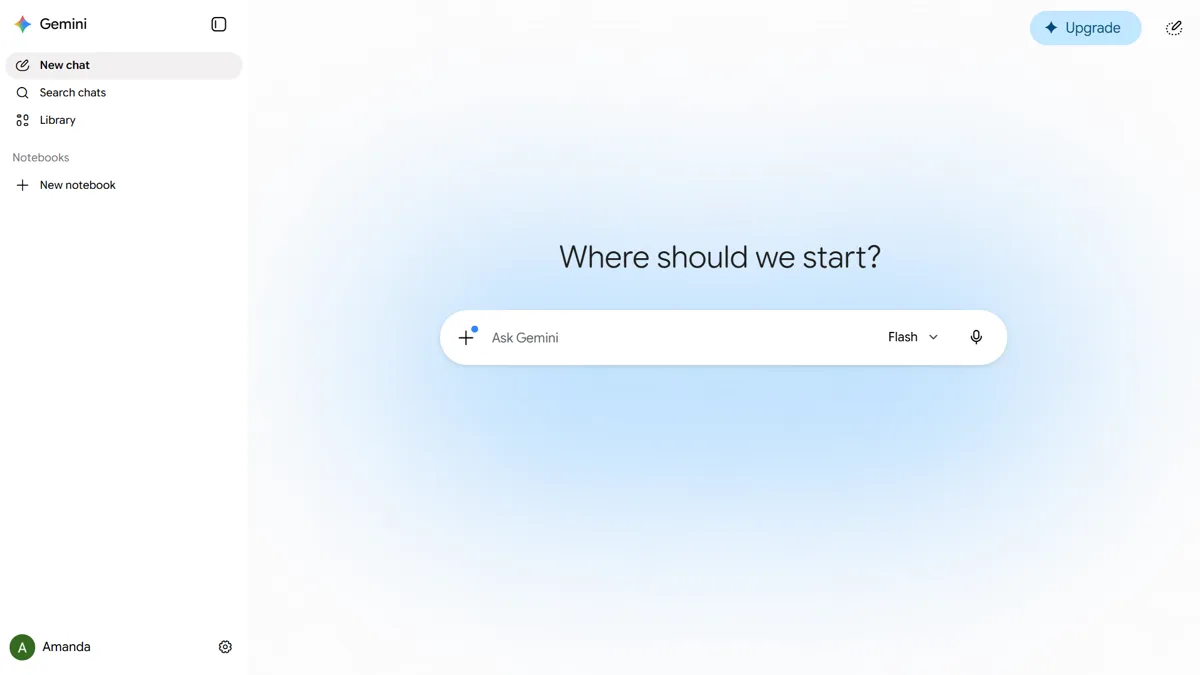
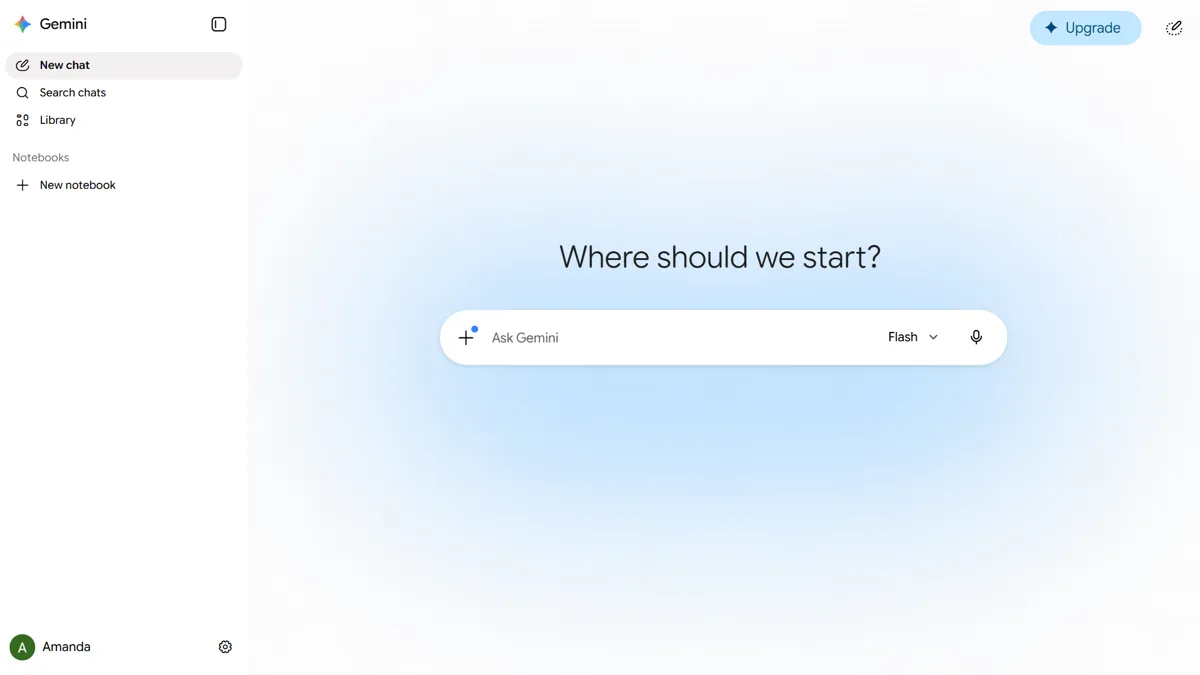
The app is a real installed program rather than a wrapper around the website, and Google says it is deliberately lightweight. The window opens on top of the active application, with side panels for Notebooks and recent chats, and closes again with the same shortcut.
The download page lists the capabilities the desktop build is meant to have over the web version: screen sharing so Gemini can see what you are looking at, real-time speech-to-text, connections into Gmail, Drive, Docs and Calendar, and local file organisation handled by Spark. Image generation runs through Nano Banana and video through Gemini Omni, both of which already exist in the phone and web apps.
One caution about that shortcut. Alt + Space has opened the window system menu in Windows since long before Gemini existed, and installing the app takes it over. If you use that menu to move or resize windows from the keyboard, expect it to stop responding.
Windows gets a wider net than the Mac app did
This is the detail worth checking before you go looking for the installer. Google's requirements page lists the Windows build as Windows 10 or later on both x64 and ARM64, which means Snapdragon-based Copilot+ laptops are covered rather than left waiting for a port.
The Mac app is narrower. It requires Apple Silicon and macOS Sequoia 15.0 or newer, so Intel Macs are excluded entirely. Anyone running an older Intel MacBook alongside a Windows machine will find the PC is the one that qualifies.
Spark is where the free part stops
Gemini Spark, the multi-step agent Google leans on hardest in its own description of the app, is not part of the free tier. Google's announcement attached collapsed footnotes to both Spark and Omni without spelling out what they contain, so the restrictions have to be read from the support documentation published earlier in the year.
As documented in July 2026, Spark requires all of the following:
- A Google AI Pro subscription at $19.99 a month, or Google AI Ultra at $99.99 a month
- A personal Google Account — work and school accounts are not supported
- An account holder aged 18 or over
- A location outside the EEA, Switzerland, the United Kingdom and Nigeria, where Spark is not offered
Google has not said whether those same limits carry across to the Windows release unchanged, and the launch post does not repeat them. Treat the free download and the agent features as two separate questions: the app itself installs worldwide, while Spark's availability follows the subscription rules above. That work-and-school exclusion is the awkward one, given how much of the pitch involves summarising documents and email.
How to install it
Google is distributing the app from gemini.google/desktop rather than the Microsoft Store, and the same page carries the Mac build. Download the Windows installer, sign in with the Google Account you already use for Gemini, and press Alt + Space to confirm it is running.
Nothing you have already done is lost in the move. Chats, Notebooks and Library items are tied to the account, so a conversation started on a phone shows up in the desktop app's recents panel. Google says more native desktop features are coming over time, which is a fair signal that this first Windows build is not the finished article.
If you are weighing it against the alternatives, we covered Meta AI's native Mac app and its own quick-invoke shortcut when it arrived, and the video tool the desktop app calls on is the one detailed in Gemini Omni 1.1 Flash. Gemini's push into the browser is a separate track, covered in our piece on Gemini in Chrome and Auto Browse.
Frequently Asked Questions
Is the Gemini desktop app for Windows free?
The app itself is a free download and works with any Google Account signed in to Gemini. The paid line sits inside it: Gemini Spark, the multi-step agent, requires a Google AI Pro subscription at $19.99 a month or Google AI Ultra at $99.99 a month. Ordinary chat, image generation and file uploads do not.
Which versions of Windows does the Gemini app support?
Windows 10 and Windows 11, on both x64 and ARM64 hardware. That includes Snapdragon-based Copilot+ laptops. The Mac version is stricter, requiring an Apple Silicon Mac running macOS Sequoia 15.0 or later.
Where do I download the Gemini app for Windows?
From gemini.google/desktop, which serves both the Windows and Mac installers. It is not distributed through the Microsoft Store. After installing, sign in with your existing Google Account and press Alt + Space to open it over whatever you are working on.
Does the Gemini Windows app work with a work or school Google Account?
You can sign in, but Gemini Spark is documented as personal-account only, so work and school accounts are excluded from the agent features. Google's Windows announcement did not restate that limit, so check whether Spark appears once you are signed in with a managed account.
Can I change the Alt + Space shortcut in the Gemini desktop app?
Google has not published a way to remap it, and Alt + Space is documented as the fixed Windows shortcut. That matters because Windows itself has used Alt + Space for the window system menu for decades, and the Gemini app claims it. Uninstalling the app returns the shortcut to Windows.