Sonos Brings Back iPhone Lock Screen Controls With Live Activities

Sonos has restored playback controls to the iPhone lock screen, three years after pulling the feature entirely. The company confirmed the change lands through Live Activities in Sonos app version 88.00.51 for iOS, released on August 11 and now rolling out more broadly.
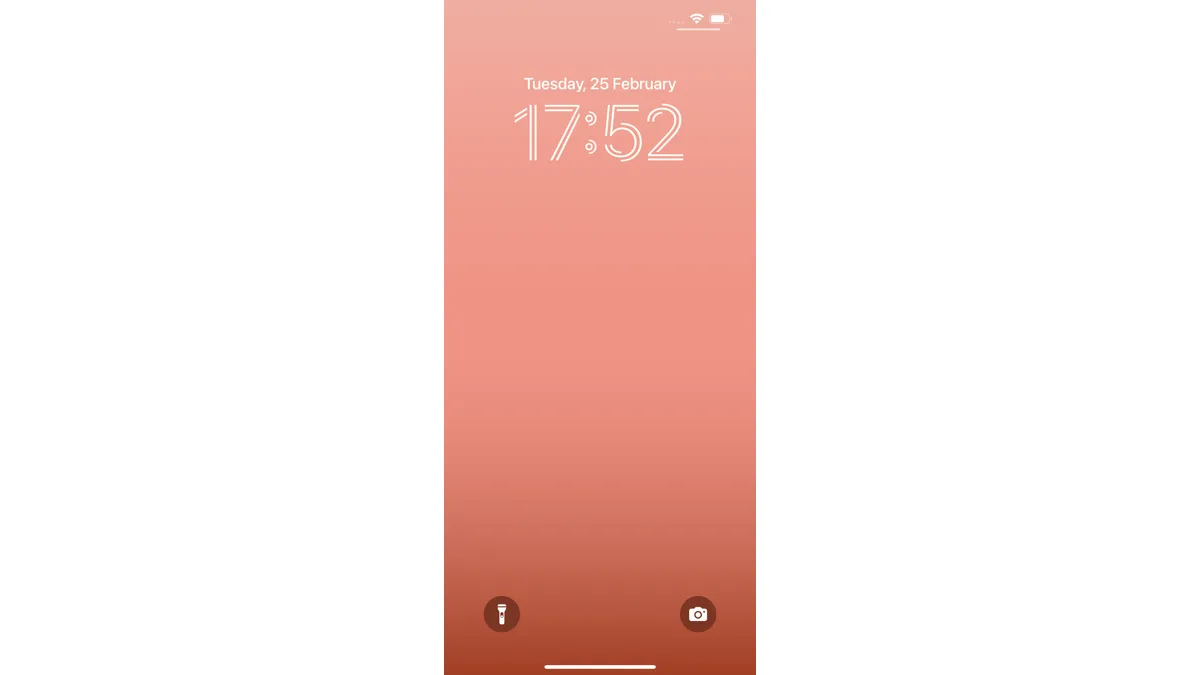
Once enabled, a Live Activity appears on the lock screen and in the Dynamic Island after you start playback and close the Sonos app. It shows the room or group that was last playing audio and lets you pause, skip, or adjust volume without unlocking your phone first — a control that disappeared from iOS in the summer of 2023 when Sonos said the old approach no longer met Apple's guidelines.
What the Live Activity actually shows
The card displays the active room or speaker group and basic transport controls: play/pause, skip, and volume. It does not show album art yet, a gap Sonos says it is still working on. Playback commands routed through AirPlay, Bluetooth, or a supported streaming service all trigger the same lock screen card.
Two behaviors are worth knowing before you rely on it. The activity vanishes 15 minutes after playback stops, so it won't linger indefinitely if you forget to close the app. And any change to what's playing while the phone is locked still requires Face ID or a passcode, matching how other Live Activities on iOS handle authenticated actions.
Where else it shows up
Because Live Activities sync across a person's Apple devices, the same now-playing card is viewable on CarPlay displays and Apple Watch faces, though the transport controls themselves aren't usable from the watch. The iPad version of the app received a separate change in the same update: a resized Now Playing bar built for larger screens.
Why it took this long
Sonos removed lock screen controls in 2023 after Apple tightened requirements around how apps could surface persistent playback UI outside the app itself. Rebuilding the feature on top of Live Activities — the same framework apps use for sports scores and delivery tracking — is Sonos's way of meeting that bar rather than working around it. In a statement, the company said it plans to keep refining the card, including "alternative ways to enhance the lock screen experience," which suggests album art support is still on the roadmap rather than ruled out.
How to get it
- Update the Sonos app from the App Store to version 88.00.51 or later.
- Open the app and go to Settings > App Preferences.
- Turn on Live Activity support, then start playback and close the app to trigger the lock screen card.
No new hardware is required. Any Sonos speaker or soundbar controlled through the current app will work, since the feature lives entirely in the iOS companion app rather than on the speaker itself. Owners who also use Bose's QuietComfort line or other Bluetooth audio gear alongside a Sonos system won't see any conflict — the Live Activity only tracks Sonos-routed playback.
Related reading
Frequently Asked Questions
How do I turn on Sonos Live Activities on iPhone?
Update the Sonos app to version 88.00.51 or later, open Settings > App Preferences, and enable Live Activity support. Start playback and close the app to see the lock screen card.
Why did Sonos remove lock screen controls in the first place?
Sonos pulled its earlier lock screen integration in the summer of 2023 after the approach no longer met Apple's guidelines for persistent playback UI outside an app. The new version is rebuilt on Apple's Live Activities framework instead.
Does the Sonos Live Activity show album art?
Not yet. The card currently shows the active room or group and playback controls only. Sonos says it is exploring further enhancements to the lock screen experience.
How long does the Sonos Live Activity stay on the lock screen?
It disappears automatically 15 minutes after playback stops. It reappears the next time you start playing audio and close the Sonos app.
Do I need a specific Sonos speaker for this to work?
No. The feature works with any Sonos speaker or soundbar controlled through the current iOS app, since Live Activities run on the phone rather than the hardware.