Apple Warns iPhone Users in 110 Countries of Mercenary Spyware Attacks

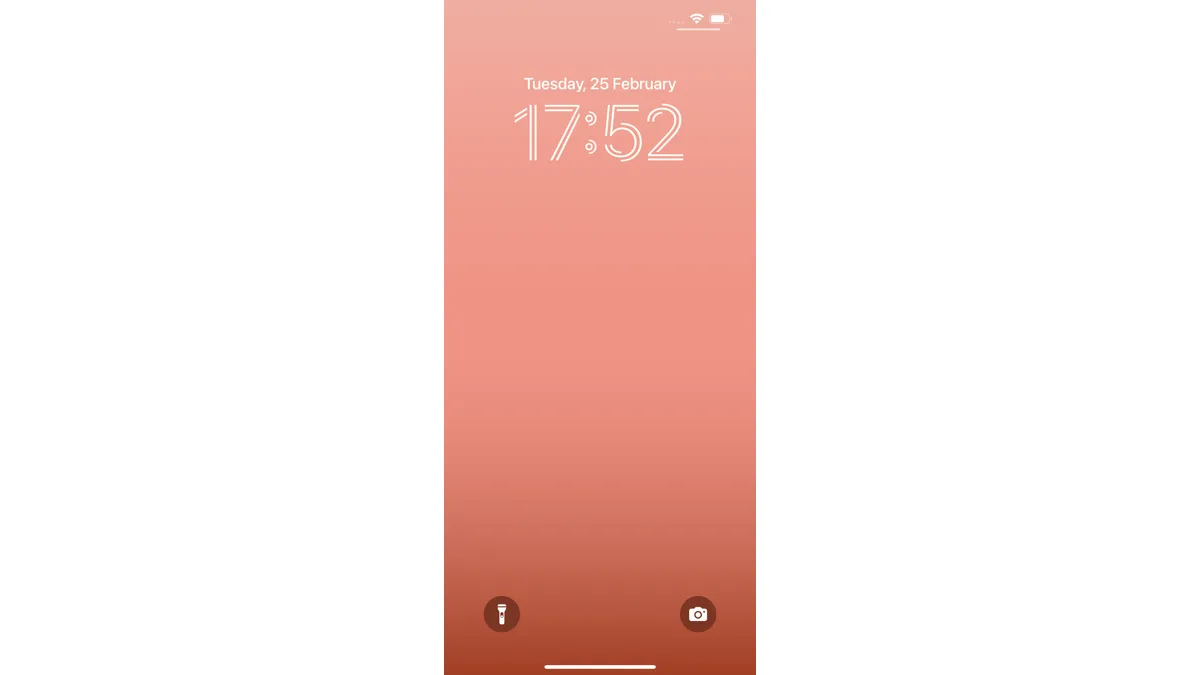
Apple sent a fresh round of mercenary spyware warnings to iPhone users in 110 countries on August 13, and the notification recipients see has changed. The alert now shows up directly on the Lock Screen and inside the Settings app, in addition to the email and Apple Account page where these warnings have appeared since the program began in 2021.
The message itself reads plainly: Apple detected a mercenary spyware attack targeted at the device, and there are actions the owner can take now to protect their data. Apple has sent this kind of notification to more than 150 countries in total since 2021, and it says the August 13 batch represents a fresh detection round rather than a resend of old alerts.
Who actually gets one of these
Apple reserves threat notifications for a small number of people it believes are being targeted by a well-funded, state-linked surveillance operation, typically because of who they are or what they do. The company names journalists, human rights activists, politicians, and diplomats as the groups most commonly affected. Ordinary users who install a shady app or click a phishing link are not the audience for this warning — mercenary spyware campaigns are expensive, highly targeted, and rare by design, and Apple treats a notification as a high-confidence signal rather than a guess.
Because the alerts are based on Apple's own threat intelligence, the company does not name the specific spyware vendor or government behind any individual attack. NSO Group's Pegasus remains the best-known example of the commercial spyware tools these campaigns use, but Apple's notifications do not attribute a given warning to any one product.
What changed in this notification
Until now, Apple's threat notifications mainly reached people through email and a banner on their Apple Account page after signing in. The redesign puts the same warning where it is harder to miss: directly on the Lock Screen the moment the phone is unlocked, and as a persistent entry inside Settings. Apple says the goal is to make it easier for recipients to find the relevant information and follow the recommended next steps, rather than relying on a notification getting buried in an inbox.
What to do if you get one
- Verify it first. Sign in directly at appleid.apple.com rather than tapping any link in a message. A genuine threat notification will also be listed there. Apple will never ask for a password, verification code, or payment through this alert.
- Turn on Lockdown Mode. Found under Settings > Privacy & Security, Lockdown Mode restricts message attachments, blocks most link previews, and disables FaceTime calls and service invitations from unknown senders. It is built for the small number of people facing this exact threat, not general use.
- Update iOS immediately. Mercenary spyware frequently relies on unpatched vulnerabilities, so installing the latest iOS version closes off known entry points.
- Get expert help. Apple points affected users to Access Now's Digital Security Helpline, a free, 24/7 service for journalists, activists, and other at-risk members of civil society.
Does Lockdown Mode actually work?
Apple has repeatedly said it has not observed a successful mercenary spyware compromise on a device that had Lockdown Mode enabled, which the company presents as evidence the feature meaningfully disrupts these campaigns. That claim covers cases Apple has visibility into, not a guarantee against every possible attack, but it remains the strongest defensive tool Apple offers to someone who has received a threat notification.
For most iPhone owners, this is not a personal alarm — Apple has been explicit that these notifications reach a narrow group of high-risk individuals, not the general public. But the redesign is a reminder that the underlying threat has not gone away, and it follows a run of iOS security patches this year addressing flaws that put hundreds of millions of iPhones at risk and the broader package of fixes shipped in iOS 26.6's security update.
Related reading
Frequently Asked Questions
What is Apple's mercenary spyware threat notification?
It's a high-confidence alert Apple sends to iPhone users it believes are being targeted by a state-linked, well-funded spyware campaign. Apple has sent these notifications since 2021 and does not attribute them to any specific vendor or government.
How many people were warned in the August 13 batch?
Apple sent the latest round of notifications to targeted users across 110 countries on August 13, 2026. Apple has notified users in more than 150 countries in total since the program launched.
Where does the notification now appear on iPhone?
Apple redesigned the alert to show up directly on the Lock Screen and inside the Settings app, in addition to the email and Apple Account page notifications it has always used.
How do I know if a spyware warning from Apple is real?
Sign in directly at appleid.apple.com rather than clicking any link in a message — genuine threat notifications also appear there. Apple will never ask for your password, a verification code, or payment through this alert.
Does Lockdown Mode actually stop mercenary spyware?
Apple says it has not observed a successful mercenary spyware compromise on a device running Lockdown Mode, which it offers as evidence the feature meaningfully disrupts these attacks. It's available under Settings > Privacy & Security and is intended for people who believe they may be targeted, not everyday use.