Google Wallet Adds Receipt Scanning and a Message Center in Google Play Services v26.40

Google Wallet on Android phones can now scan receipts, according to Google's release notes for Google Play services v26.40, published Monday, October 12, 2026. The same Wallet update adds an in-app message center, clearer merchant names in transaction notifications, and a faster Google Pay checkout in Chrome for Android. Google has not said which countries get receipt scanning first.
- Version: Google Play services v26.40
- Release notes date: October 12, 2026
- Devices: Android phones (the Wallet entries are tagged Phone only)
- Price: Free
- How to get it: Update Google Play services from Settings (steps below)
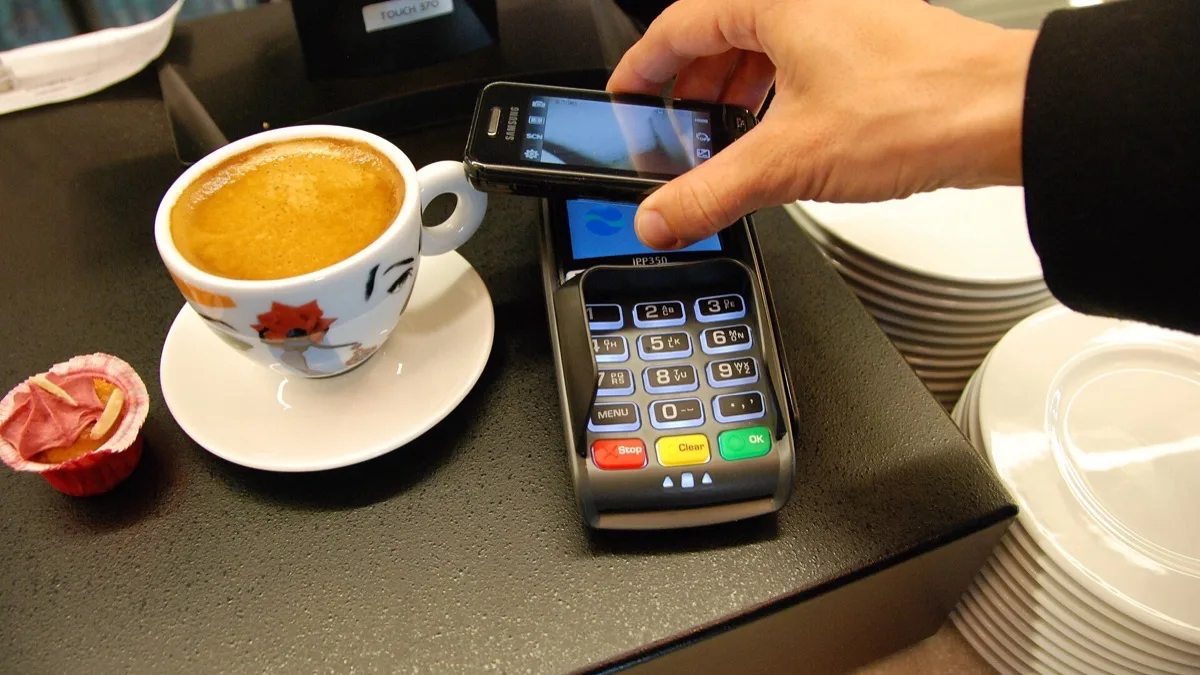
What does Google Play services v26.40 add to Google Wallet?
Google Play services v26.40 lists four Google Wallet changes for phones. Google's wording is brief, so here is each one in plain terms:
- Receipt scanning. Wallet gains a "scan to add receipts" option, so a receipt can be captured and kept in the app.
- Faster Google Pay in Chrome. When a store asks for your name, email and phone number, Google Pay on Chrome for Android can now skip the Payment Request screen that normally comes first.
- Clearer merchant names. Transaction notifications show improved merchant names, which should make a charge easier to recognize at a glance.
- Message center. Wallet gets an in-app message center.
The release notes do not explain where the receipt scanner sits in the app, what it reads off a receipt, or what the message center will hold. AndroidHire will not guess at those details until Google documents them.
How the October Google Wallet changes compare with recent updates
Google Wallet has picked up a change in almost every Play services release this fall. The table lists the Wallet entries from Google's own changelog for the last three versions we tracked.
| Play services version | Release notes date | Google Wallet change |
|---|---|---|
| v26.40 | October 12, 2026 | Receipt scanning, message center, clearer merchant names, faster Google Pay in Chrome for Android |
| v26.39 | October 5, 2026 | Card art and payment network logos in card tokenization prompt notifications |
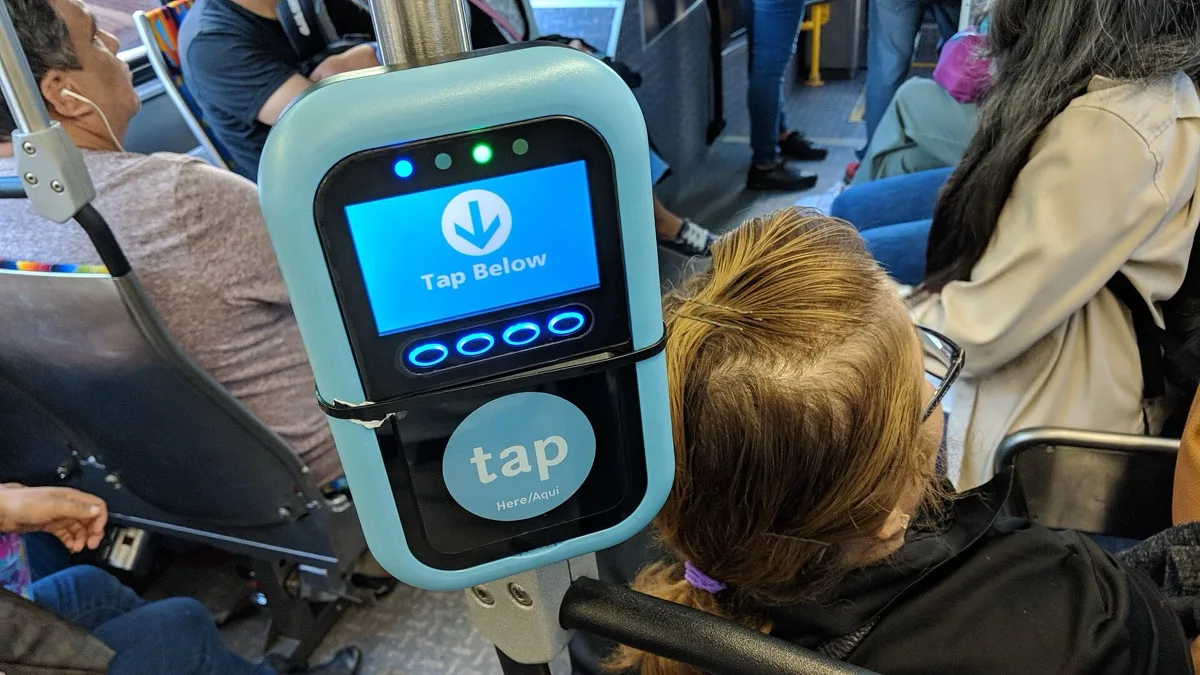
| v26.35 | September 2026 | Add a physical transit card and its balance by NFC tap |
The v26.35 change is covered in our report on adding physical transit cards to Google Wallet by NFC. Separately, Google switched the Wallet home screen to a vertical card stack through a server-side change, explained in our story on the Google Wallet stacked card list.
How do you get Google Wallet receipt scanning?
Google Wallet receipt scanning arrives through Google Play services, not through a Play Store update to the Wallet app. Google's help page gives these steps to update Google Play services:
- Open the Settings app.
- Tap your profile picture, then tap All services.
- Under Privacy & Security, tap System services, then tap Google Play services.
- Tap Update or Install if either appears.
Google Play services requires Android 7.0 or later. Updating does not guarantee the receipt scanner appears right away: features listed in Google's monthly changelogs often reach phones in stages, and some take weeks or months to show up for everyone.
What else is in the October 12 Google update?
Google Play services v26.40 also removes Find Hub from Googlebook laptops and blocks the Find Hub app from being installed on them. On the same date, Google Play Store v53.6 added Ask Play answers that summarize user reviews with citations, and it now shows content from installed apps with active subscriptions in the Subscription center. Google Wallet has also been adding state IDs, most recently Oklahoma driver's licenses in Google Wallet.
Frequently Asked Questions
Can Google Wallet scan receipts?
Yes. Google's release notes for Google Play services v26.40, dated October 12, 2026, say Google Wallet on Android phones now lets you scan to add receipts. Google has not yet published details on what the scanner reads or where it appears in the app.
Which Google Play services version adds Google Wallet receipt scanning?
Google Wallet receipt scanning is listed in Google Play services v26.40, released October 12, 2026. The same version adds a Wallet message center, improved merchant names in transaction notifications, and a faster Google Pay checkout in Chrome for Android.
How do I update Google Play services to get the new Google Wallet features?
Open Settings, tap your profile picture, then All services. Under Privacy & Security, tap System services, then Google Play services, and tap Update or Install if it appears. The new Google Wallet features may still take time to appear after updating because Google rolls changelog features out in stages.
What is the new Google Pay change in Chrome for Android?
With Google Play services v26.40, Google Pay on Chrome for Android can skip the Payment Request screen when you share your name, email and phone number with a merchant. That removes one step from checkout on shopping sites that ask for contact details.
Is Google Wallet receipt scanning available in the US?
Google's October 12, 2026 release notes for Google Play services v26.40 do not list countries for Google Wallet receipt scanning. Google Wallet itself works in the US, but Google has not confirmed when every US phone will see the receipt scanner.