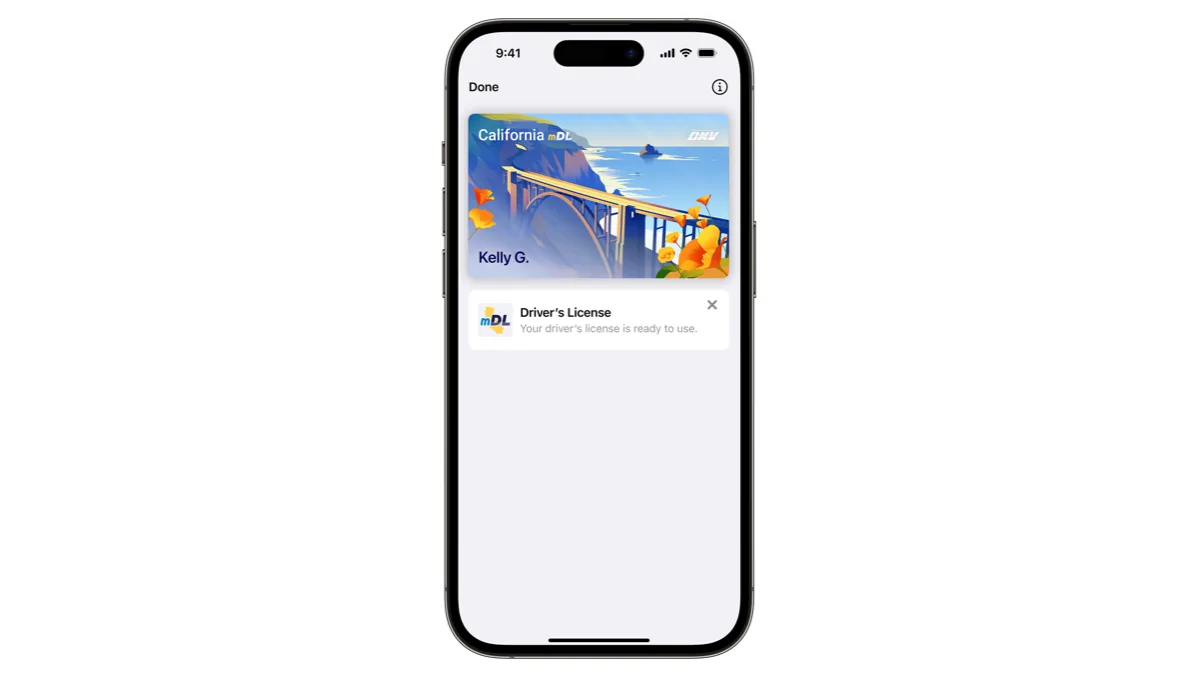
Google Wallet Now Takes Oklahoma Driver's Licenses and State IDs on Android 9 and Up

Oklahoma driver's licenses and state IDs can now be added to Google Wallet on Android phones. Service Oklahoma switched the option on Wednesday, October 7, 2026, for residents 18 and older who hold a valid Oklahoma Class D license, CDL or state ID and use a phone running Android 9 or higher. It is free and works at participating TSA checkpoints at more than 250 US airports.
- Launch date: October 7, 2026
- Who qualifies: Oklahomans 18 or older with a valid physical Class D license, CDL or state ID
- Phone requirements: Android 9 or higher, a screen lock, Bluetooth and Nearby devices turned on, device region set to United States
- Cost: free and optional
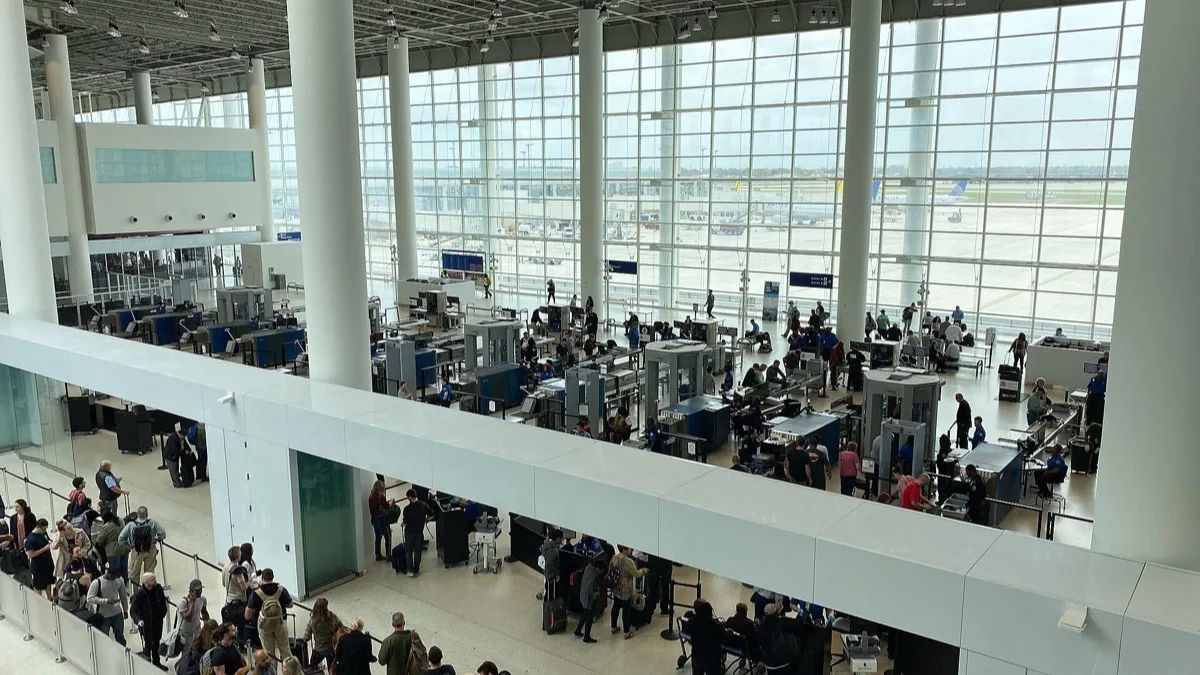
- Where it works: participating TSA checkpoints, including Tulsa International and OKC Will Rogers International, plus businesses with a compatible reader
- Not supported: traffic stops and smartwatches
How do you add an Oklahoma ID to Google Wallet?
Enrollment runs entirely inside the Google Wallet app, and you need the physical card in hand. Service Oklahoma lists these steps:
- On your Android phone, open Google Wallet, or install it from Google Play.
- Tap Add to Wallet.
- Tap ID Card and choose Oklahoma.
- Follow the prompts to verify your license or state ID with Service Oklahoma.
Verification asks for photos of the card and a short series of facial movements, which confirm that a live person who matches the card is enrolling. The state says most requests clear within a few minutes. Blurry images or a failed identity check can get a request denied, and some need extra review. One credential can sit on up to two phones, as long as both use the same Google account.
Two details Oklahoma's own materials disagree on
The menu label differs between documents. Service Oklahoma's Google Wallet help page says to tap ID Card after Add to Wallet, while its press release and media FAQ say IDs and personal info. If one label is not on your screen, look for the other.
The Android version also shifted. Reports that first spotted Oklahoma in Google Wallet's supported list on October 5 said Android 8 or later was enough. Service Oklahoma's official requirement, published with the October 7 launch, is Android 9 or higher, and that is the figure to trust. Those reports count Oklahoma as the 12th state to support IDs in Google Wallet, or the 13th jurisdiction once Puerto Rico is included.
Where can you use an Oklahoma ID in Google Wallet?
Air travel is the main use today. Acceptance still varies by airport, terminal and checkpoint, so look for digital ID signage and carry the plastic card anyway. Businesses can accept the ID through Oklahoma Reader, a free state app that can confirm a customer is 21 or older without showing a date of birth. Acceptance is voluntary for businesses.
Oklahoma Digital ID in Google Wallet is not valid at a traffic stop. Drivers must still hand over the physical license when law enforcement asks, though Service Oklahoma says it is working with the Oklahoma Highway Patrol on future support. A REAL ID-compliant card is not required to enroll. Anyone who used the old Oklahoma Mobile ID app, shut down in 2024, has to enroll again because those credentials do not carry over.
Google Wallet vs Apple Wallet for Oklahoma ID
iPhone owners got the same credential five weeks earlier, when Oklahoma ID arrived in Apple Wallet on September 2. The two versions line up closely:
| Google Wallet | Apple Wallet | |
|---|---|---|
| Launch | October 7, 2026 | September 2, 2026 |
| Devices | Android 9 or higher phones; no smartwatches | iPhone 8 or later; Apple Watch Series 4 or later |
| How to add | Add to Wallet, then ID Card, then Oklahoma | Plus button, then Driver's License and ID Cards, then Oklahoma |
| TSA | Participating checkpoints, 250+ airports | Participating checkpoints, 250+ airports |
| Cost | Free | Free |
How to remove it
In Google Wallet, open the Oklahoma ID, tap the three-dot menu in the top-right corner, then tap Remove and confirm. If the phone is lost, go to myaccount.google.com, open Personal info, scroll to Digital ID, select Manage Digital ID and tap the trash icon. Service Oklahoma's Navigate portal can also delete the credential.
The Oklahoma ID arrives the same week Google began rolling out a stacked card list in Google Wallet on Android, which replaces the old card carousel.
Frequently Asked Questions
Can I add my Oklahoma driver's license to Google Wallet?
Yes. Since October 7, 2026, Oklahomans 18 or older can add a valid Oklahoma Class D driver's license, CDL or state ID to Google Wallet on an Android phone. Open Google Wallet, tap Add to Wallet, choose the ID option, select Oklahoma and verify your physical card. It is free and optional.
What phone do I need for Oklahoma ID in Google Wallet?
Service Oklahoma requires an Android phone running Android 9 or higher with a screen lock, Bluetooth and Nearby devices turned on, and the device region set to United States. Oklahoma Digital ID in Google Wallet does not work on smartwatches. iPhone owners can use Apple Wallet instead.
Can I show my Oklahoma ID in Google Wallet to police at a traffic stop?
No. Oklahoma drivers must still carry and present their physical driver's license when law enforcement asks for it. Service Oklahoma says it is working with the Oklahoma Highway Patrol on future support, but the digital ID is not accepted at traffic stops today.
Does my Oklahoma license need to be REAL ID to add it to Google Wallet?
No. Service Oklahoma says an Oklahoma credential does not have to be REAL ID compliant to be added to Google Wallet. Travelers should still carry an acceptable physical ID and check TSA's current requirements before flying.
Does Oklahoma ID in Google Wallet work at TSA airport security?
Yes, at participating TSA checkpoints, including Tulsa International Airport, OKC Will Rogers International Airport and more than 250 airports nationwide. Acceptance can vary by terminal and checkpoint, so look for digital ID signage and keep your physical Oklahoma license with you.