Google Wallet Adds Supervised Balances for Kids, No Bank Account Needed

Google is giving parents in the United States a way to hand their children spending money without opening a bank account for them. A new supervised balance inside Google Wallet lets a parent top up a pot of money that a child under 18 can spend with tap to pay, while the parent keeps limits, transaction history and a remote off switch.
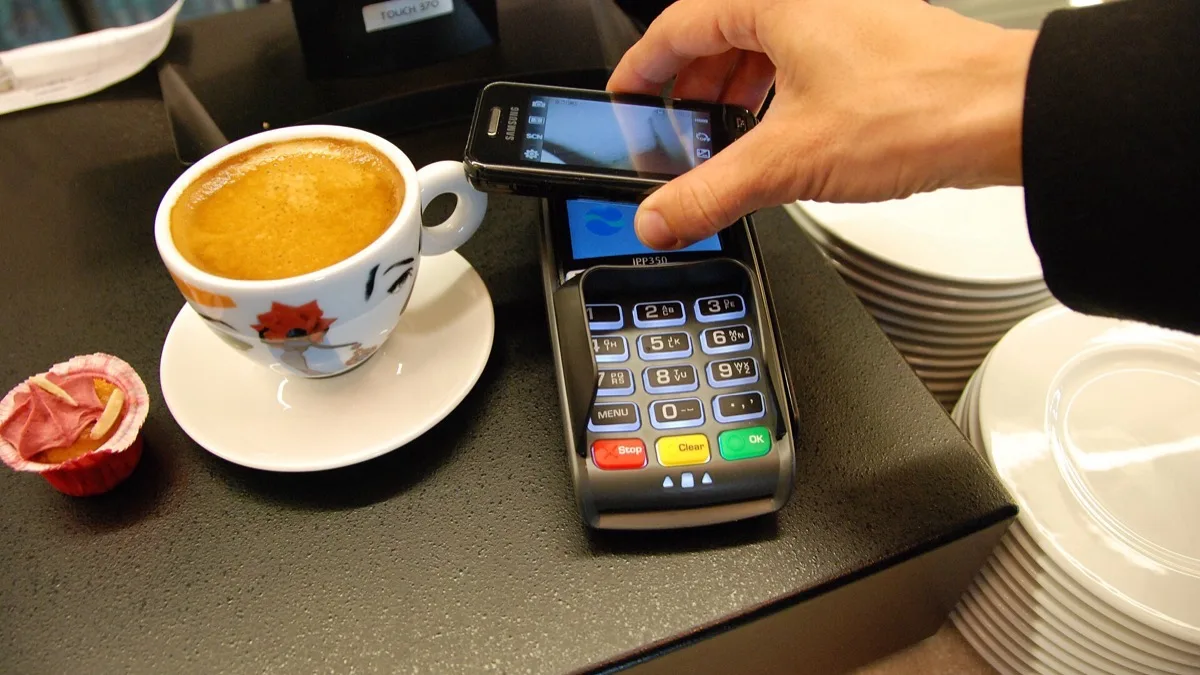
The balance works anywhere Google Pay is accepted, on an Android phone or a Wear OS watch. If a tap at the register fails, our guide to fixing Google Wallet tap to pay covers the usual causes. Google frames it as a way to teach spending habits with guard rails attached rather than as a full bank-style account.
What the supervised balance actually is
Until now, letting a child pay with a phone meant attaching a real payment card to their supervised account, which in practice meant a bank or a third-party card aimed at teenagers. The supervised balance removes that step. The money sits in Google Wallet itself, funded by the parent, and the child spends against it directly.
That is the meaningful change. Everything else about Google Wallet for kids — passes, tickets, gift cards, parental consent for cards — already existed. What is new is a funding method that does not depend on an outside financial provider.
What parents can control
The oversight tools sit on the parent's side and cover the obvious worries:
- Daily spending limits that cap how much can go out in a single day.
- A full transaction list showing what was bought and where.
- Optional purchase notifications pushed to the parent when a payment goes through.
- A remote lock, useful if the phone or watch is lost, or as a deliberate spending timeout.
Those controls live alongside the existing Google Wallet settings for supervised accounts, which are managed through Family Link. Google has not published a separate step-by-step setup guide for the balance yet, so the practical starting point is the child's profile in Family Link, where Wallet permissions are already handled.
Where it is available — and where it is not
This is the part worth being precise about, because two different things carry similar names.
The supervised balance is United States only at launch. Google has not given a timeline for other countries.
Google Wallet for kids more broadly — supervised accounts that can hold payment cards and passes — is a much older and much wider feature, documented as available in dozens of countries including the UK, Australia, Canada, Spain and Poland. If you are outside the US, that older version is what you have, and it still requires a real payment card rather than a Google-held balance.
The limits that carry over
Google Wallet for supervised accounts has always been narrower than the adult version, and those documented restrictions are worth knowing before you set expectations with a child:
- Payments are tap to pay in physical stores only. Online and in-app checkouts are not supported.
- Purchases across Google's own services, including Google Play and YouTube, are handled separately and are not covered.
- The account must be a supervised Google Account set up through Family Link.
Google has not said whether every one of those limits applies identically to the new balance, so treat them as the documented baseline rather than a confirmed spec sheet for the balance specifically.
Why now
Google has been building toward this for a while. Wallet access for children first appeared on the Fitbit Ace LTE, the kid-focused smartwatch, before spreading to supervised Android phones. The supervised balance is the piece that was missing: a way to put money on the device without a bank in the middle.
It also closes a gap with Apple, whose Apple Cash Family has offered parent-funded balances with spending oversight for years, and with card-based services aimed at families. For Android households, the difference is that the money now lives in an app already on the phone.
If the point is teaching rather than convenience, the balance pairs naturally with tracking the spending afterwards — our roundup of budget tracking apps for Android covers the tools that make sense once a teenager is old enough to review their own numbers, and the budgeting apps for college students list picks up where supervision leaves off.
Related reading
Frequently Asked Questions
Does my child need a bank account to use Google Wallet?
Not for the new supervised balance. A parent funds the balance inside Google Wallet itself, and the child spends against it with tap to pay. Attaching a real payment card is still possible on supervised accounts, but it is no longer the only option in the US.
Which countries can use the Google Wallet supervised balance?
The supervised balance is launching in the United States only, and Google has not announced a timeline for other markets. Google Wallet for kids in its older card-and-passes form remains available in dozens of countries, including the UK, Australia, Canada, Spain and Poland.
What age does a child have to be?
The balance is intended for children and teenagers under 18 using a supervised Google Account. Supervision is set up and managed through Family Link, which is also where parents adjust Google Wallet permissions.
Can my child pay online with the balance?
Google Wallet for supervised accounts is documented as supporting tap to pay in physical stores only, with online and in-app payments not supported. Google has not stated whether the new balance changes that, so assume in-store use unless it says otherwise.
What happens if my child loses their phone?
Parents can lock the balance remotely at any time, which stops further spending from the lost device. The same control doubles as a spending timeout if you want to pause purchases for a while without removing the balance.