Motorola Edge 70 Gets Android 17 in a 4.3GB Update, Build A17WRH.35-10
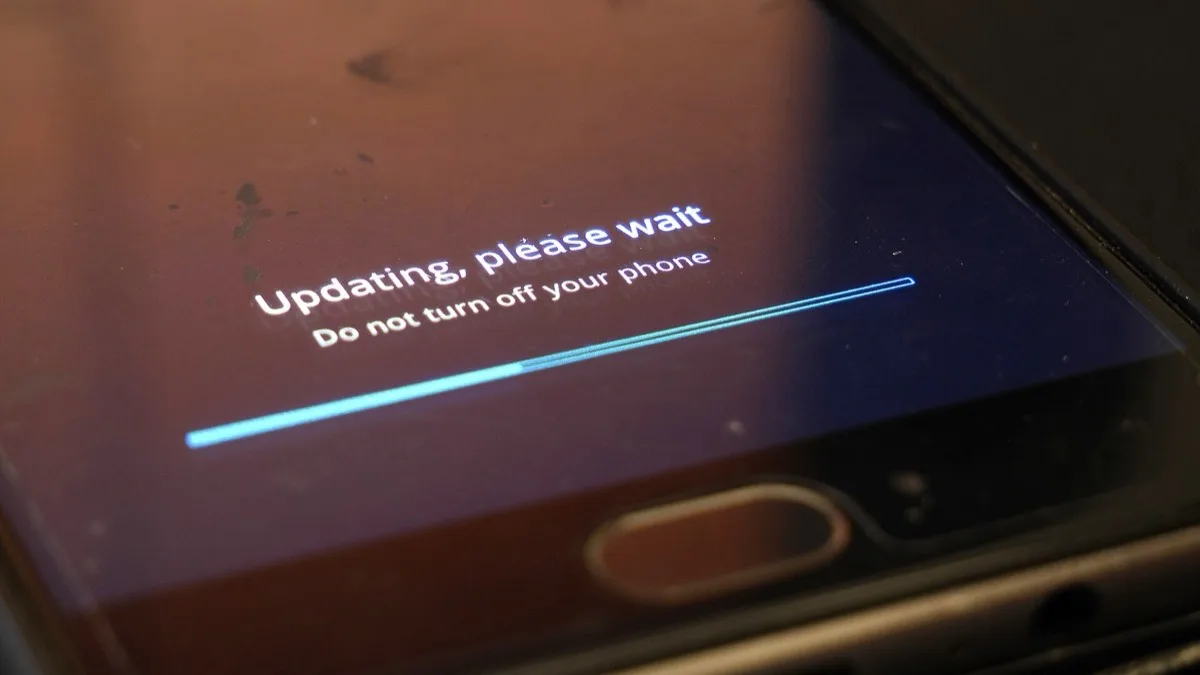
Motorola has started pushing the stable Android 17 update to the Edge 70, arriving as build A17WRH.35-10 in a download of roughly 4.3GB. It is the second Motorola handset to reach stable Android 17, after the Motorola Signature, and it lands about a month after the Edge 70 entered Motorola's beta programme.
What the 4.3GB update actually contains
Motorola's own release notes for the Edge 70 list a short, specific set of changes rather than a vague refresh. The home screen picks up stackable widgets, so several widgets can be combined into a single block, and themed icons can now be matched to the wider phone theme from Home settings. Owners running Motorola's Classic Quick Settings layout can also hide the tile labels to fit more toggles on screen.
Notifications get the bulk of the remaining work. Live Updates lets an app keep revising one notification with real-time information instead of firing off a string of separate alerts. Notification summaries condense a long group chat into a single sentence you can read at a glance. And the system now sorts personal messages away from automated alerts, pushing lower-priority noise into a quieter section.
One change is easy to miss and worth finding. Android 17 adds a control for HDR brightness, letting you lower or switch off the automatic peak-brightness boost that kicks in when HDR video plays. If HDR clips have been uncomfortably bright at night, that setting is the fix.
The catch owners are reporting
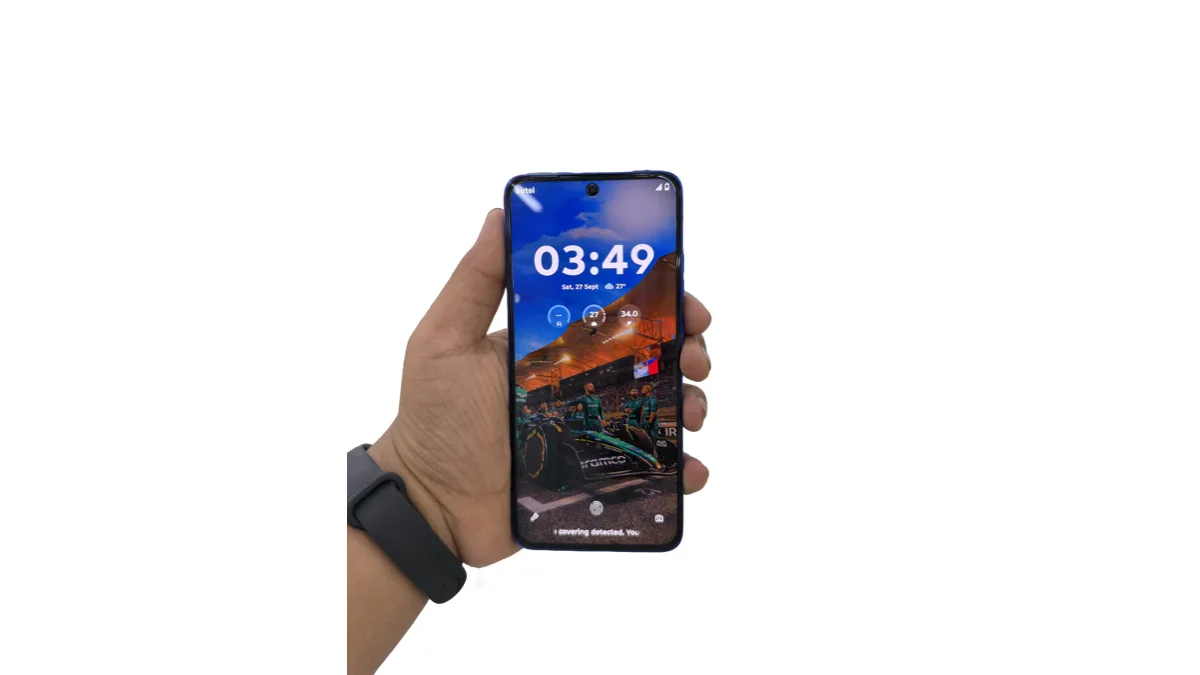
The depth-effect lock screen wallpapers that Edge 70 testers had during the beta do not appear to have survived into the stable build. Motorola has not listed the feature as removed, and it is not mentioned in the release notes either way, so it is unclear whether this is a deliberate cut or something held back for a later maintenance release. Nothing else in the changelog has drawn similar complaints so far.
Where the Edge 70 sits in Motorola's rollout order
Motorola is releasing Android 17 in waves rather than all at once, opening each region to a small slice of devices first and widening from there. Stable builds reached the Motorola Signature and the Moto G57 Power before the Edge 70, with India and Europe generally ahead of North American carrier channels. That is why two people with the same phone in different countries can see very different things when they check for an update this week.
Several other models are queued behind the Edge 70, including the Edge 60 Pro, Edge 60 Fusion, Moto G86 Power and Moto G85 5G. Motorola has not committed to public dates for those, and its budget lines carry shorter upgrade promises, so the cheapest Moto phones should not expect Android 17 at all.
How to check whether your Edge 70 is eligible yet
- Open Settings, then System, then System updates, and tap to check manually — staged rollouts often reach a device before the notification does.
- Confirm the build in Settings > About phone. A17WRH.35-10 means Android 17 has already installed.
- Make sure you have well over 4.3GB free and are on Wi-Fi. An update this size can stall on a nearly full device.
- If nothing appears, the wave has not reached your region or carrier channel yet. Repeatedly checking will not move you up the queue.
Motorola is far from alone in staggering this release. Sony limited its own Android 17 rollout to five Xperia models, and Nothing OS 5.0 shipped on Android 17 while dropping the Phone 1 and Phone 2. On the Pixel side, Google has already moved on to Android 17 QPR2 Beta 5.
Back up anything important before you install. A major version update is not reversible on retail Motorola hardware, and there is no supported way to return to Android 16 once the OTA completes.
Frequently Asked Questions
What is the Android 17 build number for the Motorola Edge 70?
The stable Android 17 build for the Motorola Edge 70 is A17WRH.35-10. You can confirm it under Settings > About phone after installing. The download is roughly 4.3GB, so install it over Wi-Fi with plenty of free storage.
Which Motorola phones have Android 17 so far?
The Motorola Signature and Moto G57 Power reached stable Android 17 first, and the Edge 70 has now joined them. The Edge 60 Pro, Edge 60 Fusion, Moto G86 Power and Moto G85 5G are queued next, without confirmed dates. Motorola's cheapest models carry shorter upgrade commitments and are not expected to get it.
Why has my Motorola Edge 70 not received the Android 17 update yet?
Motorola releases the update in waves, opening it to a small percentage of devices per region before widening. India and Europe have generally moved ahead of North American carrier channels. Checking repeatedly does not move you up the queue — the update appears when your region and carrier channel are opened.
What new features does Android 17 add to the Edge 70?
Motorola lists stackable home screen widgets, themed icons, hideable Quick Settings labels on the Classic layout, Live Updates that revise a single notification in real time, one-sentence summaries of busy group chats, automatic separation of personal messages from automated alerts, and a new control for HDR brightness.
Can I go back to Android 16 after updating the Edge 70?
No. There is no supported way to downgrade a retail Motorola Edge 70 once the Android 17 OTA has installed. Back up photos, messages and app data before you start the update.