If your Google Pixel 10 Pro battery life is disappointing, the single most effective fix is disabling the Smooth Display feature. While designed to make your phone feel faster, it’s a major power drain.
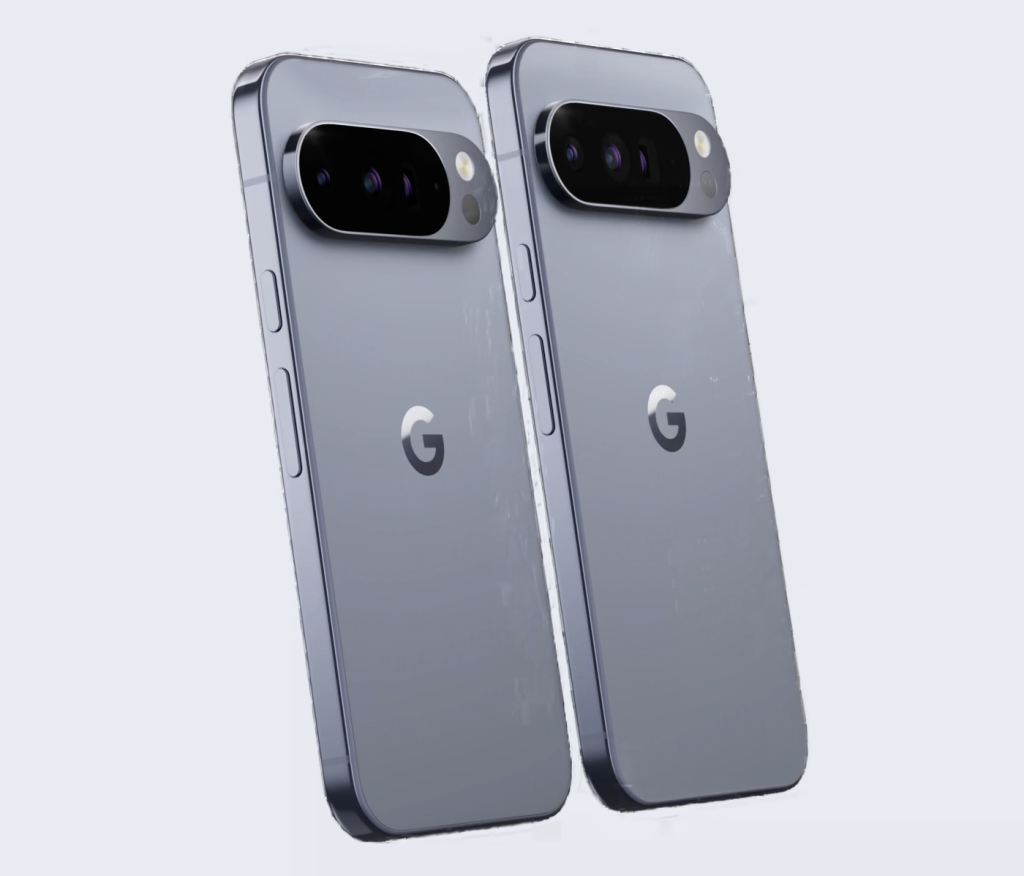
Here is a detailed, step-by-step guide on how to turn off the 120Hz refresh rate and achieve all-day power.
Step 1: Access the Settings Menu ⚙️
- Locate the Settings App: Find and tap the Settings icon on your home screen or in your app drawer. Alternatively, you can swipe down from the top of the screen twice to open the Quick Settings panel, then tap the gear icon (⚙️) in the bottom corner.
Step 2: Navigate to the Display Options 📱
- Find the Display Section: Scroll through the main Settings menu until you see the Display & touch (or simply Display) option. Tap it to open the display settings.
Step 3: Locate the Smooth Display Toggle
- Scroll Down: Within the Display menu, scroll down past basic settings like brightness and Night Light.
- Find the Feature: Look for the option labeled Smooth Display.Note: Beneath the “Smooth Display” toggle, you will likely see a small explanation that reads: “Automatically raises the refresh rate up to 120Hz for some content. Increases battery usage.” This confirms why this setting is the battery culprit.
Step 4: Turn the Feature OFF 🛑
- Toggle the Switch: Tap the toggle switch next to Smooth Display to move it to the OFF position. The toggle should turn gray (or whatever color indicates the feature is disabled on your current theme).
- Default State: ON (120Hz enabled) → High Power Usage
- New State: OFF (Max 60Hz or Adaptive Low) → Optimized Battery Usage
Step 5: Verify the Change and Check Results (Optional)
- Immediate Effect: The change is instantaneous. Your Pixel 10 Pro will now revert to a lower, power-saving refresh rate (often 60Hz), significantly reducing the demand on the GPU and the screen itself.
- Monitor Battery: Use your phone as normal for a full day. You should immediately notice that the Pixel 10 Pro battery drains much slower, often providing 1.5 to 2 hours of extra Screen-On Time compared to before.
Understanding the Trade-Off
By disabling Smooth Display, you are sacrificing a marginal visual benefit (super-smooth scrolling) for a major practical benefit (all-day battery life).
| Feature Status | Refresh Rate | Visual Feel | Battery Impact | Recommendation For |
| ON | Up to 120Hz | Extremely Fluid | High Drain | Heavy mobile gamers who prioritize smoothness. |
| OFF | Max 60Hz | Fast & Responsive | Optimized/Low Drain | Most users who prioritize all-day battery life. |
Disabling this setting is the quickest, most impactful way to save battery life on your Google Pixel 10 Pro.