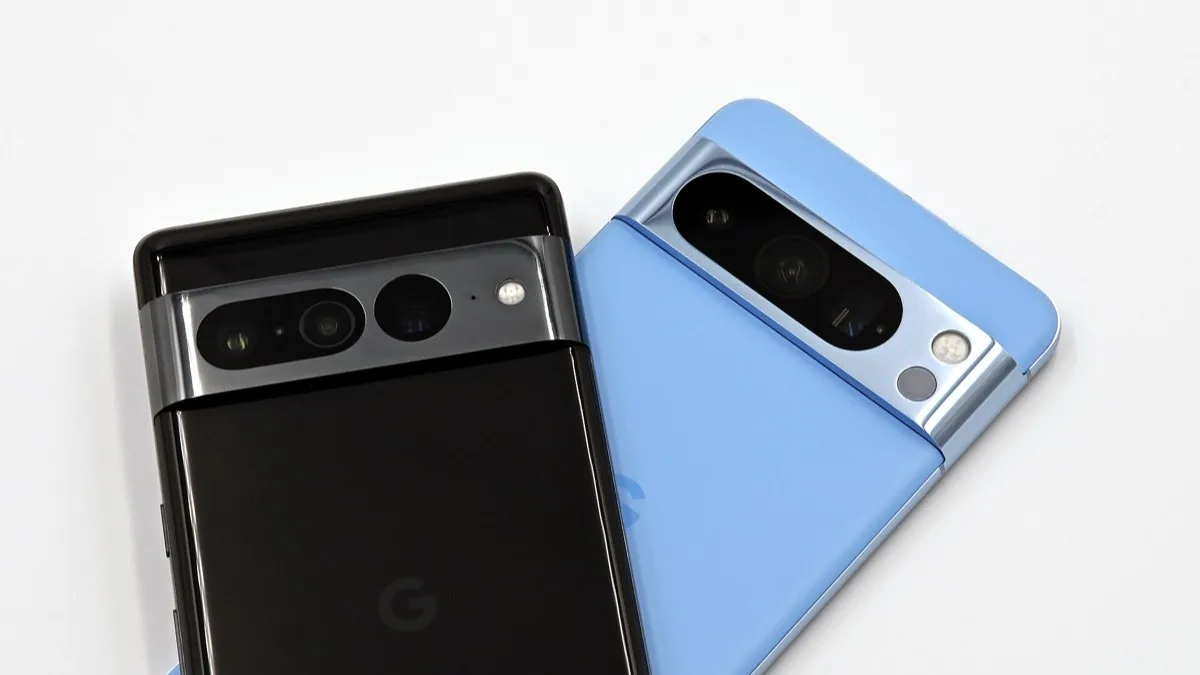
Pixel 11 Series Can Now Join Android 17 QPR2 Beta 4, Skipping QPR1 Entirely
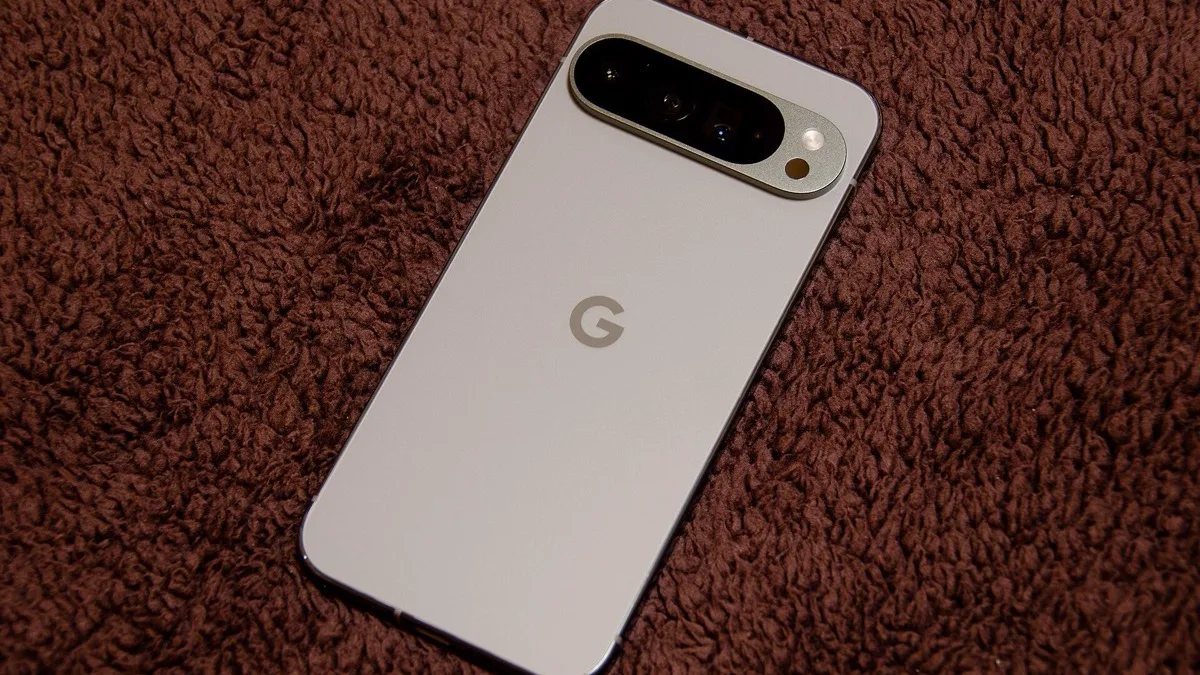
Google has opened the Android 17 QPR2 Beta to the Pixel 11 series for the first time, letting owners of the newest phones install build CP41.260814.003.C2 months ahead of the update's public release. The build is the same Beta 4 that other Pixel models received on August 28, carrying the August 2026 security patch alongside a batch of interface changes.
The move is notable because the Pixel 11 line is skipping the Android 17 QPR1 preview cycle entirely. Rather than easing new phones into the beta track through QPR1, Google is sending them straight into QPR2 testing, with a stable release expected in December as part of that quarter's Pixel Feature Drop.
Which Pixel 11 phones are eligible
All four Pixel 11 models can now enroll:
- Pixel 11
- Pixel 11 Pro
- Pixel 11 Pro XL
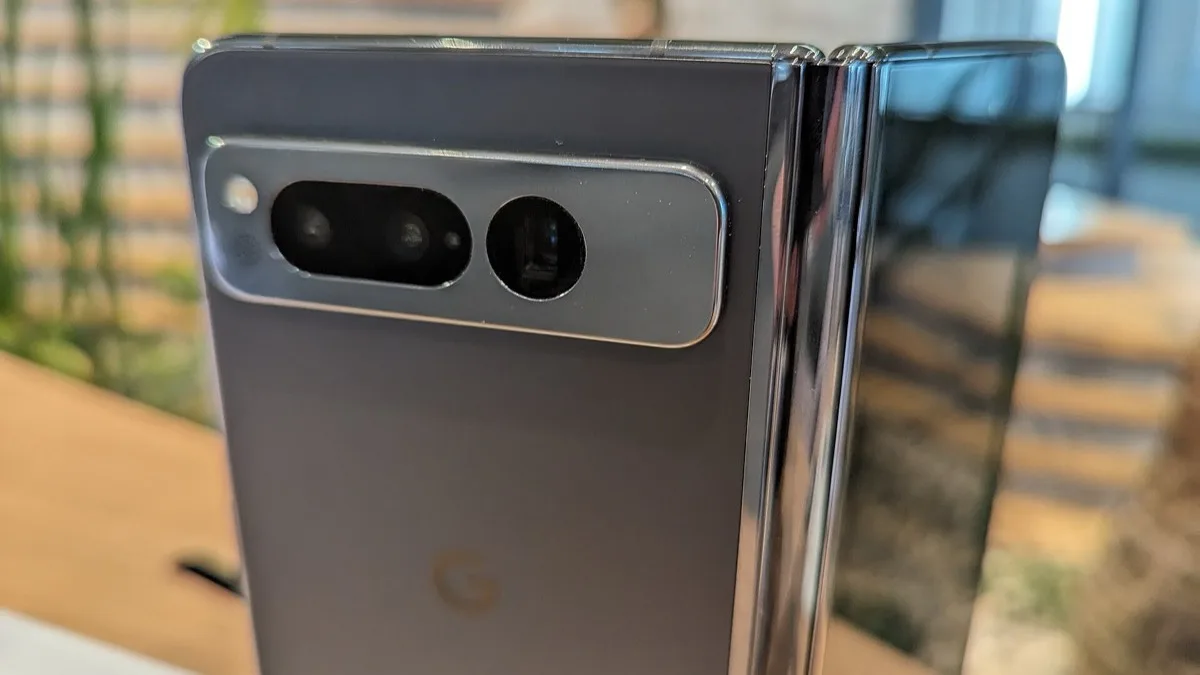
- Pixel 11 Pro Fold
Enrollment goes through the official Android Beta Program at google.com/android/beta. Signing a device up there queues the over-the-air update automatically; anyone comfortable flashing manually can instead pull factory or OTA images from the Android developer site once Google publishes them for this device group.
What Beta 4 changes
Beta 4 marks Android 17 QPR2's Platform Stability milestone, meaning the underlying APIs are locked even though the visible feature set can still shift before the stable release. The build brings:
- Deeper custom theme colors for Dynamic Color
- A customizable Quick Settings layout
- Lockscreen blur effects
- An App Lock feature for restricting individual apps
- Status bar icon customization
Because Platform Stability has already been reached, these features are unlikely to be pulled before the December launch, though Google can still adjust details in later beta builds.
Why Pixel 11 owners are just now getting access
Google typically brings its newest phones into a beta cycle partway through, once early stability work on existing devices is done. The Pixel 11 series launched in August, after QPR2 Beta 1 had already shipped to older Pixels in July, so this is the first build broad enough to include it. Skipping QPR1 outright suggests Google intends to fold whatever that milestone would have covered into the same December feature drop instead of shipping it separately.
Should you install it
Beta software on a primary phone always carries some risk, and Pixel 11 owners should weigh that Google's most recent Video Boost bug on this line was still being patched as of this week. Anyone who wants the new theming and Quick Settings options now, without waiting for December, can enroll through the Beta Program and expect an OTA update sized similarly to prior QPR2 builds on other Pixel models. Leaving the beta later requires a factory reset to return to stable Android 17, so back up before installing.
Frequently Asked Questions
Can the Pixel 11 join the Android 17 QPR2 beta?
Yes. As of September 1, 2026, all four Pixel 11 models — Pixel 11, Pixel 11 Pro, Pixel 11 Pro XL, and Pixel 11 Pro Fold — can enroll in Android 17 QPR2 Beta 4 through the official Android Beta Program at google.com/android/beta.
What build number does the Pixel 11 QPR2 beta use?
The build is CP41.260814.003.C2, the same Beta 4 release other Pixel models received on August 28, 2026. It includes the August 2026 Android security patch.
Is the Pixel 11 skipping Android 17 QPR1?
It appears so. Rather than joining an earlier QPR1 preview, Pixel 11 devices are entering testing directly at QPR2, which reaches Platform Stability with Beta 4 and is set to go stable in December 2026 as part of that quarter's Pixel Feature Drop.
What's new in Android 17 QPR2 Beta 4?
Beta 4 adds deeper custom theme colors for Dynamic Color, a customizable Quick Settings layout, lockscreen blur effects, an App Lock feature for restricting individual apps, and status bar icon customization.
Is it safe to install the QPR2 beta on a Pixel 11?
Beta software can introduce bugs on a primary device, so back up your phone first. Leaving the beta program later to return to stable Android 17 typically requires a factory reset, which erases local data that isn't backed up.