YouTube Home Feed Blank on Phones, Web and TVs: YouTube Says Switch Networks
YouTube's home feed is loading blank for large numbers of viewers this morning, and the company has confirmed it. In a post on its own support forum, YouTube said its team is "working to investigate and mitigate the issue" and told affected users to switch to a different internet connection or a phone hotspot in the meantime.
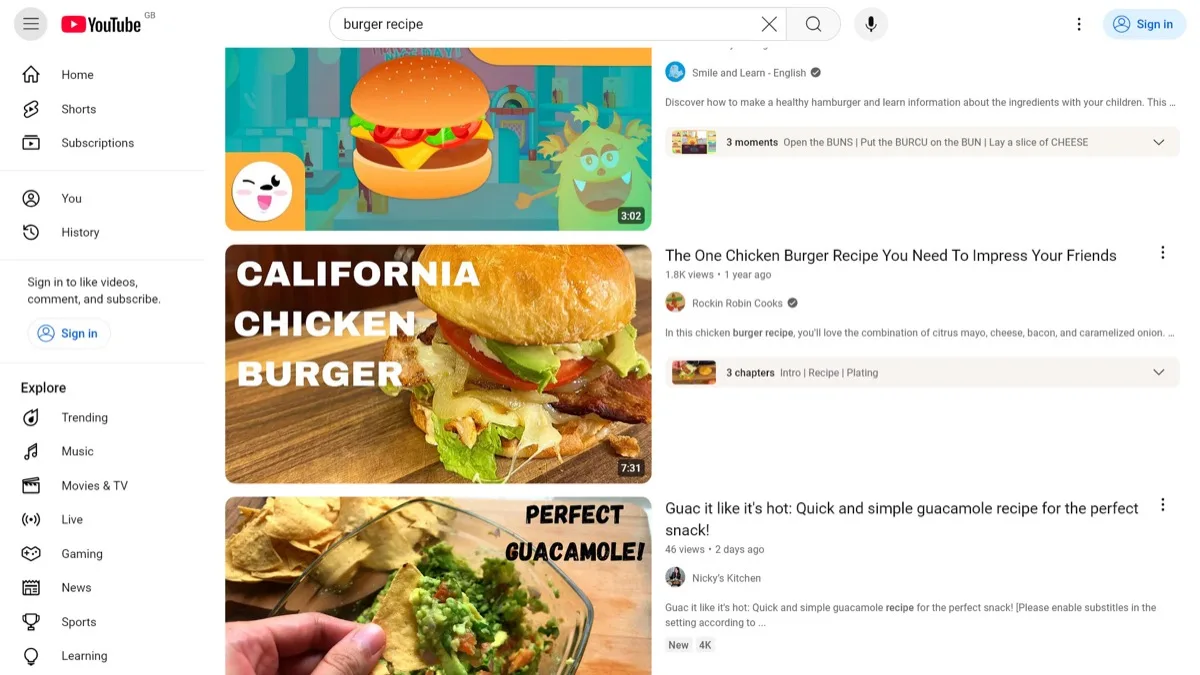
The symptom is specific. The app or site opens normally, the sidebar and search bar appear, and then the recommendation grid never fills in — thumbnails and video titles sit empty. Playing a video from a direct link or from your subscriptions still works for most people. It is the home screen that comes up empty.
Which apps and devices have a blank YouTube home feed?
Going by user reports, the problem is not tied to one platform. Viewers have hit it on the Android app, the iOS app, youtube.com in a desktop browser, and YouTube apps built into smart TVs running several different operating systems. Reports also point to YouTube TV, the paid live television service, showing the same empty-grid behaviour.
That spread matters, because it rules out the fixes people normally reach for. A bug that follows you from an Android phone to a browser to a television set is not a corrupted app cache on any one of those devices.
What is YouTube's official workaround?
YouTube's support post points to one thing: change networks. On a phone that means turning Wi-Fi off and letting the app run on mobile data, or connecting the device to a phone hotspot instead of home broadband. Users who have tried it say it does bring the feed back, at least for a while.
There is no official explanation of why a network change helps, and YouTube has not said what is causing the failure or when a permanent fix lands. Treat the hotspot trick as a stopgap, not a diagnosis.
Does signing out or reinstalling fix it?
Affected users report that signing out and back in does nothing, which lines up with the network-switch workaround being the only advice YouTube has offered. Before you spend time on the usual routine, know what is unlikely to help here:
- Signing out of your Google account and signing back in — widely reported as ineffective.
- Clearing app data or reinstalling the app, given the same failure appears in a plain web browser.
- Factory-resetting or re-pairing a smart TV, for the same reason.
- Waiting for an app update, since nothing suggests a bad client build is the trigger.
The one thing worth trying is the network swap, plus loading a video directly from search or from your Subscriptions tab, which has kept working for most people reporting the fault.
Is this the same as a full YouTube outage?
No. Video playback, search and subscriptions are broadly up; it is the personalised recommendation feed that is failing to populate. That is a narrower failure than the platform going dark, though for anyone who opens the app and scrolls rather than searching, the practical effect is close to the same.
It also arrives during a busy stretch for the platform. YouTube TV subscribers were facing a claim deadline in Disney's $50M antitrust settlement that closes today, the service recently added ESPN Unlimited at no extra cost on the $82.99 plan, and YouTube Premium subscribers in the US now get Peacock Premium bundled in. On the creator side, the company has been spending heavily to keep big channels off rival streaming services.
When will the YouTube feed be fixed?
YouTube has not given a timeline. The company acknowledged the fault publicly and said it is investigating, which is usually the step before a server-side fix rather than an app update — meaning most people should see the feed return without doing anything. Until then, the hotspot workaround is the only official advice on offer.
Frequently Asked Questions
Why is my YouTube home page blank?
YouTube has confirmed a fault that leaves the home feed empty while the rest of the app works. The sidebar and search bar load, but the recommendation grid never fills in. It is a problem on YouTube's side, not with your phone, TV or account, and the company says its team is working to investigate and mitigate it.
How do I fix a blank YouTube feed right now?
YouTube's own advice is to switch to a different internet connection. On a phone, turn Wi-Fi off so the app uses mobile data, or connect your device to a phone hotspot instead of home broadband. Users report this restores the feed temporarily. It is a workaround, not a permanent fix.
Does signing out of YouTube or reinstalling the app help?
Affected users report that signing out and back in makes no difference. Reinstalling is also unlikely to help, because the same blank feed shows up in a plain web browser and on smart TVs, not just in the mobile app.
Is YouTube TV affected as well?
Reports indicate the same empty-feed behaviour is showing up in the YouTube TV app across multiple platforms. YouTube has not published a separate statement for the live TV service.
Can I still watch videos while the home feed is broken?
Yes. Playback, search and the Subscriptions tab are broadly working for people hitting this issue. If your home screen is empty, search for the video you want or open your Subscriptions feed instead.