Android's New 'App Handles' Bring Drag-to-Split Multitasking to Foldables

A new Android multitasking feature called App Handles has surfaced in the latest Canary build, adding a draggable control to foldable phones that lets people snap apps into split-screen or pop-up windows without hunting through menus. It is not yet in a public release, and it is limited to foldable hardware for now.
What App Handles actually do
The feature builds on Android's existing Bubbles system rather than replacing it. A pinned app can be attached to the taskbar and opened as a small pop-up window in the corner of the screen, layered over whatever is already running full-screen behind it. A drag handle sits at the top of that window, and pulling it lets a person move the app straight into a split-screen layout instead of leaving it floating.
The reverse works too: dragging or tapping the handle on a bubbled app expands it back to full screen. A + button in the taskbar lets multiple apps be pinned at once, so a person can keep several shortcuts on hand and pull whichever one they need into view without digging through the recent-apps switcher.
Foldables only, and still experimental
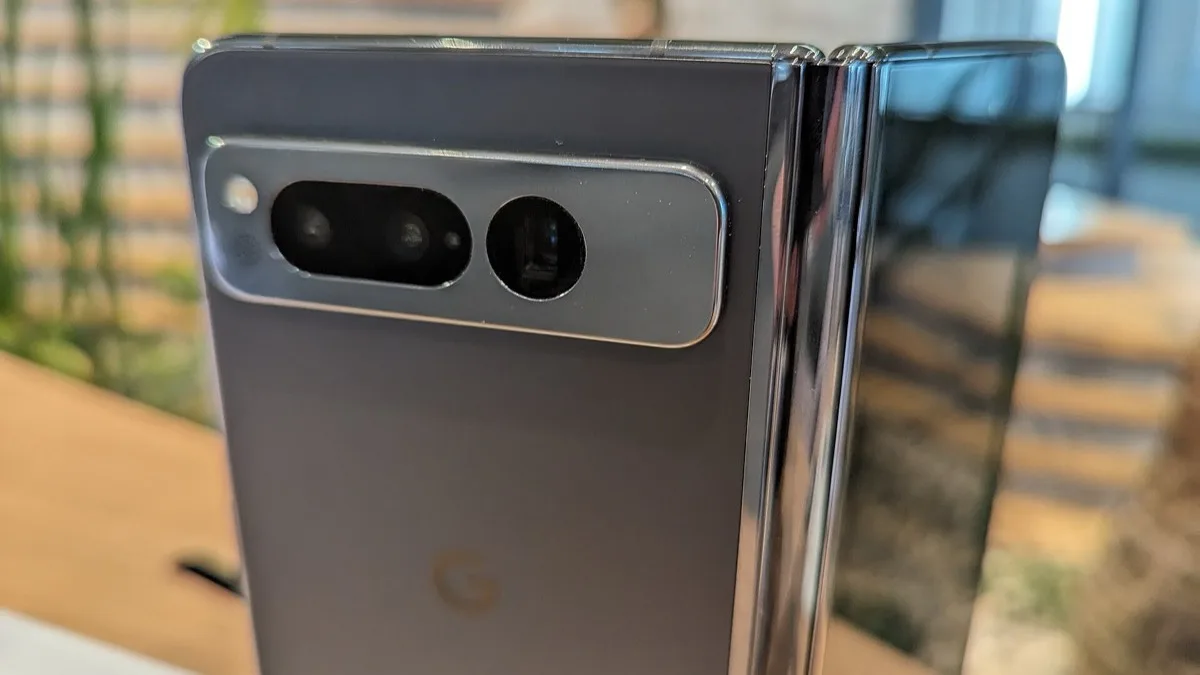
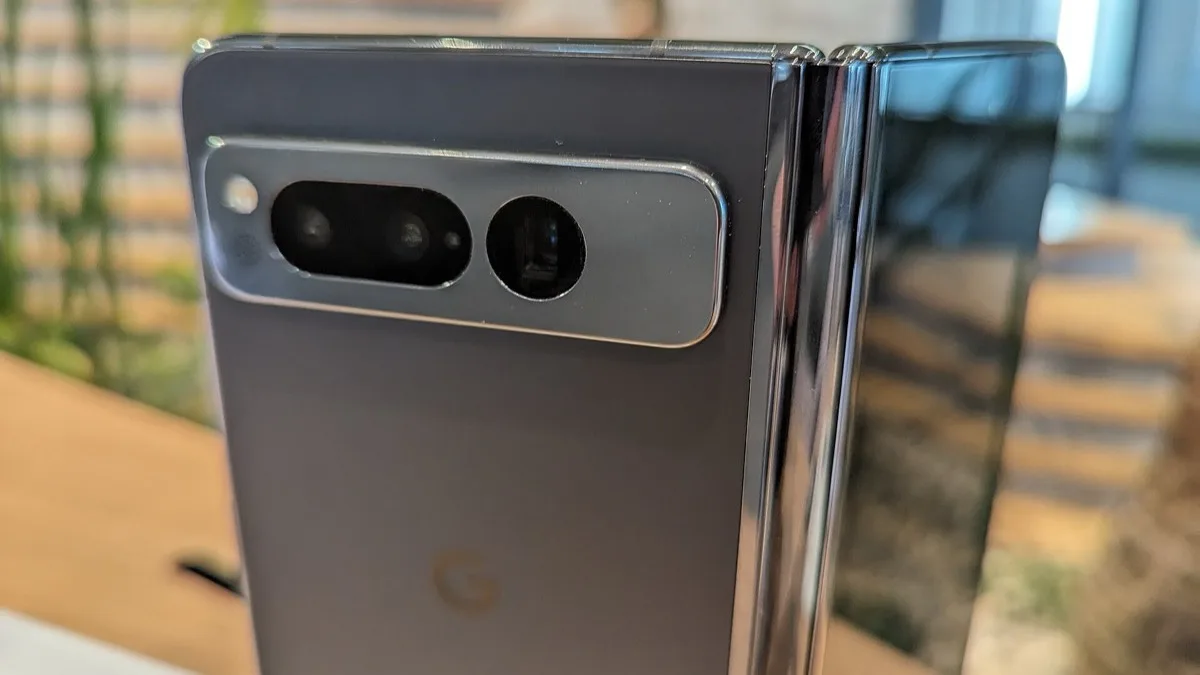
App Handles is currently live only in Android Canary build 2608, the earliest and least stable of Google's public test channels. The feature was demonstrated on a Pixel Fold, and both the mechanics and the framing point to a foldable-specific tool rather than something headed for standard phones, since the extra screen space is what makes a floating window worth having in the first place.
Because it is confined to Canary, App Handles is not something current Pixel Fold or Pixel 9 Pro Fold owners can turn on today. Canary builds are aimed at developers, change frequently, and features that appear in them do not always survive to a stable Android release. There is no confirmed timeline for when, or whether, App Handles reaches Android's Beta or stable channels.
How it fits next to Bubbles and Samsung's approach
Google already ships two related multitasking tools on Android: standard split-screen, and Bubbles, which lets an app float as a small circular icon that expands into a chat-head-style window. App Handles reads as a bridge between the two, giving a bubbled app a direct, drag-based path into split-screen instead of forcing a full-screen jump or a manual window resize.
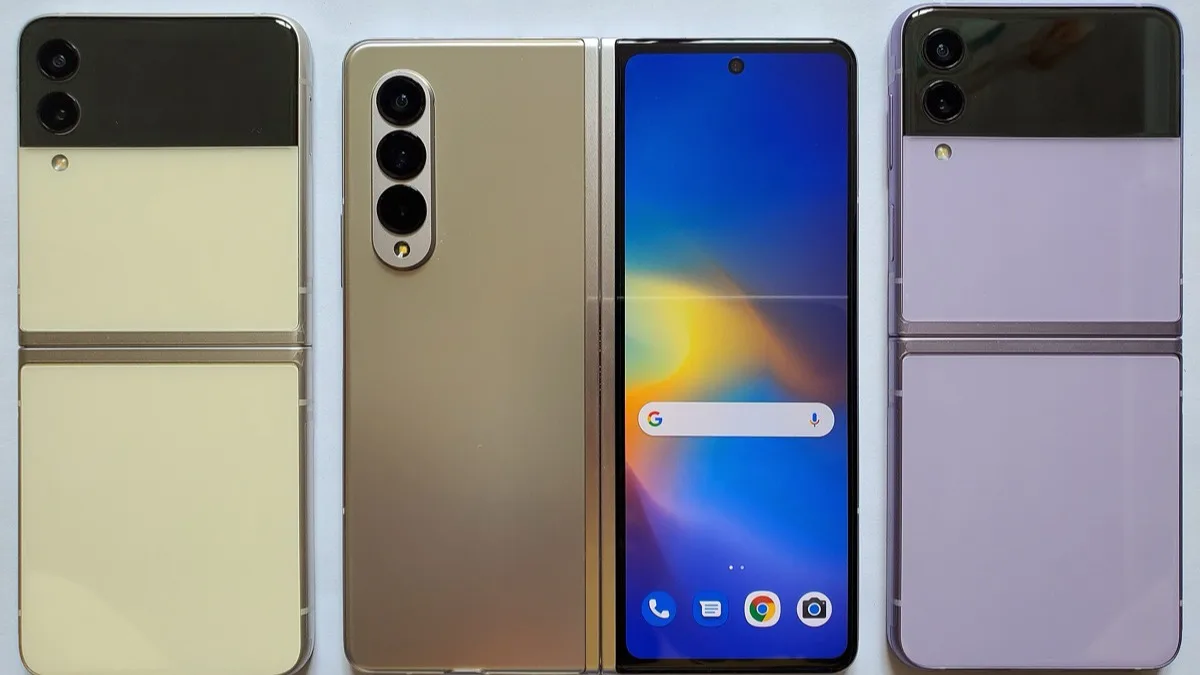
Samsung's One UI has offered a similar drag handle for its pop-up windows for several Galaxy generations, and Samsung's own Galaxy Z Fold 8 recently added per-app screen zoom through a One UI 9 Labs toggle, part of the same push to get more out of a foldable's inner display. App Handles suggests Google is now working to close that gap on its own foldable multitasking tools rather than leaving it to manufacturer skins.
Where this could land first
If App Handles graduates out of Canary, Google's usual pattern is to debut experimental foldable software on its newest hardware before extending it to older models. That would put a future Pixel Fold release, rather than the current Pixel 9 Pro Fold, as the likely first stop, with the feature potentially reaching earlier foldables afterward if Google decides to backport it. Anyone comparing the standard Pixel 9 Pro against the Pixel 9 Pro Fold today should treat App Handles as a possible future perk of the Fold line rather than something available at purchase.
The feature arrives alongside other foldable-focused groundwork Google has been laying in recent Canary and stable pushes, including the Android 17 update that rolled out to Pixel phones this month. For now, App Handles remains a preview of where foldable multitasking on stock Android is headed, not a feature anyone can use yet.
Frequently Asked Questions
What is Android's App Handles feature?
App Handles is an experimental Android multitasking feature for foldable phones. It adds a draggable handle to pinned, bubbled apps, letting a person pull the app straight into a split-screen layout or expand it to full screen without navigating separate menus.
Can I use App Handles on my Pixel Fold right now?
Not yet. App Handles is only present in Android Canary build 2608, the earliest developer test channel. It has not reached Android's Beta or stable channels, and Google has not confirmed a release timeline.
Does App Handles work on regular, non-folding phones?
As demonstrated, App Handles is built around the extra screen space of a foldable's inner display and was shown on a Pixel Fold. There is no indication it is being built for standard phone form factors.
How is App Handles different from Android's existing Bubbles feature?
Bubbles lets an app float as a small icon that expands into a window when tapped. App Handles adds a drag handle to that floating window so it can be pulled directly into a split-screen layout, rather than only toggling between bubbled and full-screen states.
Which Pixel foldable will get App Handles first?
Nothing is confirmed, but Google typically introduces new foldable software on its newest device first. That points to a future Pixel Fold model as the most likely debut, with older foldables potentially receiving it afterward if the feature reaches a stable release.