AT&T APN Settings for Android (2026): ENHANCEDPHONE, NXTGENPHONE and NRPHONE

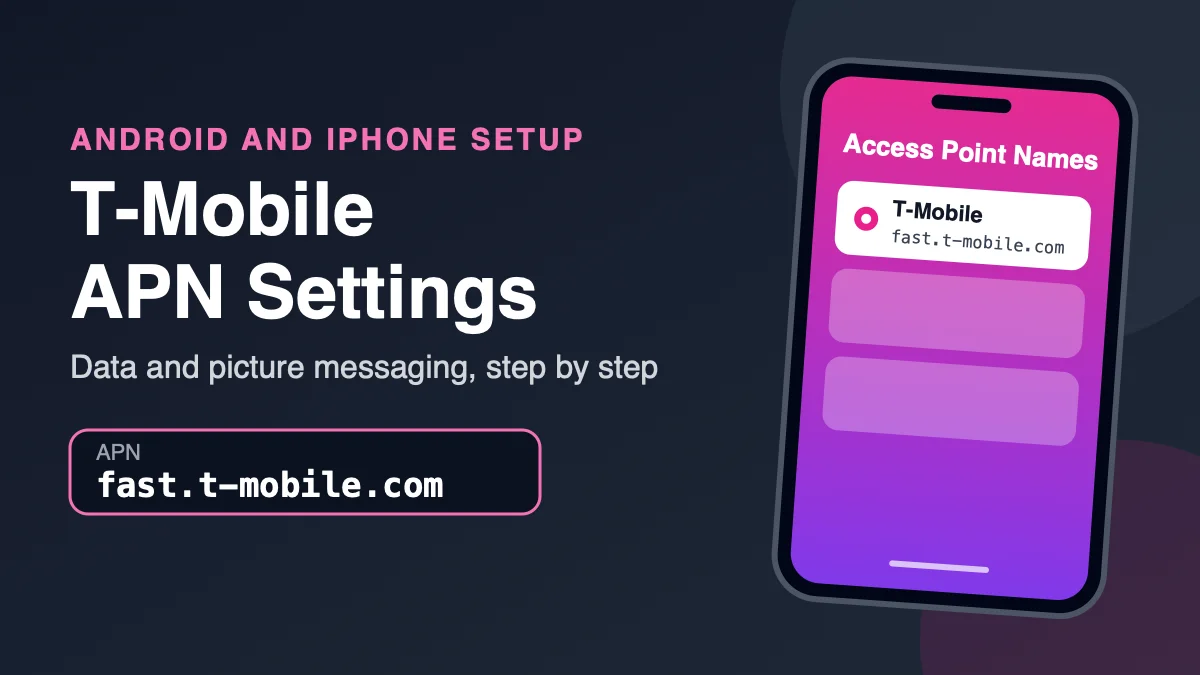
The AT&T APN depends on your phone. AT&T’s own support page lists ENHANCEDPHONE for 5G-capable smartphones, NXTGENPHONE for LTE smartphones and NRPHONE for 5G standalone-capable smartphones. Phones bought from AT&T normally set this up automatically, so you only need to enter it on an unlocked or imported phone, or after a SIM swap left an old carrier’s APN behind.
Also in this topic: Android Guides hub.
Jump to: which APN · full values · copy-ready values · Android steps · why guides say “phone” · hotspots and tablets · AT&T-network carriers · iPhone · fixes · FAQ
Which AT&T APN Do You Need?
| Your device | AT&T APN | Notes |
|---|---|---|
| 5G-capable smartphone | ENHANCEDPHONE | Has MMS settings, listed below |
| 5G standalone-capable smartphone | NRPHONE | AT&T lists no MMS fields for this profile |
| LTE (4G) smartphone | NXTGENPHONE | Same MMS settings as ENHANCEDPHONE |
| Tablet or other data device | Broadband | Name shown as ATT Broadband |
AT&T groups the profiles by device type, not by plan. If you are not sure which group your phone is in, start with the one for its network type: ENHANCEDPHONE for a 5G phone or NXTGENPHONE for an LTE-only phone.
AT&T APN Values for Android Phones
These come from AT&T’s “Program Data Settings for Your Device” support page, which showed a last-updated date of October 23, 2024 when we checked it on October 15, 2026. Fields AT&T marks “Not set” should stay blank.
| Field | 5G smartphones | 5G standalone | LTE smartphones |
|---|---|---|---|
| Name | ENHANCEDPHONE | NRPHONE | NXTGENPHONE |
| APN | ENHANCEDPHONE | NRPHONE | NXTGENPHONE |
| Proxy, Port, Username, Password, Server | Not set (leave blank) | ||
| MMSC | http://mmsc.mobile.att.net | Not set | http://mmsc.mobile.att.net |
| MMS proxy | proxy.mobile.att.net | Not set | proxy.mobile.att.net |
| MMS port | 80 | Not set | 80 |
| MCC | 310 | 310 | 310 |
| MNC | 410 | 410 | 410 |
| Authentication type | None | None | None |
| APN type | default,mms,supl,hipri | default,mms,supl,hipri,fota | default,mms,supl,hipri |
| Bearer | Unspecified | Unspecified | Unspecified |
For 5G and LTE smartphones AT&T lists the APN protocol as IPv4. Some third-party guides show IPv4/IPv6 or an https MMSC. Where they differ, use AT&T’s values above, typed exactly, including the capital letters in the APN name.
Copy-ready values for a 5G phone
Name: ENHANCEDPHONE
APN: ENHANCEDPHONE
MMSC: http://mmsc.mobile.att.net
MMS proxy: proxy.mobile.att.net
MMS port: 80
MCC: 310
MNC: 410
Authentication type: None
APN type: default,mms,supl,hipri
Everything else: leave blank
For an LTE-only phone, change the first two lines to NXTGENPHONE and keep the rest the same.
How to Enter the AT&T APN on Android
AT&T’s steps, with the menu names it gives. Labels vary by phone and Android version.
- Open Settings.
- Tap Wireless & Networks, More Networks or Connections, depending on your phone.
- Tap Mobile Networks, then Access Point Names.
- Add a new APN with the plus (+) symbol or the menu button.
- Enter each field from the table above.
- Save, go back to the APN list, and select the new APN. It has to be the selected one to be used.
- Restart the phone or toggle Airplane mode, then test: turn Wi-Fi off, load a web page, and send a picture message.
On Samsung it is usually Settings → Connections → Mobile networks → Access Point Names. On a Pixel look under Settings → Network & internet, then SIMs, and tap your AT&T SIM to reach Access Point Names.
Why Other Guides Say the APN Is “phone”
Many third-party pages list phone or ATT as the AT&T APN, with mms.att.net sometimes shown for picture messages. AT&T’s current support page lists none of those. It lists ENHANCEDPHONE, NXTGENPHONE, NRPHONE and Broadband instead. If a guide’s values disagree with AT&T’s page, go with AT&T’s, and be wary of pages that also show a username and password, since AT&T lists those fields as not set.
AT&T APN for Hotspots, Tablets and Data Devices
For tablets and other data devices AT&T lists the Broadband APN (name “ATT Broadband”), with MCC 310, MNC 410, authentication None and APN type default,mms,supl,hipri,fota, and no MMSC or proxy. Dedicated mobile hotspots and routers have their own “Change APN” instructions in AT&T’s device support, written per model, so look up your exact hotspot rather than using a phone profile.
Using a Carrier That Runs on AT&T’s Network?
Prepaid and budget carriers that use AT&T’s towers publish their own APN values, and they are not the same as AT&T’s. Use the settings from your carrier’s support page, such as our guides for Cricket Wireless and Boost Mobile. On T-Mobile’s network instead? See the T-Mobile APN guide.
What About iPhone?
AT&T’s page gives no values for Apple devices. It tells iPhone owners who cannot connect to check Apple’s support site for updating their settings. Most iPhones configure themselves when an AT&T SIM or eSIM is active, and Apple only shows the APN fields on Settings → Cellular → Cellular Data Network if the carrier allows editing.
AT&T Data or MMS Still Not Working?
- Check the profile. Using NXTGENPHONE values on a 5G phone, or the reverse, is an easy mismatch. Check the table at the top.
- Check the spelling. AT&T’s own page says to double check the spelling of your APN setting. Retype the fields rather than pasting, so no trailing space sneaks in.
- Delete duplicates. Remove old carrier APNs left from a previous SIM, then select the AT&T one.
- Reset the APN list. In Access Point Names, use the three-dot menu and choose Reset to default.
- Reset network settings. On Pixel this is under Settings → System → Reset options; on Samsung, Settings → General management → Reset. This also clears saved Wi-Fi networks and Bluetooth pairings.
- Check the phone and SIM. The phone must be unlocked and compatible with AT&T’s network, and the SIM must be active on an AT&T plan.
- Rule out an outage if other people nearby also lost data.
AT&T presents manual setup for when your device cannot connect, so if data and picture messages already work, leave the APN alone. Only change an APN with values from your carrier, since wrong entries can stop mobile data.
How We Verified These Values
Every value in the tables was copied from AT&T’s official support article and compared field by field on October 15, 2026. AT&T’s page was last updated on October 23, 2024, so a newer network change may not be reflected. We did not test these settings on a phone for this guide.
Frequently Asked Questions
What is the AT&T APN?
It depends on your phone. AT&T’s support page lists ENHANCEDPHONE for 5G-capable smartphones, NXTGENPHONE for LTE smartphones, NRPHONE for 5G standalone-capable smartphones and Broadband for tablets and other data devices.
What are the AT&T APN settings for 5G?
For a 5G-capable smartphone AT&T lists ENHANCEDPHONE as both the name and APN, MMSC http://mmsc.mobile.att.net, MMS proxy proxy.mobile.att.net, MMS port 80, MCC 310, MNC 410, authentication None and APN type default,mms,supl,hipri.
What are the AT&T APN settings for 4G LTE phones?
For LTE smartphones AT&T lists NXTGENPHONE as the name and APN, with the same MMS settings as ENHANCEDPHONE: MMSC http://mmsc.mobile.att.net, MMS proxy proxy.mobile.att.net and MMS port 80.
Is there a separate APN for AT&T 5G standalone?
AT&T lists NRPHONE for 5G standalone-capable smartphones. It has no MMSC, MMS proxy or MMS port, and its APN type adds fota: default,mms,supl,hipri,fota.
Why do other sites say the AT&T APN is “phone”?
Many third-party pages list phone or ATT. AT&T’s current support page lists ENHANCEDPHONE, NXTGENPHONE, NRPHONE and Broadband instead, so use those and ignore guides that disagree.
Do I need to enter the AT&T APN manually?
Usually not. Phones bought from AT&T are configured automatically. Manual entry is mainly for unlocked or imported phones, or after a SIM swap leaves an old carrier’s APN behind. If data and picture messages work, leave it alone.
Where do I find APN settings on Android?
Open Settings, then Wireless & Networks, More Networks or Connections, then Mobile Networks and Access Point Names. On a Pixel, look under Network & internet → SIMs and tap your SIM. Add a new APN with the plus symbol or the menu button, then save and select it.
What is the AT&T APN for a hotspot or tablet?
For tablets and other data devices AT&T lists the Broadband APN, named ATT Broadband. Dedicated hotspots have model-specific Change APN instructions in AT&T’s device support.
What are the AT&T APN settings for iPhone?
AT&T’s page gives no values for Apple devices and points iPhone owners to Apple’s support site. Most iPhones configure themselves when an AT&T SIM or eSIM is active.
Do carriers on AT&T’s network use the same APN?
No. Carriers that use AT&T’s network publish their own APN values, so use the settings from your carrier’s support page.
Why is AT&T data or MMS not working after entering the APN?
Check that the profile matches your phone type, retype the fields to remove stray spaces, delete duplicate APNs, select the AT&T APN, restart, and confirm the phone is unlocked and compatible with AT&T’s network. If it still fails, contact AT&T.