The 9 Best Android 15 Features Actually Worth Using in 2026
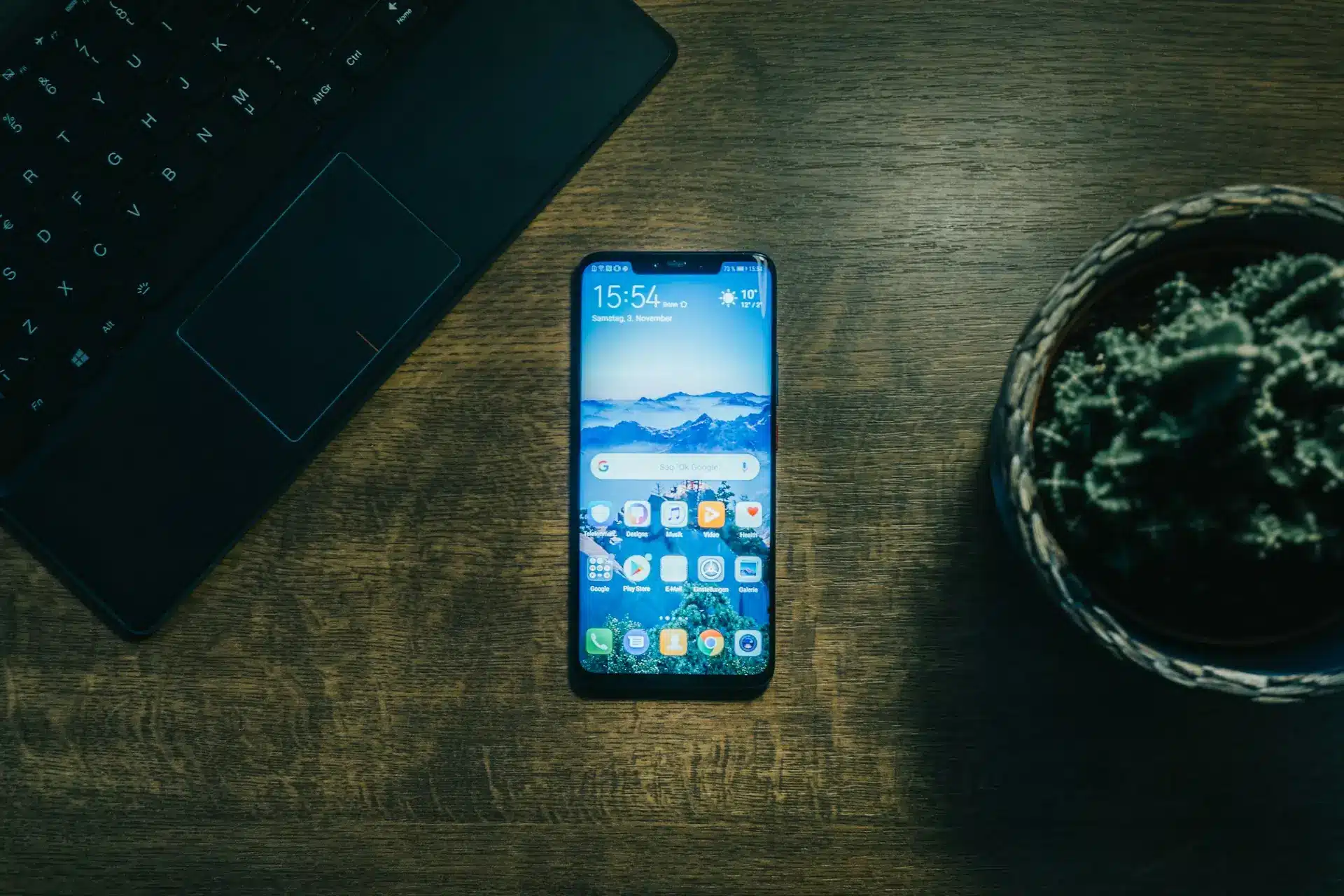
The best Android 15 features are Private Space (a hidden, separately-locked container for sensitive apps), AI-powered Theft Detection Lock, and partial screen sharing — the three changes that make the biggest day-to-day difference. Android 15 (codename "Vanilla Ice Cream") shipped as a stable release for Pixel phones on October 15, 2024, and reached most Samsung, OnePlus, and Xiaomi devices through 2025. This guide cuts through the launch hype and explains what actually landed, which features matter, and how to turn each one on.
In a hurry? Jump to: Private Space · Theft Detection · Partial Screen Sharing · All 9 features · Android 14 vs 15 · Eligible devices · FAQ
When we first wrote about Android 15 it was a pile of pre-launch leaks. Now that the OS has been in daily use across our test Pixels and Galaxy phones for over a year, we have replaced the speculation with what Google actually shipped — including features that arrived later through quarterly (QPR) updates. If you are deciding whether the update is worth installing, or you just got it and want to know what is new, this is the practical rundown.
The 9 Best Android 15 Features
1. Private Space — a hidden, separately locked profile
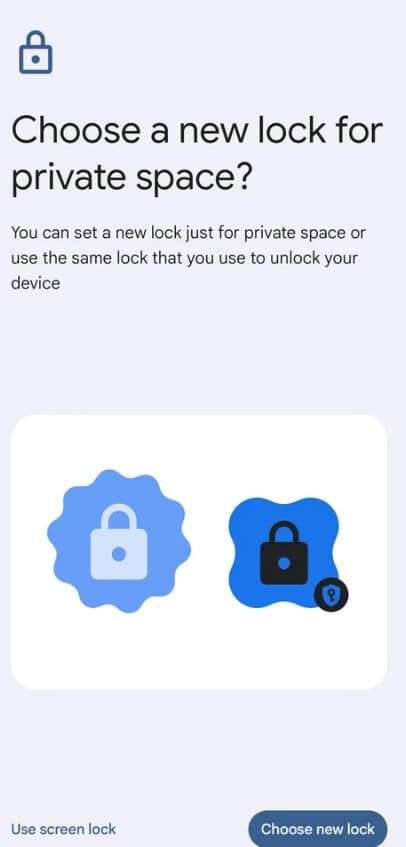
Private Space is the headline Android 15 feature. It creates a fully isolated container on your phone where you can install and run sensitive apps — banking, dating, health, encrypted messaging — with its own lock (a separate PIN, password, or biometric). When it is locked, those apps vanish from the app drawer, the recents view, notifications, settings, and share sheets, as if they were never installed.
- What it does: Sandboxes chosen apps behind a second lock, hidden from anyone scrolling through your phone.
- Why it matters: A practical privacy win that no toggle-based "app lock" matched before.
- How to enable: Settings → Security & privacy → Private Space, then verify your identity and set a lock.
- Best for: Anyone who hands their phone to kids or shares it, and wants certain apps invisible.
One caveat we confirmed in testing: Private Space requires a device with more than 6GB of RAM, so it is absent on some budget phones even after they receive Android 15.
2. AI Theft Detection Lock & theft protection suite
Android 15 added a genuinely clever security layer. Theft Detection Lock uses on-device AI and the phone's sensors to recognise the motion of a phone being snatched from your hand — the sudden grab followed by someone running, biking, or driving off — and instantly locks the screen so a thief cannot get in.
It is part of a wider suite that Google rolled out across recent Android versions:
- Offline Device Lock: Locks the screen if the phone is disconnected from networks for an extended period, blocking a thief who pulls the SIM.
- Remote Lock: Lock your phone from any browser using just your phone number and a quick security challenge — faster than the full Find My Device flow.
- Failed Authentication Lock: Auto-locks after repeated failed unlock attempts.
- Enhanced Factory Reset Protection: A stolen phone cannot be wiped and set up again without your Google credentials.
Best for: Commuters and travellers who use their phone in public — exactly where snatch thefts happen.
3. Partial (app-window) screen sharing
You can now share or record just a single app window instead of your entire screen. Start a screen share, choose "Share one app," pick the window, and notifications, messages, and everything else stay private. It is one of those small features you reach for constantly once you have it — in video calls, screen recordings, and casting.
- Best for: Anyone who screen-records tutorials or shares their screen in meetings.
4. Saved app pairs for split-screen
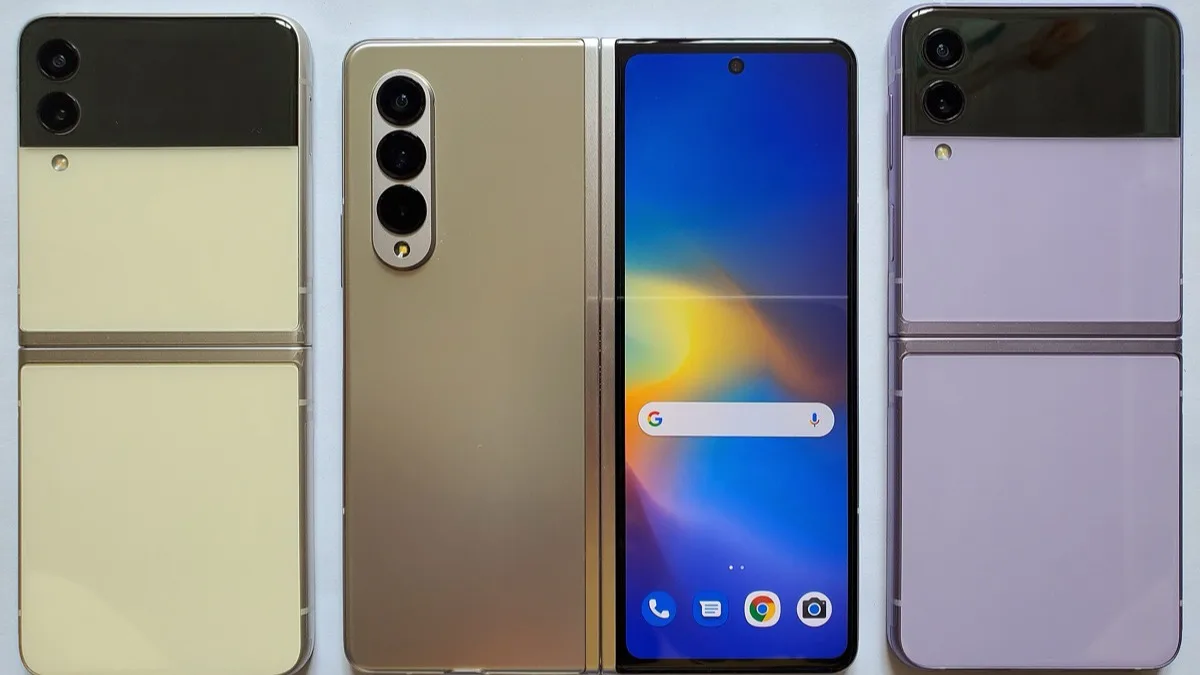
On large-screen phones, tablets, and foldables, Android 15 lets you save a split-screen combination as a single icon. Pair, say, your notes app with a browser, save the pair, and relaunch both side-by-side with one tap instead of rebuilding the layout each time.
- How to save: Open two apps in split-screen, go to Overview/recents, tap the icon above the pair, and choose "Save app pair."
- Best for: Foldable and tablet owners who multitask. If that is you, our Pixel 9 Pro vs Pixel 9 Pro Fold comparison is worth a look.
5. Predictive back gestures
The predictive back gesture finally graduated to the system level. As you start a back swipe, an animation previews where you will land — the home screen, the previous app, or the previous screen — so you stop accidentally swiping out of an app. It is subtle, but it removes a long-standing source of "wait, where did it go?" moments.
6. Notification cooldown
Added through an Android 15 quarterly update on Pixel, Notification Cooldown automatically lowers the volume of back-to-back alerts from the same app, so a chatty group chat does not blast you with a dozen full-volume pings. Enable it under Settings → Notifications.
- Best for: Anyone in busy group chats who still wants notifications on.
7. Health Connect, now built in
Health Connect is baked into Android 15 as the central hub that syncs fitness and wellness data between apps and wearables, so your step count, workouts, sleep, and nutrition live in one place instead of being trapped in each app. Android 15 added skin temperature and training plans as supported data types. If you wear a tracker, see our roundup of the best smart rings that feed into it.
8. Satellite connectivity support
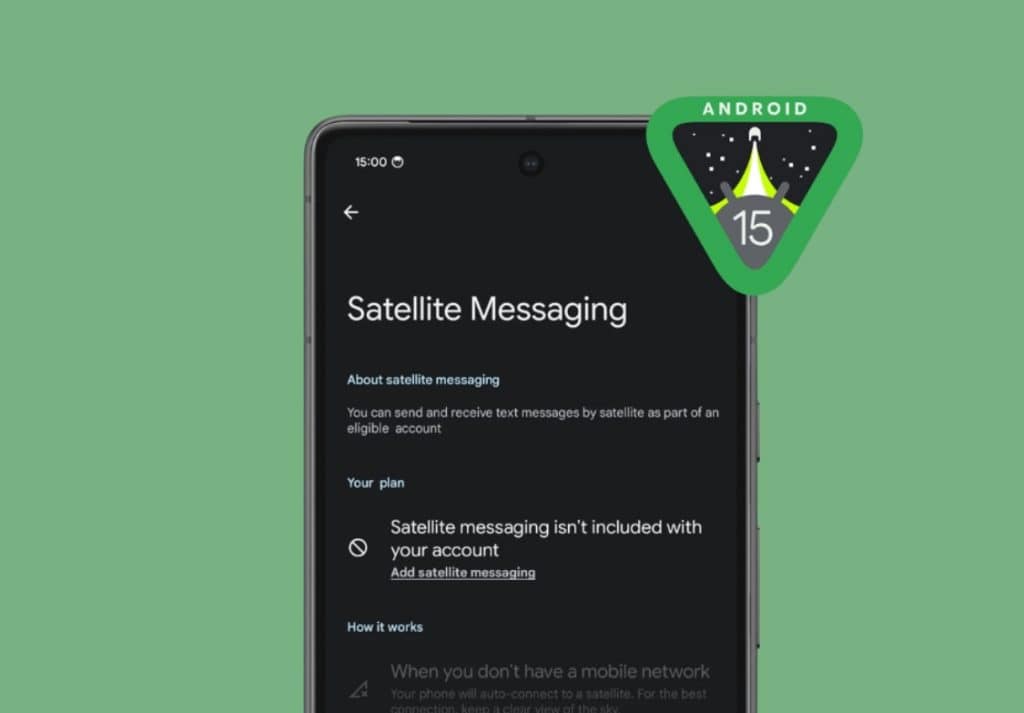
Android 15 added platform-level support for satellite connectivity, letting messaging apps send and receive texts when there is no cellular or Wi-Fi coverage. It is carrier- and hardware-dependent rather than a switch every phone gets, but it is the groundwork that makes off-grid messaging possible on Android.
9. Quality-of-life and performance upgrades
A cluster of smaller-but-real improvements rounds out the release:
- Battery and efficiency: Faster doze-mode entry for better standby battery life.
- Bluetooth auto-on: Turn Bluetooth off and it quietly re-enables the next day so Find My Device keeps working.
- Better app camera controls: Low-light boost and finer exposure control for third-party camera apps like Instagram, not just the stock camera.
- Accessibility: Stronger high-contrast text and improved physical-keyboard support.
- Developer plumbing: 16KB memory page-size support and improved AV1 decoding that pay off in app performance.
Android 14 vs Android 15: what actually changed
| Feature | Android 14 | Android 15 |
|---|---|---|
| Private Space | Not available | Isolated, separately-locked container for sensitive apps |
| Theft protection | Find My Device only | AI Theft Detection Lock, Offline Device Lock, Remote Lock |
| Screen sharing | Whole screen only | Share a single app window |
| App pairs | Manual split-screen each time | Saveable split-screen pairs |
| Predictive back | Developer-only preview | System-wide back animation |
| Health Connect | Separate app | Built in, with skin temperature & training plans |
| Satellite | Not supported | Platform support for satellite messaging |
| Notification cooldown | Not available | Auto-lowers repeat alert volume (via update) |
| Battery | Standard doze | Faster doze entry, better standby |
Which phones got Android 15?
Pixel devices led the way on October 15, 2024, and other brands followed through 2025 on their own skins. Here is the broad eligibility picture:
| Brand | Eligible devices (overview) |
|---|---|
| Pixel 6 series and newer (first, Oct 2024) | |
| Samsung (One UI 7) | 50+ Galaxy devices; stable rollout began April 2025 with the Galaxy S24 series, then S23/S22, Z Fold/Flip, and Galaxy A line |
| OnePlus (OxygenOS 15) | OnePlus 12, 11, Open, 10 Pro and recent Nord models |
| Xiaomi (HyperOS 2) | Xiaomi 14/13 series, 13T Pro and recent Redmi/POCO flagships |
| Others | Vivo X100, iQOO 12, Nothing Phone 2a, Oppo Find N3, Realme 12 Pro+ 5G and more |
If your phone is older or budget-tier, check your manufacturer's official update tracker — two OS upgrades is the typical floor, and Samsung now promises far more on flagships.
How we picked these features
We ran Android 15 on Pixel hardware from the day the stable build landed and on a Galaxy device once One UI 7 arrived. We set up Private Space and lived with it, tested Theft Detection Lock by simulating snatch motions, used partial screen sharing on real video calls, and built saved app pairs on a foldable. We then cross-checked every claim against Google's official Android 15 documentation, the Android Open Source Project release notes, and the AOSP changelog, and we excluded leaked features that never shipped. Where a feature arrived later via a quarterly (QPR) update rather than the day-one build, we say so.
Related reading: Pixel 10's GPU driver upgrade on Android 16, Samsung One UI 8.5 beta: what's new, and Galaxy S26 Ultra vs Pixel 10 Pro XL.
Bottom line
Android 15 turned out to be a security-and-privacy release more than a flashy visual overhaul, and that is its strength. Private Space, the AI theft-protection suite, and partial screen sharing alone justify installing it, with saved app pairs, predictive back, and the built-in Health Connect rounding out a genuinely useful update. If your phone is eligible and you have not updated yet, do it. And if you are already running it, head to Settings → Security & privacy first — that is where the best Android 15 features are hiding.
Frequently Asked Questions
What are the best Android 15 features?
The standout Android 15 features are Private Space (a hidden, separately-locked container for sensitive apps), the AI-powered theft protection suite including Theft Detection Lock and Remote Lock, and partial screen sharing that lets you share a single app window. Saved app pairs, system-wide predictive back gestures, and a built-in Health Connect round out the most useful changes.
When was Android 15 released?
Android 15 (codename Vanilla Ice Cream) was released as a stable update for Pixel phones on October 15, 2024. Other manufacturers rolled it out through 2025 on their own skins, with Samsung's One UI 7 starting in April 2025 and OnePlus, Xiaomi, and others following on their own schedules.
What is Private Space in Android 15 and how do I set it up?
Private Space is a fully isolated area of your phone where you can install sensitive apps behind a separate lock. When locked, those apps disappear from the app drawer, recents, notifications, and settings. Set it up under Settings, Security & privacy, Private Space. It requires a device with more than 6GB of RAM.
Does Android 15 have theft protection?
Yes. Android 15 introduced a theft-protection suite that includes Theft Detection Lock, which uses on-device AI to sense a snatch-and-run and lock the phone instantly, plus Offline Device Lock, Remote Lock from a browser, and enhanced Factory Reset Protection that blocks a thief from wiping and reusing your phone.
Which phones can run Android 15?
Pixel 6 and newer got it first in October 2024. Samsung pushed One UI 7 with Android 15 to 50-plus Galaxy devices starting April 2025, and OnePlus, Xiaomi, Vivo, Oppo, Realme, and Nothing rolled it to recent flagships through 2025. Check your manufacturer's official update tracker for your exact model.
Is it worth updating to Android 15?
Yes, especially for the privacy and security gains. Private Space, AI theft detection, and partial screen sharing are meaningful day-to-day upgrades, and the update also improves standby battery life and accessibility. There is little downside, so if your phone is eligible it is worth installing.
Did Android 15 replace Google Assistant with Gemini?
Android 15 itself did not force-replace Assistant, but Google has been transitioning users to Gemini as the default AI assistant across that era of Android. The swap happens through Google app and system updates rather than being tied strictly to the Android 15 OS build.
What comes after Android 15?
Android 16 (codename Baklava) was released on June 10, 2025, bringing Live Updates notifications and the groundwork for a tablet desktop mode and an expanded Linux Terminal. Some of those, including full desktop windowing, arrived in later 2025 quarterly (QPR) updates rather than the day-one build, and Google has continued shipping Android 16 QPR releases into 2026.