Gmail Is Dropping 'Send As' for Outlook and Yahoo Addresses on Personal Accounts
Google is removing the part of Gmail that lets a personal account send mail from an address it does not host. From January 2027, the "Send as" option will no longer work for third-party addresses such as an @outlook.com, @yahoo.com or custom personal domain, and the related Gmailify and POP fetching on the web features go with it.
The change is documented on Google's own Gmail help pages rather than announced through a blog post, which is why it has gone largely unnoticed. It applies to personal Google Accounts worldwide — there is no country carve-out — and Google describes a transition window across the second half of 2026 before the features stop.
Exactly what stops working
Three separate capabilities are being retired at the same time, and they are easy to confuse with one another:
- "Send as" for third-party addresses — the setting that puts a non-Google address in the From field when you compose in Gmail on the web or in the mobile apps.
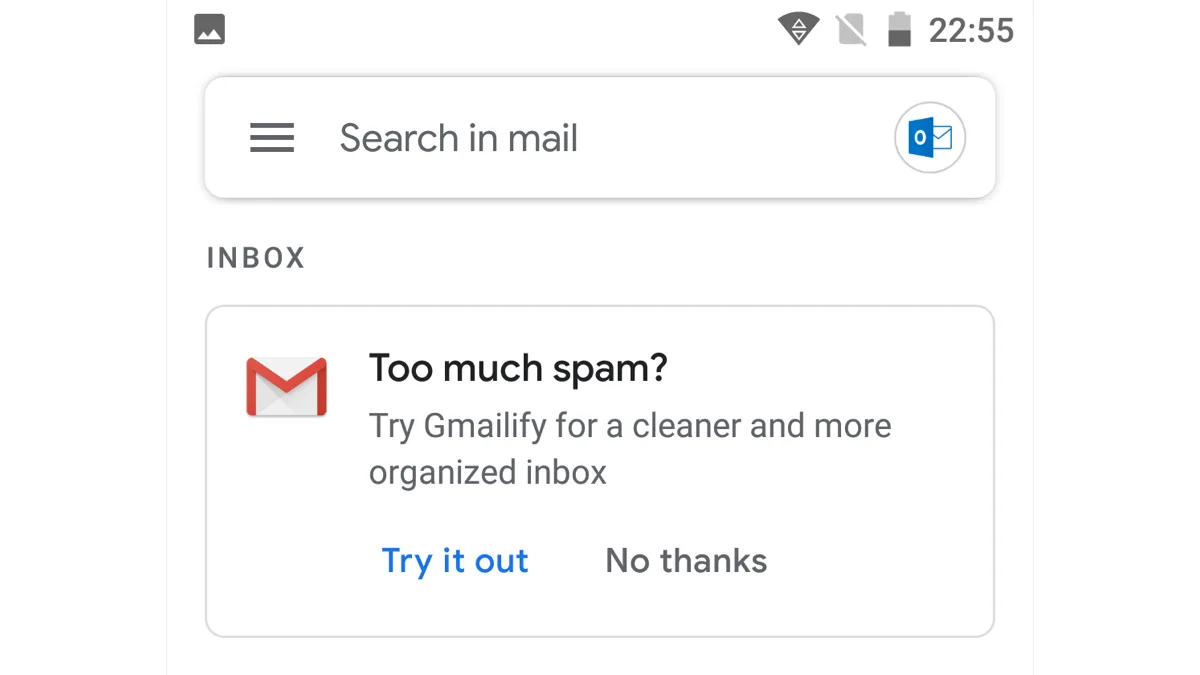
- Gmailify — the option that pipes an outside mailbox through Google's spam filtering and inbox categories while leaving the account itself with its original provider.
- POP fetching on the web — the "Check mail from other accounts" tool that pulls messages from an external mailbox into your Gmail inbox.
Google's stated reasoning is maintenance cost: the company says it occasionally has to discontinue features that demand a disproportionate share of engineering resources to keep running.
Who is not affected
This is a consumer Gmail change, and two large groups are explicitly excluded.
Google Workspace accounts keep "Send as" as it is. If your address is on a paid Workspace plan — including a personal domain hosted through Workspace — nothing changes for you. That distinction matters, because plenty of people running a small business on a custom domain reach it through a free Gmail account rather than a Workspace one, and only the second group is safe.
Gmail-to-Gmail aliases also survive. Sending from a second address that Google itself hosts continues to work normally, as does the plus-addressing trick on a single Gmail account.
What you can still do instead
The route most people will notice is that Gmail's mobile apps are not losing everything. You can still add a third-party account inside the Gmail app on Android, iPhone and iPad and read and reply from it there — what disappears is sending from that address through the unified web interface and the "Send as" setting behind it.
Google's suggested alternatives, in rough order of effort:
- Use the provider's own site or app for the outside address — Outlook.com, Yahoo Mail, or whoever hosts your domain.
- Move to a desktop client that speaks IMAP and SMTP directly, such as Thunderbird, Outlook or Apple Mail. These can hold your Gmail account and your other addresses side by side, and Gmail's own IMAP and POP access to third-party clients is unchanged.
- Add the account in the Gmail mobile app if reading on a phone is most of what you do.
- Move the domain to Workspace if keeping everything inside Gmail's web interface is worth a subscription.
One option Google specifically warns against is browser extensions that promise to recreate "Send as" after the cutoff. Handing a third-party extension the ability to read and send your mail carries real security and privacy risk, and Google's guidance advises against it rather than treating it as a workaround.
What to check before the deadline
If you are unsure whether this touches you, open Gmail on the web and go to Settings, then Accounts and Import. Anything listed under "Send mail as" that is not an @gmail.com address or a Google-hosted domain is on the list to stop working. The same screen shows any accounts under "Check mail from other accounts", which covers the POP side of the change.
The practical risk is not losing mail — messages forwarded into Gmail keep arriving — but silently losing the ability to reply from the address people know you by. Anyone who has published a custom-domain contact address or runs a side business through one has until January 2027 to move that sending somewhere else.
Google has been trimming long-standing features across its consumer apps this year, most visibly with the Assistant shutdown on phones and Wear OS. If a desktop client is where you end up, it is worth learning its housekeeping tools — our guide to setting an automatic reply in Outlook covers the equivalent of Gmail's vacation responder. Google's full notice is on its Gmail help page for third-party account changes.
Related reading
Frequently Asked Questions
When does Gmail stop supporting Send as for other email addresses?
January 2027 is the removal date given in Google's Gmail help documentation. Google describes a transition period across the second half of 2026 so people can move their sending elsewhere first. The change applies to personal Google Accounts everywhere, with no regional exceptions.
Does this affect Google Workspace accounts?
No. Google Workspace accounts keep the "Send as" feature working as it does today, including for custom domains hosted through Workspace. Only personal, free Google Accounts lose the ability to send from third-party addresses.
Can I still read my Outlook or Yahoo mail in Gmail?
Partly. You can still add a third-party account inside the Gmail app on Android, iPhone and iPad and read and reply from it there. What goes away is Gmailify, POP fetching on the web, and the "Send as" setting that let you send from that address through Gmail's web interface.
How do I check whether my Gmail account uses Send as?
Open Gmail on the web, go to Settings and then Accounts and Import. Any address listed under "Send mail as" that is not an @gmail.com address or a Google-hosted domain will stop working. The same page lists accounts under "Check mail from other accounts", which is the POP fetching being retired.
What are the alternatives once Send as is gone?
Google suggests using the outside provider's own website or app, switching to a desktop client such as Thunderbird, Outlook or Apple Mail over IMAP and SMTP, or adding the account in the Gmail mobile app. Moving a custom domain to a paid Workspace plan also preserves the feature. Google advises against browser extensions that claim to restore it, citing security and privacy risks.