Google Maps Go Just Got a Fresh New Look - Here's What Changed
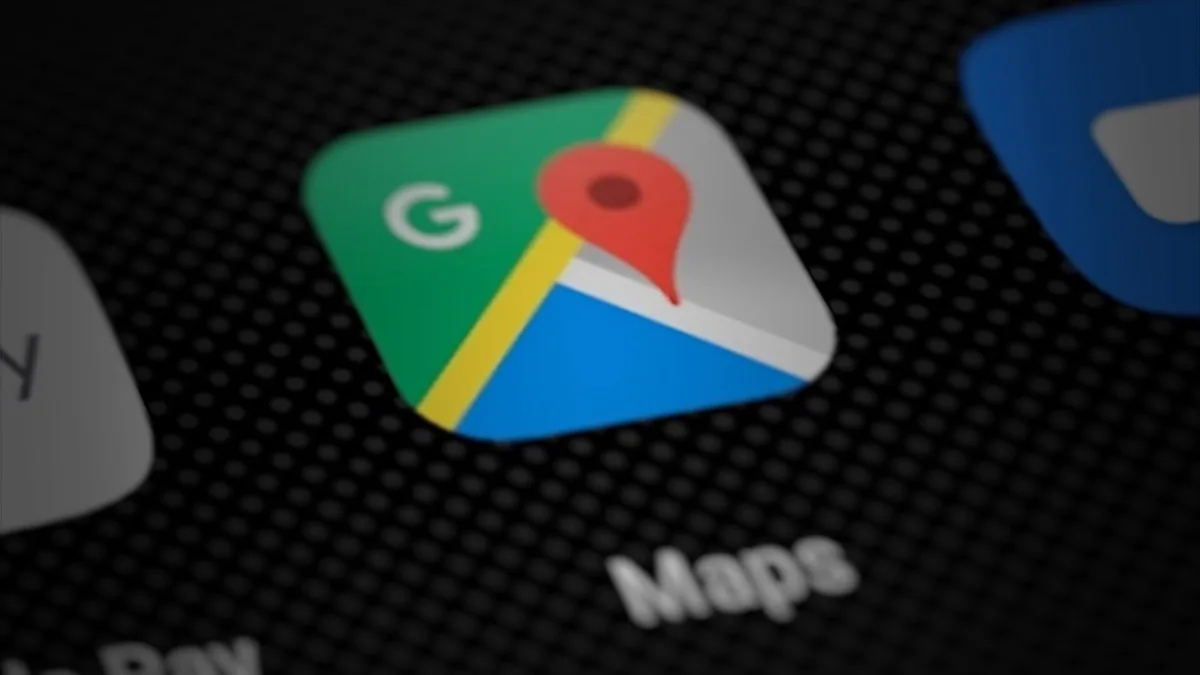
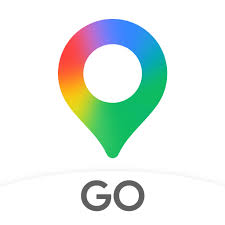
If you use Google Maps Go on your Android phone, you might notice something different today. Google just rolled out a brand-new app icon for Maps Go — and it looks really cool. The old flat pin icon is gone. In its place? A shiny, colorful gradient design that feels modern and fresh. This change is part of Google's bigger push to make all its apps look like they belong in the same family, especially with the rise of Gemini AI across Google products.
Wait — What Is Google Maps Go?
Before we dive into the redesign, let's quickly cover the basics. Google Maps Go is a lighter, smaller version of the regular Google Maps app. It was built for phones that don't have a lot of storage or fast internet. Think of it like Google Maps' little sibling — it does a lot of the same stuff, but it takes up way less space on your phone.
Here's what makes it different:
- Takes up much less storage than the full Google Maps app
- Works better on slower internet connections
- Runs smoothly on budget Android phones
- Still gives you directions, search, and transit info
So What Does the New Icon Look Like?
The updated Google Maps Go icon swaps out the old flat design for a vibrant gradient look. Instead of solid blocks of color, the pin now blends shades of red, yellow, green, and blue together in a smooth, flowing way. It almost looks like the colors are melting into each other.
If you've seen the new icons for Gmail, Google Calendar, or Google Photos recently, this will feel familiar. Google is giving all of its apps this same gradient treatment. The goal is to create one unified look across every Google product you use.
Key Changes at a Glance:
| Feature | What's New |
| Icon Style | Flat design replaced with smooth gradient |
| Color Palette | Blended red, yellow, green, and blue tones |
| Design Language | Matches Gemini-inspired Google branding |
| App Function | No changes — same lightweight Maps experience |
Why Is Google Changing All Its Icons?
This isn't random. Google has been slowly updating the look of its entire app lineup over the past year. The company wants every app to feel connected — like pieces of the same puzzle. And a big reason for that is Gemini, Google's AI platform.
As Google builds Gemini into more of its apps (like Search, Gmail, and now Maps), it wants the visual branding to reflect that everything is powered by the same smart technology. The gradient style gives off a futuristic, AI-driven vibe — and that's exactly the message Google wants to send.
Does This Change How the App Works?
Nope! This is purely a visual update. The app itself still works the same way. You can still search for places, get directions, check transit schedules, and explore maps — all without eating up your phone's storage.
The only thing that changed is the icon you tap on your home screen. Everything behind it stays exactly the same.
What Are People Saying About It?
Reactions online are mixed — which is totally normal for icon changes. Some people love the fresh, modern look. Others say they liked the old icon just fine and didn't want it to change. A few users pointed out that the gradient makes Maps Go look almost identical to the full Google Maps app now, which could get confusing.
Sound familiar? The same thing happened when Google redesigned the Gmail icon a few years back. People complained at first, but eventually got used to it. Chances are, the same thing will happen here.
How Do You Get the New Icon?
The update is rolling out through the Google Play Store right now. Here's how to make sure you have it:
- Open the Google Play Store on your Android phone
- Search for "Google Maps Go"
- If there's an update available, tap "Update"
- Once it's done, check your home screen for the new icon
If you don't see the update yet, don't worry. Google usually rolls out changes in waves, so it might take a few days to reach your device.
The Bigger Picture: Google's Design Evolution
This tiny icon change is actually part of something much bigger. Google is rebuilding its entire brand identity around a cleaner, more unified look. Every app, every service, every product — they all need to feel like they belong together.
We've already seen this with Gmail, Google Calendar, Google Drive, and Google Photos. Now Maps Go is joining the club. And as Gemini AI continues to grow, expect even more Google apps to get the gradient treatment in the coming months.
The Bottom Line
Google Maps Go's new gradient icon is a small but meaningful change. It shows that Google cares about keeping even its lightweight apps looking polished and up-to-date. Whether you love it or miss the old look, one thing is clear — Google is all-in on creating a consistent, AI-forward brand experience.
Go check your app drawer. Your Maps Go icon might already look different!
Frequently Asked Questions
What is Google Maps Go?
Google Maps Go is a lightweight version of Google Maps built for phones with limited storage and slower internet connections. It covers much of what the full app does while taking up considerably less space on the device.
What changed in the Google Maps Go redesign?
Google replaced the old flat pin icon with a colourful gradient design. It is part of a wider push to give Google's apps a consistent look as Gemini AI features roll out across the company's products.
Is Google Maps Go different from Google Maps?
Yes. Maps Go is deliberately stripped back to stay small and fast, so it does not carry every feature of the full Google Maps app. What it does keep is the core mapping, search and directions that most people use daily.
How do I get the new Google Maps Go icon?
Update Google Maps Go from the Play Store. Icon changes of this kind usually arrive as a staged rollout, so it can take a while to reach every device even after the update is installed.
Should I use Google Maps Go instead of Google Maps?
Maps Go makes sense if your phone is short on storage or you are on a slow or expensive connection. If your device handles the full app comfortably, the standard Google Maps app gives you the complete feature set.