Google Play Now Runs Your Own AI Studio Apps on Android, No $25 Developer Account Needed

Google Play started letting people run Android apps they build themselves in Google AI Studio on their own phones on Tuesday, October 13, 2026, using only a standard Google account. The personal apps feature is rolling out in the US and other select markets to users 18 and over, and it does not require a Google Play developer account.
- Feature: personal apps on Google Play, built in Google AI Studio
- Announced: Tuesday, October 13, 2026
- US availability: rolling out now, users 18 and over
- Account needed: a standard Google account, no developer account
- Visibility: private, kept out of the public Play Store catalog
- Sharing with others: friends and family, coming in the next few months
What do Google Play personal apps actually do?
Google Play personal apps give an app you vibe-coded in Google AI Studio a home in the Play Store, so you can install it on your own Android device without a cable or a developer account. In its announcement, Google said these creations stay private, secure and separate from the public store catalog, so they do not appear as public Play Store listings.
According to reports, the apps sit in a section called "Your personal library," which also makes it easy to restore and install them on more than one device. Google's own announcement does not name the section or say where in the Play Store app it appears, so expect the label to vary while the rollout reaches more accounts.
How is this different from the old AI Studio route?
Google AI Studio has been able to generate native Android apps since May, but getting one onto a real phone took either a USB cable or a paid developer account. Here is how the routes compare, based on Google's AI Studio documentation and the October 13 announcement:
| Route | What you need | Who can install it |
|---|---|---|
| Install on Device (USB) | Chrome or Edge with WebUSB, USB debugging turned on, a cable | Only the connected phone |
| Publish to Play Store | Google Play developer account ($25 one-time fee) and a completed Play Console profile | Up to 100 testers on the internal testing track |
| Personal apps on Google Play (new) | A standard Google account, age 18 or over | You, on your own devices; friends and family later |
The new route also sidesteps the sideloading friction Google has been adding to Android. Installing an app from an unverified developer outside Play now runs through the advanced sideloading flow with its 24-hour wait, while a personal app comes through Google Play itself.
How to build an Android app in Google AI Studio
Google's AI Studio documentation lays out the build steps:
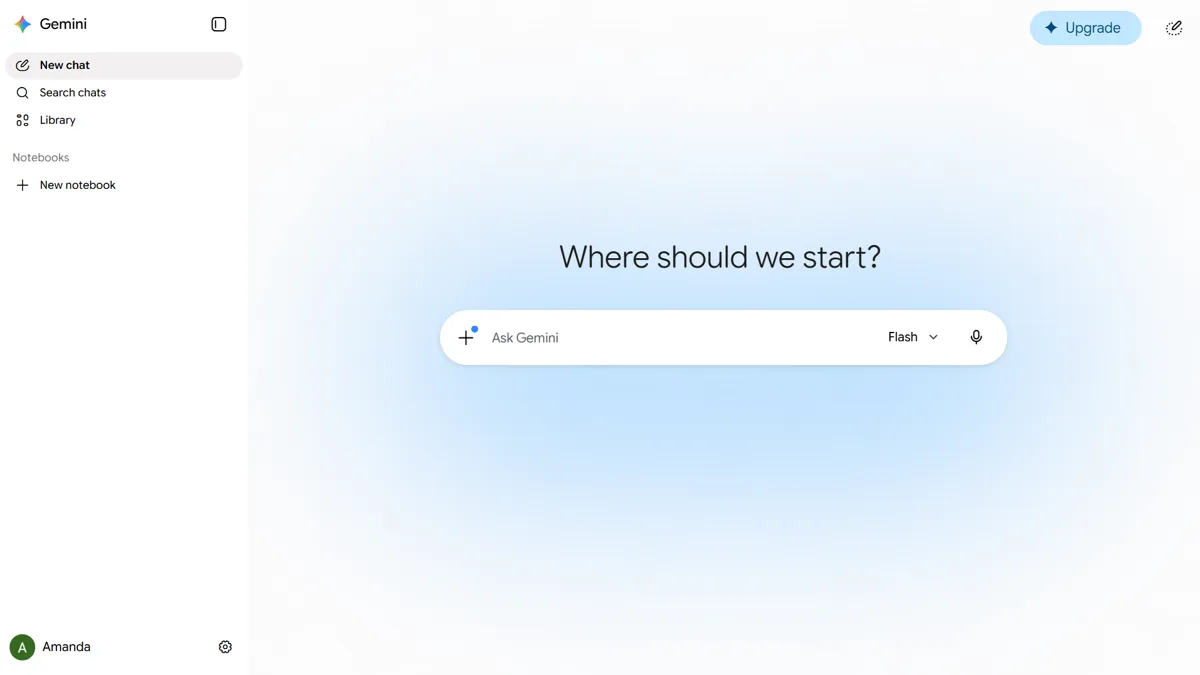
- Open Build mode from the left-hand navigation in Google AI Studio.
- Pick Android in the platform picker.
- Describe the app in a prompt. AI Studio writes a Kotlin and Jetpack Compose project and opens it in a browser emulator.
- Refine the app through the chat panel until it works the way you want.
Google has not yet published the exact steps for sending a finished app to your Google Play personal library, so check AI Studio's publish options once the rollout reaches your account.
What can't a personal AI Studio app do?
Google AI Studio Android apps are client-side only, according to Google's documentation. Firebase, Workspace APIs, secrets management and multiplayer are not supported, and projects are limited to a single Kotlin and Jetpack Compose module. Camera, NFC and Bluetooth do not work in the browser emulator, and features such as Google Sign-In and Maps only work on a real phone.
Can you share a personal app or publish it publicly?
Sharing a Google Play personal app with a close circle of friends and family is coming in the next few months, Google said, without giving a date. To release an app to everyone, you have to move to a professional developer account, and the app then goes through the same Trust and Safety review as any other Play Store listing. That review matters: apps that dodged review have caused trouble before, as with the deceptive apps that used Play's Early Access program to dodge scrutiny.
Google announced the feature alongside other Play Store changes on October 13, including Game Finder recommendations, rolling out in English to US users the same day, and app comparisons in Ask Play.
Frequently Asked Questions
Do I need a Google Play developer account to run my own AI Studio app?
No. Google Play personal apps, announced on October 13, 2026, only need a standard Google account. The older Publish to Play Store route in Google AI Studio still requires a developer account with a one-time $25 fee.
Is Google Play personal apps available in the US?
Yes. Google said on October 13, 2026 that personal apps are rolling out to select markets including the US. The feature is limited to users 18 and over, and it may take time to reach every account.
Can other people see or download my personal app on Google Play?
No. Google says personal apps stay private and separate from the public Play Store catalog. Sharing with a small group of friends and family is planned for the coming months, and a public release requires a professional developer account and Google's standard Trust and Safety review.
How do I make an Android app in Google AI Studio?
Open Build mode in Google AI Studio, choose Android in the platform picker, and describe the app you want in a prompt. AI Studio generates a Kotlin and Jetpack Compose project that you can test in a browser emulator and refine through chat.
Do I still have to sideload or use USB debugging to install an AI Studio app?
Not with Google Play personal apps. Before October 13, 2026, putting an AI Studio app on a phone meant using the Install on Device option over USB with debugging turned on, or publishing to a Play internal testing track with a paid developer account.