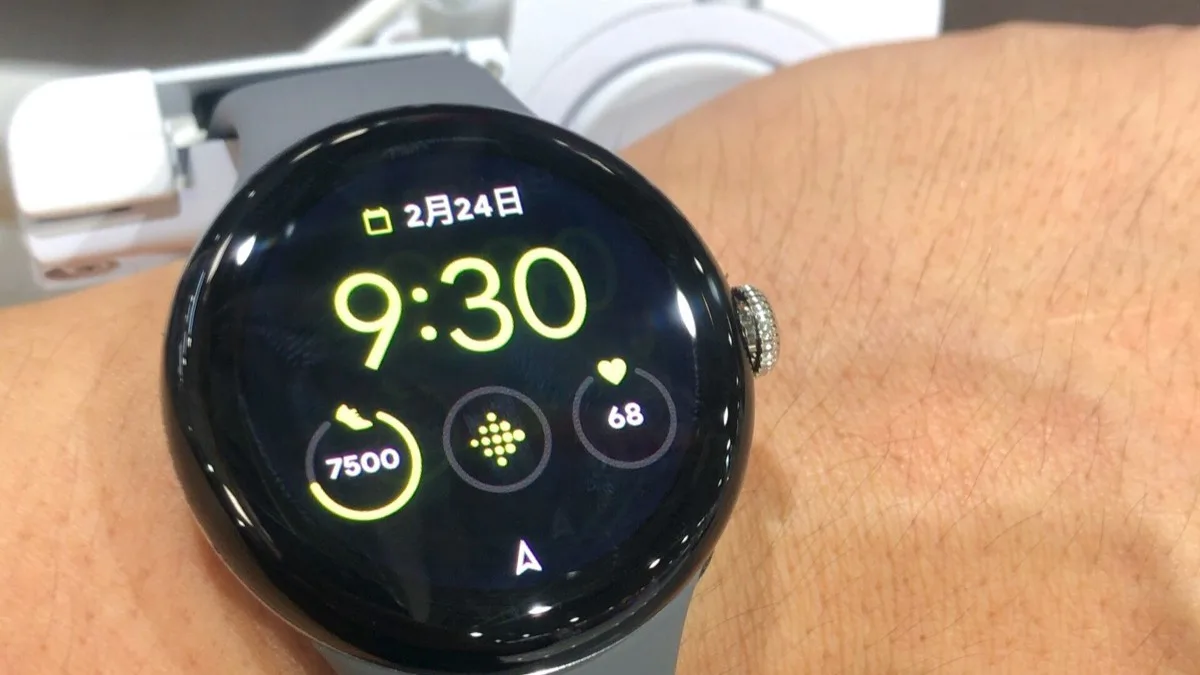
Pixel Watch 5 Gets Its First Update: Gemini Personalization, New Gestures
Google has pushed the first software update for the Pixel Watch 5 since it launched three weeks ago, and it lands as build CP3A.260905.002 with the September 2026 security patch. The update centers on Gemini, giving the watch access to a person's Gmail, Calendar, Search, YouTube, and Photos data so it can tailor answers instead of treating every query the same way.
The rollout is server-side and over the air. Owners can check for it now under Settings > System > System updates, though as with most Pixel updates it may take a few days to reach every unit.
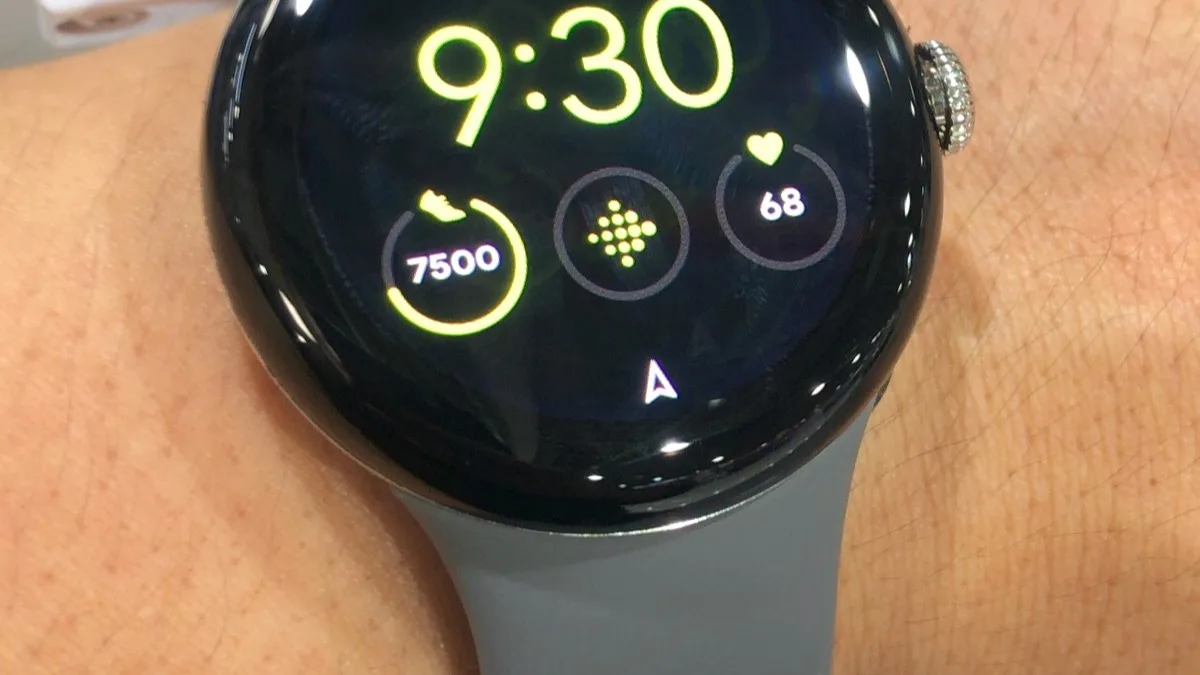
What Gemini can now do on your wrist
Beyond personalized answers, the update adds Gemini Intelligence Proactive Suggestions, which turns multi-step requests inside Messages into a single tap. Google says that feature currently requires a paired Pixel 11 phone, so owners running the watch with other Android handsets will not see it yet.
An offline mode also ships with this build. It handles core actions, like setting a timer or controlling a workout, without a data or Wi-Fi connection, which matters most for runs and hikes where phone signal drops out.
Double-pinch gets a lot busier
The double-pinch gesture, which lets a wearer trigger the watch without touching the screen, now reaches into far more places. Google has wired it into:
- Opening the At a Glance panel and notification center from the watch face
- Scrolling through Gemini's responses
- Flipping through cards in Wallet
- Cycling workout metrics mid-exercise
- Switching Google Maps views
- Managing the Recorder app
A wrist-turn gesture has also been added as a universal back command, so navigating menus one-handed no longer depends on finding the right button or screen edge.
Fitness tracking gets a cleanup
Google says GPS route maps shown in the Health app after running, biking, hiking, and walking sessions are noticeably more accurate in this build. Raise-to-talk, the gesture that wakes Gemini by lifting your wrist and speaking, also gets an updated recognition model aimed at cutting down on missed or accidental triggers.
Who gets it, and what's still missing
Google has confirmed this update only for the Pixel Watch 5 so far. Earlier Pixel Watch models have not been mentioned, and the company has not said whether any of these features will come to them later. Given that Proactive Suggestions is already restricted to Pixel 11 pairings, it is possible some of this build's headline features stay exclusive to Google's newest hardware for a while.
The health side of the watch is also still catching up with its launch promises. Blood pressure and insulin resistance trend tracking, both announced at the Pixel Watch 5's original unveiling, are not part of this release and require roughly a month of collected data once they do arrive.
Why this matters beyond the feature list
A first update this substantial, three weeks after launch, suggests Google is treating the Pixel Watch 5 as a platform it wants to keep iterating on quickly rather than a device that ships once and goes quiet. That is a shift worth watching for anyone who was frustrated by health-tracking bugs on earlier Pixel Watch generations, and it builds on the assistant work Google already previewed with the Gemini overlay for Wear OS.
Frequently Asked Questions
What build number is the Pixel Watch 5's September update?
The update arrives as build CP3A.260905.002, carrying the September 2026 security patch. It replaces the launch build CD5A.260611.008 and is rolling out over the air to Pixel Watch 5 units now.
Does the Pixel Watch 5 update require a Pixel 11 phone?
Not entirely. Most of the update, including personalized Gemini answers, offline AI actions, and the expanded double-pinch gestures, works with any paired Android phone. Only Gemini Intelligence Proactive Suggestions, which turns multi-step Messages requests into a single tap, currently requires a Pixel 11.
Is this update coming to older Pixel Watch models?
Google has only confirmed it for the Pixel Watch 5 so far. The company has not said whether the Pixel Watch 4, 3, 2, or original Pixel Watch will receive the same features.
How do I install the Pixel Watch 5 update manually?
Open the watch's Settings app, go to System, then System updates, and check for a pending download. Because the rollout is staged, some units may not see the update immediately even after checking.
Does the update add blood pressure or insulin resistance tracking?
No. Those health features, announced when the Pixel Watch 5 launched, are not part of this update and are not yet available. Both require about a month of collected data once Google turns them on.