Google Assistant Is Gone on Android: Gemini App Removes the 'Switch to Google Assistant' Option

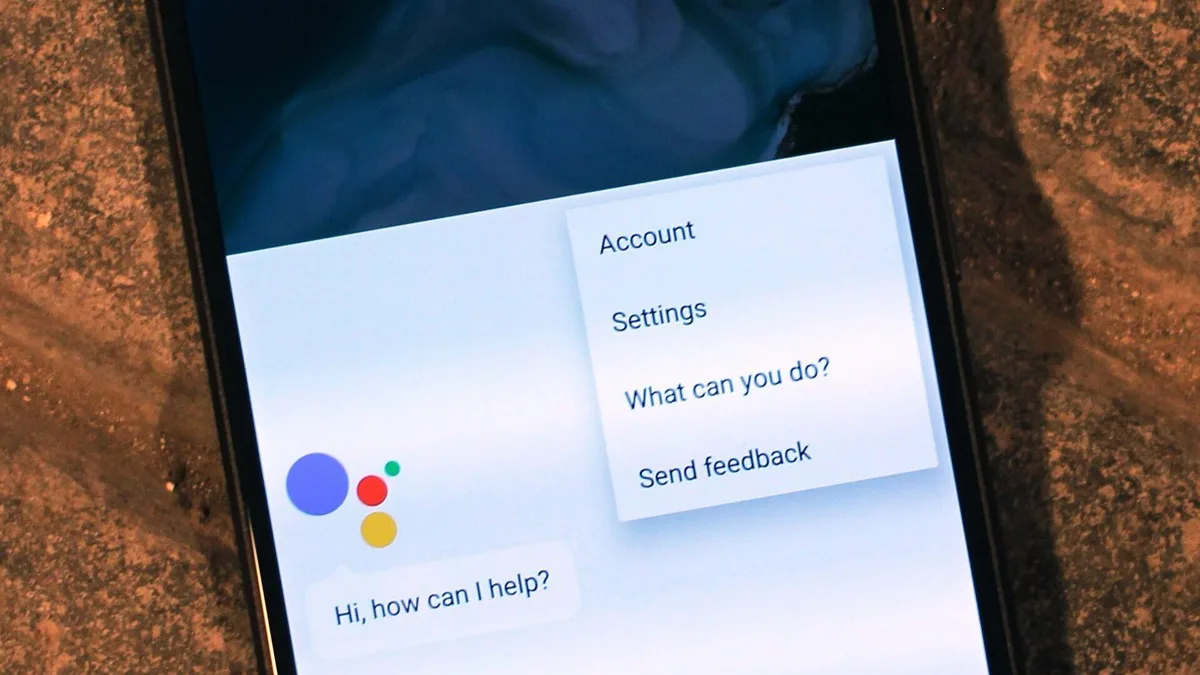
Google Assistant can no longer be restored on Android phones. As of Monday, September 28, the Gemini app no longer shows its "Switch to Google Assistant" option in Google app 17.60 stable and 17.62 beta, so Gemini is now the only assistant on Android phones, tablets, Wear OS watches, compatible earbuds and phone-projected Android Auto on accounts checked in the US and Europe.
- What changed: the "Switch to Google Assistant" shortcut at the bottom of the Gemini app's account menu is gone
- When: reported September 28, 2026, at the end of a removal Google began on September 3
- Google app versions: 17.60 stable and 17.62 beta; one Pixel 11 Pro lost the option on 17.62.9
- Where: accounts checked in the US and Europe
- Still on Google Assistant: Nest and Google Home speakers and displays, and cars with Google built-in
- Way back: none on phones, tablets or paired devices
Can you switch back to Google Assistant on Android?
No. Google's own announcement, posted August 6 by the Google Assistant community manager, said that once access is removed "you will no longer be able to use or switch back to Google Assistant on your phone, tablet, or paired devices." Before this week, the Gemini app still carried a switch-back entry in its account menu. Users who checked on September 28 found it had disappeared, and one tester confirmed the same on a Google Pixel 11 Pro running Google app 17.62.9.
That makes this the end point of the phase-out we covered in August in our Google Assistant shutdown timeline. At that point the removal was a staged rollout that Google said "may take a few weeks to reach everyone." More than three weeks later, reports from the US and Europe describe Assistant as gone on every account checked.
Which devices lose Google Assistant, and which keep it?
Google Assistant's removal covers your phone and anything that borrows its assistant from the phone. Google's announcement lists the paired devices by name.
| Device | Assistant after the switch |
|---|---|
| Android phones and tablets | Gemini only |
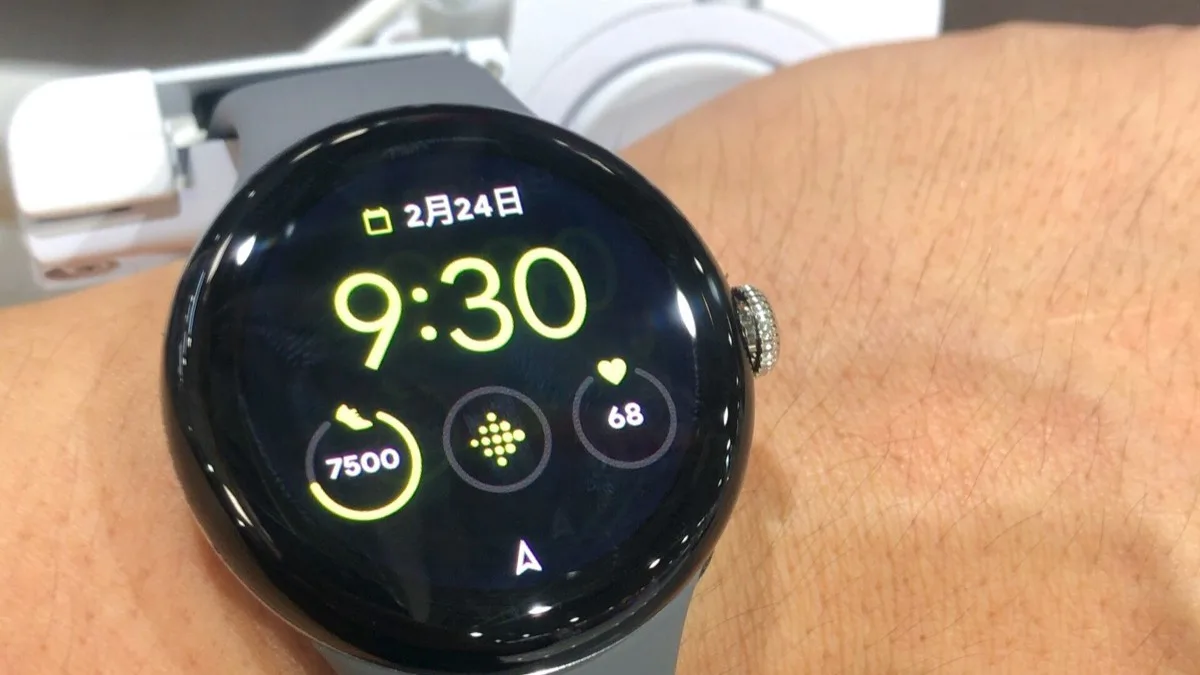
| Wear OS watches paired to the phone | Gemini only |
| Headphones and earbuds compatible with Gemini | Gemini only |
| Android Auto projected from the phone | Gemini only |
| Cars with Google built-in | Google Assistant keeps working |
| Nest and Google Home speakers and displays | No change yet; Google Assistant stays |
If your Pixel Watch has already moved over, our look at Gemini's redesigned Wear OS overlay shows what replaces the old Assistant screen.
Two details Google's pages do not agree on
The start date. Google's August 6 community announcement gives September 3 as the day removal began. The date reported widely in August, and in our earlier coverage, was September 4. The difference is one day and does not change anything today: the removal is now complete on the accounts that were checked.
The help page. When we checked it on September 29, Google's Gemini Apps Help page for Android still described how to tap your profile picture and choose "Switch to Google Assistant." On the updated app, that option no longer exists. The page also still says that smart displays, speakers, TVs, cars and Pixel Tablets "will continue to be directly powered by Google Assistant." Go by the app you have in front of you, not the older instructions.
How Gemini replaces Google Assistant on your phone
Gemini now answers the same triggers Google Assistant used. According to Google's Gemini help page, these are:
- Saying "Hey Google," if voice activation is on
- Pressing and holding the power button
- Swiping in from a corner of the screen
If none of those open Gemini, check that the Google app is your default assistant under Settings > Apps > Default apps > Digital assistant app. Google notes that Gemini is not available for every language, device, account or location, and that parents manage Gemini for children under 13 through Family Link.
More Gemini changes are already scheduled. Custom Gems turn into skills in November, as explained in our report on Gemini Gems becoming skills on November 17.
Frequently Asked Questions
Can I switch back from Gemini to Google Assistant on my Android phone?
No. On September 28, 2026, the 'Switch to Google Assistant' option was reported missing from the Gemini app in Google app 17.60 stable and 17.62 beta. Google's August 6 announcement said that once Assistant access is removed, you can no longer use or switch back to it on your phone, tablet or paired devices.
Why did Google Assistant disappear from my phone?
Google began removing Google Assistant from Android phones and tablets on September 3, 2026, and made Gemini the voice assistant on Android. The rollout took several weeks. By September 28, reports from the US and Europe described Assistant as gone on every account checked.
Does Android Auto still use Google Assistant?
Not when Android Auto is projected from your phone. Google said Gemini replaces Google Assistant there along with Wear OS watches and compatible earbuds. Cars with Google built-in are the exception: Google Assistant keeps working in those vehicles.
Do Google Nest speakers and displays still have Google Assistant?
Yes, for now. Google's announcement says the phone-side change does not affect Google Nest and Google Home smart speakers, displays or other Assistant-enabled speakers and displays. Those devices keep Google Assistant until Google says otherwise.
How do I open Gemini on Android now that Google Assistant is gone?
Say 'Hey Google' if voice activation is on, press and hold the power button, or swipe in from a corner of the screen. If Gemini does not open, set the Google app as your default under Settings > Apps > Default apps > Digital assistant app.