Best AI Apps for iPhone in 2026: 14 Tested (Free & Paid)

The best AI app for iPhone in 2026 is ChatGPT for most people. Use Claude when you are writing or reading a long document, Perplexity when you need citations, and Apple Intelligence for free, on-device help that is already on supported iPhones. After living in the official apps and re-checking every price and model name in August 2026, those four cover almost every real job. The rest of this list is for a specific task — and for avoiding the App Store clones that charge $5–$10 a week for a chatbot you can already get free.
In a hurry? Jump to: quick picks · chatbots · Apple Intelligence · which AI works best with Apple · homework & study · photos · Notion AI · clones to skip · apps we skipped · comparison table · FAQ
The App Store is still stuffed with apps that put "AI" in the name and wrap someone else's model. This guide is only the official apps, plus Apple's built-in layer. Pricing below is the US consumer ladder as of August 2026 and can change; check the App Store or the vendor site before you subscribe.
Quick picks: the best AI app for every iPhone job
| What you want | Best app | Price |
|---|---|---|
| Best overall | ChatGPT | Free; Go $8/mo; Plus $20/mo |
| Best writing / long docs | Claude | Free; Pro $20/mo |
| Best cited research | Perplexity | Free; Pro ~$20/mo |
| Best with Gmail and Docs | Gemini | Free; Google AI Pro ~$20/mo |
| Best built-in (no download) | Apple Intelligence | Free on supported iPhones |
| Best free homework helper | Google Lens (Homework) | Free — Socratic's replacement |
| Best for your own PDFs | NotebookLM | Free; paid raises limits |
| Best meeting notes | Otter.ai | Free minutes; Pro ~$17/mo |
| Best product / background photos | Photoroom | Free (watermark); Pro ~$8/mo |
| Best notes workspace | Notion AI | Trial on Free/Plus; full AI on Business ~$20/mo |
Best all-round AI chatbots for iPhone
1. ChatGPT — best AI app for iPhone overall

ChatGPT is still the one to install first. The official iPhone app has Advanced Voice, camera vision, file uploads, image generation, widgets, and a share-sheet extension. In August 2026 OpenAI expanded free text chat on GPT-5.6 Luna and pointed Plus and Pro users at GPT-5.6 Sol with a slider for how hard the model thinks. Plus is still $20 a month. Go is about $8 a month in the US. Pro starts at $100 and goes to $200 for the highest personal usage. There is no official annual Plus plan — weekly App Store "ChatGPT" subscriptions are almost always clones.
Best for: writing, brainstorming, coding help, voice, and everyday questions. Our take: if you only download one AI app, make it this one. Pay only when you hit daily limits.
2. Claude — best for writing and long documents
Claude by Anthropic is the app we open when the draft has to sound like a person or the PDF is long. Projects keep context across chats. The free tier is usable; Claude Pro is $20 a month (about $17 a month if you pay a year up front).
Best for: essays, emails, editing, and analyzing long files. If ChatGPT feels generic, Claude is the second app that earns a home-screen slot.
3. Google Gemini — best if you live in Google apps
Gemini is the right chatbot when your day is Gmail, Docs, Drive, Calendar, and YouTube. Gemini Live handles voice. Image generation is strong on the free tier. Google AI Pro is about $20 a month; cheaper entry plans show up in some regions. Features still vary by account and country.
Best for: Google Workspace people. It is not the best writer (Claude) or the best cited search (Perplexity).
4. Perplexity — best for research you can check
Perplexity searches first, then writes an answer with links. That is the whole product, and it is why students and anyone who has been burned by a confident wrong chatbot keep it. Free is enough for daily lookups. Pro is about $20 a month.
Best for: homework facts, shopping research, and "what happened this week" questions. Pair it with NotebookLM when the sources are your files.
5. Grok — best for live X / newsy questions
Grok from xAI is the one to open when you want what is happening on X right now, plus image and short-video tools. The free tier is tight. SuperGrok Lite is about $10 a month and SuperGrok about $30. Do not treat Grok as a privacy app, and do not treat it as your only fact-checker.
6. Microsoft Copilot — best free image making for Microsoft users
Microsoft Copilot is a solid free chatbot with image generation and a natural fit if you already pay for Microsoft 365. Copilot Pro is about $20 a month. If you do not use Word, Excel, or Outlook, ChatGPT or Gemini will cover the same ground.
Also Read: Best VoIP Apps for iPhone in 2026
7. Apple Intelligence — the free AI already on your iPhone
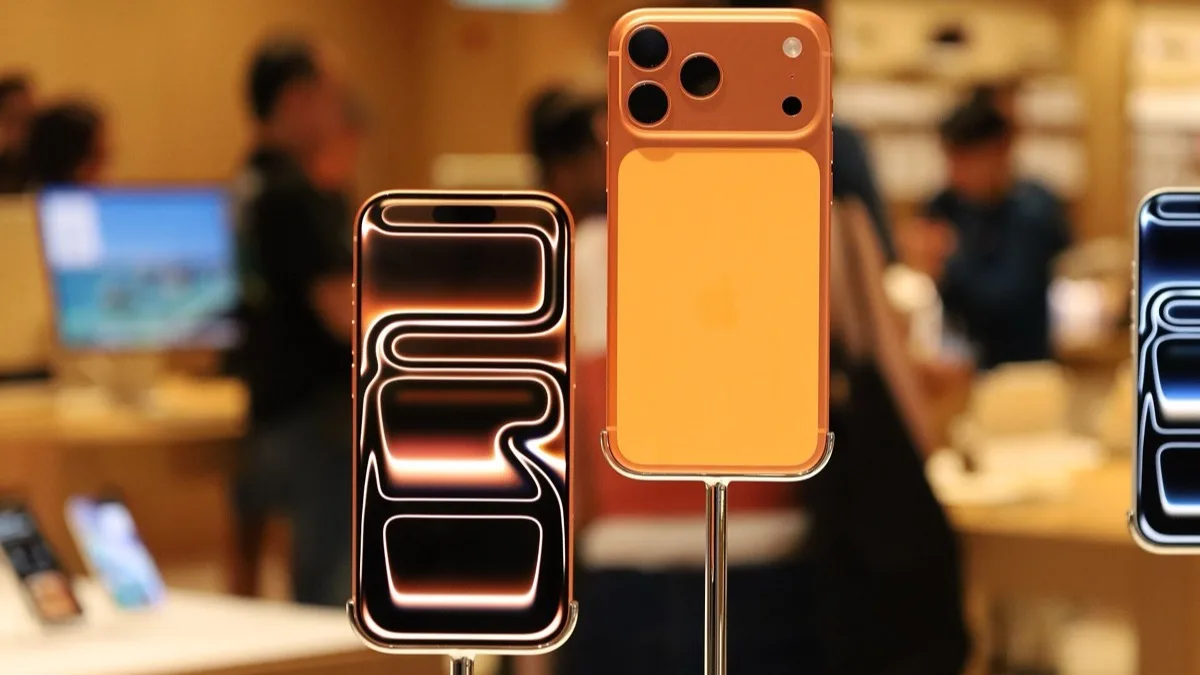
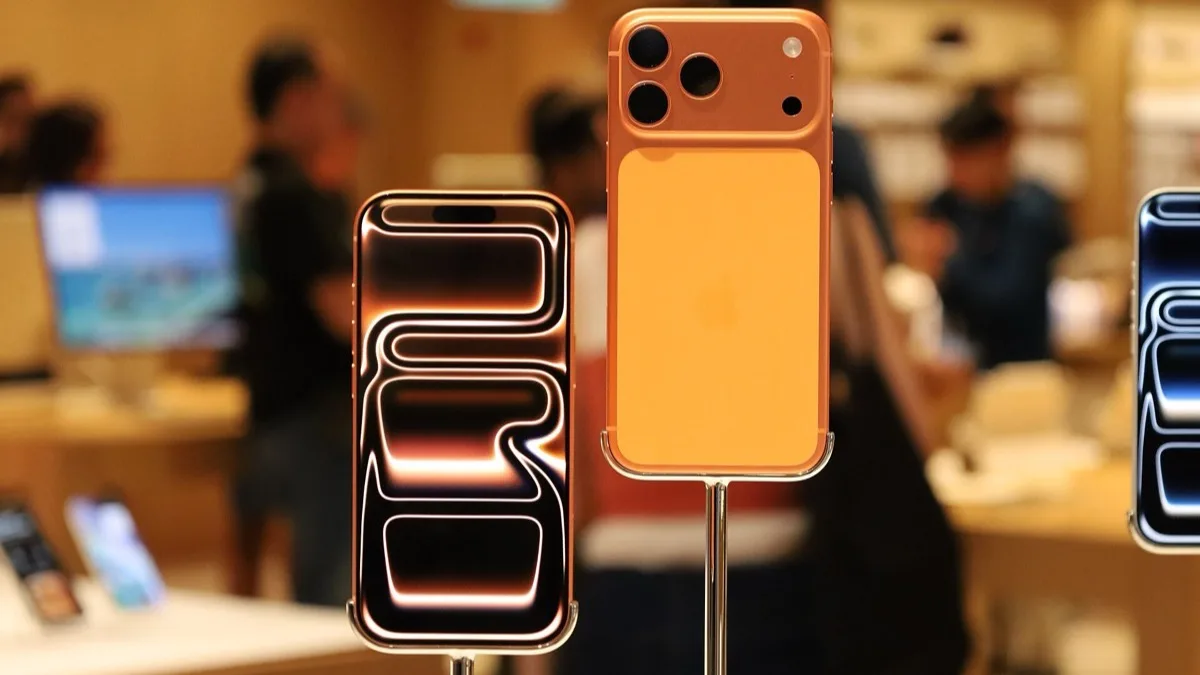
You may not need another app for small jobs. Apple Intelligence is built into iOS. On a supported phone it rewrites and proofreads in Mail and Messages, summarizes notifications, cleans objects out of Photos, runs Visual Intelligence, and can hand harder questions to ChatGPT.
Works on: iPhone 15 Pro, iPhone 15 Pro Max, every iPhone 16 and iPhone 17, and iPhone Air. It does not run on iPhone 14 or iPhone 15 non-Pro. Apple's June 2026 list is the source. The newest on-device model in iOS 27 (expressive Siri voice and advanced dictation) needs 12GB of RAM, which means iPhone Air, iPhone 17 Pro, and iPhone 17 Pro Max. Language and region still gate some features.
What it is not: a full chatbot. Apple Intelligence is a system layer. For long chats, web research, and files, you still want ChatGPT, Claude, or Perplexity. A rebuilt Siri AI is in the iOS 27 betas as of August 2026 (Apple showed it at WWDC 2026). Treat that as coming, not as what most phones ship today. Until the public release, the current Apple Intelligence tools plus the ChatGPT app are the reliable combo.
Which AI works best with Apple?
This is the People-Also-Ask question behind a lot of "best AI app" searches.
- Best with Apple's own apps: Apple Intelligence. It can see Mail, Messages, Notes, and Photos without you exporting anything. That is the privacy-and-convenience win.
- Best Apple + chatbot combo: Apple Intelligence + official ChatGPT. Writing Tools and Siri can hand off to ChatGPT. A connected ChatGPT account uses your paid limits if you have them.
- Best if you ignore Apple's AI: ChatGPT alone. It works on older iPhones that cannot run Apple Intelligence at all.
If your phone is an iPhone 14 or a regular iPhone 15, skip the Apple Intelligence marketing and install ChatGPT. Hardware, not settings, is the gate. iPhone Air is in; a base iPhone 15 is out.
Best AI writing add-on
8. Grammarly — fixes writing in every app
Grammarly is a keyboard, not a chatbot. It checks spelling, grammar, and tone in Messages, Mail, and the browser. Free covers basics. Premium is often around $12 a month on the web and can look higher in the App Store. Use it with Claude or ChatGPT, not instead of them.
Best AI apps for studying and homework
9. Google NotebookLM — best for studying your own files
NotebookLM turns PDFs, notes, and YouTube links you upload into Q&A, flashcards, and Audio Overviews. Answers stay grounded in those sources. The iPhone app is worth installing if you study on the go. Free covers most students; paid plans raise limits.
10. Google Lens Homework — the free replacement for Socratic
Socratic by Google is gone. The standalone app left the App Store around late 2024. The site now sends you to Google Lens. In 2026 the same "photo a problem, get a walkthrough" flow lives in the Google app / Lens Homework mode. It is still free. Any App Store listing named "Socratic AI" that asks for a weekly subscription is a clone.
For step-by-step math you can also use ChatGPT or Gemini with a photo. For a cited explanation, use Perplexity. For kids' learning apps that are not chatbots, see our educational apps for kids guide.
11. Otter.ai — best for lectures and meetings
Otter.ai transcribes in real time, labels speakers, and summarizes. The free tier is limited minutes. Pro is about $17 a month. Check your school or workplace recording rules before you use it in class.
Best AI photo app on iPhone
12. Remini — best for restoring old or blurry photos
Remini is still the specialist for faces and old prints. Free has ads and a cap. Pro is around $10 a month. For object removal, try Apple Photos Clean Up first (Apple Intelligence). For product shots and background removal, use Photoroom below. For a privacy-minded browser while you research apps, see Chrome vs Brave.
13. Photoroom — best AI photo editor for backgrounds and listings
Photoroom is the iPhone app to open when the job is a clean background, a product listing, or a quick studio-style shot. Related searches for this keyword are photo and video AI, and this is the specialist that actually matches. The free tier watermarks exports. Pro is about $8 a month if you pay a year up front (around $8–$13 month-to-month). Skip the weekly App Store offer if you can pay on the web.
Best for: sellers, resellers, and anyone who needs a white background more than a restored face. Use Apple Photos Clean Up for one object on a supported iPhone. Use Remini for old prints. Use Canva only if you already live there for social layouts — it is not a better photo AI than Photoroom.
14. Notion AI — best if your notes already live in Notion
Google's AI Overview still cites Notion AI, and a lot of 20-app lists pad with it. It earns a slot only if you already keep notes, docs, and tasks in Notion. The iPhone app can summarize a page, draft from your workspace, and run meeting notes. It is not a ChatGPT replacement.
Pricing changed in 2025–2026. The old $10 AI add-on is gone. Free and Plus get a limited trial. Full Notion AI (Agent, meeting notes, workspace search) is bundled into Business at about $20 per member per month on annual billing, per Notion's current pricing page. Students still get Plus for free; that does not unlock full AI.
Best for: people whose second brain is already Notion. If you do not use Notion, skip it and stay on ChatGPT plus NotebookLM.
AI App Store clones to skip (fleeceware)
This is the section most ranking posts skip, and it is the one that saves people money.
- The real ChatGPT, Claude, Gemini, Perplexity, and Copilot apps are free to download. Paid upgrades are a flat monthly price from the company, usually $8–$20, not $7.99 a week.
- Clone apps reuse the word "GPT," a robot icon, and a 3-day trial that converts to a weekly charge. Apple's own ChatGPT integration never requires those apps.
- If Socratic, "Homework AI," or "Chat GPT Mobile" asks for a subscription, it is not Google or OpenAI.
- Check the developer name on the App Store listing. OpenAI, Anthropic, Google, and xAI are the real publishers for the chatbots above.
Apps we skipped (and why)
Longer lists look more complete in AI Overviews. Most of the extras are padding. Here is why the 20-app pages are longer than this one, and why we did not match their count.
- Canva. Fine for social layouts if you already pay for it. Photoroom is the better iPhone photo AI. We will not pretend a design suite is an AI assistant.
- DeepSeek. Capable and free. The hosted app processes queries under Chinese jurisdiction. We will not put it on a default install list next to ChatGPT.
- Replika. A companion chatbot. It does not match the query best AI apps for iPhone.
- Prisma, Picsart, Luma, ELSA, Taskade, Seeing AI. Real apps. They are style filters, language drills, or accessibility tools. Stuffing them into a "best AI" list is how you get to 20.
- Saner, Sintra, Lifestack, Fello, LumiChats. The pages ranking for this keyword put their own SaaS first. Use the official model apps instead.
- Meta AI. Free voice and images, tied to Meta's ad ecosystem. Skip it unless you already live in Instagram or WhatsApp.
AI apps for iPhone compared (August 2026)
| App | Best for | Free tier | Paid from | Needs a new iPhone? |
|---|---|---|---|---|
| ChatGPT | All-round assistant | Yes (GPT-5.6 Luna) | $8 Go / $20 Plus | No |
| Claude | Writing, long docs | Yes | $20/mo Pro | No |
| Gemini | Google apps | Yes | ~$20/mo | No |
| Perplexity | Cited research | Yes | ~$20/mo | No |
| Apple Intelligence | Built-in iOS jobs | Built in | Free | Yes (15 Pro / 16 / 17 / Air) |
| Grok | Live / X | Limited | ~$10–$30/mo | No |
| Copilot | Microsoft 365 | Yes | ~$20/mo Pro | No |
| NotebookLM | Your own sources | Yes | Paid limits | No |
| Google Lens | Photo homework | Yes | Free | No |
| Grammarly | Writing everywhere | Yes | ~$12/mo | No |
| Otter.ai | Transcripts | Limited minutes | ~$17/mo | No |
| Remini | Photo restore | Yes (ads) | ~$10/mo | No |
| Photoroom | Backgrounds / listings | Yes (watermark) | ~$8/mo Pro | No |
| Notion AI | Notes workspace | Limited trial | Business ~$20/mo | No |
US consumer prices re-checked August 2026. Go, Plus, and Pro names follow OpenAI's current ladder; model labels move faster than prices.
Free vs paid: what you should actually buy
Start free. ChatGPT's free tier, Gemini, Perplexity, Claude, Apple Intelligence, and Google Lens are enough for most weeks. Pay for one app you hit limits on every day. Stacking ChatGPT Plus, Claude Pro, and Perplexity Pro is $60 a month for overlapping chat.
A useful rule: if you write for work, Plus or Claude Pro pays for itself. If you only ask short questions, stay free. If you only need on-device rewrite and photo cleanup, stay on Apple Intelligence.
How to choose the right AI app
- One app only? ChatGPT.
- Supported iPhone and small daily tasks? Turn on Apple Intelligence, then add ChatGPT.
- Write or edit long docs? Claude.
- Need sources? Perplexity.
- Google life? Gemini.
- Student with PDFs? NotebookLM + Lens for photos of worksheets.
- Product photos or listings? Photoroom.
- Already in Notion? Notion AI. Do not install it as your first AI app.
- Older iPhone without Apple Intelligence? ChatGPT. You are not missing a downloadable "Apple AI app."
Are AI apps on iPhone safe?
The official apps above are from known companies. Still:
- Never paste passwords, bank PINs, or medical record numbers into a chatbot.
- Read the App Store privacy label.
- Skip unknown developers and weekly-priced "GPT" wrappers.
- Fact-check anything that looks like news, law, or medicine. Perplexity makes that easier; it does not make it automatic.
How we picked and updated this list
We used the official iPhone apps for ChatGPT, Claude, Gemini, Perplexity, and Apple Intelligence as daily drivers, then rebuilt this page for August 2026 around what has actually changed: GPT-5.6 on free and paid ChatGPT, Socratic shutting down in favor of Google Lens, iOS 27 Siri AI still in beta, iPhone Air on Apple's supported-device list, and a wave of fleeceware clones. Prices were checked against vendor pricing pages and typical App Store tiers. We added Photoroom and Notion AI because related searches and Google's AI Overview cite photo tools and Notion. We still cut Lensa-style avatar packs, Replika, and random "AI girlfriend" apps because they do not match the query people type: best AI apps for iPhone.
We also read the pages currently ranking for that query. Several are SaaS blogs that rank their own product first and skip Apple Intelligence. A 20-app refurbished-phone blog pads the list with Prisma and Taskade. That is not how you pick an app. Job fit, a real free tier, and a trustworthy publisher beat a longer feature list.
Bottom line
Install ChatGPT. Turn on Apple Intelligence if your iPhone supports it (15 Pro, 16, 17, or Air). Add Claude or Perplexity only if you write or research every day. Use Photoroom for listings, Notion AI only if you already live in Notion, and Google Lens for photo homework — do not pay for a Socratic clone. One official app beats five weekly subscriptions.
Also Read: Best Productivity Apps for Students
Related reading
Frequently Asked Questions
Which AI app is best on iPhone?
ChatGPT is the best AI app on iPhone for most people in 2026. Claude is better for long writing, Perplexity is better when you need citations, and Apple Intelligence is the best built-in option on iPhone 15 Pro, every iPhone 16 and 17, and iPhone Air.
What is the best free AI to use in 2026?
ChatGPT's free tier is the best free AI for most iPhone users, especially after GPT-5.6 Luna expanded free text chat. Gemini, Perplexity, Claude, Google Lens, and Apple Intelligence are also free. Avoid App Store clones that charge by the week.
Which AI works best with Apple?
Apple Intelligence works best inside Apple's own apps because it can use Mail, Messages, Notes, and Photos on the device. The best combo is Apple Intelligence plus the official ChatGPT app, which Siri and Writing Tools can hand off to. On iPhones that cannot run Apple Intelligence, ChatGPT alone is the answer.
Is Apple Intelligence enough, or do I still need ChatGPT?
Apple Intelligence is enough for rewrites, notification summaries, and photo cleanup. It is not enough for long chats, live web research, or big file analysis. Keep ChatGPT (or Claude / Perplexity) for those jobs. A fuller Siri AI is in the iOS 27 betas and is not what most phones ship today.
What happened to Socratic by Google?
The standalone Socratic app was removed around late 2024. In 2026 you photograph a problem in Google Lens Homework mode instead. It is still free. Paid App Store apps that reuse the Socratic name are not Google.
How much does ChatGPT Plus cost on iPhone in 2026?
ChatGPT Plus is $20 a month in the US. ChatGPT Go is about $8 a month. Pro starts at $100 a month. OpenAI does not sell an official cheap weekly plan; those listings are almost always third-party wrappers.
Do I have to pay for AI apps on iPhone?
No. ChatGPT, Claude, Gemini, Perplexity, Copilot, NotebookLM, Google Lens, and Apple Intelligence all have useful free tiers. Pay only when you hit a daily limit on the one app you use most.
Are AI apps for iPhone safe?
Official apps from OpenAI, Anthropic, Google, Microsoft, xAI, and Apple are safe for everyday use if you do not paste secrets into the chat. Skip unknown developers, weekly-priced GPT clones, and any homework app that is not Lens, ChatGPT, Gemini, or Perplexity.
Why do some lists have 20 AI apps for iPhone?
They pad the list with Replika, Prisma, Picsart, Canva, and their own SaaS. Those are real products, but they are not the apps people mean by best AI apps for iPhone. Fourteen official tools plus a skip list is more useful than twenty mixed extras.
What is the best AI app in the world in 2026?
There is no single winner. On iPhone, ChatGPT is the best all-round app, Claude leads long writing, Perplexity leads cited search, and Apple Intelligence leads on-device system tasks. Pick the job, then the app.
Which AI app is best for photos on iPhone?
Use Apple Photos Clean Up for object removal on a supported iPhone, Photoroom for product backgrounds and listings, Remini for restoring old or blurry faces, and ChatGPT or Gemini when you want to generate a new image from a prompt.