Verizon APN Settings for Android: 5G, LTE and MMS

Verizon’s APN for Android is vzwinternet, and the same APN covers 5G and 4G LTE data. Verizon’s own APN list describes vzwinternet as “required for general internet connections” and lists no separate 5G APN. Verizon phones normally set this up on their own, so if data stops, open Access Point Names and tap Reset to default before you type anything in.
Key takeaways
- The Verizon data APN is
vzwinternetfor 5G and LTE alike. There is no 5G-only APN. - Reset to default is the best first fix on a Verizon phone, because it reloads the Verizon profile already stored on your phone.
- Verizon publishes APN names, not a full smartphone profile. The MMSC, MMS port and MCC/MNC values in most guides don’t come from Verizon, and some of them don’t match Android’s own database.
- Don’t touch the hidden
vzwimsAPN. Verizon says it’s required for text messaging. - If the APN screen is grayed out, Verizon’s settings are locking it. That’s normal, not a fault.
Also in this topic: our carrier APN hub starts with AT&T APN settings for Android, which links every carrier we cover.
Which Verizon APN do you need?
For a phone or tablet on a regular Verizon plan, you only ever need vzwinternet. Verizon’s device pages, such as the 5G MiFi M1000 APN page, list the full set of Verizon APN names and what each one does:
| APN | What Verizon says it’s for | Should you type it? |
|---|---|---|
| vzwinternet | Required for general internet connections | Yes, if your phone has no Verizon APN |
| vzwims | IMS services; required for TXT messaging | No. Your phone manages it, usually hidden |
| vzwadmin | Administrative functions | No |
| vzwapp | PDA data service | No |
| vzwcf | Connections routed through content filtering | No |
| xx.vzwentp, xx.vzwstatic | Business private networks and static IP pools; Verizon gives you the “xx” part | Only if your IT team tells you to |
Verizon APN settings to enter on Android
Enter vzwinternet as the APN, leave the proxy and login fields blank, and leave anything Verizon doesn’t publish at the phone’s default. The table shows where each value comes from, because this is where most Verizon APN guides go wrong. “Android’s database” means the sample APN list in the Android Open Source Project, which files Verizon’s LTE profiles under MCC 311 and MNC 480.
| Field | What to enter | Source |
|---|---|---|
| Name | Verizon (any label works) | Just a label on your phone |
| APN | vzwinternet | Verizon |
| Proxy, Port, Username, Password, Server | Leave blank | Verizon lists none; Android’s database has none |
| APN type | default,ia,supl | Android’s database (Verizon doesn’t publish one) |
| APN protocol | IPv4/IPv6 | Android’s database |
| MCC / MNC | Keep what your phone fills in | Set from your SIM (see below) |
| MMSC, MMS proxy, MMS port | Leave blank unless picture messages fail | Not published by Verizon for phones |
| Authentication type | Leave at the default | Not published by Verizon |
Copy-ready version:
Name: Verizon
APN: vzwinternet
APN type: default,ia,supl
APN protocol: IPv4/IPv6
Everything else: leave blank or at the default
Verizon writes the APN in lowercase on its pages, while Android’s database writes it as VZWINTERNET. Type it the way Verizon does, with no spaces.
How to add the Verizon APN on a Pixel or Galaxy
Reset first, then add an APN only if Verizon’s profile still doesn’t appear. Menu names below are from Google’s and Samsung’s US help pages and can differ slightly by model and Android version.
- Open Access Point Names. On a Pixel, go to Settings > Network & internet > SIMs, tap your Verizon SIM, then tap Access point names. On a Galaxy, go to Settings > Connections > Mobile networks > Access Point Names.
- Tap the three-dot menu and choose Reset to default, then confirm with Reset.
- Turn Wi-Fi off and load a web page. If it loads, stop here.
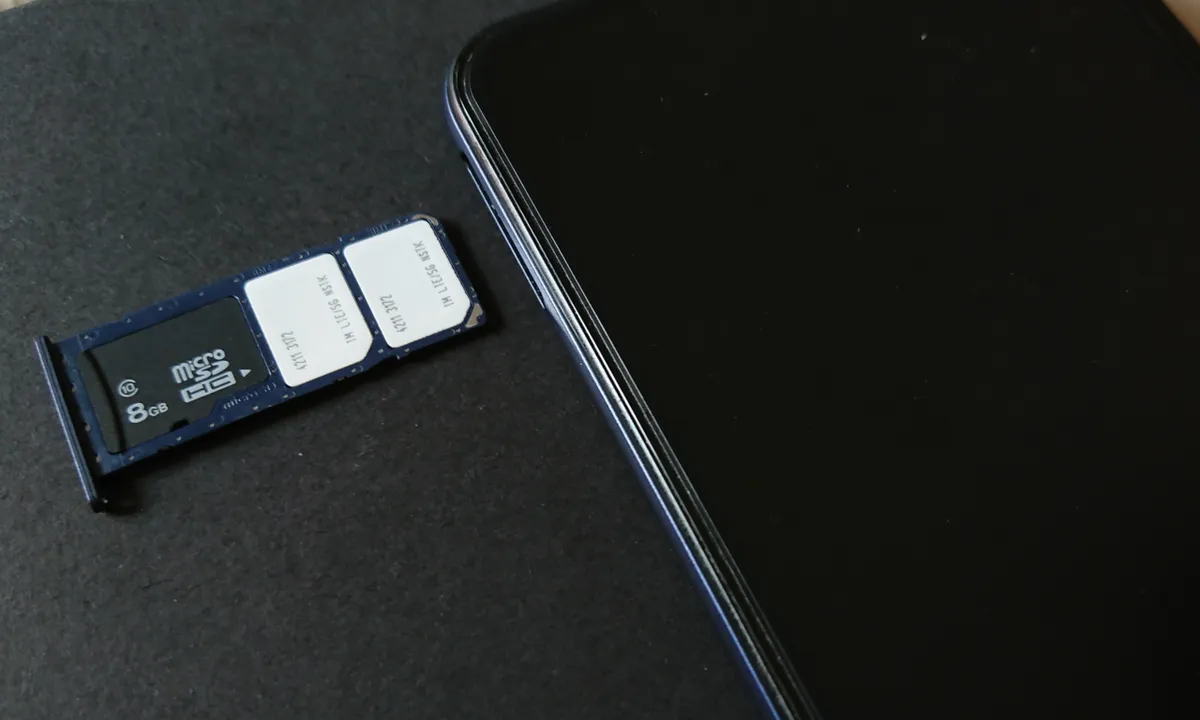
- If no Verizon entry appears, tap + (some phones say Add or New APN) to create one.
- Type Verizon as the name and vzwinternet as the APN, and set the APN type and protocol from the table above.
- Tap Save (on some phones it’s in the three-dot menu), then select the new APN in the list so its circle is filled in.
- Restart the phone or turn Airplane mode on and off, then test again with Wi-Fi off.
Samsung’s US network troubleshooting page puts the APN reset right after a mobile network reset, and Google’s Pixel mobile network page lists Access point names under the SIMs menu.
Is there a separate Verizon 5G APN?
No. Verizon lists no 5G-specific APN, and vzwinternet carries 5G and LTE data. If your phone works on LTE but never shows 5G, the APN isn’t the cause. Check Preferred network type on a Pixel (Settings > Network & internet > SIMs) or Network mode on a Galaxy (Settings > Connections > Mobile networks), and confirm your phone supports Verizon 5G. Google notes that Pixel 4a (5G) and later models work with 5G.
A second “5G APN” only gives the phone two profiles to choose between. Skip it.
Why do Verizon APN guides disagree on MCC, MNC and MMS?
Most copy-paste guides list MCC 310 and MNC 012, plus an MMSC of http://mms.vtext.com/servlets/mms on port 80. None of those values appear on Verizon’s APN pages. Here’s what the primary sources show instead:
- MCC and MNC: Android’s database files Verizon’s current LTE profiles, including vzwinternet, under MCC 311 and MNC 480, not 310/012. On recent Android versions you may not see these fields at all. The current Settings source code in Android has no MCC or MNC boxes in the APN editor and ties a new APN to your SIM’s carrier automatically. If your phone does show them, keep whatever it filled in.
- MMS: Android’s database gives Verizon’s vzwinternet profile no MMSC and no
mmstype. Picture messaging runs on a separate, hidden Verizon profile. That’s why typing an MMSC into vzwinternet is a last resort, not step one. - The vtext address:
http://mms.vtext.com/servlets/mmsdoes appear in Android’s database for some Verizon entries, just not on vzwinternet. It’s a reasonable value to try if picture messages fail after a reset, withmmsadded to the APN type. We couldn’t confirm it on any Verizon page, so treat it as unofficial.
Our rule: start with Reset to default and vzwinternet, and add MMS fields only when picture messages are the one thing still broken.
Why can’t you edit or add a Verizon APN?
A grayed-out or missing APN option usually means the carrier settings on your phone are locking it, not that something is broken. Android gives carriers switches that control whether users can edit APNs, whether you can add new ones, which APN types and fields are read-only, and whether the IMS APN is shown. If data works, leave it. If data doesn’t work and the screen is locked, a mobile network reset or a call to Verizon is the way forward.
The same settings explain why you rarely see vzwims. Android’s Settings app leaves IMS APNs out of the list when the carrier asks it to, and it never lists profiles marked as hidden, so a missing vzwims entry is expected.
Verizon data or picture messages still not working?
- Reset mobile network settings. Verizon’s network settings help gives the paths: Settings > System > Reset options on a Pixel, or Settings > General management > Reset on a Galaxy. Choose the mobile network reset, not the Wi-Fi and Bluetooth one.
- Delete leftover APNs from a previous carrier, then select the Verizon entry.
- Check for an outage on Verizon’s network status page from Wi-Fi or another phone.
- Confirm the phone is unlocked and compatible. Verizon’s bring-your-own-device FAQ says a phone must be unlocked and compatible, and that after another carrier unlocks it, activation on Verizon can take up to 24 hours.
- Picture messages only? Turn Wi-Fi off and resend one small photo. Our guide to MMS not working on Android covers Google Messages settings and carrier size limits.
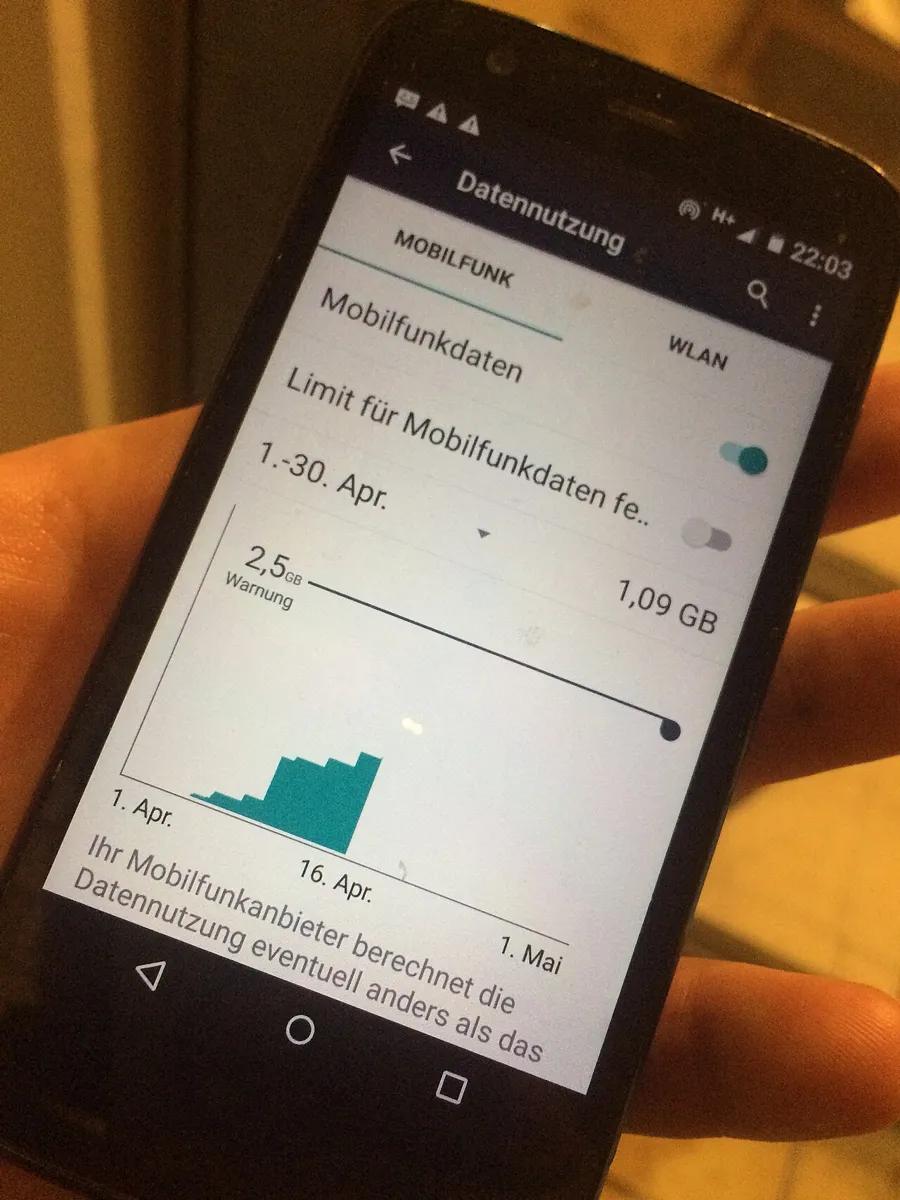
- No data at all, even with the APN right? Work through data limits, Data Saver, Private DNS and SIM locks in our Android mobile data troubleshooting guide.
On a different carrier, or on Verizon’s network through another brand?
Prepaid brands that run on Verizon’s network can publish their own APN values, and those may differ from Verizon’s. Use the settings from your carrier’s support page. Moving to T-Mobile instead? We keep current values for T-Mobile APN settings too.
How we made this guide
This is a researched guide. On November 16, 2026, we checked Verizon’s APN definitions, network settings and BYOD support pages, Samsung’s and Google’s US help pages, and the Android Open Source Project’s APN database and Settings source code. We didn’t test these values on a Verizon phone for this article. Verizon doesn’t publish a full smartphone APN profile, so every field above is labeled with its source.
Frequently Asked Questions
Do I need to change my APN when I switch to Verizon?
Usually not. Verizon’s settings load when your SIM or eSIM activates, so manual entry is mainly for unlocked phones that show no Verizon APN at all. If another carrier only just unlocked your phone, give activation time to finish before you start editing APNs.
Will resetting the APN to default delete anything?
It removes APNs you added yourself and brings back the carrier’s built-in ones. Your Wi-Fi networks, Bluetooth pairings, apps, and photos aren’t affected. Resetting mobile network settings is a separate, bigger step.
Does the Verizon APN need a username or password?
No. Verizon’s APN pages list no username or password, and Android’s APN database has none for vzwinternet. Leave Username, Password, Proxy, and Port blank.
Can a wrong APN stop regular texts on Verizon?
Usually not. Verizon says its hidden vzwims APN handles text messaging, so a bad vzwinternet entry tends to break web data and picture messages rather than plain texts. If plain texts fail too, suspect the SIM, the line, or the network, and contact Verizon at 800-922-0204.