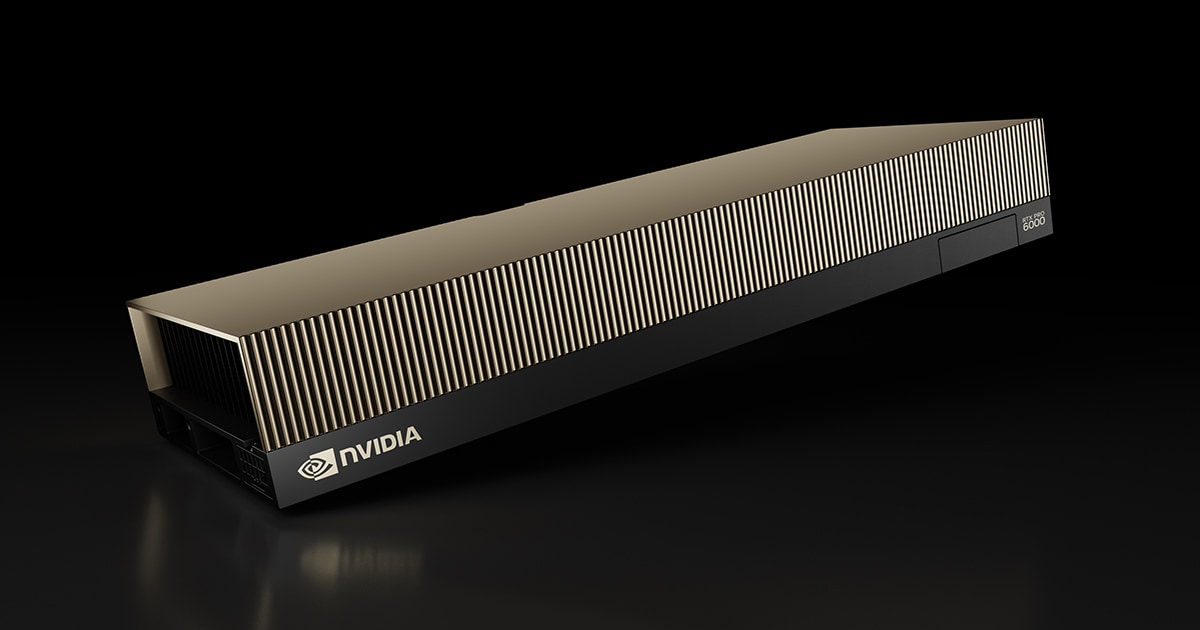
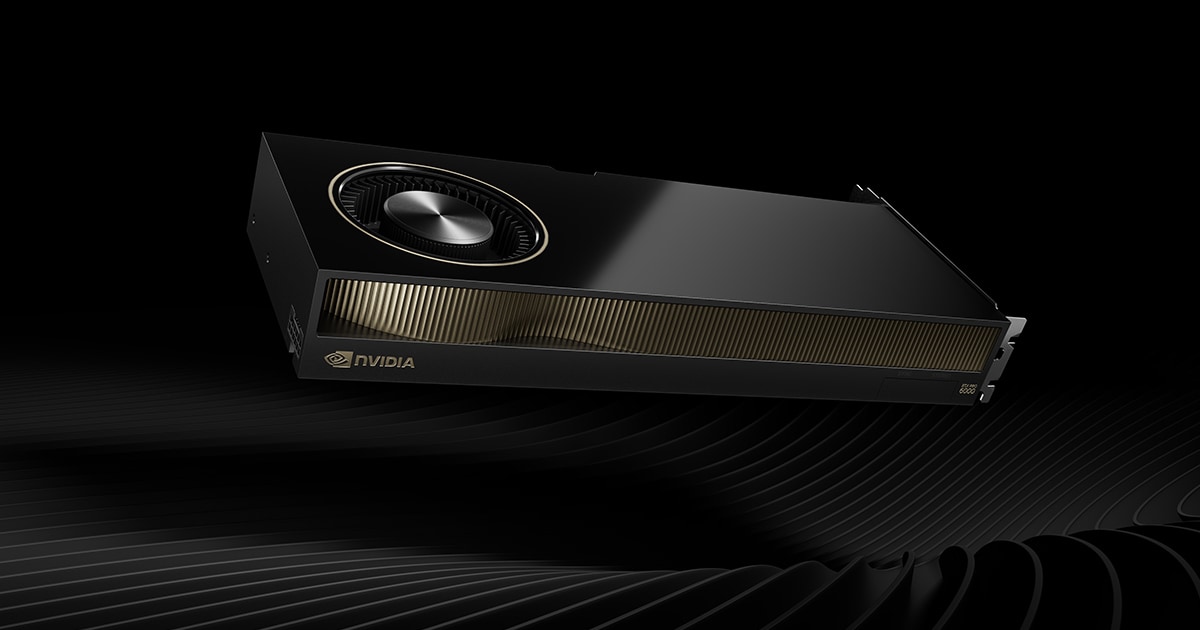
The NVIDIA RTX PRO 6000 Blackwell Workstation Edition is the desk-side flagship of NVIDIA's professional Blackwell lineup. It drops the full GB202 GPU and an enormous 96 GB of GDDR7 ECC into a tower-friendly, actively cooled card with certified pro drivers. For creators and engineers, the headline isn't raw frame rate — it's the ability to hold a 70-billion-parameter model, a billion-polygon scene, or hours of 8K footage entirely in VRAM on one card.
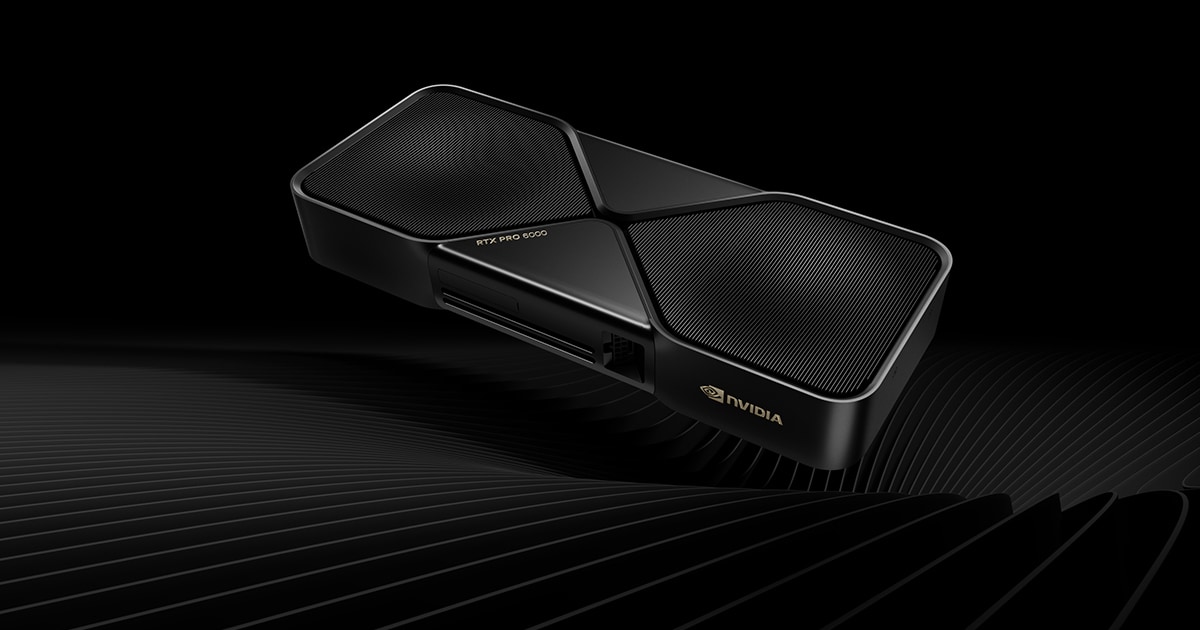
Quick verdict: The single-card king for memory-hungry professional work — local LLMs, large-scene rendering, 8K video and simulation. 96GB + ECC has no consumer equal, and it is roughly 50% faster than the RTX 6000 Ada in Blender and V-Ray. The catch is price: it launched at $8,565 and NVIDIA now lists it at $13,250, with street pricing between roughly $11,300 and $14,500. If your workload fits in 32GB, an RTX 5090 gets you within ~10–15% for a fraction of the cost. Score: 92/100.
RTX PRO 6000 Workstation Edition — Full Specifications
Core specs below come from NVIDIA's official product page and partner datasheets; third-party figures (clocks, node, PSU guidance) are flagged as such.
| Specification | Detail |
|---|---|
| GPU & Architecture | |
| GPU chip | GB202 (Blackwell) — NVIDIA does not name the die publicly |
| Process node | TSMC 4N-class (third-party; not on datasheet) |
| CUDA cores | 24,064 |
| Streaming Multiprocessors | 188 SMs (enabled) |
| RT cores | 188 (4th gen) — 380 RT TFLOPS |
| Tensor cores | 752 (5th gen, FP4 capable) |
| Base / boost clock | ~1,590 MHz / ~2,617 MHz (third-party; NVIDIA doesn't publish a base clock) |
| Memory | |
| Memory size | 96 GB GDDR7 with ECC (clamshell) |
| Memory bus | 512-bit |
| Memory bandwidth | 1,792 GB/s (~1.8 TB/s) |
| Compute & AI | |
| FP32 (single precision) | 125 TFLOPS |
| RT core performance | 380 TFLOPS |
| AI performance | 4,000 AI TOPS (FP4 with sparsity) |
| Power & Cooling | |
| Total board power | 600 W |
| Power connector | 1× 16-pin (12V-2x6 / PCIe CEM5) |
| Recommended PSU | ~1,000 W system minimum (third-party guidance) |
| Cooling | Active double flow-through (dual axial) |
| Form Factor & Display | |
| Form factor | Dual-slot, 5.4″ H × 12.0″ L (extended height) |
| Interface | PCIe 5.0 x16 |
| Display outputs | 4× DisplayPort 2.1 |
| Max resolution | Up to 8K @ 240 Hz, 16K @ 60 Hz |
| Media engine | 4× NVENC (9th gen) + 4× NVDEC (6th gen), 4:2:2 support, AV1 |
| Enterprise Features | |
| MIG | Up to 4 isolated instances (4× 24 GB, 2× 48 GB, or 1× 96 GB) |
| AI Management Processor | Yes |
| APIs | DX12 (SM 6.6), OpenGL 4.6, Vulkan 1.3, CUDA, OpenCL 3.0 |
| Availability & Price | |
| Launch | Announced at GTC, March 18, 2025; volume availability later in 2025 |
| Launch MSRP | $8,565 |
| Price (July 2026) | $13,250 NVIDIA list; street ~$11,300–$14,500 |
Price and Where to Buy (July 2026)
This is the single most important thing to know before you spec a build: the RTX PRO 6000 Blackwell Workstation Edition has become dramatically more expensive since launch. NVIDIA raised the list price from the original $8,565 to $13,250 — a roughly 55% increase inside a year, as reported by Tom's Hardware. The driver is memory: 96GB of GDDR7 in a clamshell layout is the largest VRAM pool on any discrete graphics card, which makes the BOM acutely sensitive to the ongoing DRAM squeeze.
| Channel | Price (July 2026) | Notes |
|---|---|---|
| NVIDIA Marketplace (list) | $13,250 | Official list price after the 2026 increase |
| PNY board partner | ~$11,360 | Lowest widely-quoted new-card price |
| Newegg | ~$12,100 | Fluctuates with stock |
| B&H Photo | ~$13,350–$14,500 | Highest of the mainstream retailers |
| eBay (used/grey, June 2026 avg) | ~$11,150 | Ranged ~$10,600–$11,750 across the month |
| Cloud rental | ~$1.42–$4.50 / hour | Vast.ai at the low end, Google Cloud at the high end |
Buying advice: quotes vary by thousands of dollars for the identical SKU, so get at least three. Board-partner cards (PNY is the primary Western partner) and workstation OEM channels (Dell, HP, Lenovo, Puget, Exxact) are usually cheaper than spot retail. If your project is a one-off render or a fine-tuning run rather than a permanent tool, renting is now genuinely competitive — at ~$2/hour you get roughly 6,000 hours of GPU time for the price of one card, before you factor in power and depreciation.
Verified Benchmark Results
Puget Systems' content-creation review is the most rigorous public data set on this card. Their numbers against the previous-generation RTX 6000 Ada and the older RTX A6000:
| Benchmark | RTX PRO 6000 Blackwell | RTX 6000 Ada | RTX A6000 | Gain vs Ada |
|---|---|---|---|---|
| Blender (GPU OptiX score) | 16,009 | 10,702 | 5,131 | +50% |
| V-Ray (CUDA) | 11,663 | 7,500 | 3,319 | +55% |
| V-Ray (RTX) | 15,369 | 10,206 | 4,858 | +50% |
| DaVinci Resolve (overall) | 14,835 | 12,008 | — | +21% |
| Unreal Engine (geomean FPS) | 152.71 | 96.33 | 60.64 | +34% |
A few things stand out. Resolve's headline +21% understates the picture — Puget measured LongGOP decode up 43% and GPU effects up 78%, which is where the four 9th-gen NVENC/NVDEC engines with hardware 4:2:2 earn their keep on camera-native footage. In rendering, Puget's wider professional GPU roundup put the Blackwell card 48% ahead of the Ada in Blender Cycles, with OctaneRender gains near 49% and Redshift scene times cut about 23%.
Against the consumer flagship the gap is far smaller. Tom's Hardware testing found the RTX PRO 6000 runs roughly 10–15% faster than a stock RTX 5090 in mixed workloads, and in pure path-tracing tests the margin narrows to about 2–5%. That is the whole story of this card in one sentence: you are not buying speed, you are buying capacity, ECC and certification.
AI and local LLM performance
- Model capacity: 96GB comfortably holds a 70B model at FP8 with real context length, or very large quantized models — workloads the 48GB RTX 6000 Ada and 32GB RTX 5090 simply cannot load without offloading to system RAM (which collapses throughput).
- Throughput: testers have reported a 120B-class model running in LM Studio at roughly 163 tokens/sec on a single card.
- Text generation: around 2× the RTX 6000 Ada in Llama 2-style generation benchmarks (8,008 vs 3,957).
- Diffusion: Stable Diffusion 1.5 at FP16 in about 0.705 s/image vs 1.477 s on the Ada — again roughly double.
- Video AI: ~23% faster than the Ada in Topaz Video AI.
Workstation vs Max-Q vs Server vs RTX 5090 vs RTX 6000 Ada
There are three RTX PRO 6000 Blackwell variants, and they are not interchangeable. All three share the same GB202 silicon and 96GB of GDDR7 ECC — what changes is power, cooling and, crucially, memory clocks on the Server Edition.
| PRO 6000 Workstation | PRO 6000 Max-Q | PRO 6000 Server | RTX 5090 | RTX 6000 Ada | |
|---|---|---|---|---|---|
| Architecture | Blackwell (GB202) | Blackwell (GB202) | Blackwell (GB202) | Blackwell (GB202) | Ada Lovelace (AD102) |
| CUDA cores | 24,064 | 24,064 | 24,064 | 21,760 | 18,176 |
| Memory | 96 GB GDDR7 ECC | 96 GB GDDR7 ECC | 96 GB GDDR7 ECC | 32 GB GDDR7 | 48 GB GDDR6 ECC |
| Bandwidth | 1,792 GB/s | 1,792 GB/s | ~1,597 GB/s | 1,792 GB/s | 960 GB/s |
| FP32 | 125 TFLOPS | 125 TFLOPS (lower sustained) | 125 TFLOPS | ~105 TFLOPS | 91.1 TFLOPS |
| Board power | 600 W | 300 W | 600 W | 575 W | 300 W |
| Cooling | Active double flow-through | Active blower (rear exhaust) | Passive — needs server airflow | Open-air / partner designs | Active blower |
| Display outputs | 4× DP 2.1 | 4× DP 2.1 | None | 3× DP 2.1b + HDMI 2.1b | 4× DP 1.4a |
| ECC | Yes | Yes | Yes | No | Yes |
| Multi-GPU friendly | Fair (2 max, thick) | Best — 4 in a tower | Server chassis only | Poor | Good |
| Drivers | Enterprise / ISV-certified | Enterprise / ISV-certified | Enterprise / vGPU | GeForce Game Ready / Studio | Enterprise / ISV-certified |
| Data-center use | Permitted | Permitted | Designed for it | Restricted by EULA | Permitted |
| Price | ~$11,300–$14,500 | Similar, often slightly higher | Similar | ~$1,999 MSRP | ~$6,800 (legacy) |
How to choose:
- Workstation Edition — one or two cards in a big tower, maximum sustained clocks, you want the fastest single desk-side GPU. The double flow-through cooler pushes heat out of the chassis rather than into it.
- Max-Q Edition — identical silicon and 96GB, capped at 300W with a blower. You lose roughly 10–15% peak throughput but gain the ability to stack four cards (384GB of VRAM) in one tower on a normal PSU. For multi-GPU AI it is the smarter buy.
- Server Edition — passive, no display outputs, slightly lower memory bandwidth, and it requires high-static-pressure server airflow. In an open tower it throttles hard. Rack deployments only.
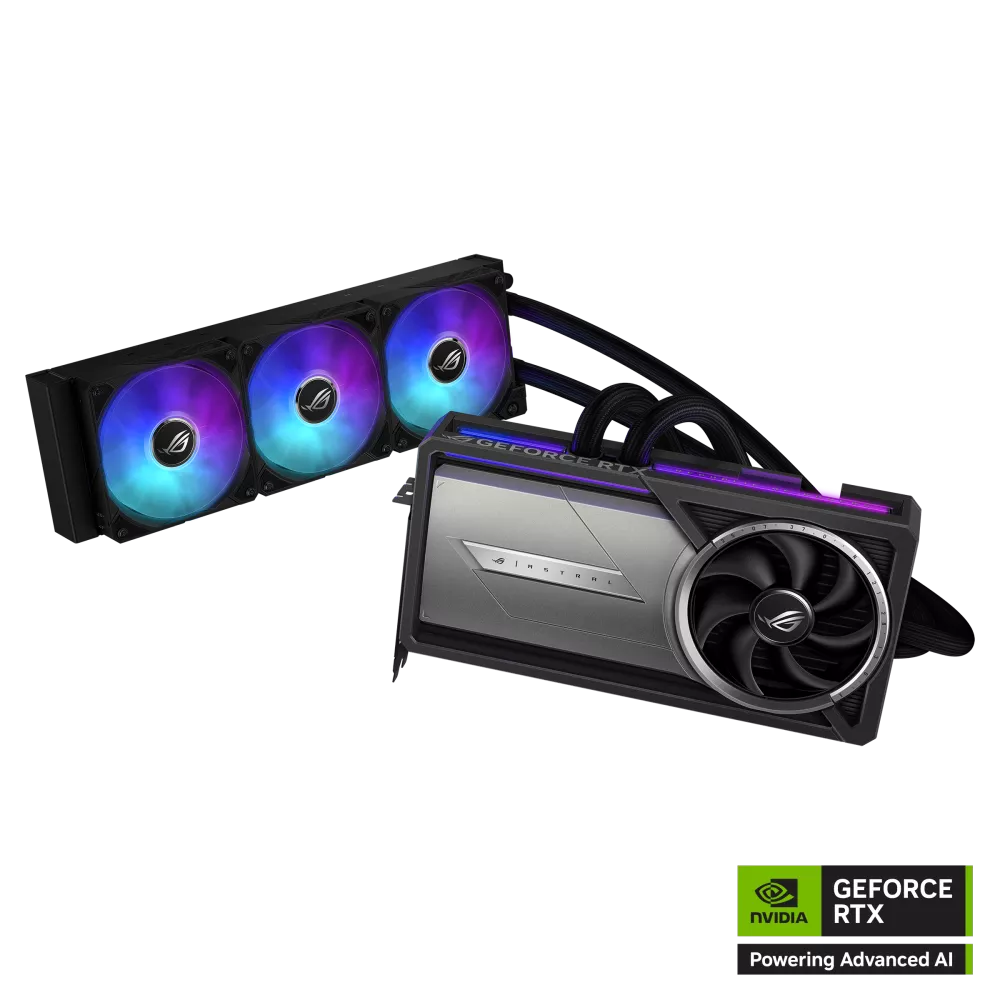
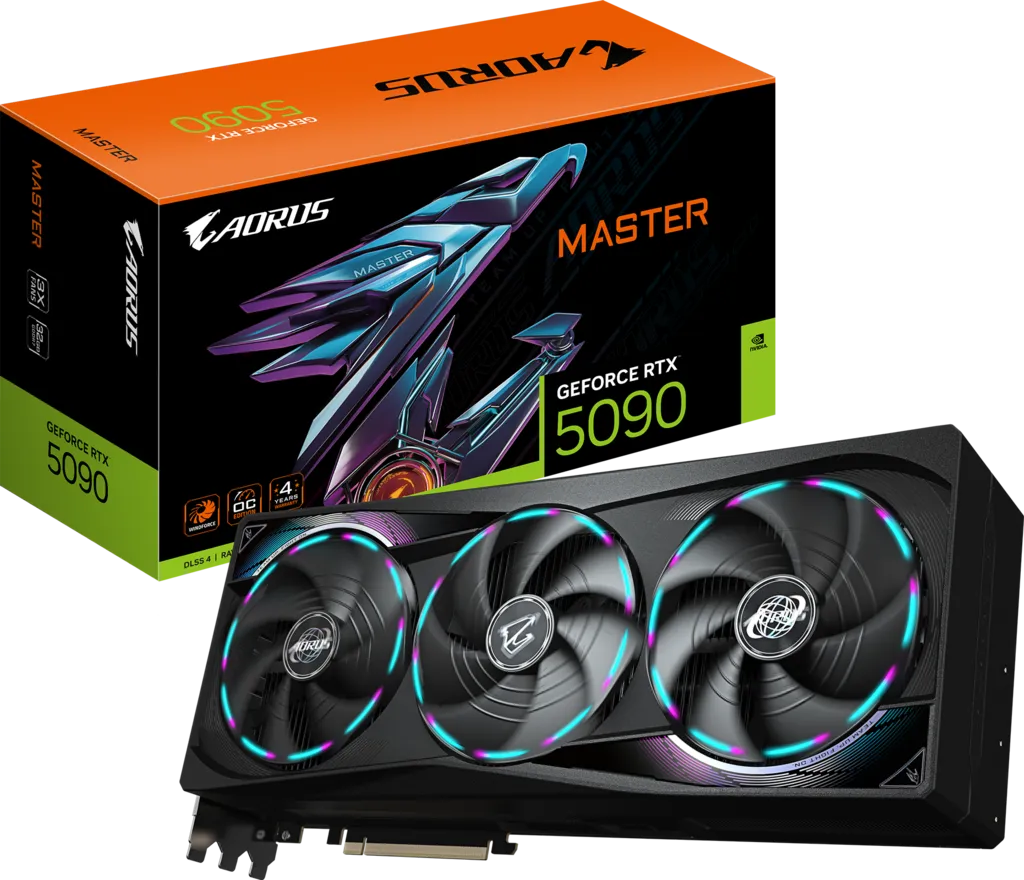
- GeForce RTX 5090 — if your scenes and models fit in 32GB, this is within ~10–15% for roughly one-sixth the price. Consider a liquid-cooled model like the ASUS ROG Astral LC RTX 5090 for sustained render loads.
- RTX 6000 Ada — still a competent card, but the Blackwell replacement is ~50% faster in Blender and V-Ray with double the memory. Only buy Ada now at a steep discount, or if you need PCIe 4.0-era platform compatibility and 300W.
Power, PSU and Workstation Compatibility
600W from a single card is a serious system-design constraint. Plan for it before you buy:
- PSU: a 1,000W unit is the practical minimum for a single card with a mainstream CPU; 1,200–1,600W is safer with a Threadripper or Xeon and NVMe arrays. For two cards, budget 1,600W+ and check your wall circuit — two cards plus CPU can approach the limit of a 15A/120V circuit under load.
- Connector: one 16-pin 12V-2x6 (CEM5). Use the native cable from an ATX 3.x / PCIe 5.x PSU rather than a daisy-chained adapter, and seat it until it clicks — a partially seated connector at 600W is the well-documented failure mode on this generation. Leave ~35mm of straight cable before any bend.
- Physical fit: 12.0″ long, 5.4″ tall (taller than a standard bracket) and dual-slot. Many mid-towers and most SFF/workstation OEM chassis will not take it — check the height clearance to your side panel and any front radiator.
- Airflow: the double flow-through design vents through the card and out the rear, so it behaves far better than an open-air GeForce in a closed case — but it still needs unobstructed intake. Do not sandwich two of them without a slot gap.
- Slot: PCIe 5.0 x16 preferred. It will run in a PCIe 4.0 slot with minimal loss for graphics, but large-model loading and host-to-device transfers benefit measurably from Gen 5.
Drivers, Software Stack and ISV Certification
The professional driver branch is a real part of what you pay for, not marketing garnish:
- NVIDIA RTX Enterprise Driver — a separate, long-lived branch from GeForce Game Ready. Quarterly Production Branch releases get extended validation and support windows, which matters if you have to keep a render farm on a fixed configuration for a year.
- ISV certification — validated for Autodesk (Maya, 3ds Max, Revit, AutoCAD), Dassault (SOLIDWORKS, CATIA), Siemens NX, PTC Creo, Adobe, Blackmagic Resolve and more. In practice this shows up as viewport stability and correct rendering in CAD apps that GeForce drivers can get wrong.
- ECC memory — on by default and toggleable via
nvidia-smi. Enabling it costs a small slice of usable capacity and bandwidth but silently corrects single-bit errors — the difference between a corrupted frame in a 40-hour render and a clean one. - MIG — partition the card into up to four isolated instances so several users or containers share one GPU with hard memory and fault isolation.
- AI stack — full CUDA, cuDNN, TensorRT and TensorRT-LLM support, plus FP4 on the 5th-gen Tensor cores, which is what unlocks the 4,000 AI TOPS figure. NVIDIA's NIM microservices and the RTX AI toolkit are supported on this card.
- Remote/virtualization — supports NVIDIA vWS software for virtualized workstations, unlike GeForce.
Who Should Actually Buy This
Buy it if: you train or fine-tune models locally that exceed 48GB; you run long-context inference on 70B+ models; you render production scenes that spill out of 32GB and force slow out-of-core paths; you work in 8K or heavy 4:2:2 camera formats in Resolve; you need ECC and ISV certification for contractual or reliability reasons; or you need MIG to share one GPU across a team.
Skip it if: your work fits in 32GB — an RTX 5090 delivers 85–90% of the performance for well under a fifth of the price. Skip it too if you need more than two GPUs in a tower (buy Max-Q instead), if your chassis or PSU can't take 600W and a 12″ card, or if your need is bursty rather than continuous, in which case cloud rental at ~$1.50–$4.50/hour is the rational call at today's prices.
Pros and Cons
✅ Pros
- 96GB GDDR7 with ECC — the largest VRAM pool on any discrete graphics card
- 1,792 GB/s bandwidth and the full GB202 (24,064 CUDA / 752 Tensor / 188 RT)
- ~50% faster than the RTX 6000 Ada in Blender and V-Ray; ~34% in Unreal Engine
- 4,000 AI TOPS — roughly 2× the Ada in text generation and diffusion
- Active double flow-through cooling vents heat out of the case
- Certified enterprise drivers, ISV certifications, MIG, vWS and AI Management Processor
- 4× DP 2.1 (8K@240 / 16K@60) and 4× 9th-gen NVENC with hardware 4:2:2
- Drops into a standard full tower, unlike the headless Server Edition
❌ Cons
- Price has gone the wrong way — $8,565 at launch, $13,250 list in 2026, up to ~$14,500 at retail
- Only ~10–15% faster than an RTX 5090 that costs a sixth as much
- 600W demands a ~1,000W+ PSU, careful 16-pin seating and real airflow
- 12″ length and extended height rule out many cases
- Two-card builds are awkward — the Max-Q is the better multi-GPU choice
- Poor value if your workload fits in 32GB
The Bottom Line
For professionals who genuinely need 96GB on a single card, the RTX PRO 6000 Blackwell Workstation Edition remains essentially the only choice — and a very good one. Unmatched capacity, ECC reliability, production-grade drivers and a cooler designed for closed chassis add up to a clean generational leap over the RTX 6000 Ada: about 50% faster in Blender and V-Ray with double the memory. The problem in mid-2026 is the arithmetic. At $13,250 list you are paying roughly six RTX 5090s for a card that is 10–15% faster than one of them, and the entire justification rests on capacity. If you need the 96GB, it is worth it and there is no substitute. If you don't, it isn't — buy a 5090, or rent. Our score: 92/100.
Related reading
Frequently Asked Questions
How much does the RTX PRO 6000 Blackwell Workstation Edition cost in 2026?
NVIDIA lists it at $13,250 as of July 2026, up about 55% from the $8,565 launch MSRP in March 2025. Street pricing is volatile: PNY partner cards have been seen around $11,360, Newegg around $12,100, and B&H Photo between roughly $13,350 and $14,500. Get several quotes, because the same SKU can vary by thousands of dollars.
How much VRAM does the RTX PRO 6000 Blackwell Workstation Edition have?
96 GB of GDDR7 with ECC on a 512-bit bus, delivering 1,792 GB/s (about 1.8 TB/s) of bandwidth. It is the largest VRAM pool on any discrete graphics card, enough to hold a 70-billion-parameter model at FP8, billion-polygon scenes, or large quantized models with long context entirely in VRAM.
RTX PRO 6000 Workstation Edition vs RTX 5090 — which is better for professional work?
Both use GB202, and testing by Tom's Hardware puts the PRO 6000 only about 10-15% ahead of a stock RTX 5090 in mixed workloads (2-5% in pure path tracing). What you actually buy is 96GB of ECC memory instead of 32GB non-ECC, certified ISV drivers, MIG, double flow-through cooling and permission to deploy in a data center. If your work fits in 32GB, the RTX 5090 is far better value; if it doesn't, the PRO 6000 is the only single-card answer.
Workstation Edition vs Max-Q — which should I buy?
They use identical silicon and the same 96GB of GDDR7 ECC. The Workstation Edition runs at 600W with a double flow-through cooler for maximum sustained performance in a one- or two-card tower. The Max-Q is capped at 300W with a rear-exhaust blower, giving up roughly 10-15% throughput but letting you fit four cards — 384GB of VRAM — in a single workstation on a normal PSU. For multi-GPU AI, choose Max-Q; for the fastest single card, choose Workstation.
Is it worth upgrading from the RTX 6000 Ada?
If you are memory-limited, yes. Puget Systems measured the Blackwell card about 50% faster in Blender (16,009 vs 10,702 OptiX), 55% faster in V-Ray CUDA, 34% faster in Unreal Engine and 21% faster overall in DaVinci Resolve, on top of doubling VRAM from 48GB to 96GB and roughly doubling AI text-generation throughput. If your workloads already fit comfortably in 48GB and you are not AI-focused, the Ada is still serviceable and the upgrade is harder to justify at current prices.
What power supply does the RTX PRO 6000 Workstation Edition need?
The card draws 600W through a single 16-pin 12V-2x6 connector, so a 1,000W system PSU is the practical minimum and 1,200-1,600W is safer with a high-core-count CPU. Use a native ATX 3.x cable rather than an adapter, seat it fully, and avoid tight bends within about 35mm of the connector.
Will the RTX PRO 6000 Workstation Edition fit in my case?
It is 12.0 inches long, 5.4 inches tall (extended height, taller than a standard bracket) and dual-slot, on a PCIe 5.0 x16 interface. You need a full-size tower with side-panel clearance for the extra height and no front radiator in the way. Many mid-towers and most small-form-factor or OEM workstation chassis will not accept it.
Why does the RTX PRO 6000 have ECC memory and does it matter?
ECC detects and corrects single-bit memory errors on the fly. On a 96GB card running a 40-hour render or a multi-day fine-tuning job, a single flipped bit can corrupt a frame or destabilise training. ECC is enabled by default and can be toggled with nvidia-smi; it costs a small amount of usable capacity and bandwidth in exchange for that reliability. GeForce cards including the RTX 5090 have no ECC.
Is the RTX PRO 6000 Workstation Edition good for local LLMs?
It is one of the best single-card options available. 96GB holds a 70B model at FP8 with real context, or very large quantized models, without offloading to system RAM. Testers have reported a 120B-class model running in LM Studio at around 163 tokens/sec, and it delivers roughly 2x the AI text-generation throughput of the RTX 6000 Ada. FP4 support on the 5th-gen Tensor cores is what produces the 4,000 AI TOPS figure.
Should I buy one or rent RTX PRO 6000 time in the cloud?
At 2026 prices, renting deserves serious consideration. Cloud providers offer the card from roughly $1.42/hour (Vast.ai) to $4.50/hour (Google Cloud), so around $2/hour buys about 6,000 GPU-hours for the cost of one card, before power, PSU upgrades and depreciation. Buy if the card will be busy continuously, if your data cannot leave your premises, or if you need it for interactive viewport work; rent if your demand is bursty or project-based.